


There is a feature on macOS that is not big, but makes people feel refreshed and happy when looking at it, and that is the dynamic wallpaper that changes with the change of day and night. Although it has no special function, it gives a sense of healing when looking at it. Do Windows 10 users also want to have it? The application I want to introduce to you today can give your Windows computer the comfort of sitting and watching the day and night change.
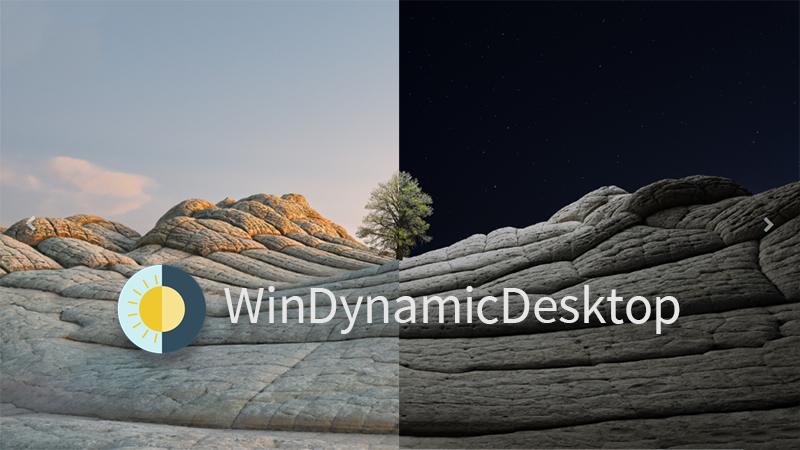
Want to have macOS dynamic wallpaper that changes day and night? WinDynamicDesktop helps you achieve
This application, WinDynamicDesktop, created by individual developer Timothy Johnson, directly transplants the dynamic wallpaper function of macOS Majave to the Windows 10 system. It uses your location to determine the sunrise and sunset times, and changes your desktop background according to the time changes throughout the day, allowing you to experience a macOS-style dynamic wallpaper on your Windows 10 computer.
【Windows 10 free download: click here】

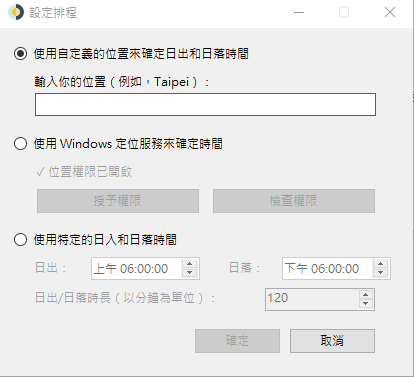
During installation, you can select “Traditional Chinese” display. After the installation is complete, you will be asked to enter your location for the first time so that the system can determine sunrise and sunset in the future. In addition, it also provides the option to use Windows location services (location permissions need to be enabled) and customize sunrise and sunset times. As a side note, this app uses the LocationIQ API to convert the user’s location to latitude and longitude, or the Windows Location API with permission, and this location data is anonymous and never saved in the cloud without consent.
Then you can choose your favorite wallpaper. There are several built-in macOS system style wallpapers to choose from, and you can preview the appearance of sunrise and sunset on it, allowing you to choose the style that suits your eyes at a glance. In addition, you can also choose to import pictures from the photos on your computer, or get more themes from the Internet to use. If you want to choose a wallpaper provided in the app, select the style and click Download to preview it completely; after selecting it, just click Apply. Each set of pictures will be different. For example, there are 8 sets of pictures in the Big Sur theme, including sunrise, day, sunset, and night, with gradients showing the changes throughout the day.
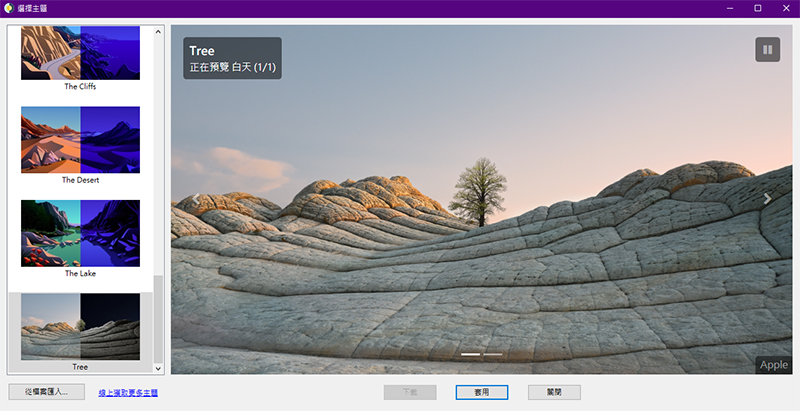
The online picture library it links to is very rich, whether it is space, landscape, abstract or drawing styles. You can choose to download according to your personal preferences. There are even in-game screenshots of the well-known game “The Legend of Zelda: Breath of the Wild” for selection. In addition to free projects, there is also a paid download part. It’s up to you whether you want to buy it or not!
【Free wallpaper download, click here】
Source: KOCPC Chinese