


Although Google has continued to improve the problem of excessive memory consumption in recent Chrome versions, people like me who often open a lot of new tabs should still feel that it still takes up a lot, and sometimes you can even hear the fan running very loudly. This article will recommend a pretty good extension plug-in, The Great Suspender Original, which automatically freezes unused tabs and releases more system resources. It is basically a must-have tool for opening multiple tabs.
In addition, let me explain here that malicious code was found in version 7.1.8 of The Great Suspender, which was downloaded by Chrome at the time. It was re-released in March and renamed The Great Suspender Original, version 7.2.1. There has not been any negative news and the reviews are not bad, but those who are worried can skip it.
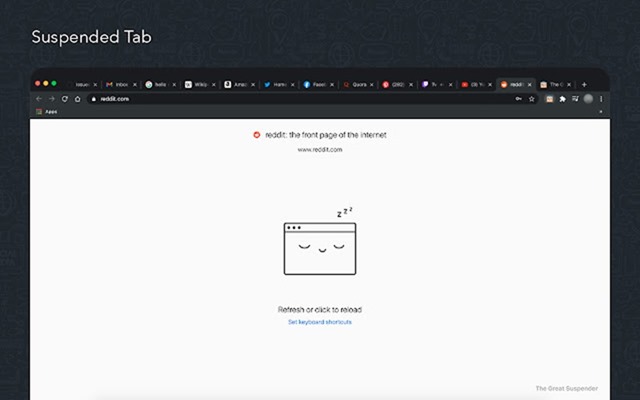
The Great Suspender Original expansion plug-in introduction
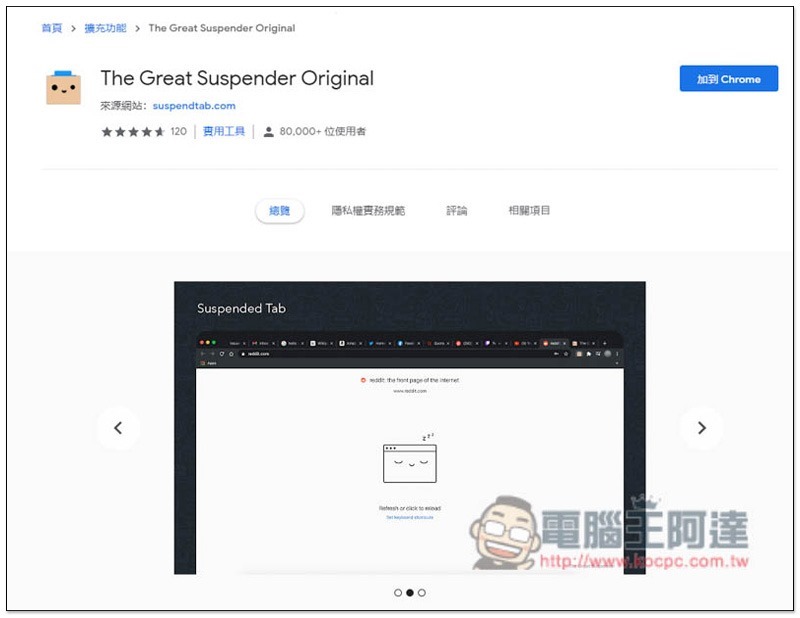
After entering the extension store page, click “Add to Chrome” in the upper right corner:
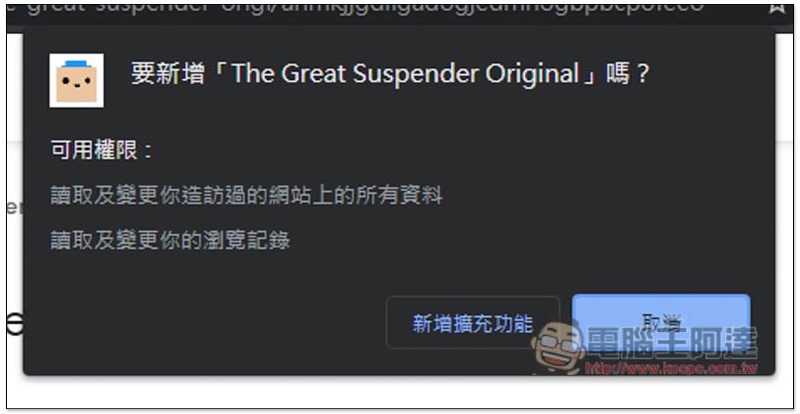
Click “Add new extension” to install:
When a message appears in the upper right corner, the installation is complete and a new settings page will be automatically opened:
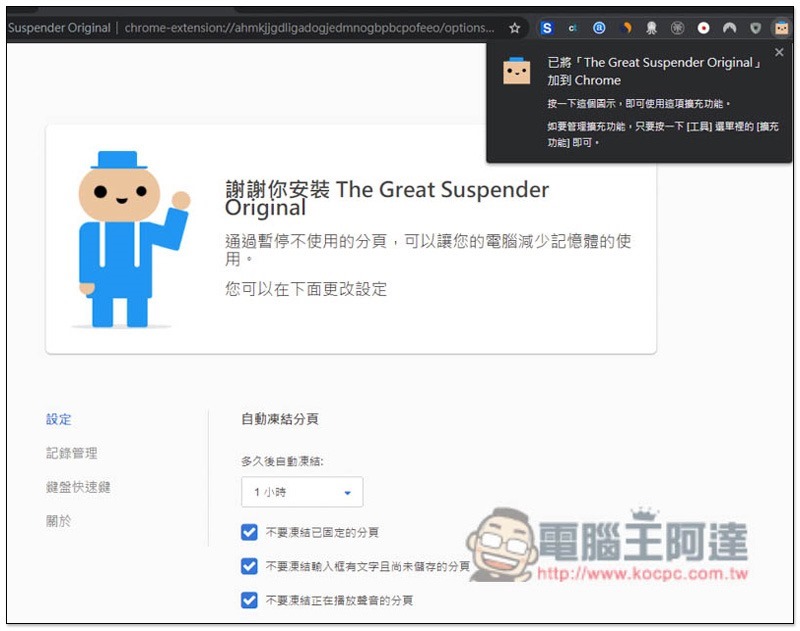
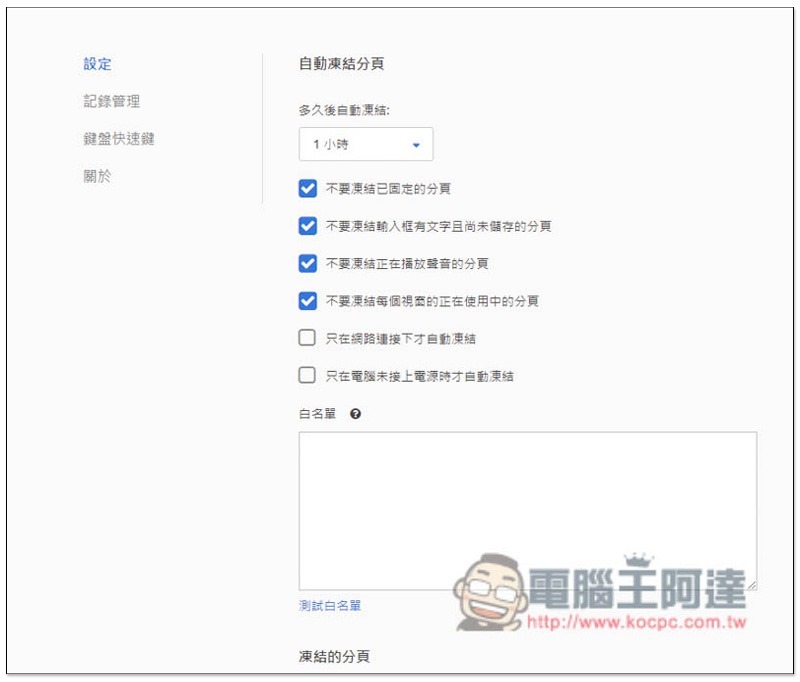
You can adjust how long it takes for pagination to automatically freeze, whether you want to freeze fixed pagination, the pagination that plays sounds, the tabs that are in use, etc. It also supports the whitelist function, that is, the URLs of the paginations that you do not want to freeze:
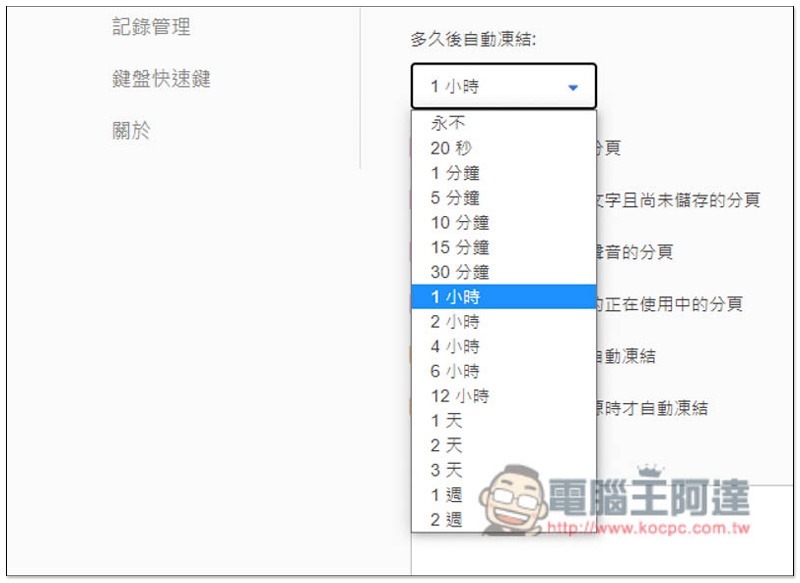
The minimum time to enable freezing is 20 seconds, and the maximum time is 2 weeks. The default is 1 hour. Personally, it is recommended to set it within 15 minutes, so that it makes sense. 1 hour is a little long:
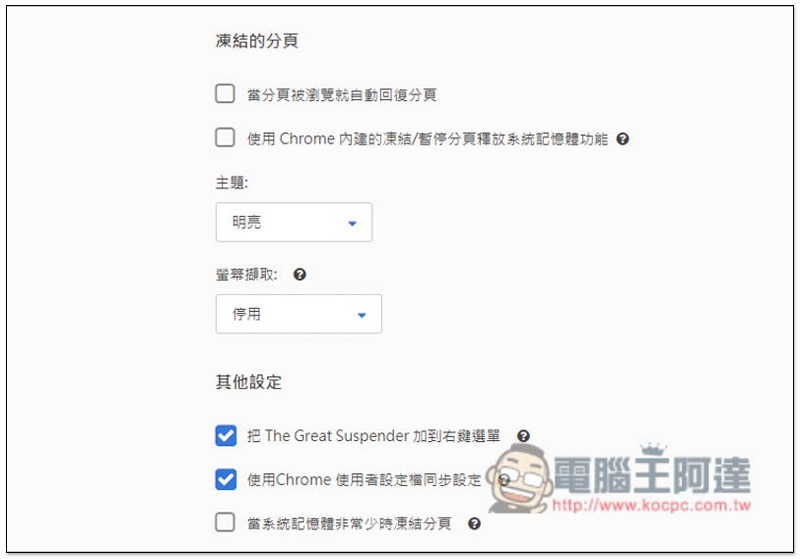
By default, when you turn on the frozen pagination, you don’t need to automatically reply. You need to click on the screen to restart. If you want to automatically reply, remember to check “Automatically reply to pagination when the pagination is browsed”. Dark themes are also available:
There are also some keyboard shortcuts that those in need can set:
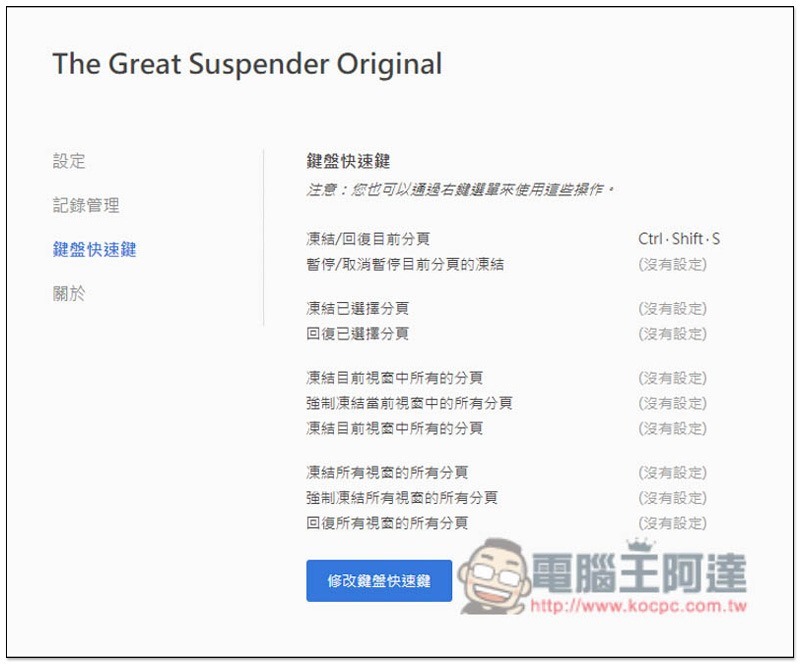
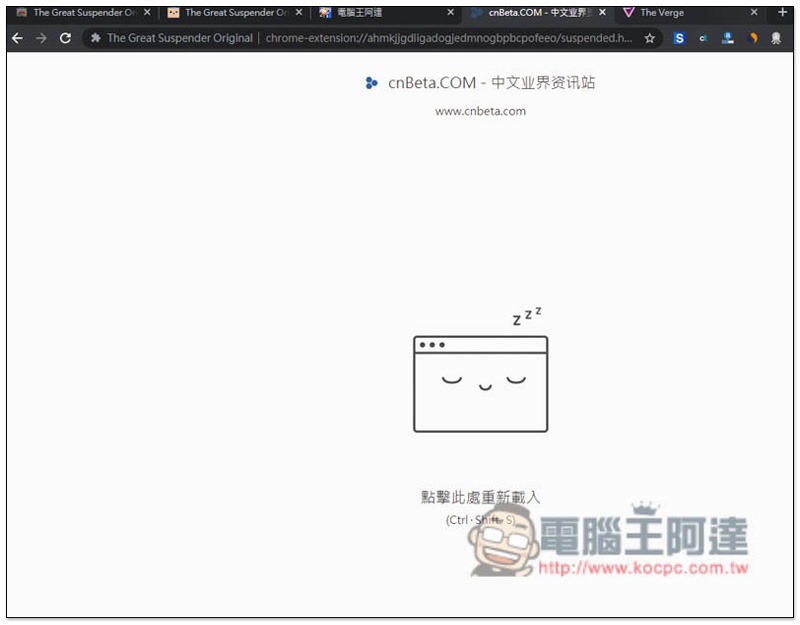
The name of the frozen page will automatically dim and the page will turn into the frozen screen. Press Ctrl + Shift + S to reload or click the screen:
Video Downloader by Video Octopus 超強影片下載 Chrome 擴充外掛,FB、IG、電影線上看等網站都支援
Source: KOCPC Chinese