


With the improvement of the level of epidemic prevention, people now need to implement the physical contact system when entering and exiting many places such as restaurants, especially convenience stores where many people shop and receive packages on a daily basis. In order to make it more convenient and faster for consumers to go to FamilyMart, FamilyMart has also launched a quick pass function for the epidemic prevention and control system in the “FamilyMart FamilyMart” App. This allows people to use FamilyMart to log in as members on the App and directly scan the QR code outside the store with their mobile phones to go to the epidemic prevention and control system registration form to quickly complete the registration. They no longer have to manually enter personal information, store numbers and other tedious information!
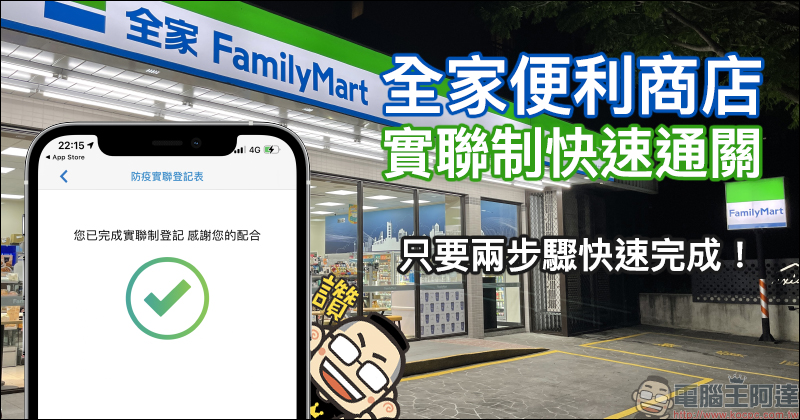
FamilyMart has launched the “Real Joint System Quick Pass” function, which can be completed quickly in just two steps! (teaching)
After the implementation of the real joint system in the past few days, in addition to the need to wear masks when entering and exiting places, many people will inevitably feel some inconvenience in their lives. However, following the previous introduction of “Friendly Eat Light Map” function, if you still go to FamilyMart convenience stores in the past few days and want to quickly complete the registration for the joint system, please be sure to use the new function of “Quick Pass for the joint system” launched by FamilyMart this time!
First, download the “FamilyMart” App and join (log in) as a FamilyMart member.
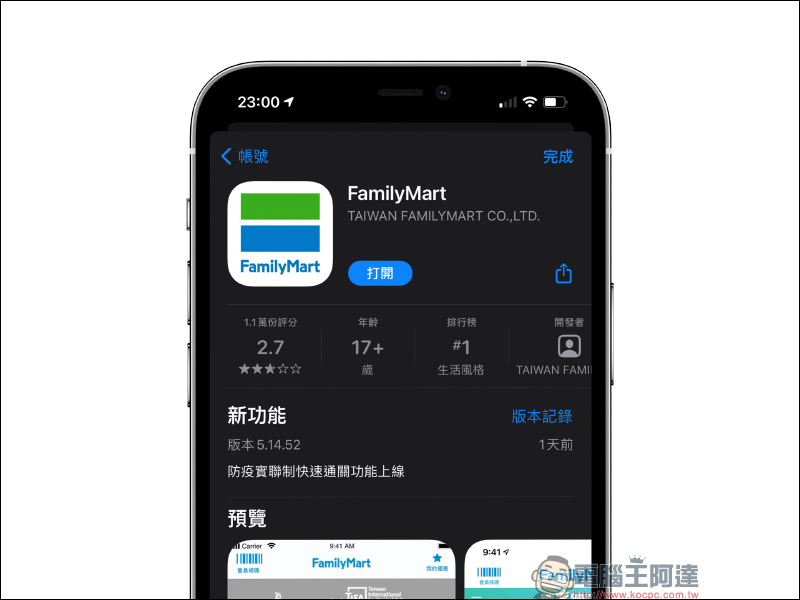
Family Mart App download:
iOS version (App Store)|Android version (Google Play Store)
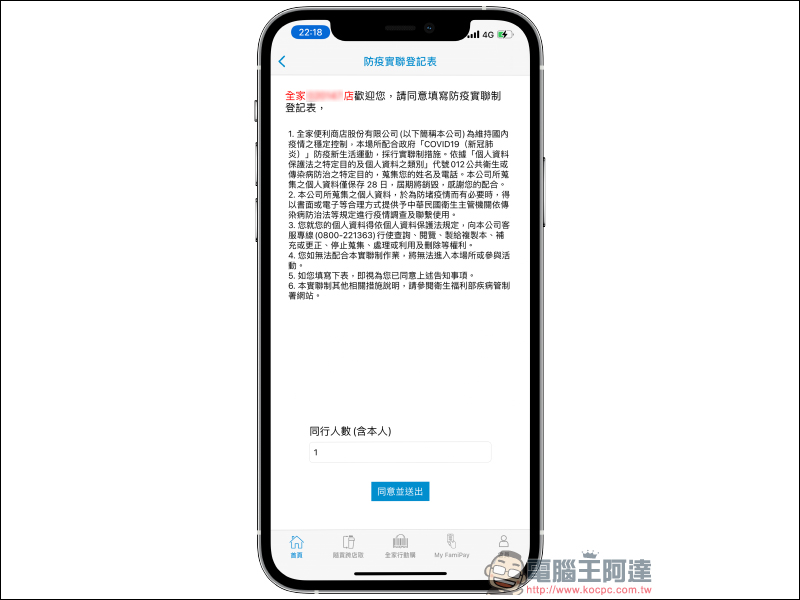
When going to a FamilyMart convenience store later, just use the camera of your mobile phone to scan the QR Code on the poster outside the store, and the link will jump to open the FamilyMart App and enter the “Epidemic Prevention Joint Registration Form”. In addition to the screen showing the store number of the FamilyMart convenience store, the user only needs to enter the “number of people traveling with them (including themselves) and click “Agree and Submit”.
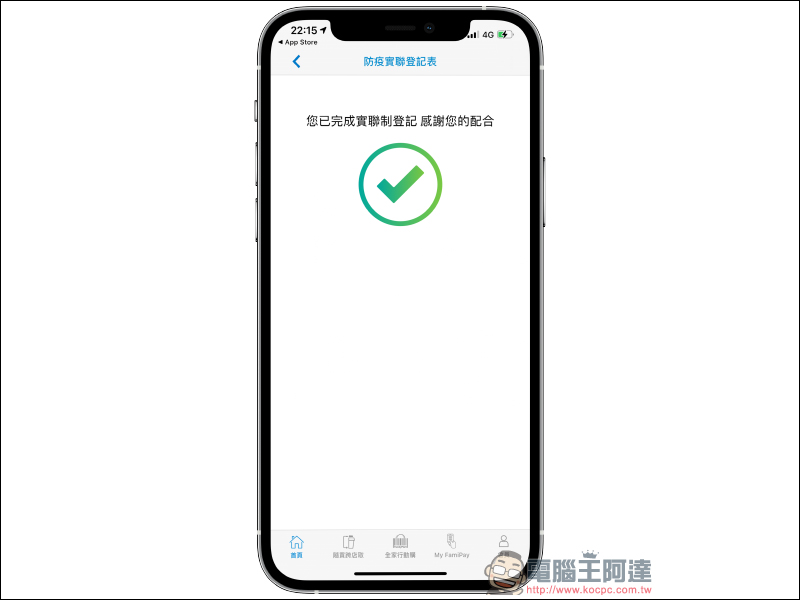
Finally, the “Registration under the Joint Stock Exchange System Completed” screen appears and you’re done! Don’t forget to wear a mask at all times when entering the store to protect yourself and others. (Tips: If you don’t have a mobile phone or are not a FamilyMart member, please go to the counter to register on paper)
Family Mart App download:
iOS version (App Store)|Android version (Google Play Store)
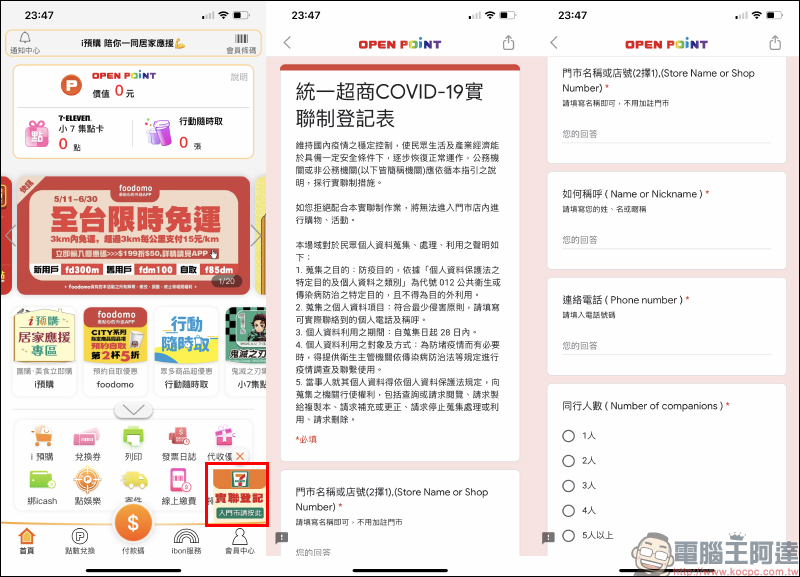
Many people must also be curious about how to register for 7-ELEVEN’s real union system?
Even 7-ELEVEN can see the “Real Registration” function in the OPEN POINT App. However, when you open it from the App, you will find that it is actually just a form link. It is the same information that people see directly by scanning the QR Code in the store. There is actually little meaning in logging in with the App. Because currently 7-ELEVEN cannot directly import member and store information like FamilyMart, consumers still need to manually enter information such as store name or store number, name, contact number, number of people traveling with them, etc. Overall, it is still relatively troublesome and time-consuming.
Further reading:
Japanese Toyota Supra owner sells the car to raise millions of dollars in medical expenses for his cat. Fans buy the car and promise to take care of it and sell it back at the original price in the future

Designers imagine the iPhone M1 concept phone, bringing a new body design with notched corners

Source: KOCPC Chinese