


HeyGen, which uses AI power to generate various videos, is actually nothing new. However, their latest feature can now use AI with face-swapping-like technology to easily analyze facial features and voice from your own videos, and through packages supporting multiple languages (including Chinese), generate AI videos where both appearance and voice resemble your own, simply from text. Continue reading the HeyGen “Two-minute selfie, three steps” to generate AI anchors with your appearance and voice – also with direct access to tons of vivid AI characters! (Tutorial) article content.
HeyGen: Create an AI Anchor That Looks and Sounds Like You in Just 2 Minutes and 3 Steps — Plus Access to Hundreds of Lifelike AI Characters! (Tutorial)
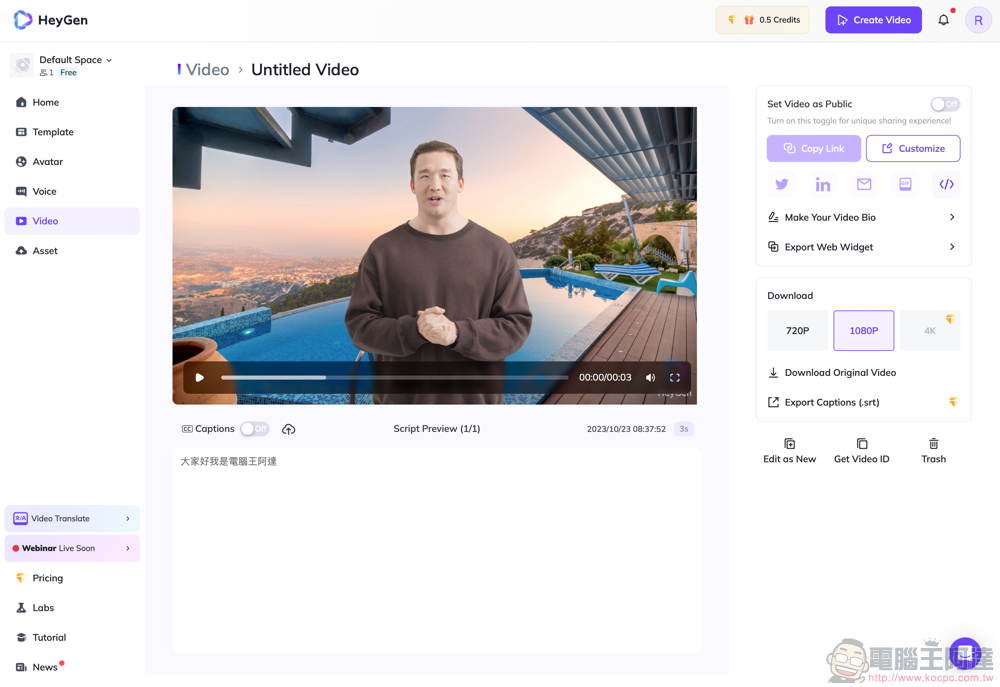
Can you believe it? The video above is an AI news anchor video that mimics its creator, made by 電腦王阿達 simply by uploading a two-minute video and entering text (yes, no need to read it yourself!).
[👉 Click to start using HeyGen AI]
HeyGen, which uses AI power to generate various videos, is actually nothing new. However, their newly released feature can now simply use AI to analyze facial features and voice from your video through face-swap-like technology, and easily generate AI videos that look and sound like you by just entering text, with support for multiple languages (including Chinese). The effect is shown above — I personally think it’s very impressive! Below, I’ll also briefly teach everyone how to use this feature.
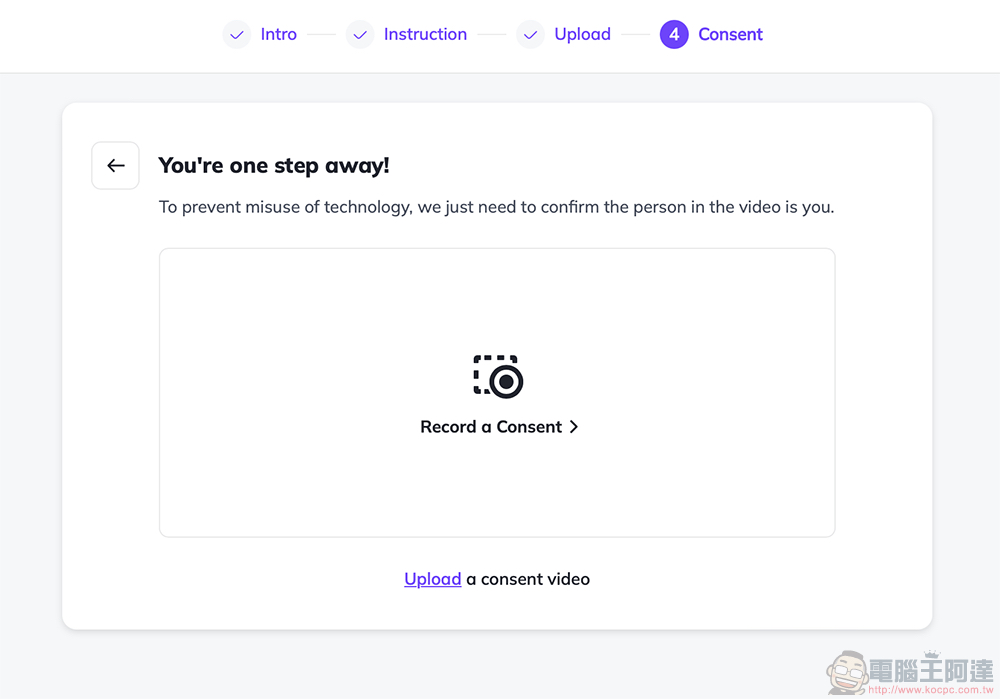
Before getting into the main topic, you might be worried that in the future, anyone could just take someone else’s video and use HeyGen to create incredibly realistic fake videos with just a few keystrokes. Regarding this, we can’t speak for other services, but at least with HeyGen, the final step in creating an Instant Avatar requires you to upload or directly record a video consenting to the use of this service for verification. As for whether it’s effective, that’s something you’ll have to judge for yourself.
How to Create Your Own Instant Avatar with HeyGen
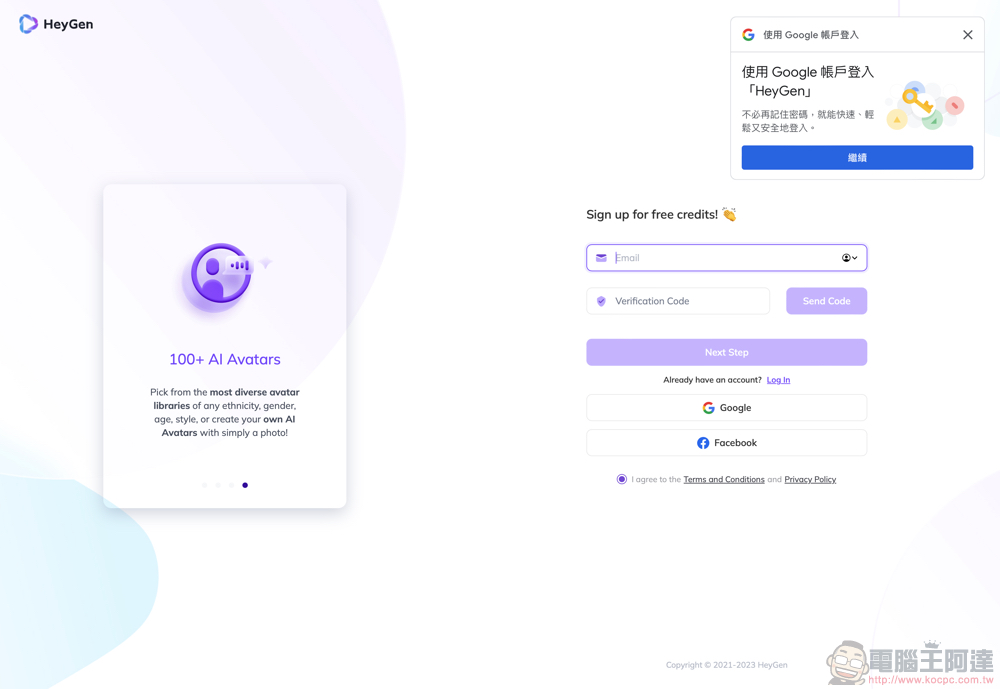
If you don’t have a HeyGen account yet, click here to sign up. You can use your Google or Facebook account, or easily create one with your email.
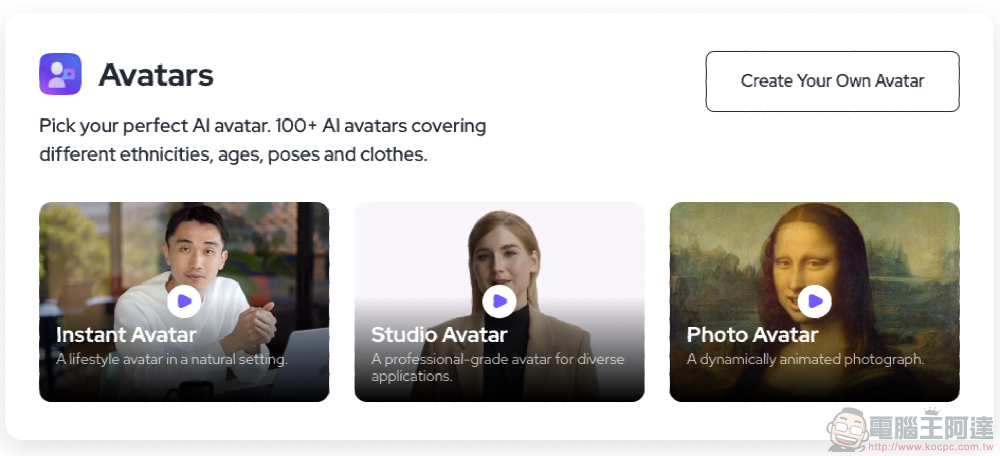
Currently, HeyGen supports three types of AI avatars. The one on the far left is the “Instant Avatar” we’ll be introducing this time:
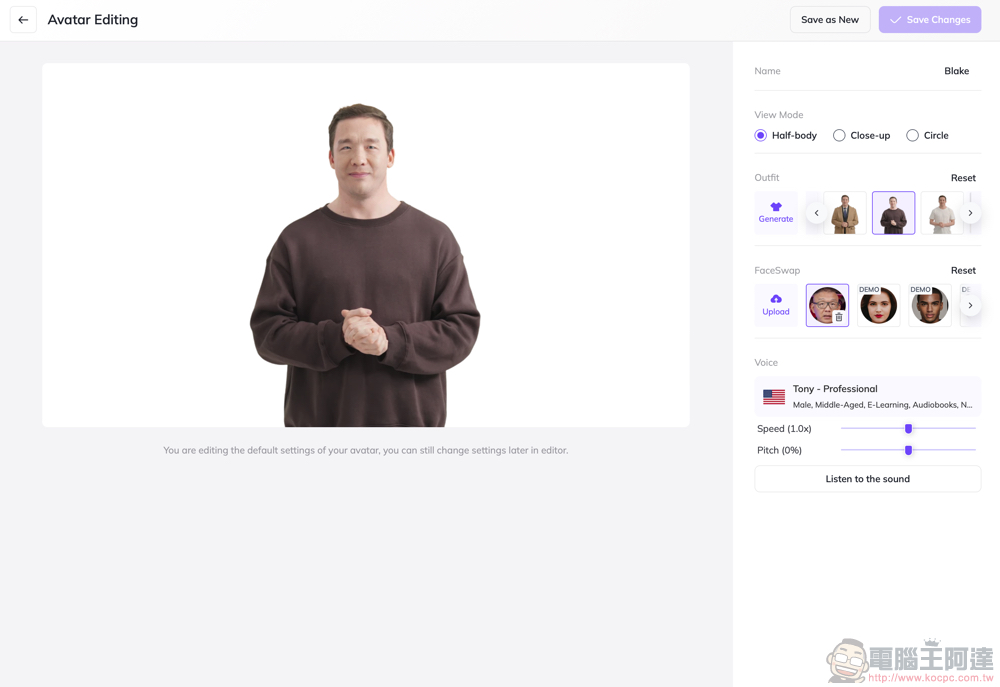
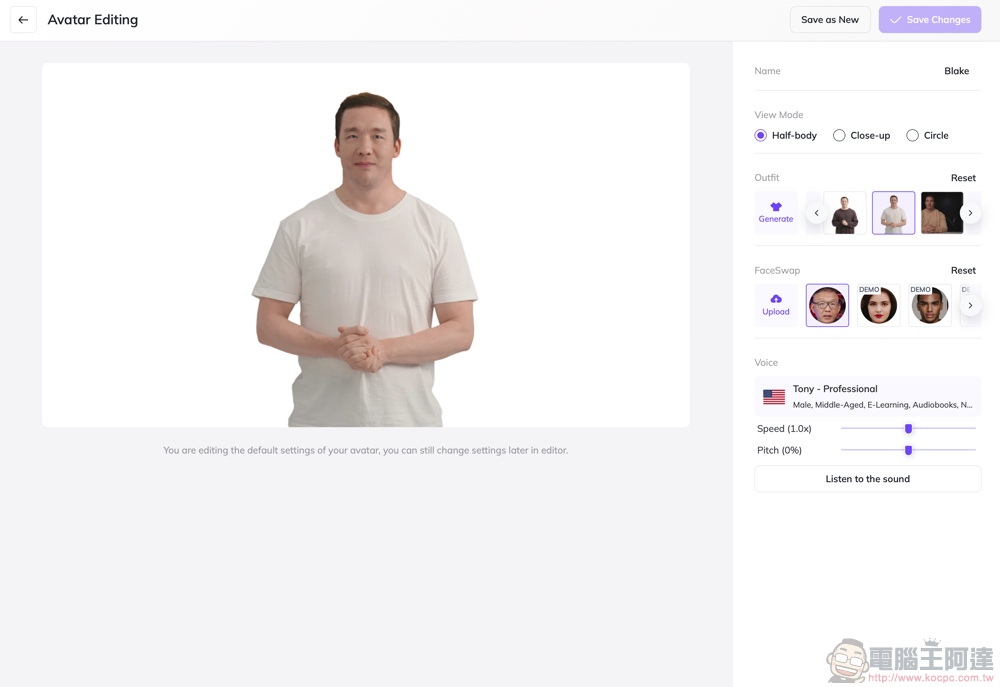
Since there are so many formats available, you don’t actually need to create your own character either—you can simply use AI voice to read the script and then swap in a different face to replace the default AI character’s.
The background and character positions can all be moved, and you can add subtitles and other elements too—it’s really impressive and has a wide range of applications!
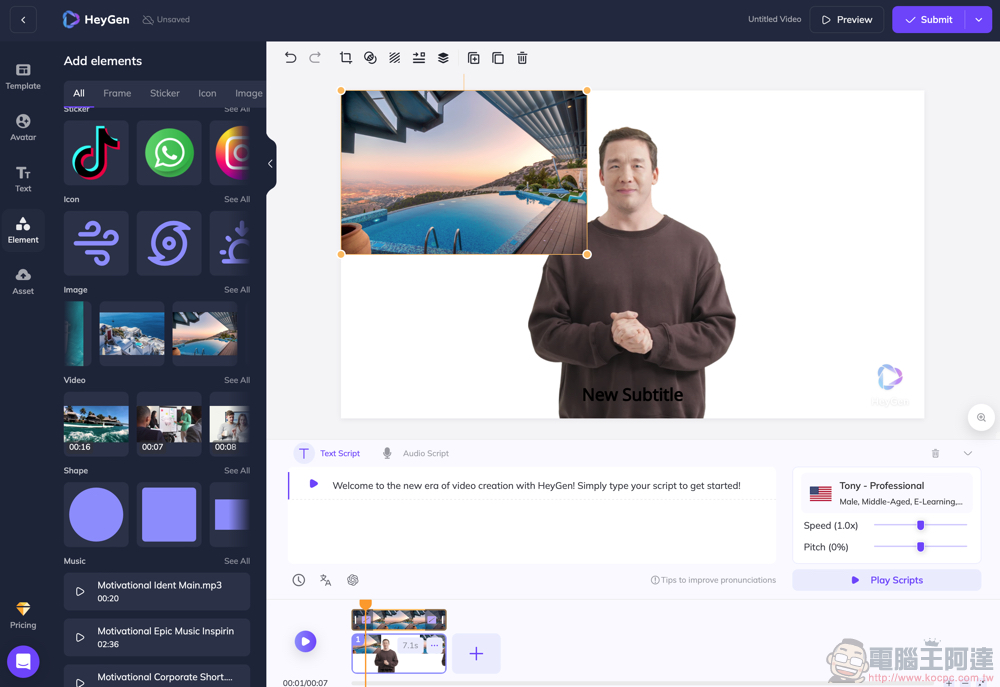
Back to the Instant Avatar we’re introducing this time—while the video really only needs 2 minutes to capture, getting good results actually requires paying attention to some key pre-shooting considerations:
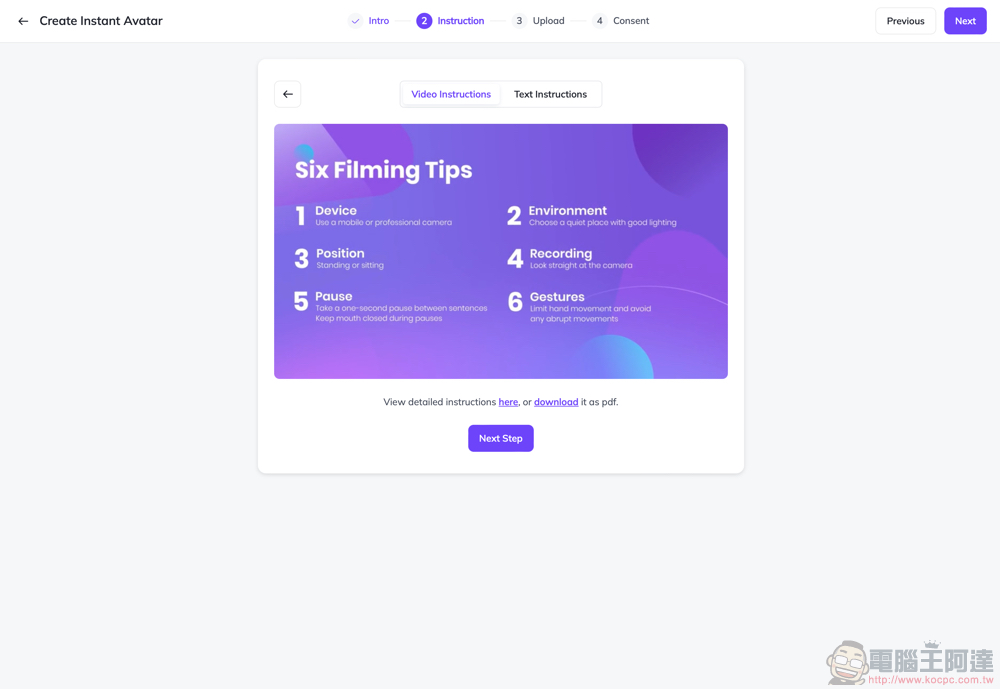
The recorded tutorial below can serve as a reference. The key points are: you need a recording device with 1080p or higher resolution, proper exposure, and a background that doesn’t change drastically. During recording, you should look directly at the camera—standing or sitting is fine. Hand movements should not cover your face (keeping them below shoulder level is recommended), and avoid exaggerated gestures—after all, the AI mainly needs to process facial features while speaking. Additionally, the official recommendation is to have a 1-second pause between sentences in your recorded video, and keep your mouth closed when not speaking to help the AI better utilize the visual and audio features.
Then you can upload your recorded video – don’t worry if it can’t be accurately evaluated. HeyGen gives you unlimited upload attempts to achieve the best results:
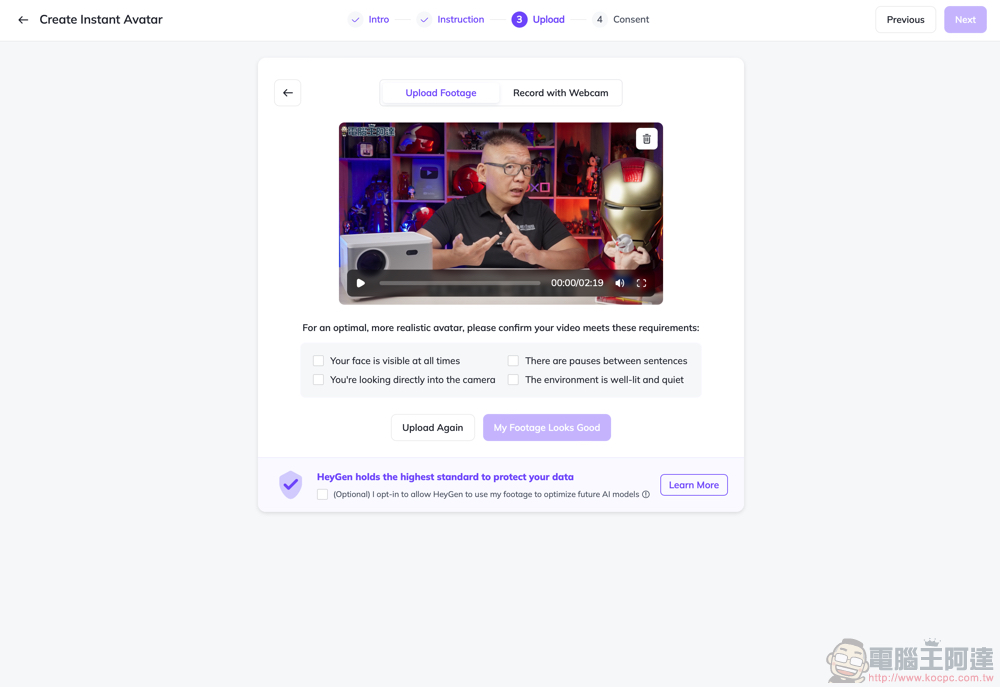
The final step is the verification video mentioned earlier:
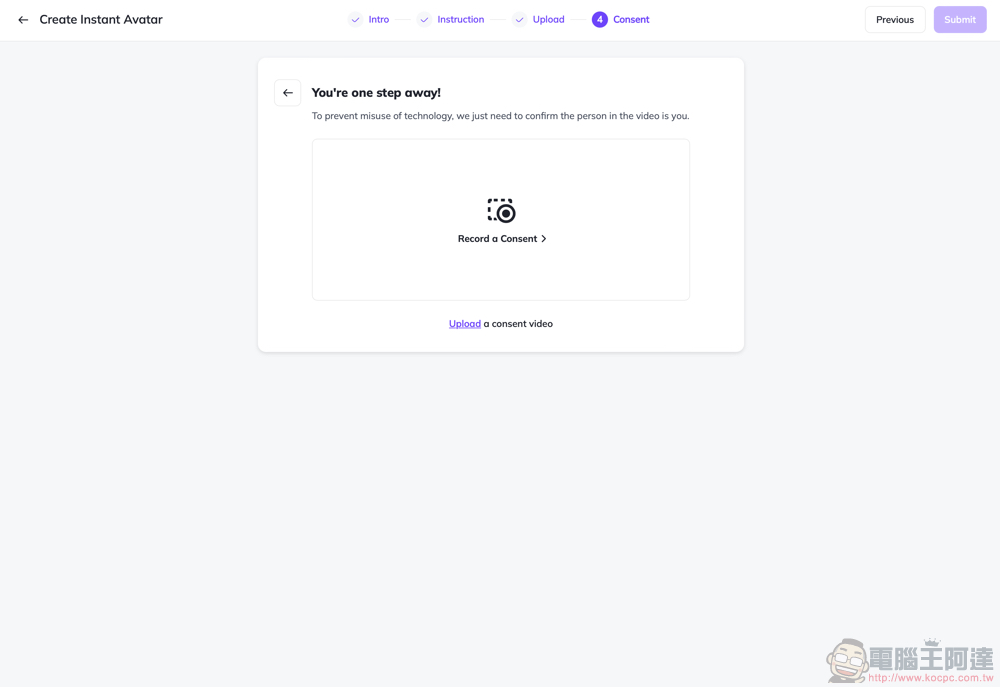
Then you can directly use your Instant Avatar to create HeyGen videos!
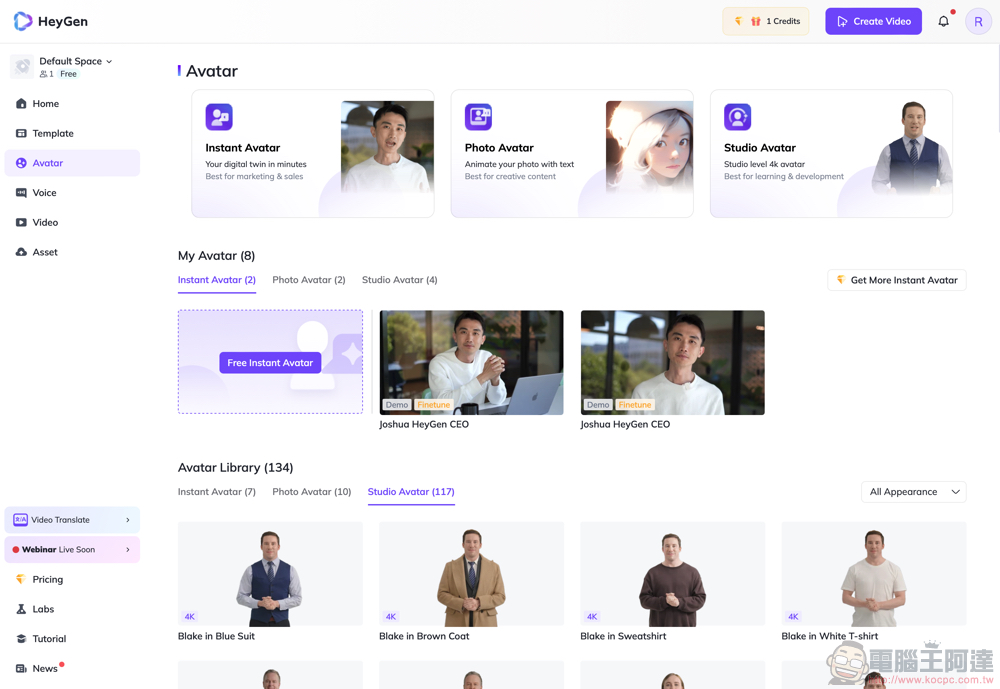
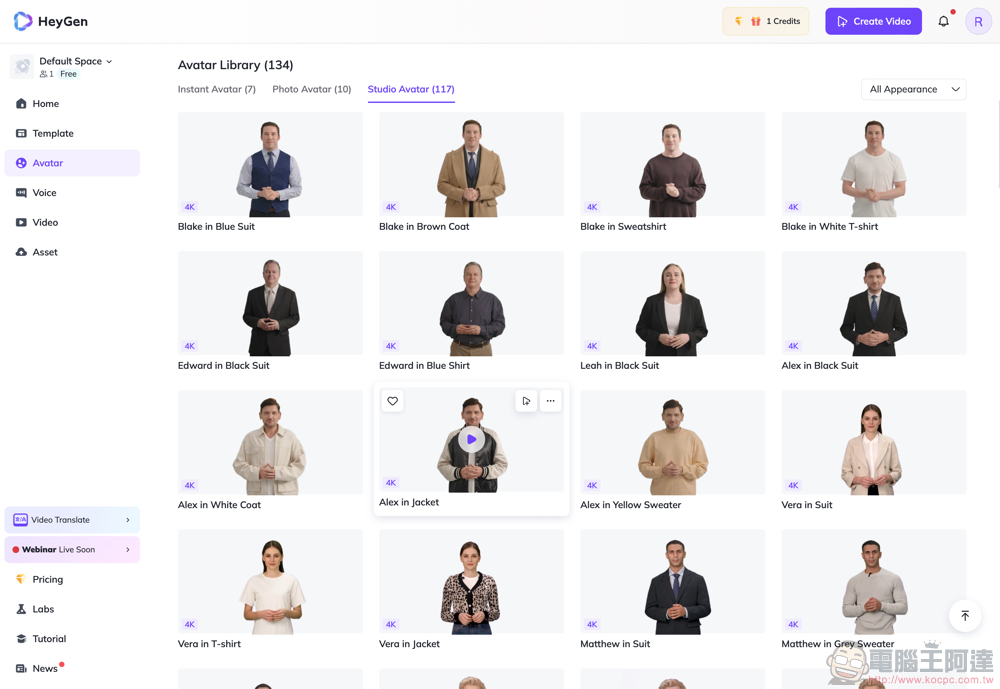
In addition to creating your own Instant Avatar, HeyGen also offers over a hundred characters to choose from.
Choose between close-up or half-body standing poses, change outfits, and even swap faces.
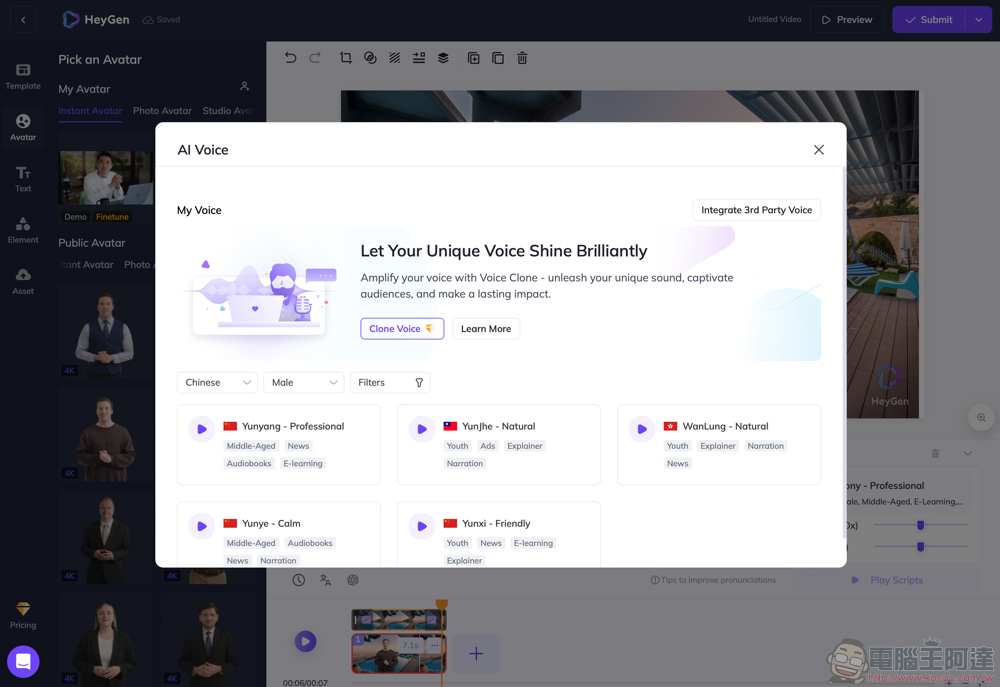
To have AI read Chinese, remember to switch the language setting. You can also fine-tune the tone and speed:
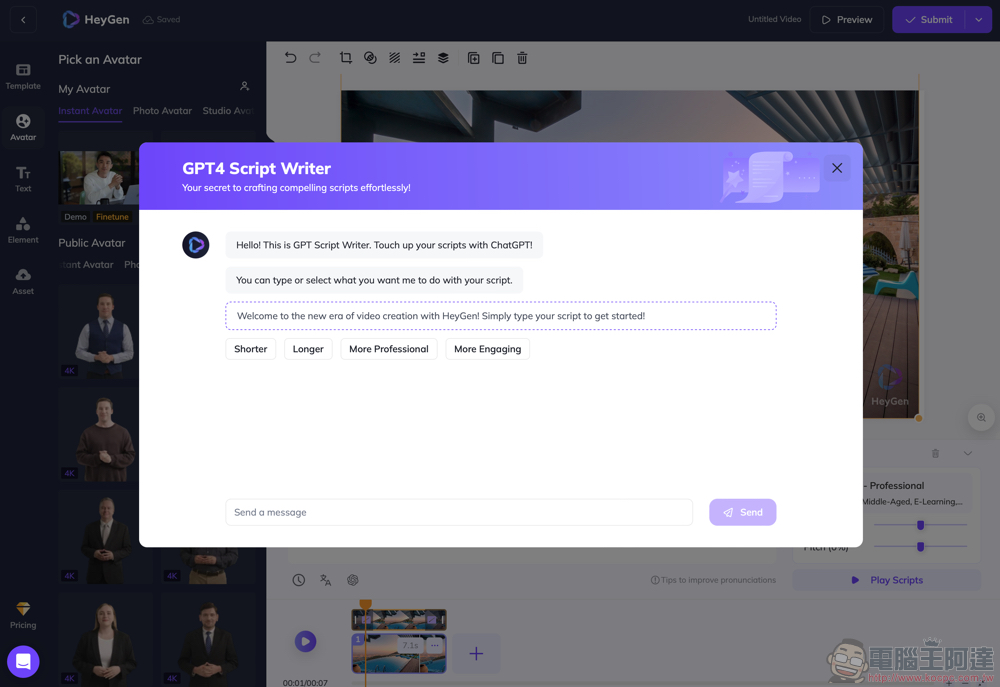
Even getting ChatGPT to help write the copy is no problem either:
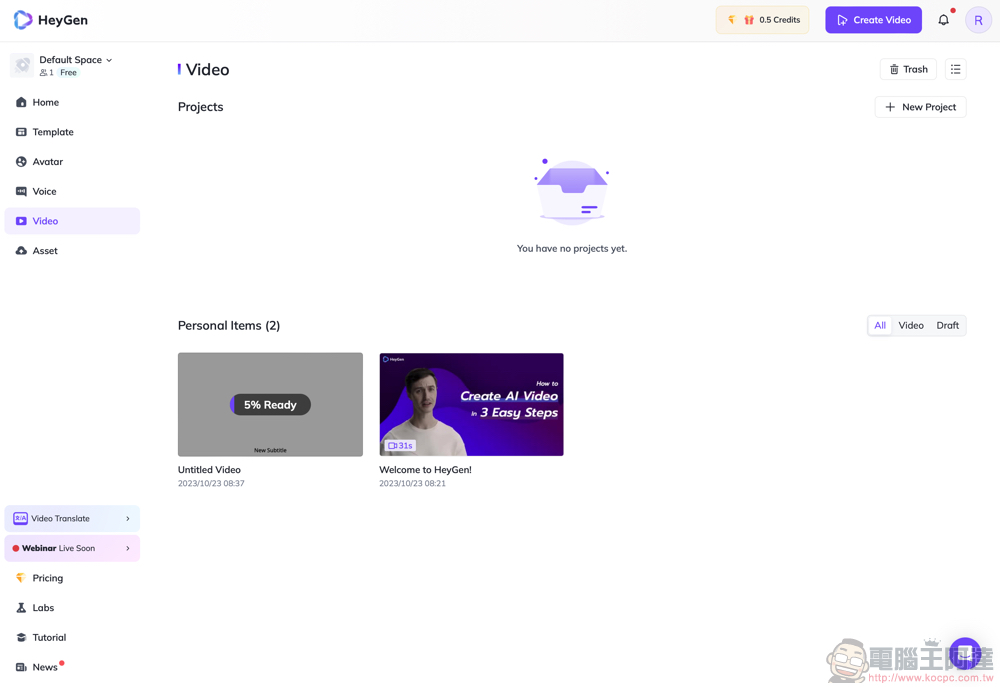
As with other AI features, after confirming the content creation, you will need to wait for cloud processing, and you will be notified via email once it’s complete:
In addition to having AI avatars read scripts, it also supports converting existing videos into various languages, like the one below.
Conclusion
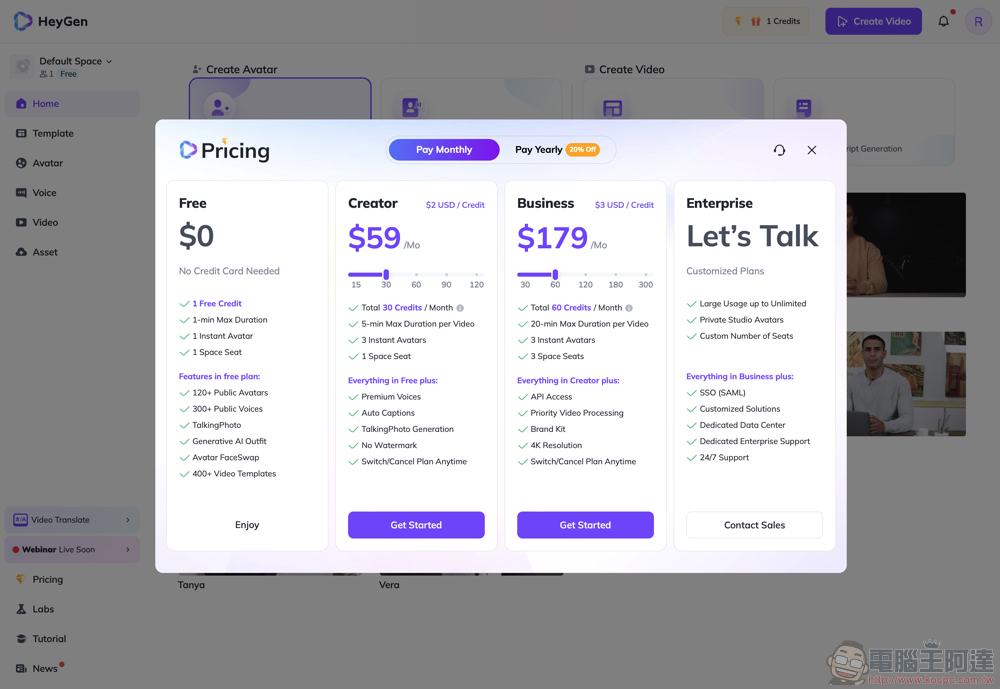
HeyGen’s results are actually surprisingly good. On top of that, the process of creating a digital avatar has been simplified to an unbelievable degree. I believe we’ll see plenty of people using this feature to produce more “non-AI” personalized videos. The only downside is probably that once you get hooked, you’ll need to subscribe and purchase Credits. At least for now, free accounts can play with 1 minute and 1 free Instant Avatar. Otherwise, you can just try it out with the default characters.
[👉 Click to start using HeyGen AI]
Further Reading:
A higher-performance Model 3 appears to be in Tesla’s plans — could it be a Plaid version?
Source: KOCPC Chinese