


Although iOS now also has a “file” management app, anyone who has used it knows that it is not very easy to use and does not support many formats. xHub is a very good third-party file management app that claims to support almost all formats, including videos, documents, music, pictures, etc. The video part also provides external subtitles, Wi-Fi wireless file transfer, webDAV, and support for popular cloud spaces such as Dropbox and Google Drive. It is very comprehensive.
More importantly, the iOS version currently has a limited free activity for permanent VIP status. All functions can be unlocked for 0 yuan. Those who need it should not miss it. We are not sure when it will end.
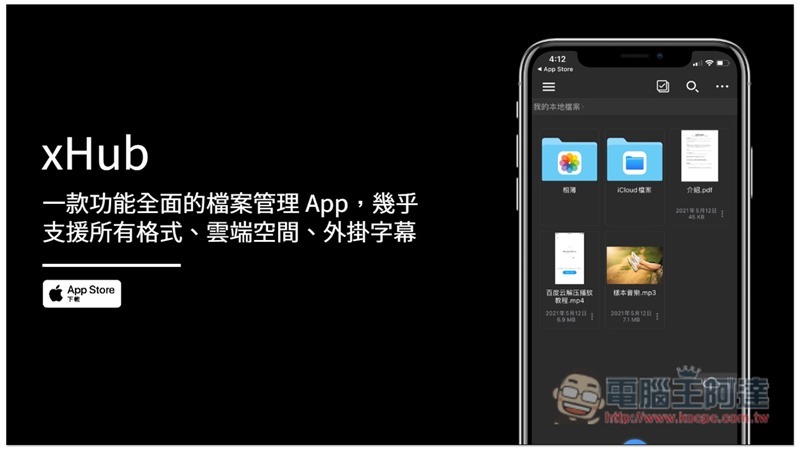
Introduction to xHub, a comprehensive file management app
xHub supports iPhone and iPad. The iPhone version currently pops up “Lifetime VIP limited time free” when you open it for the first time. Click now to get it for 0 yuan. All functions can be used, and it is free for life:

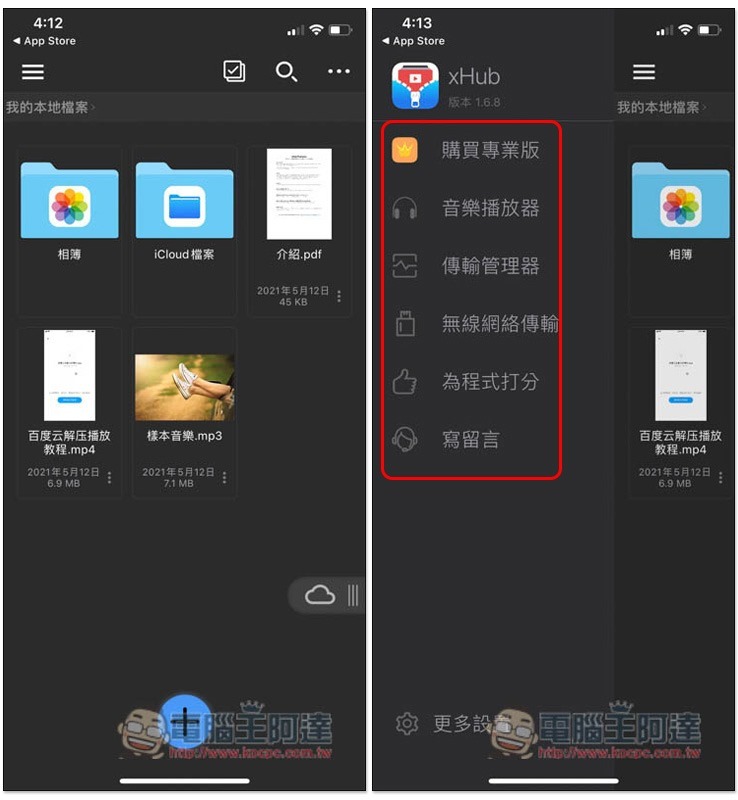
After entering the homepage, the screen will display the iPhone’s photo album, iCloud file folder, and the user guide PDF, as well as videos and sample music. Open the menu in the upper left corner to find the music player, transfer manager, wireless network transfer and other functions:
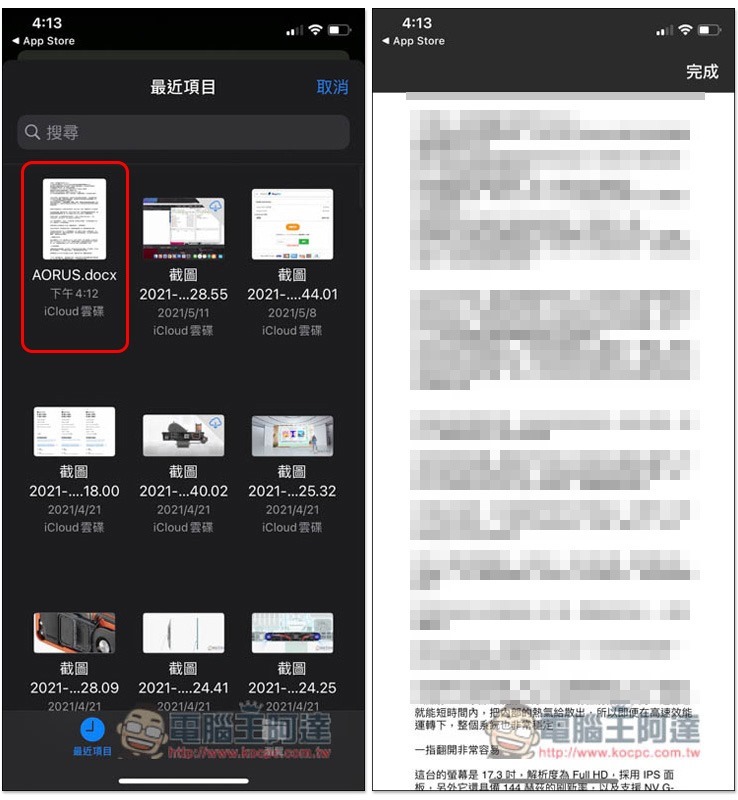
According to the developer’s instructions, this app supports almost all file formats, such as: MP4, MKV, AVI, ZIP, RAR, etc. I first tested the most commonly used Word files, and it turned out to be no problem:
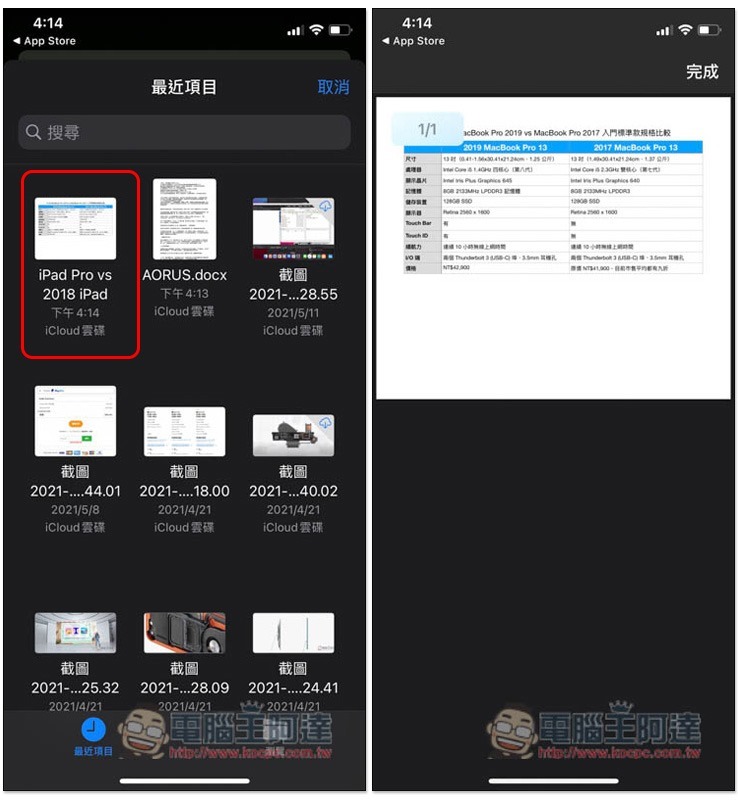
Next is Apple’s Numbers spreadsheet file, no problem, you can open it directly:
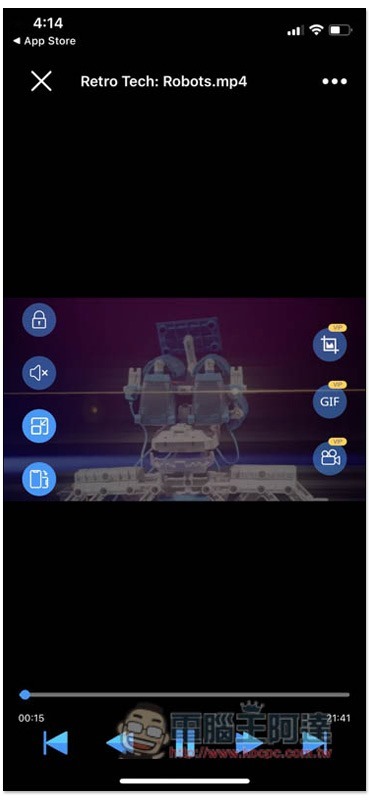
Not to mention videos, of course, and not only can external subtitles be added, the small circle on the right also has three practical functions, including taking screenshots, making GIFs, and recording:
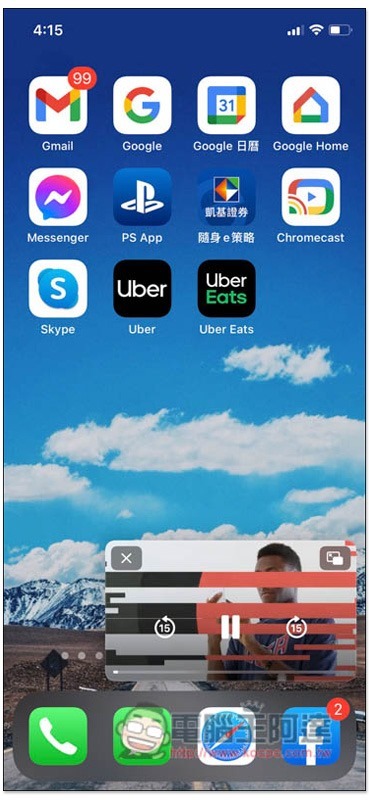
The picture-in-picture function also has:
You can also adjust the video aspect ratio, playback speed, GIF settings, etc.:

Music playback interface supports background playback and AirPlay functions:

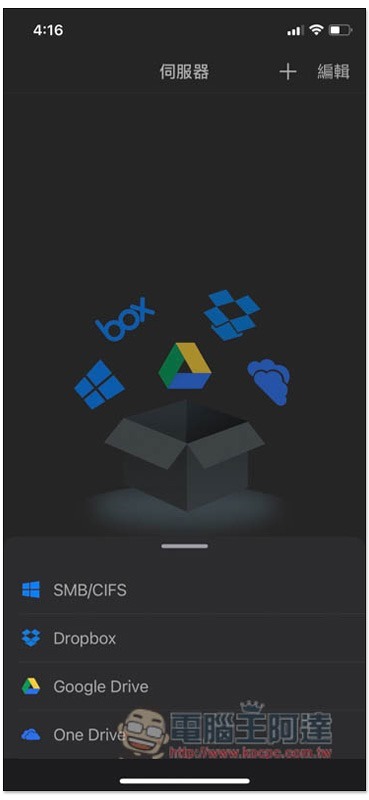
It can also manage files in cloud spaces, such as Dropbox, Google Drive, OneDrive and SMB/CIFS protocols:
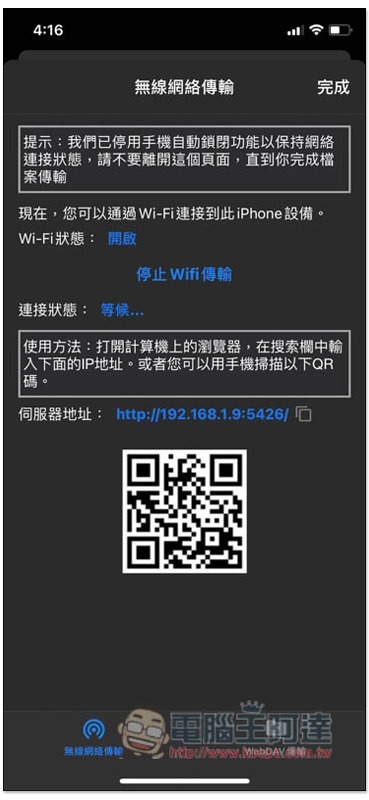
Wi-Fi wireless file transfer function, as long as you are on the same wireless network, enter the server address on your computer and scan the QRCode on the screen with your mobile phone, you can wirelessly transfer files:
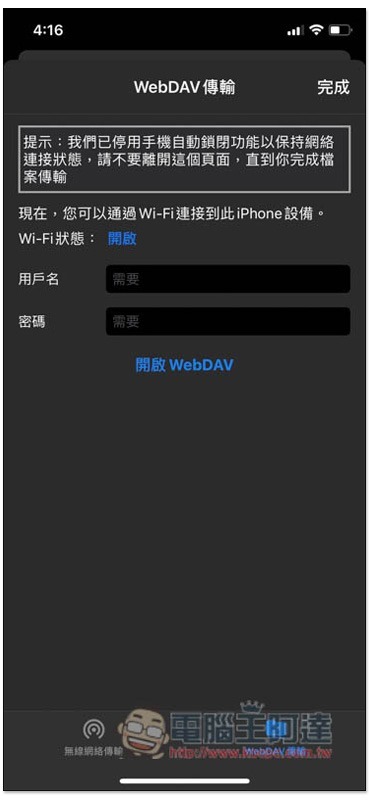
WebDAV transfer also supports:
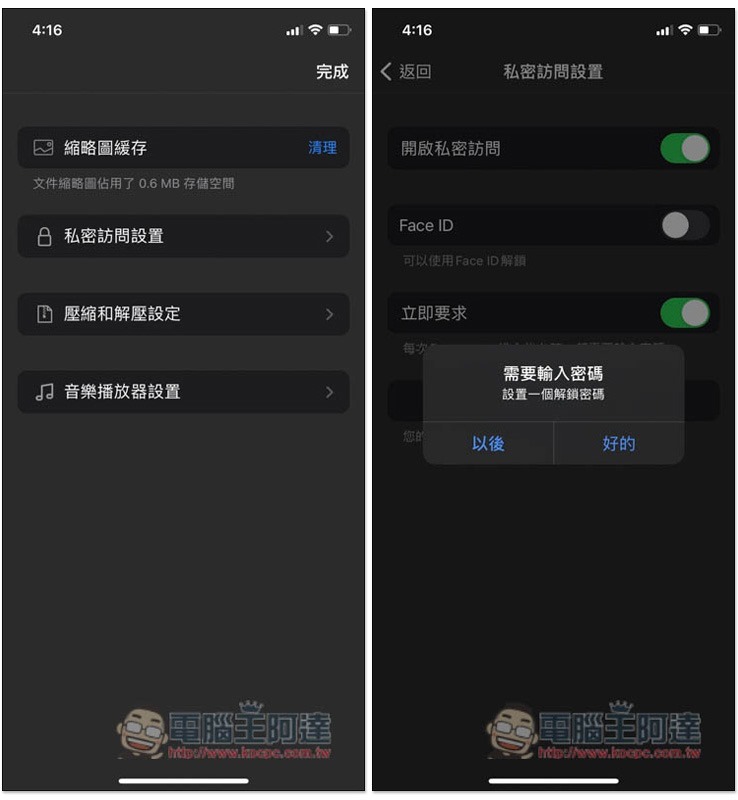
For those who value privacy, this app also provides private access settings, which can enable Face ID and set an unlock password, so you don’t have to worry about others peeking at your iPhone or iPad files:
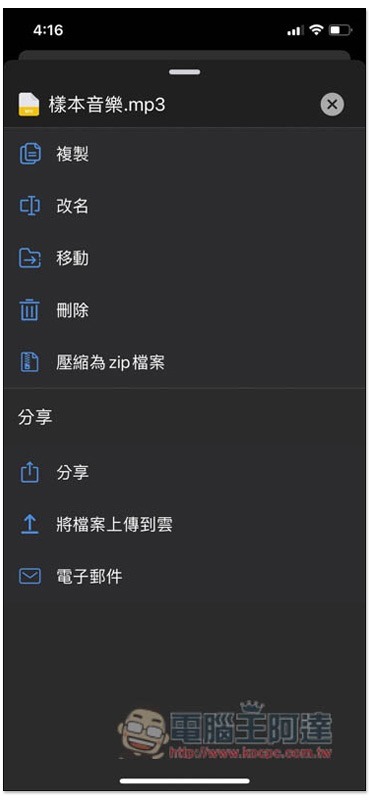
There is also a ZIP archive function. The functions of this file management app are really very rich, and there are more than just the ones introduced above. The rest is for readers to play with on their own:
Source: KOCPC Chinese