


Previously, if you wanted to change the eye direction, age, or gender in portrait photos, you not only needed professional image editing software but also required relevant professional background knowledge, making it practically impossible for regular users. As AI continues to advance, many professional image editing tasks have become incredibly simple, requiring just one click for each function. Take HeyPhoto AI, the online image editing tool we’re introducing in this article, which makes all those professional edits super easy. After uploading a photo, you can effortlessly make adjustments with your mouse. Whether you want to modify your own portrait or have fun editing someone else’s photo, you can do it. And in the future, they’ll add features to change hairstyles, skin, nose, and even makeup, all completely free.
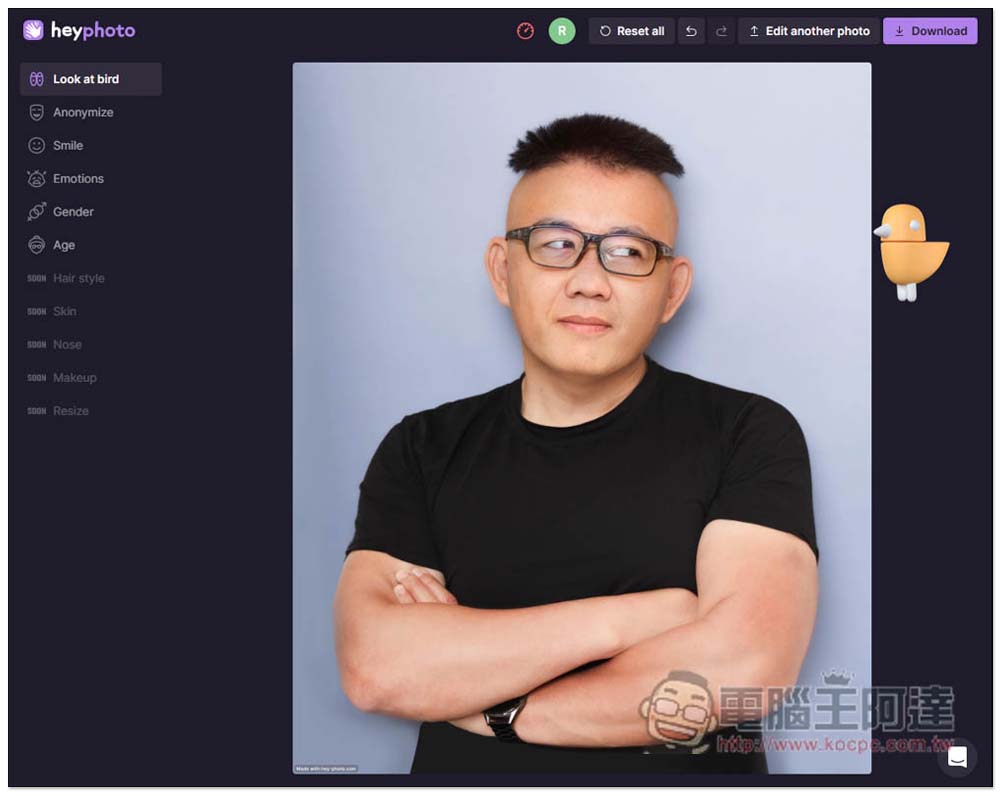
HeyPhoto is a free tool that uses AI to mess around with portrait photos, letting you adjust gaze direction, age, gender, and more
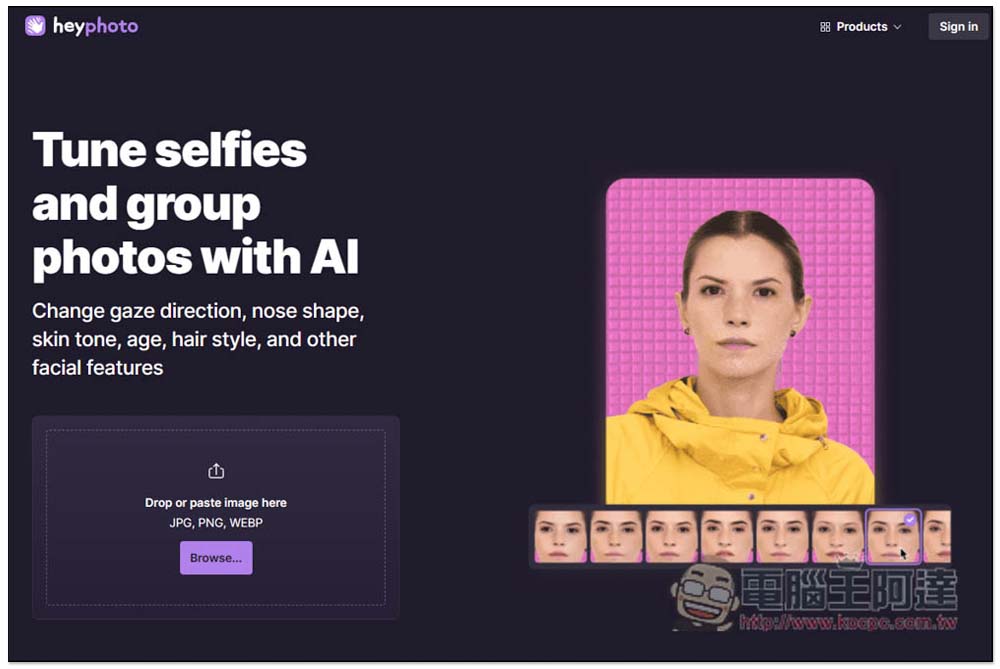
HeyPhoto is very easy to use. Once you’re on the website, simply upload the photo you want to edit; it supports JPG, PNG, and WEBP formats.
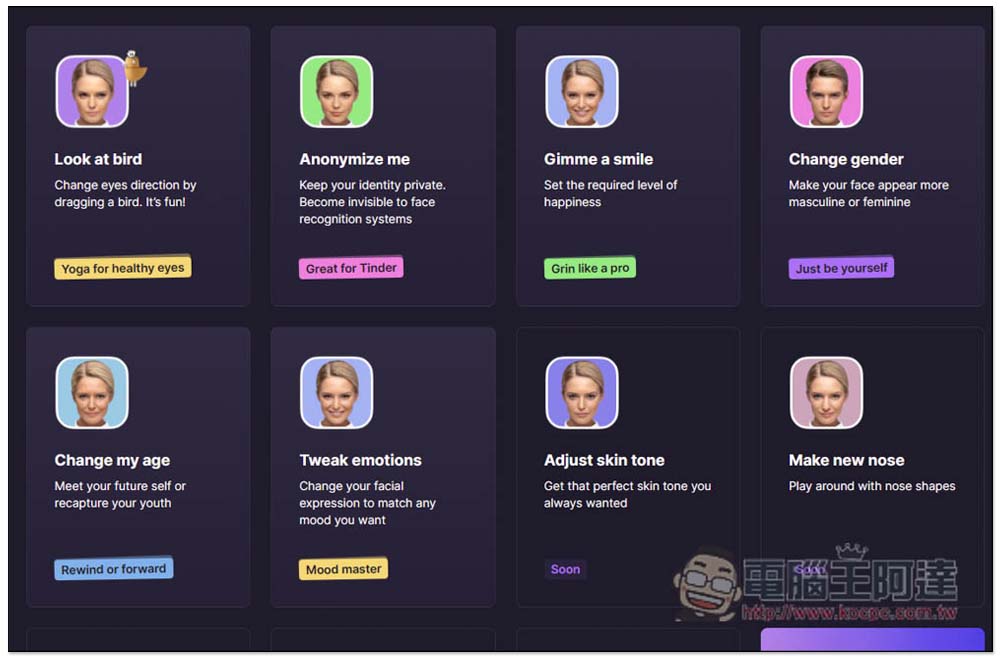
Below is also a brief explanation of its features, such as turning portrait photos into smiling ones, changing gender, changing age, transforming into other expressions, etc.:
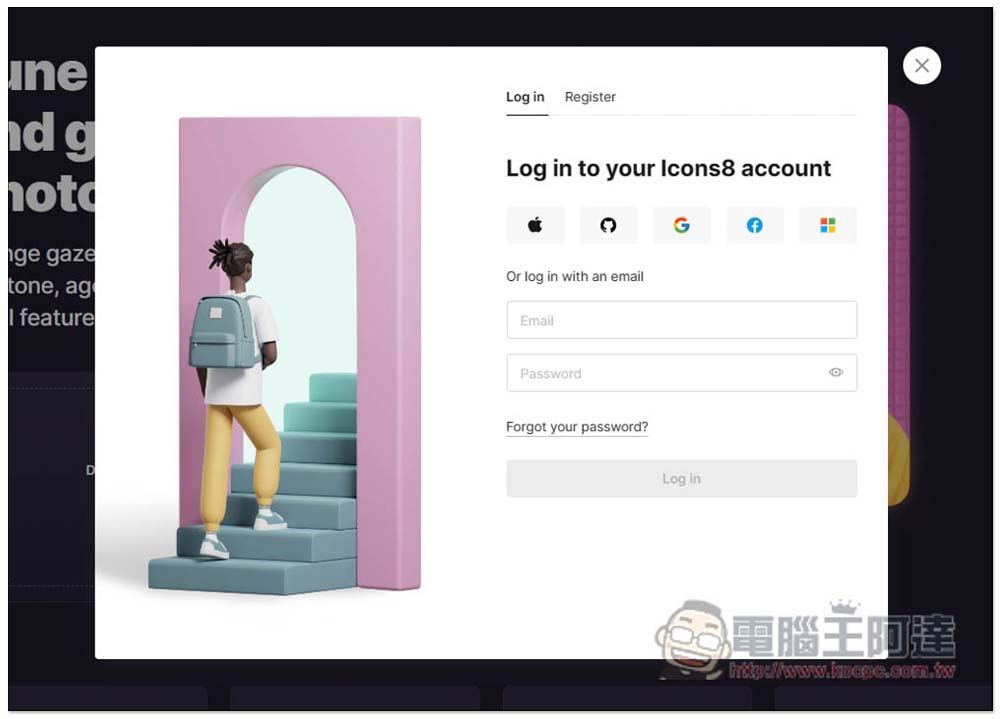
You need to log into your Icons8 account before using it. If you don’t have one, you can sign up for free. It also supports quick sign-up and login through third-party accounts like Apple ID, Google, and Facebook:
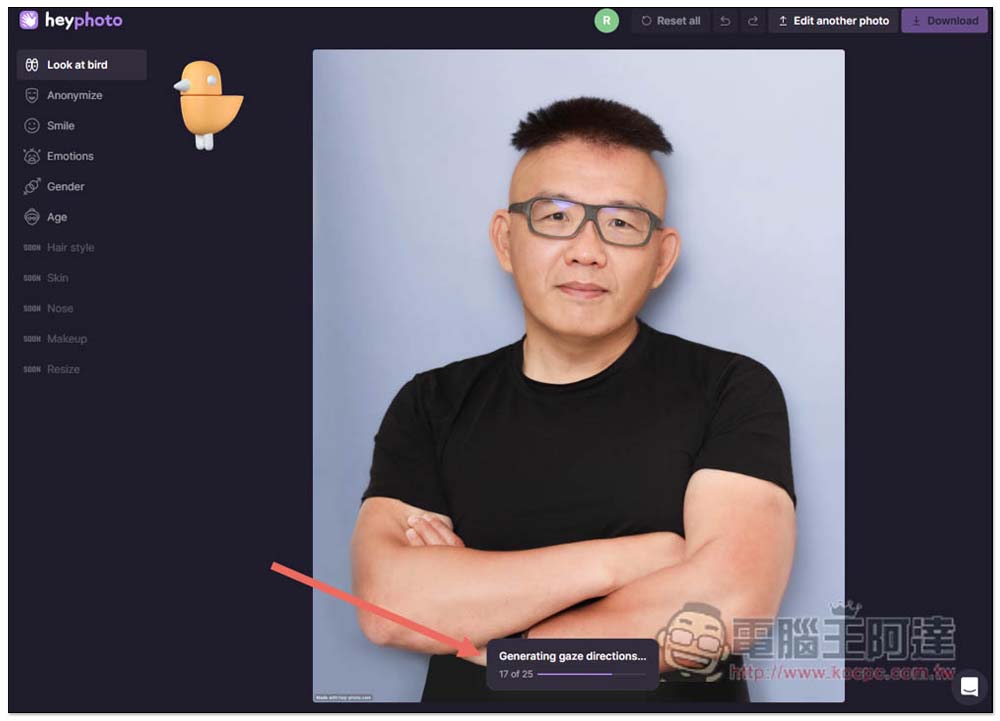
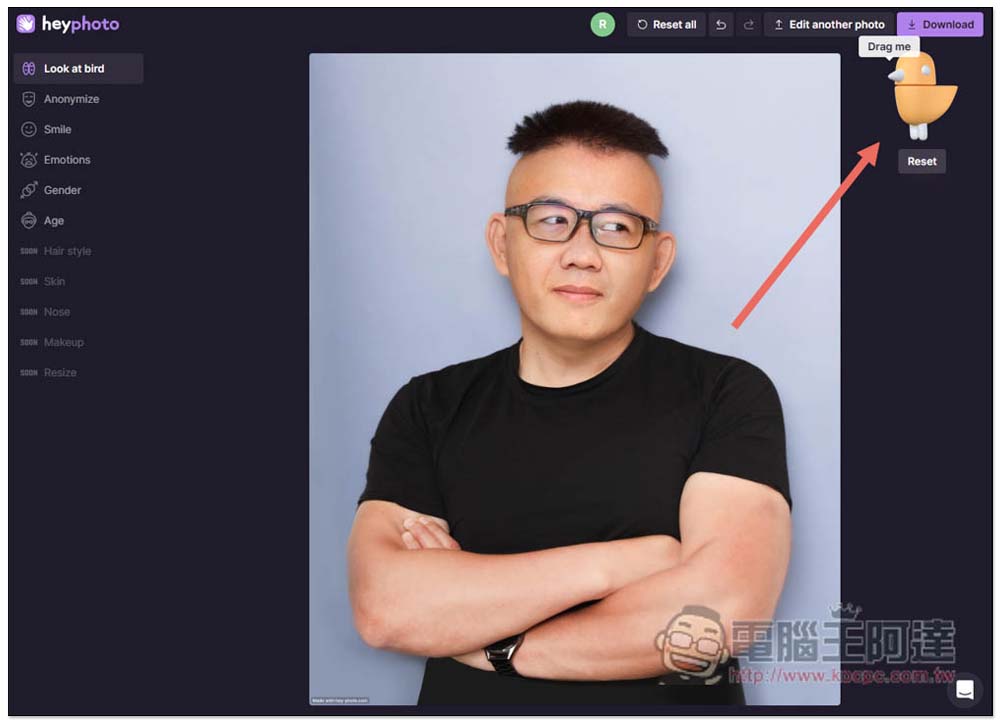
After uploading a photo, Look at bird is a pretty amazing feature—you just drag the bird on the screen to change the direction of the eyes in portrait photos. However, it needs to calculate and analyze the photo first, so wait for “Generating gaze directions” at the bottom to finish:
After running it, if you move the bird to a different location, you’ll see the eye direction in the photo has changed. Like Ada’s photo below—originally she was looking straight ahead, but after I moved the bird to the right, her eyes turned to the right side. Also note that this feature doesn’t just change the eye direction; some facial features change along with it, which goes to show that AI still can’t change only the eyes.
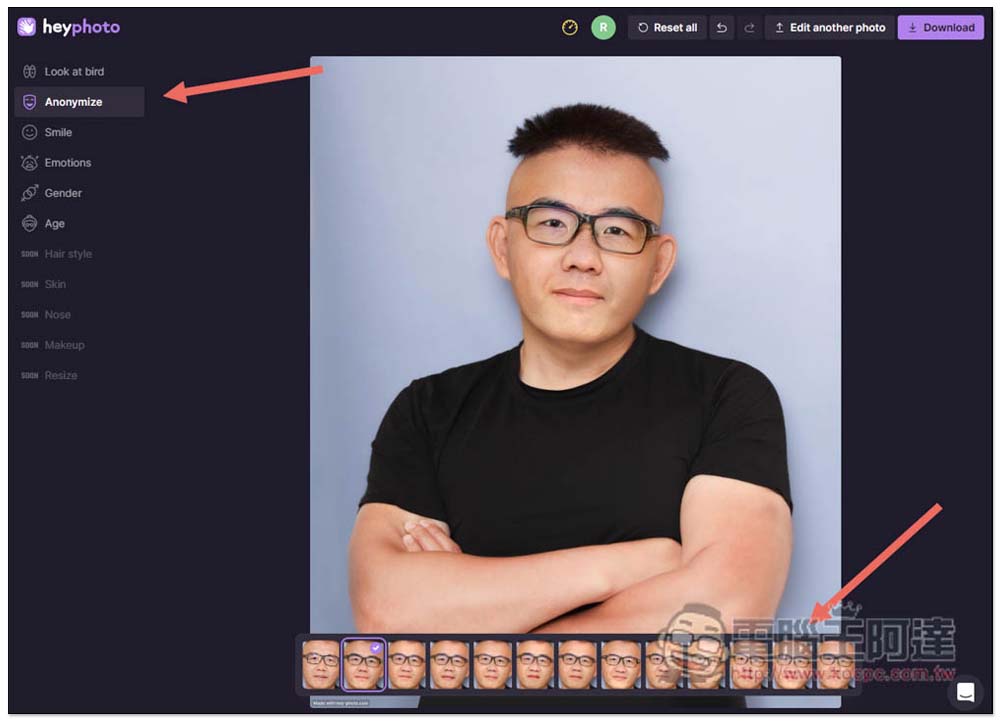
Anonymize, on the other hand, automatically alters the facial features of portrait photos so people can’t tell what you really look like, making it suitable for profile pictures on websites where you don’t want to show your face:
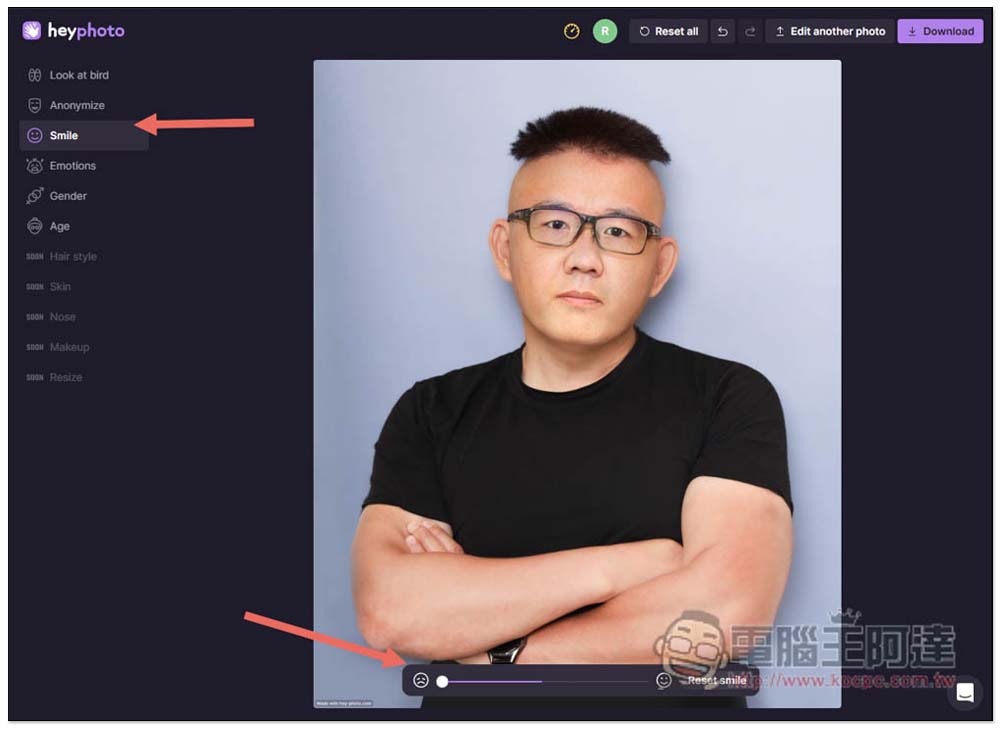
Smile, of course, means changing the smile. It can not only turn a non-smiling face into a smile, but also turn a smiling face into one without a smile. Ada’s photo here is an example:
Gender – I think the effect is just okay. I changed Ada’s photo to look completely female, and it looks a bit weird.
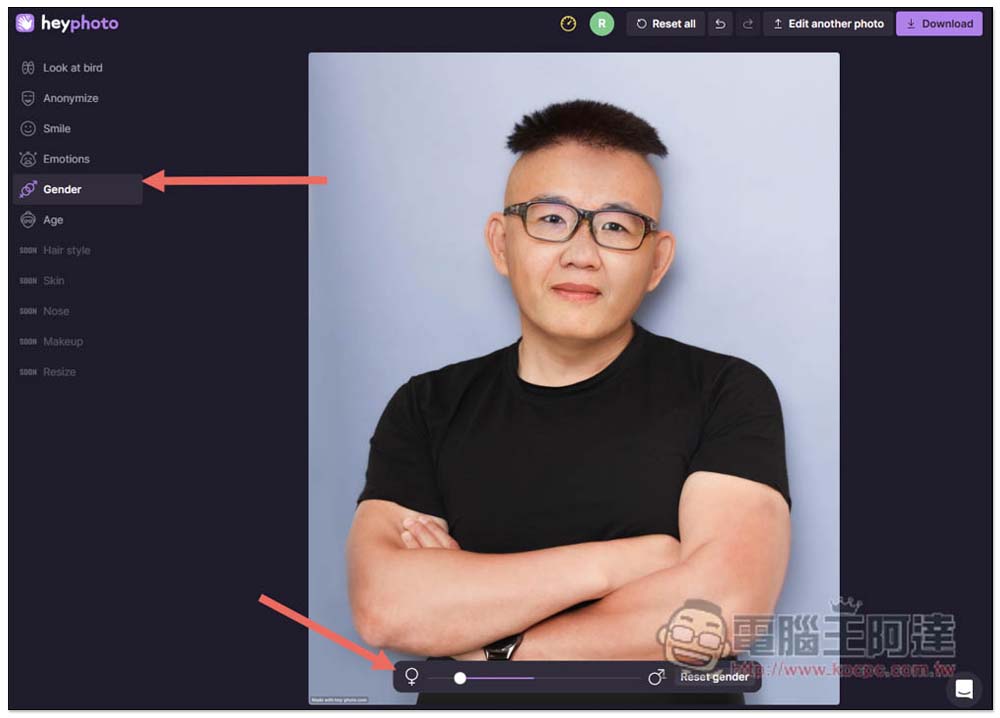
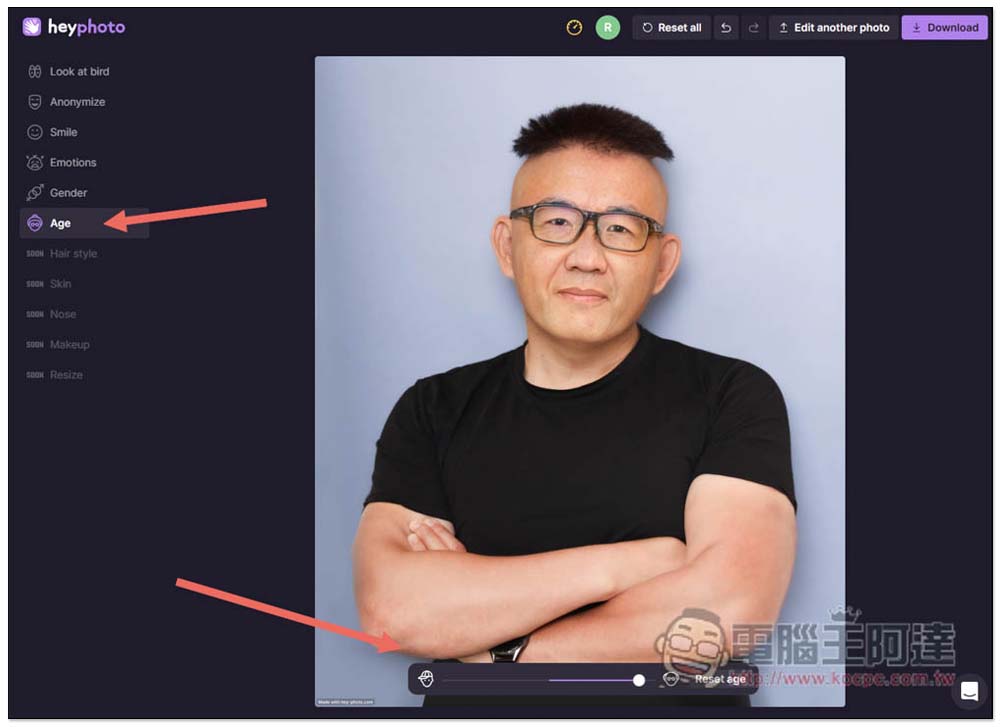
Age is pretty fun – it can make the face look older or younger. Like in the image below, I adjusted it to the maximum age setting, and 阿達’s face looks a bit older, but the hair color didn’t change.
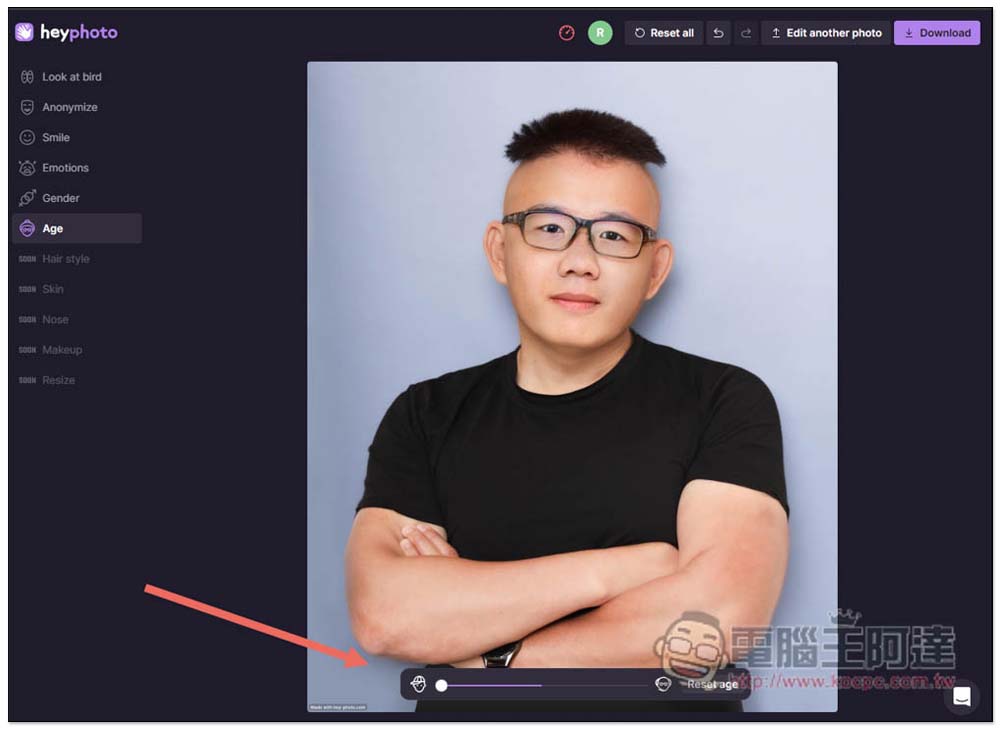
Next came the becoming younger, even the skin became smooth, but there’s something a bit funny about it:
Hair style, Skin, Nose, Makeup, and Resize are not available yet, but they should be added in the future. Once you’re satisfied with your edits, click Download in the upper right corner to download it — it’s a large image file with no watermark, completely free.
Source: KOCPC Chinese