


Although the photo function of iOS also supports widgets, there is no way to specify the photos or albums to be displayed, which is very inconvenient to use. If you are looking for a widget that you can choose by yourself, then this Photobox Widget is highly recommended. It is simple and easy to use. Not only can you create unlimited widget photo albums, but you can also set whether to loop, change another photo after a few minutes, and the text displayed on the photo, etc.
This was originally a paid app (USD 0.99), but it is currently offering a limited free offer. Those who need it should download it as soon as possible.
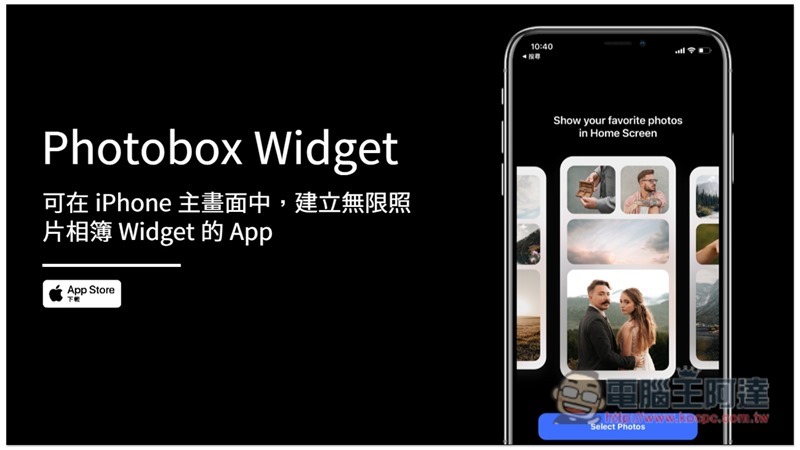
Photobox Widget App Introduction
When you open the Photobox Widget for the first time, you will be asked to select photos to create the first album. If you only want to display one photo, then just put one photo in the album:
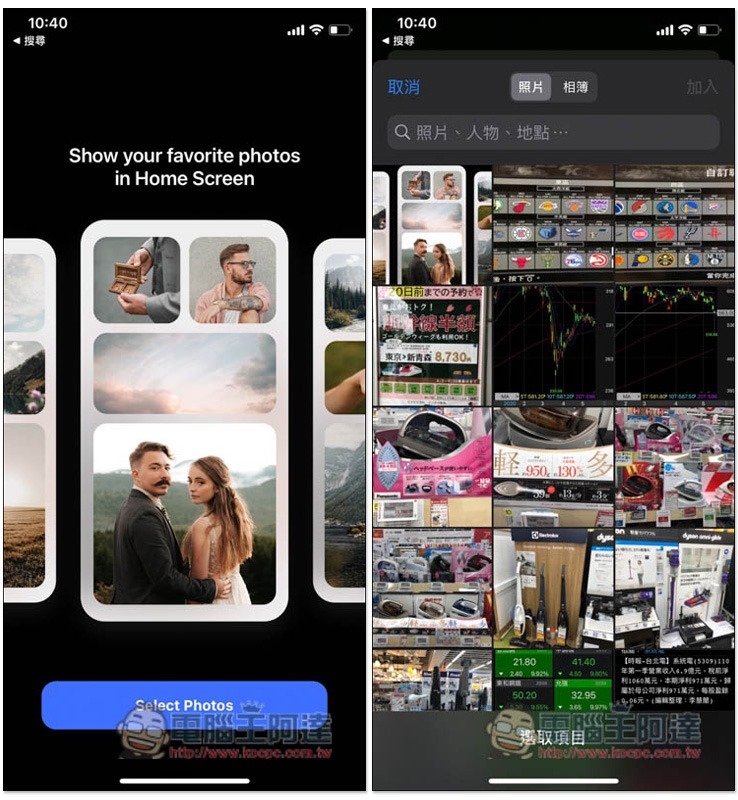
After selecting the photos, enter the album name. You don’t need to worry about the default Widget size below, because when you add it to the main screen later, the settings there will still be used:
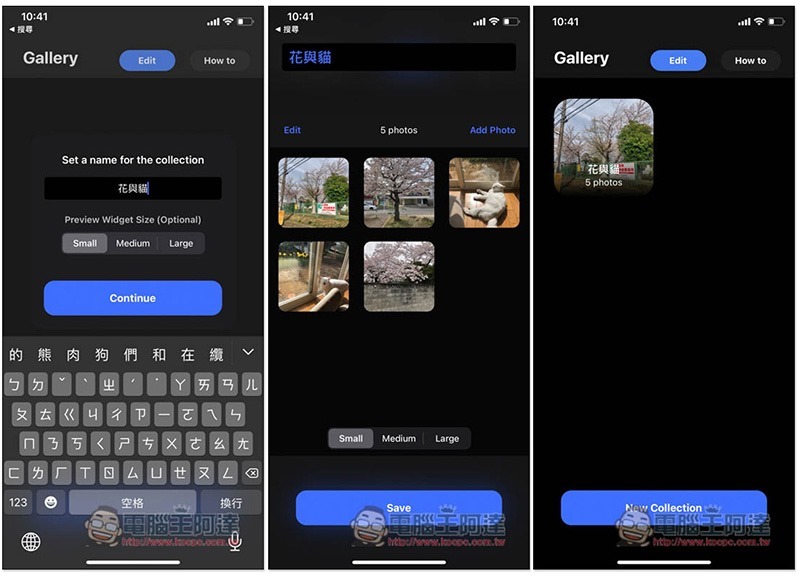
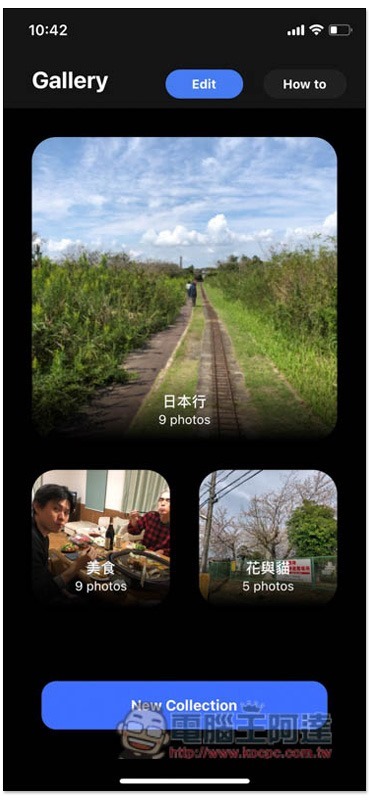
Like this, first create the albums you want to display on the iPhone home screen one by one:
After returning to the iPhone home screen, please enter the jumping screen, and then click the + in the upper left corner to add a widget. You can find the Photobox Widget in the list. There are also three sizes to choose from, depending on which way you want to present it:
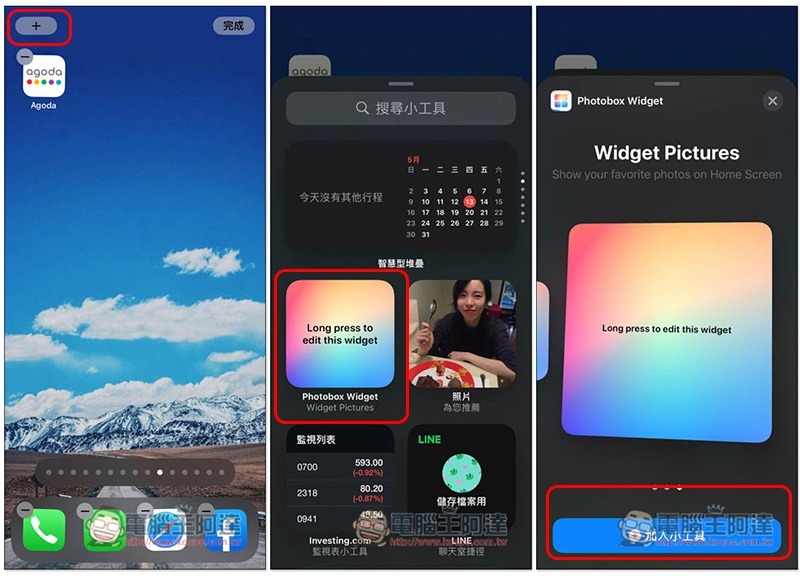
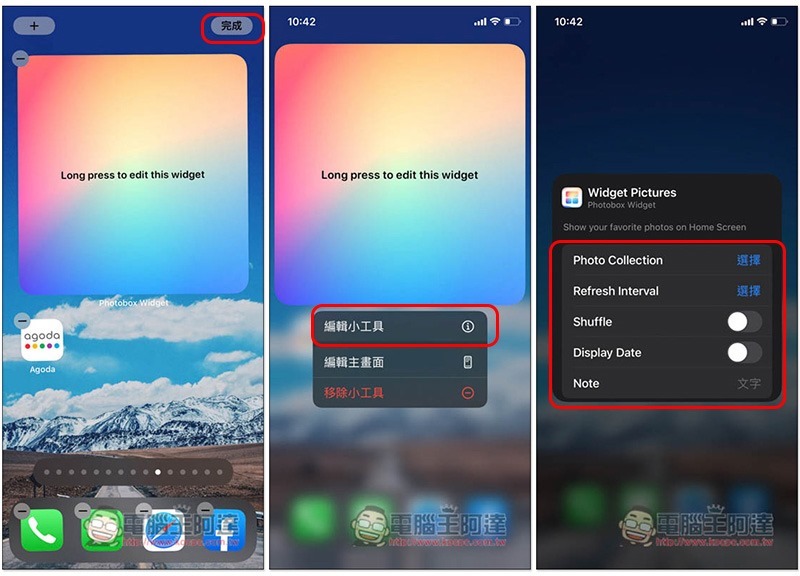
After deciding, press the upper right corner to complete, then long press the widget, select “Edit Widget”, and you can find the function of setting the photo album (Photo Collection) in the list. You can also set the update interval (Refresh interval), random play (Shuffle), display date (Display Date), and note text (Note):
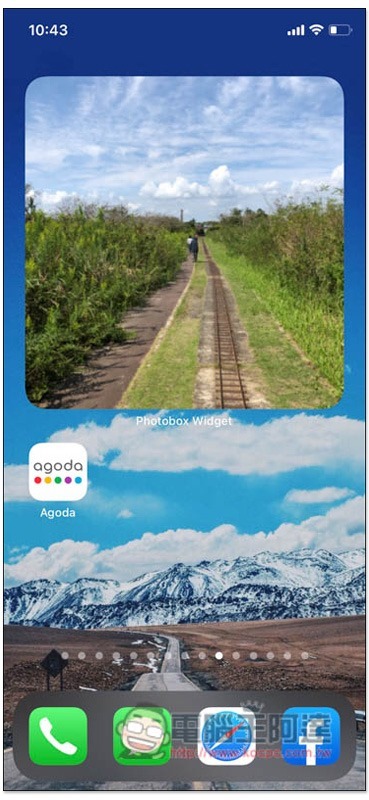
This widget will display the album photos:
You can also add multiple Photobox Widgets. It is highly recommended to turn on the date display and add text. The picture is quite nice. The text entered in Note will appear in the upper left corner:
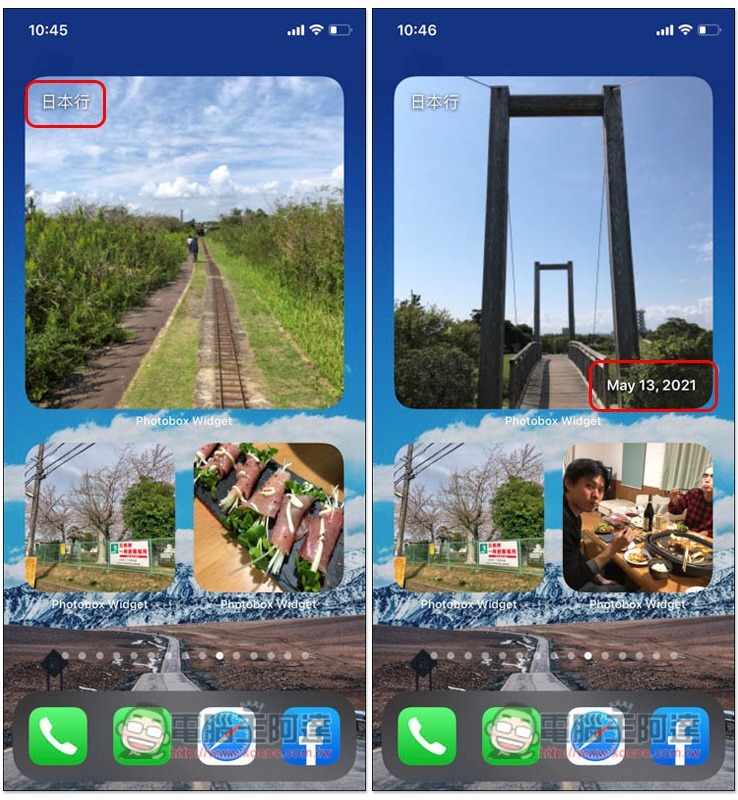
The only pity is that the words Photobox Widget below each Widget seem to be unable to be turned off, which looks a bit uncomfortable.
Source: KOCPC Chinese