


Squoosh may be very familiar to some readers, it is a Image slimming app launched by Google, existed several years ago, but in the past there was only a web version, which meant that it had to be connected to the Internet to use it, which was somewhat inconvenient. Recently, foreign developers have produced an offline version of the Squoosh Desktop App, which is completely open source. As long as you download this, you don’t have to worry about the problem of no network. It is available for Windows, macOS and Linux.
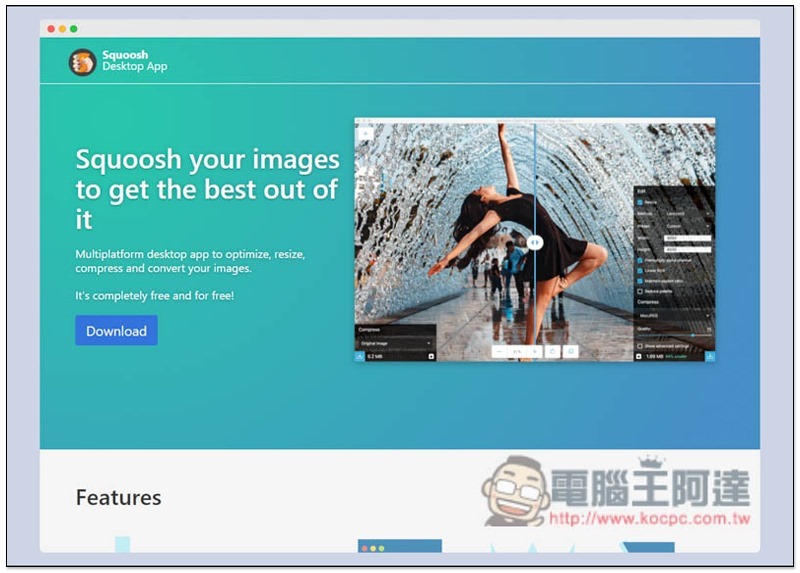
Introduction to Squoosh Picture Slimming and Compression Desktop Offline Version
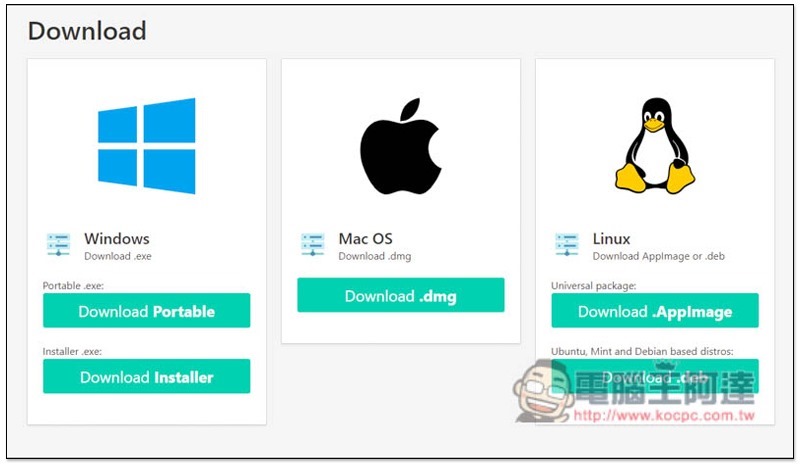
Squoosh Desktop App is a free software developed based on Squoosh and Electron. It is available in GitHub After entering the official website and scrolling down, you can find the versions of each operating system. Windows also provides an installation-free version (Portable):
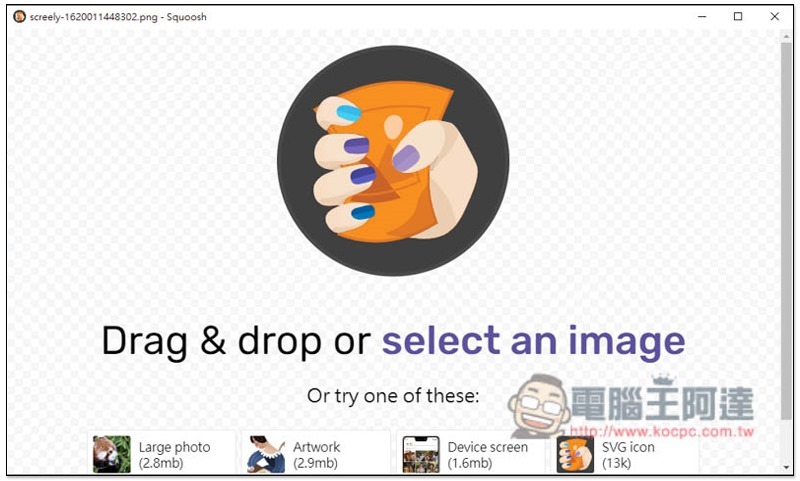
I’ll take the Windows version as an example. After opening it, the interface will be the same as the Squoosh web version. Just drag in the picture you want to lose weight:
Then Squoosh will automatically compress it for you first, and the lower right corner will indicate how much the file size has changed after compression. For my photo, it can be reduced from 141kb to 81.3kb without adjusting anything. The difference is as high as 42%, which is really impressive:
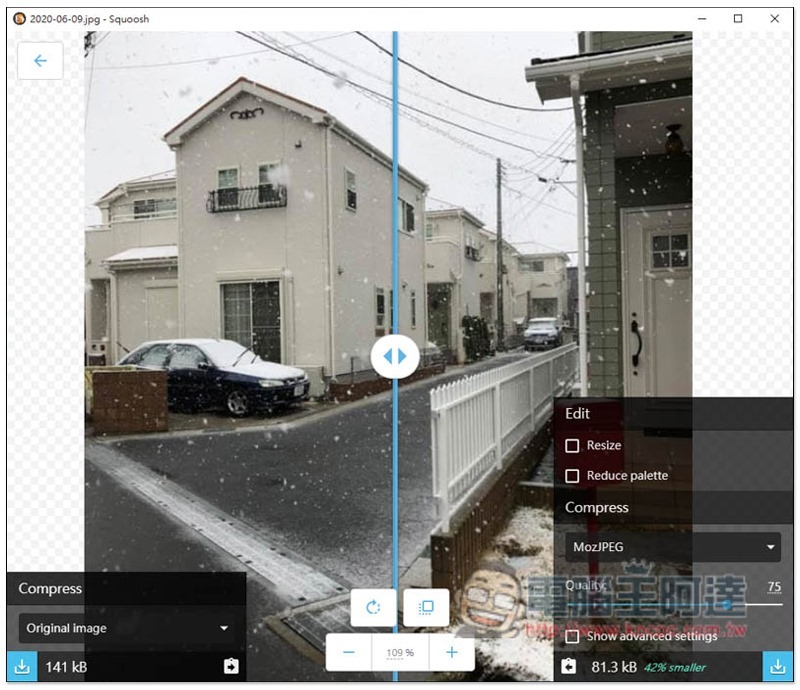
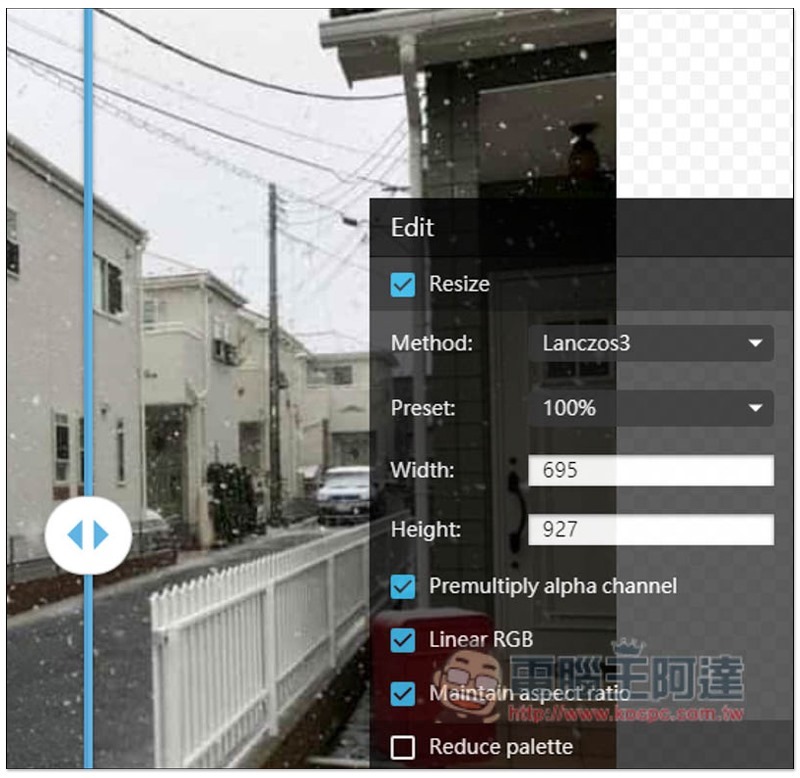
It also provides the function of adjusting the size. You can set it after clicking Resize:
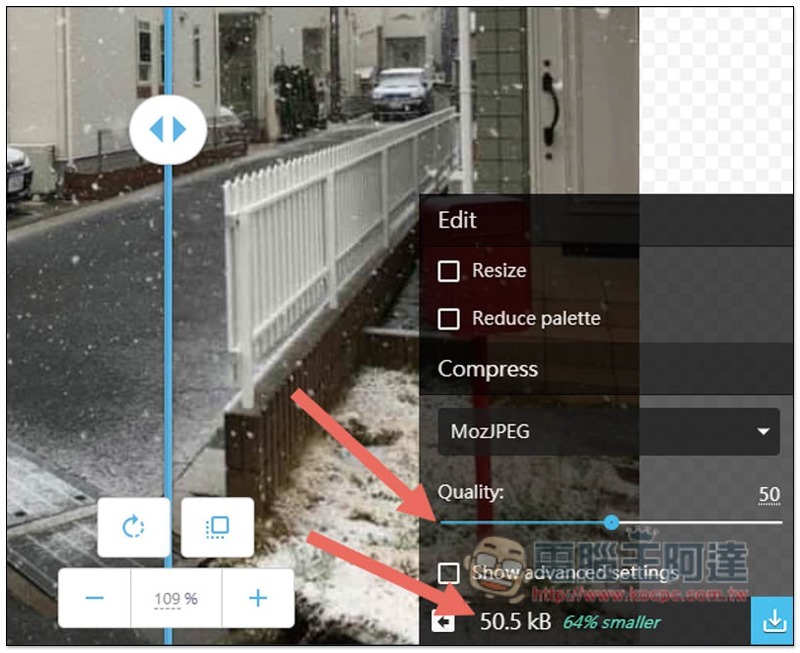
If you feel that the preset weight loss is not large enough, you can manually adjust the Quality and the number in the lower right corner will change immediately:
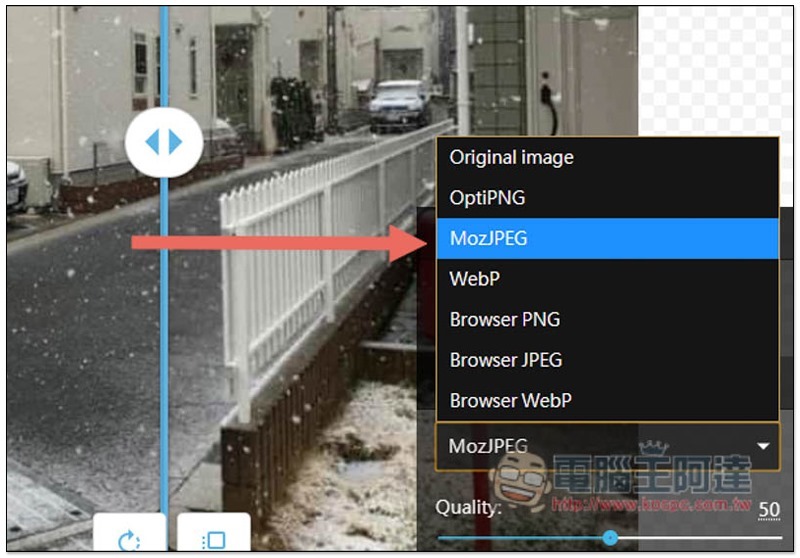
The compression format is MozJPEG by default, and there are 6 other options. You basically don’t need to touch this setting unless you have special needs:
After adjustment, you can use the slider in the middle to compare the difference before and after compression. If you are satisfied, press the lower right button to save the function:
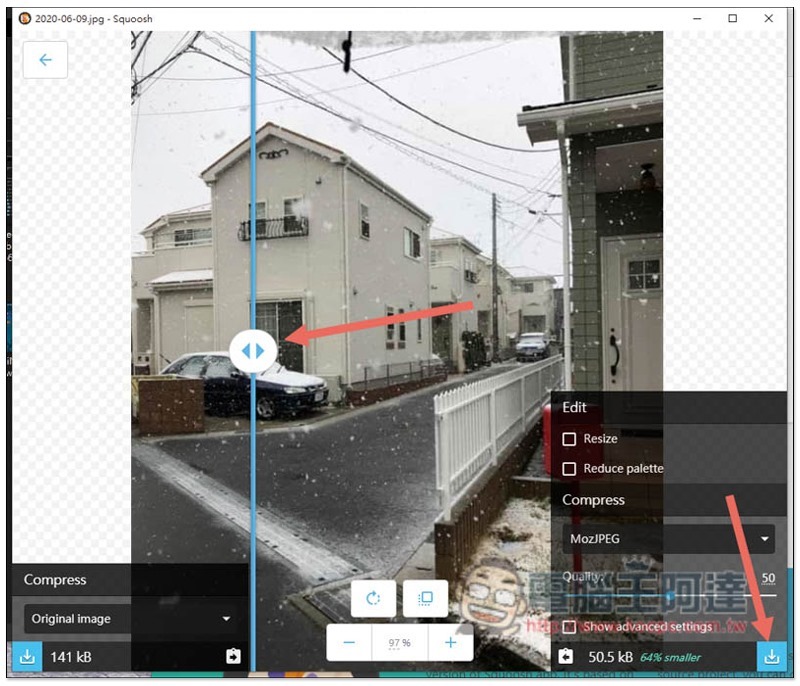
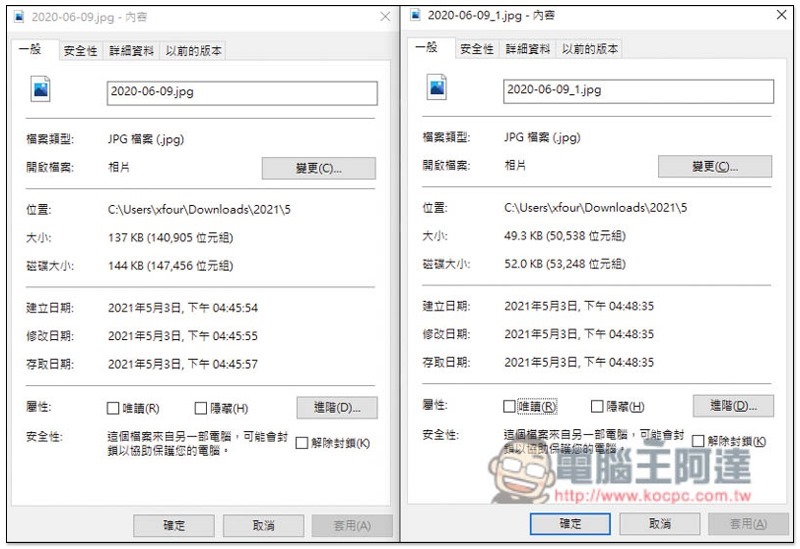
The picture below is my comparison before and after compression. The difference is more than 50%. It saves a lot of storage space, and the picture quality does not deteriorate too much. This set is really easy to use:
Source: KOCPC Chinese