


If the computer is used by oneself, then there is no problem, but for most people, it is likely to be shared with family, siblings, or significant other, even if they use it less. Therefore, if you have some relatively private text content or want to save some website URLs, it may be discovered. If you also have this problem, the small tool Eclipse Portable Encryptor recommended in this article is very easy to use. It can turn any text into garbled code. No one can figure out what this string of text means before it is decoded? What can I use it for?
In addition, this garbled code can also be transmitted to others, who can decode it as long as they have this set of tools. Therefore, when important content needs to be transmitted in the future, this tool can be used to improve security.
Introduction to Eclipse Portable Encryptor, a free tool that converts any text into garbled characters
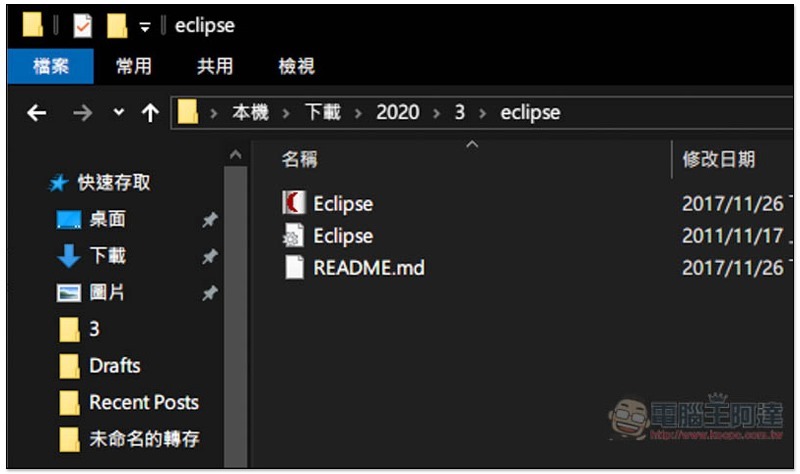
Click meGo to the Eclipse Portable Encryptor official website to find the download point. The file is very small. After downloading and decompressing, you will see three files. The first Eclipse with the icon is the application:
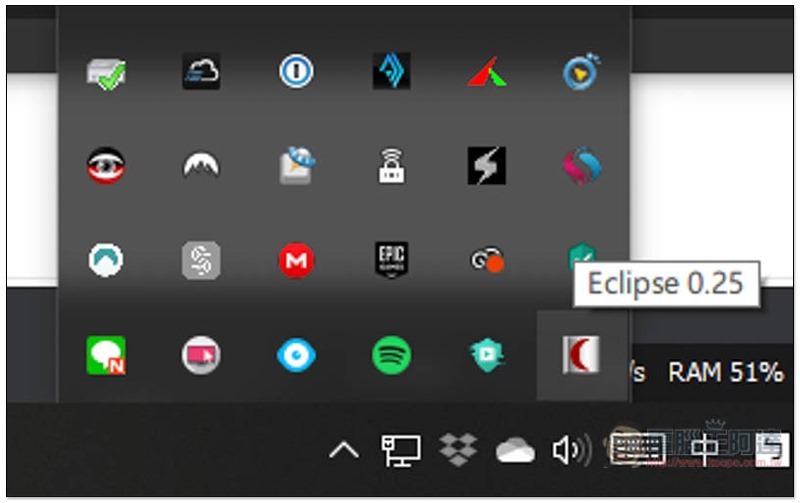
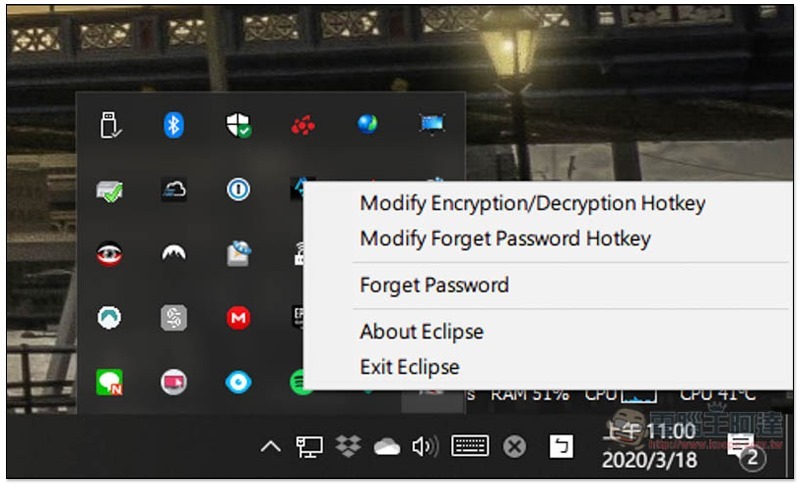
After opening, it will automatically run in the background. You can find it on the function icon in the lower right corner:
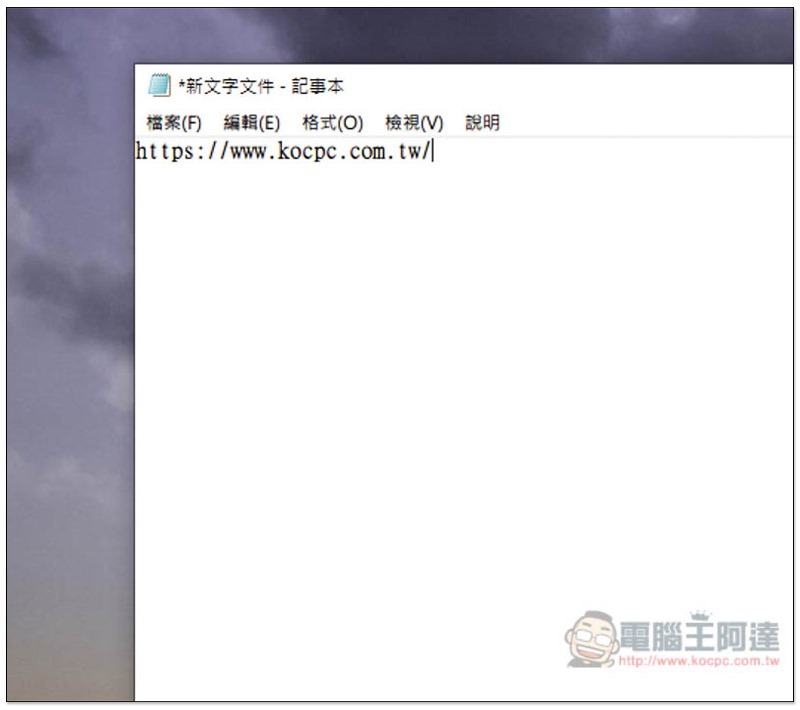
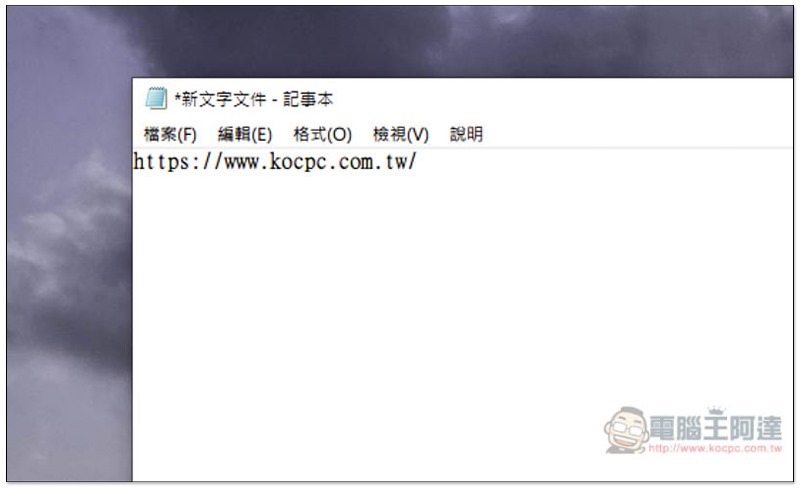
The usage is very simple, just find the text you want to convert into gibberish:
Highlight it and press the Ctrl+Shift+E shortcut key, and a window for setting a password (Password) will appear:
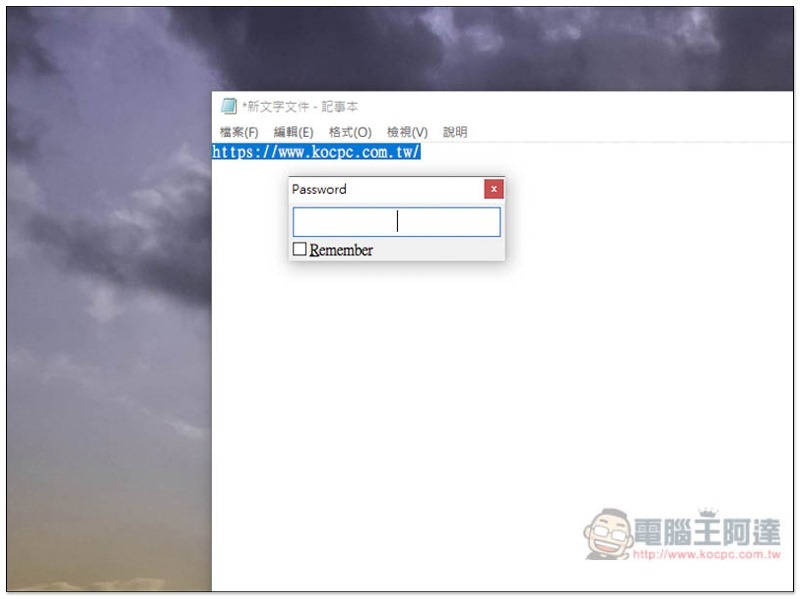
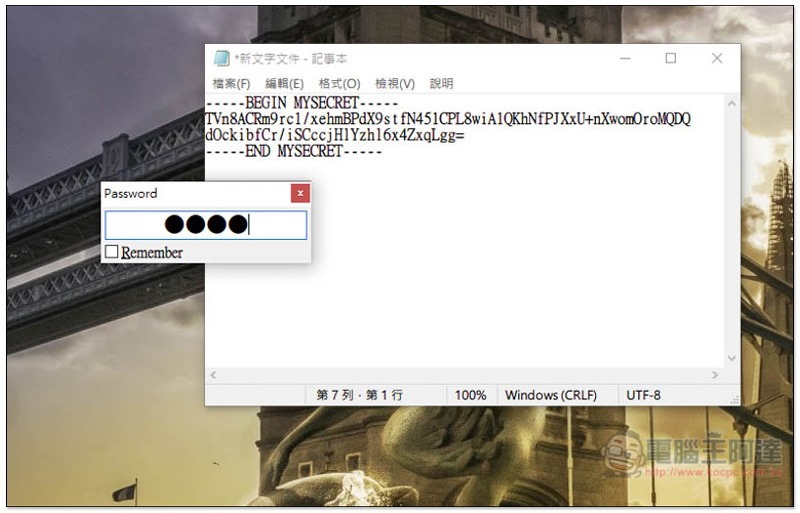
Enter the decoded password. If you are afraid of forgetting later, you can check Remember, but there is a risk. If others know the existence of this tool, they can decode it immediately by pressing the shortcut key:
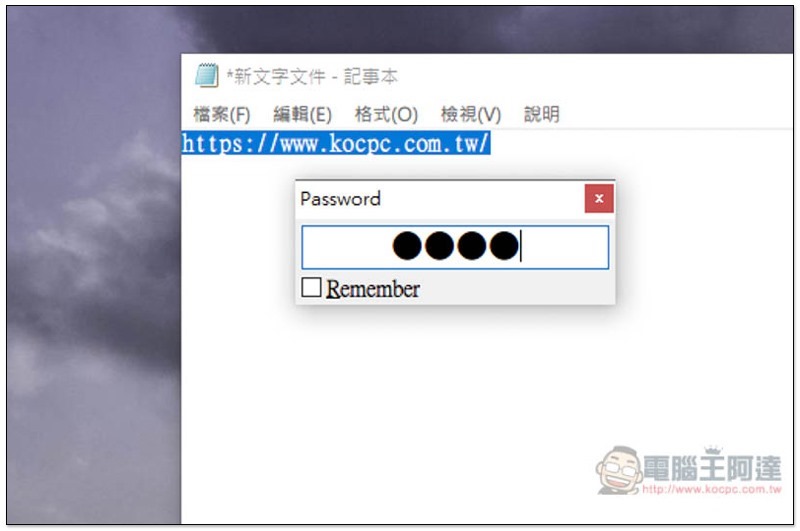
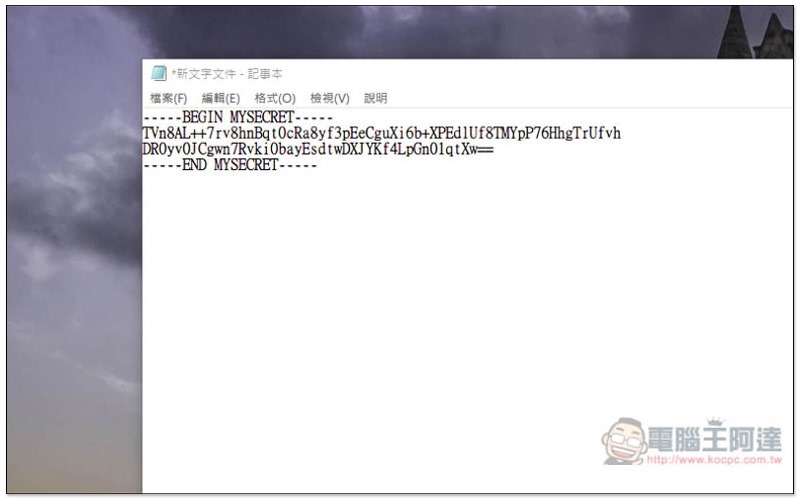
Press the Enter key, and this text will immediately turn into garbled characters. No one can understand what it means. If someone asks, they can also say that it is a system file or something like this:
The decoding method is the same. Highlight the entire text, press the Ctrl+Shift+E shortcut key and enter the password:
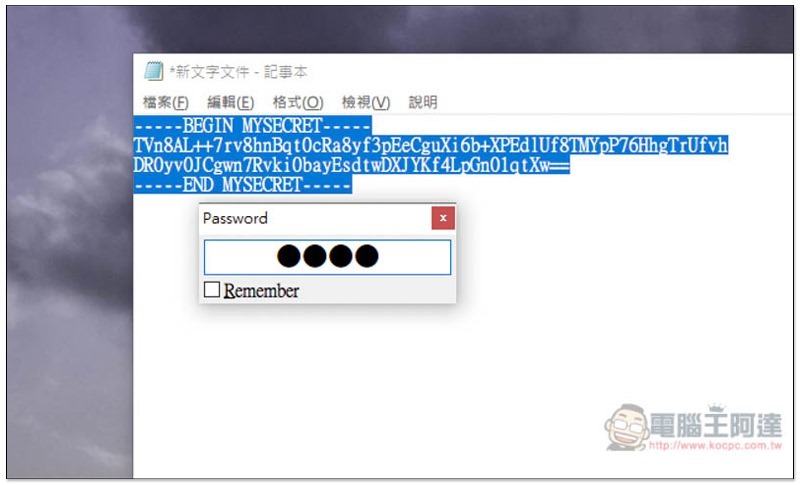
Just restore it:
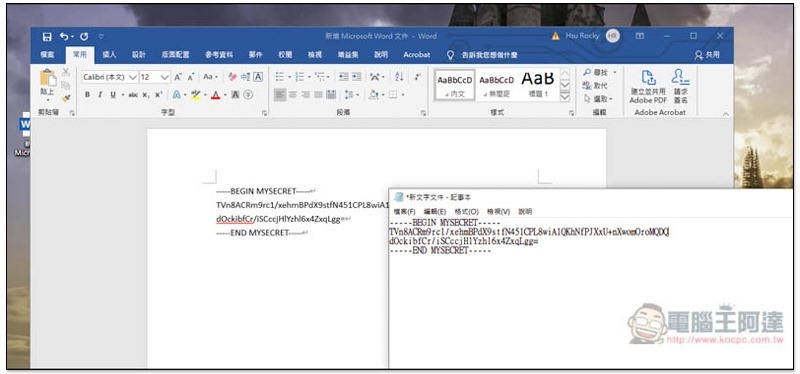
This garbled code can also be copied and pasted elsewhere. I’ll take Word as an example:
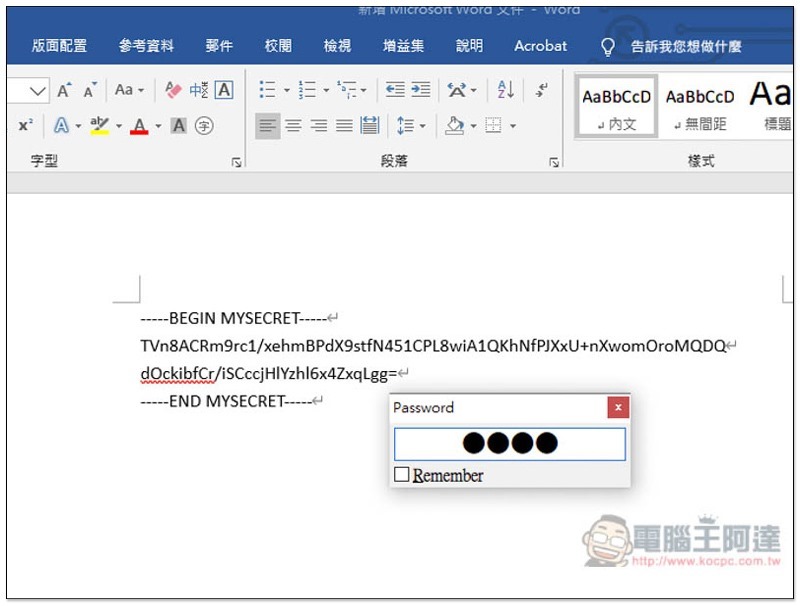
Similarly, press the Ctrl+Shift+E shortcut key in highlight, and the password input window will pop up:
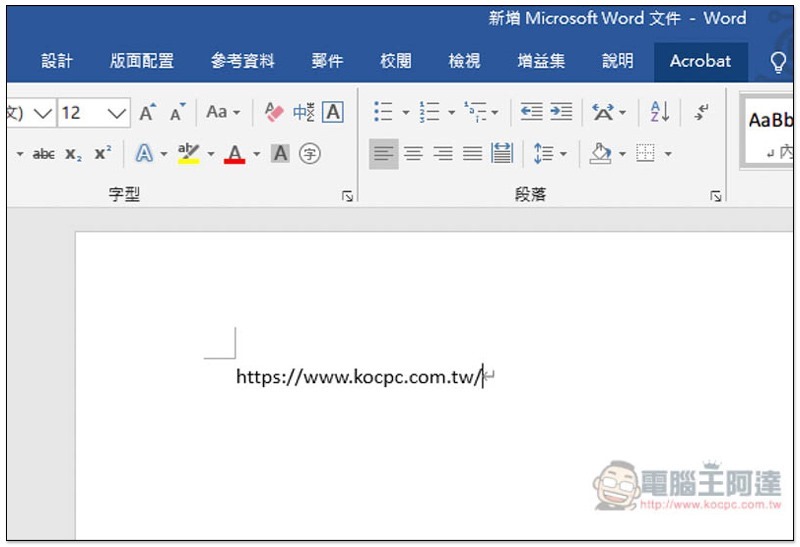
The text will be restored:
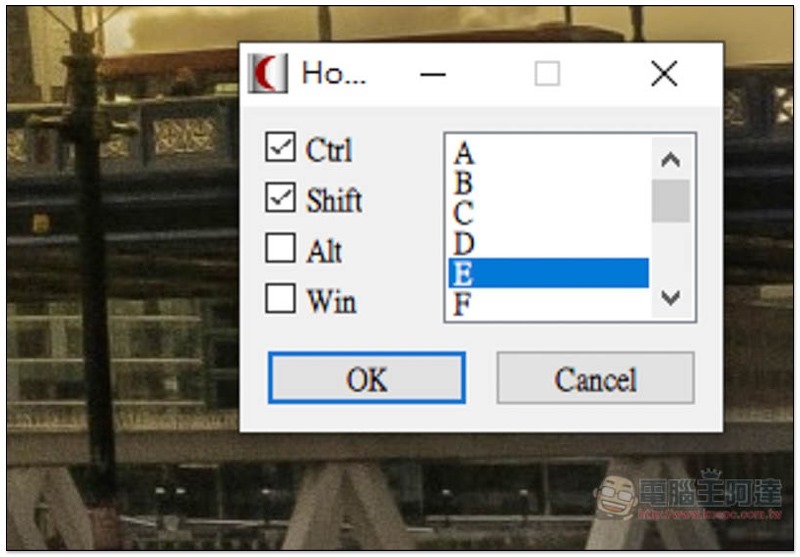
If you feel that this shortcut key is not easy to use and want to change it to another one, you can also modify this set by yourself. Open the small icon right-click menu to find the change function (Modify Encryption/Decryption Hotkey):
It depends on how you want to match it:
In addition, although this set has a Forget Password function, it seems to have no effect when I test it. No matter how I press it, there is no response. Therefore, it is recommended to remember the password, or to check Remember when setting the password.
Supplementary information
Eclipse Portable Encryptor official website:Click here to go
Source: KOCPC Chinese