


There are many ways to enhance English vocabulary. You can use mobile apps (such as:Look up single words、Four Letters、English word cooletc.), you can also buy monographs. But if you are a computer worker, or you spend a lot of time on the computer every day, searching for information on the Internet, then this free Logophile expansion plug-in is very suitable for you. When you open a new Chrome tab, a new word will be displayed to force you to learn.
Although it is said to be forced, this set does not have any usage restrictions. That is to say, when you are busy, you can jump directly to the web page you want to go to, Google search, etc., and just memorize it when you have time.
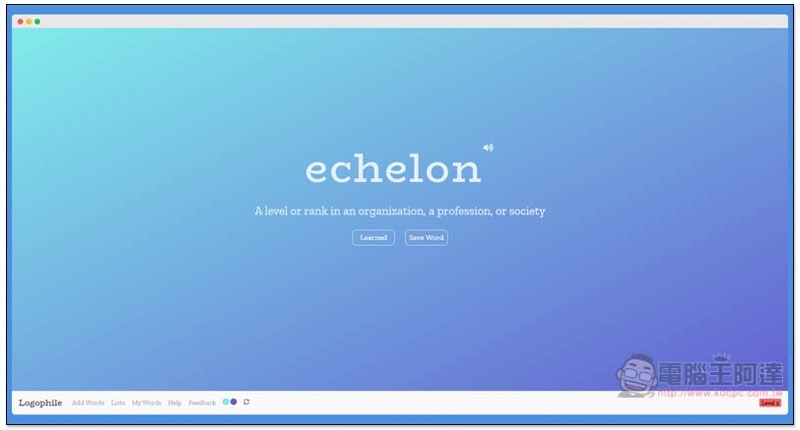
Logophile Introduction
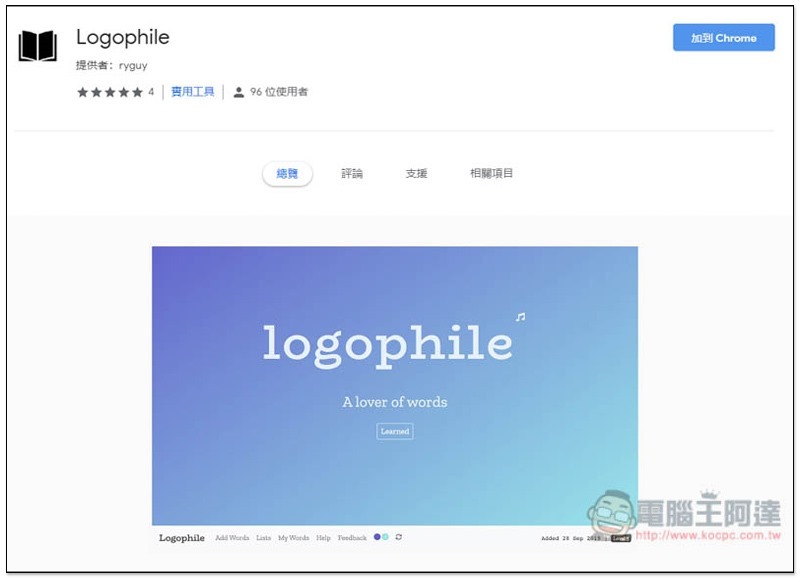
Logophile is a free extension for Chrome, so it needs to be paired with the Chrome browser. After opening Chrome,Click me to jumpGo to the Chrome extension store installation page and click “Add to Chrome” in the upper right corner:
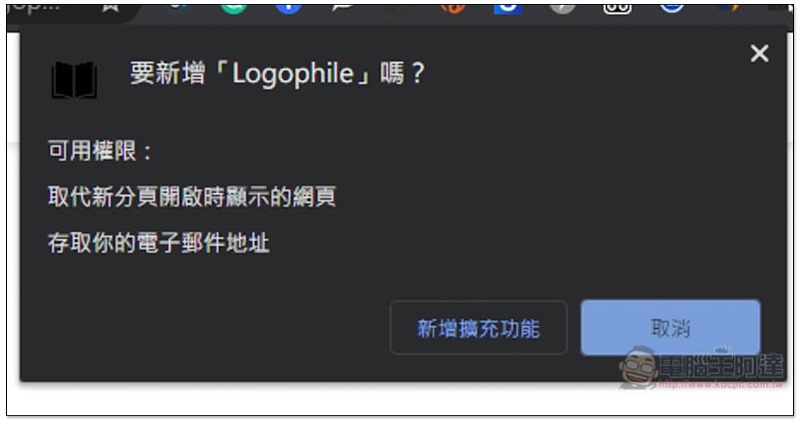
This message will pop up at the top, click “Add extension”:
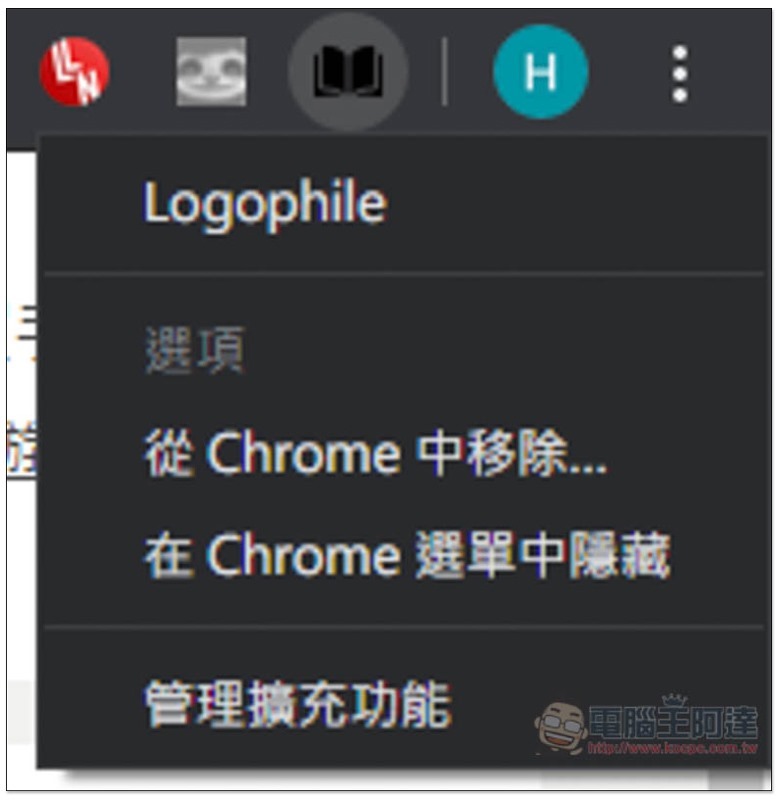
When a black book icon appears on the upper right, the installation is complete:
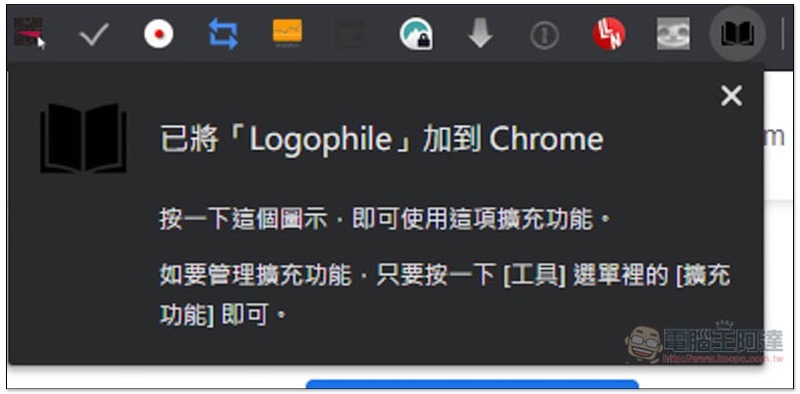
This icon does not have any functions to set, please open a new tab directly:
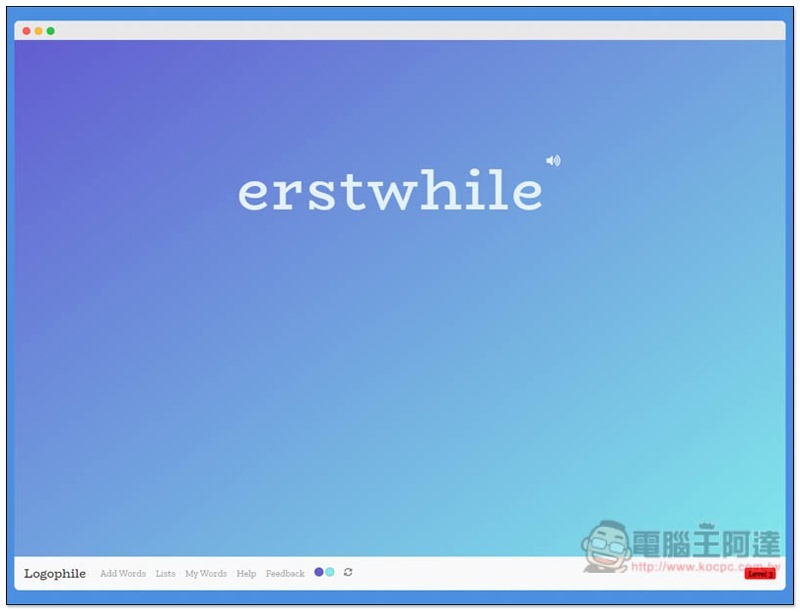
A new word will appear immediately. Press the upper right corner to listen to the pronunciation. Click on the word to view the meaning:
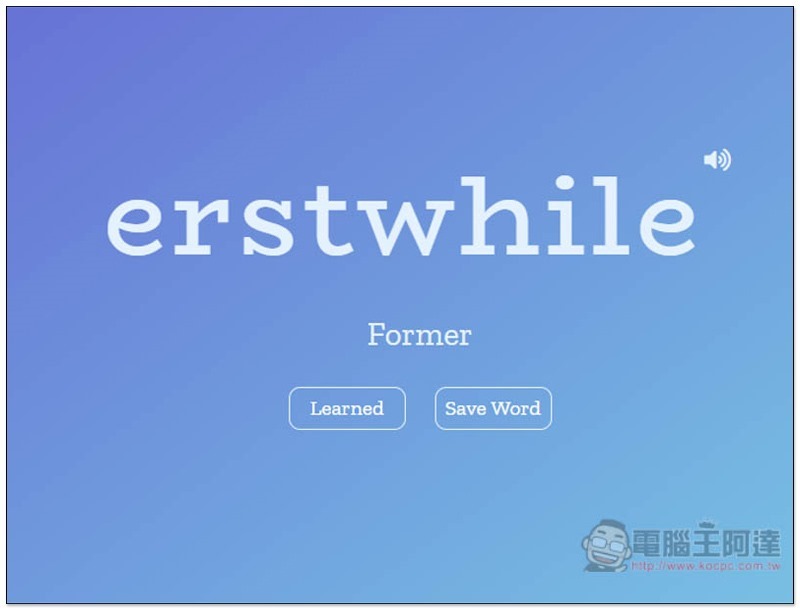
An English explanation will appear below. For this word, it means almost the same as Former. If you are not familiar with this word and want to strengthen it later, you can click Save Word below to save it (it will be saved in my vocabulary book). Learned means that you have learned it. If you click it, the word will not appear again in the future:
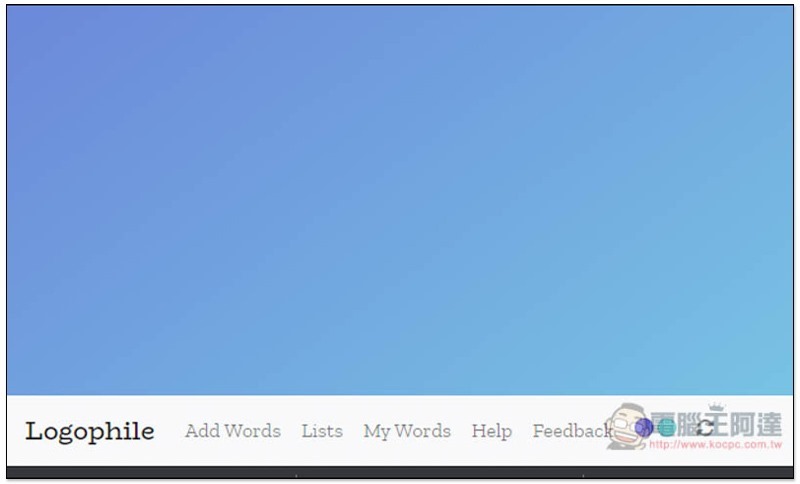
The menu is located in the lower left corner of the window, including Add Words, Lists, My Words, etc.:
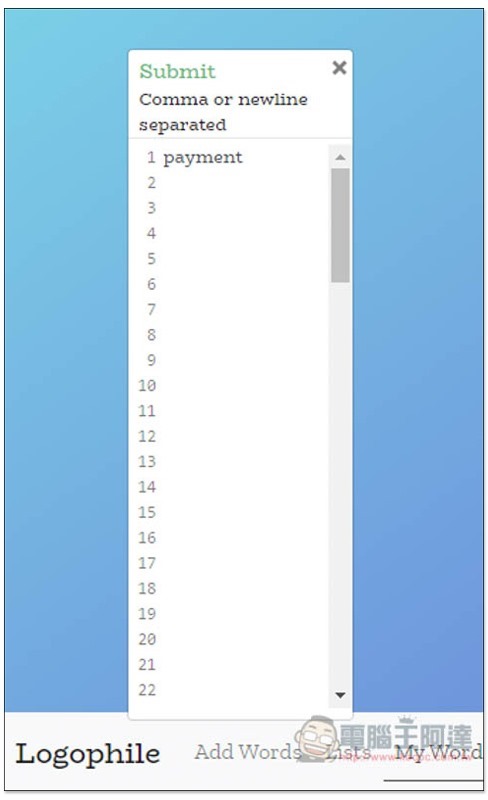
When you find a new word you want to learn while surfing the Internet, reading books, newspapers, etc., you can add it to the list through the Add Words function. After inputting, click Submit above:
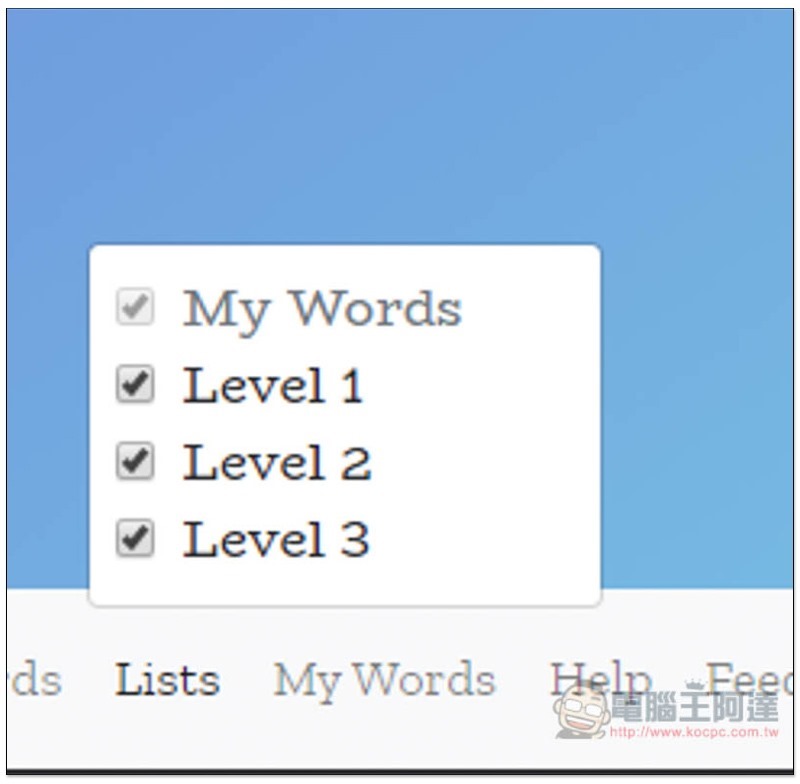
Lists is a word list, all of which are checked by default, including My Words, Level 1, Level 2, and Level 3. Personally, I suggest that if you feel that the words are too difficult, you can check My Words and Level 1 first, and then start the next stage of Level 2 or Level 3 when you are almost done learning:
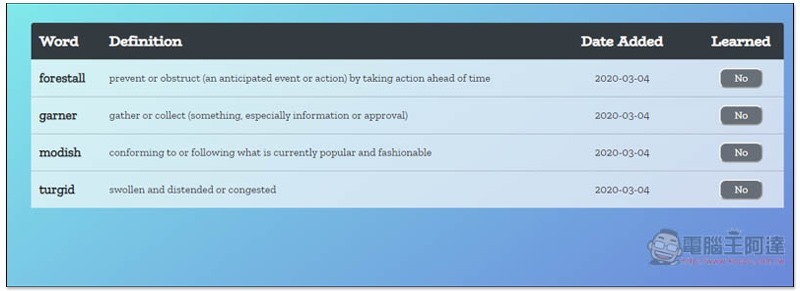
My Words My vocabulary book, each word will tell you the English explanation and the date it was added. After memorizing the word, you can switch Learned on the right to Yes:
After all, the all-English interface may be a bit difficult for beginners. I personally recommend that people with a certain basic knowledge use it so that they won’t find it difficult.
Supplementary information
Logophile expansion plug-in installation page:Click here to go
Source: KOCPC Chinese