


For computer workers, there must be some functions that are used many times every day, such as: copy, paste, restore, etc. Since they are often used, you must be familiar with the shortcut keys. Although this is very convenient, a Japanese netizen recently shared a smarter method, directly creating independent keys to copy Ctrl + C and Ctrl + V, and just press them when necessary.
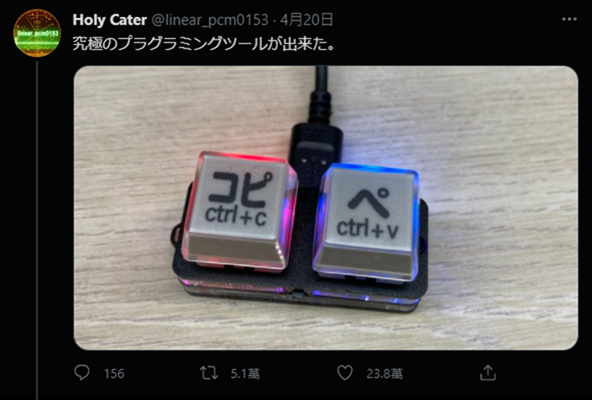
Japanese netizens share homemade super convenient Ctrl + C and Ctrl + V physical buttons
Recently, a Japanese netizen, Holy Cater, shared his homemade independent button on Twitter. It not only has Japanese copy and paste and the words Ctrl + C and Ctrl + V, but also supports RGB light design, which can be adjusted to light up when connected to the computer, or to light up after pressing the button.
Below is a video of his demonstration:
https://twitter.com/linear_pcm0153/status/1384385357442023424
With this independent key, when he needs to use the copy or paste function in the future, he only needs to press these two keys, instead of using the Ctrl + C or Ctrl + V shortcut keys on the keyboard.
And because it is so practical and convenient, this post received 50,000 retweets and more than 230,000 likes in just a few days. Not only Japanese netizens, but also foreigners also left messages.
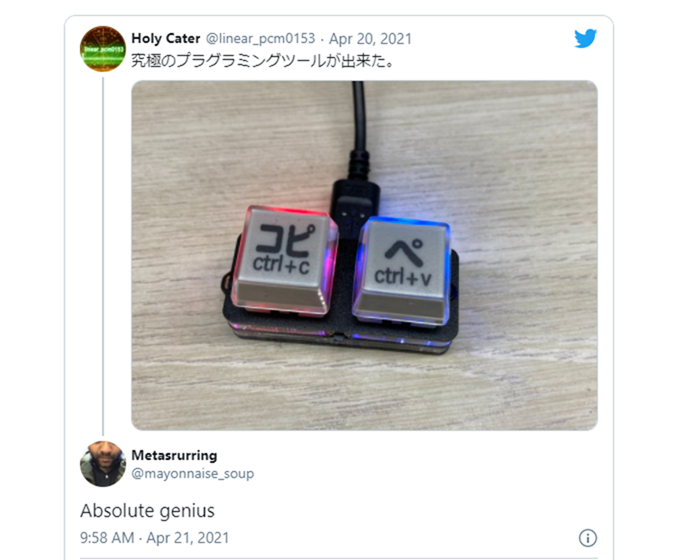
This is absolutely genius:
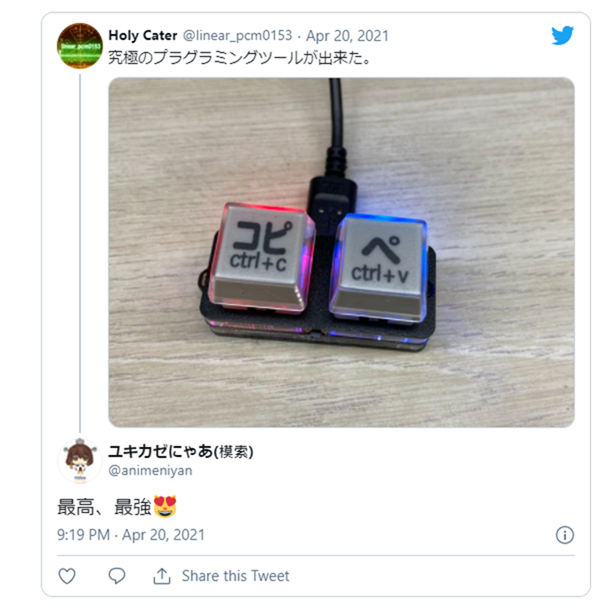
The highest and strongest:
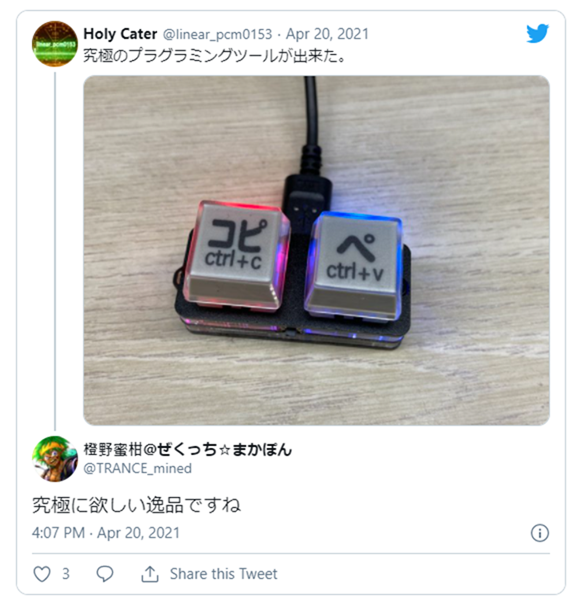
This is the ultimate treasure that makes people want it:
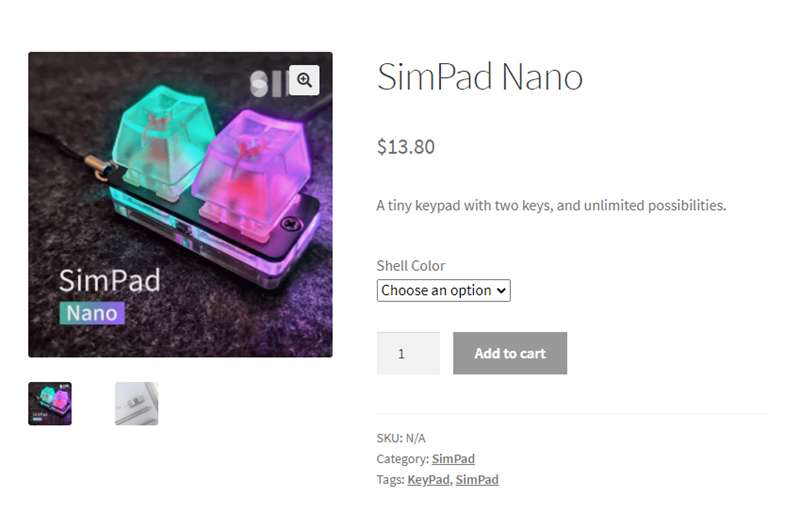
Holy Cater also doesn’t hide his private sharing, his button is from SimPad The one he purchased is called SimPad Nano and uses a USB Type-C connection interface (USB to USB-C). The price is not expensive, only 13.8 US dollars. It is basically completed after buying it. The main modification he made was to add Japanese and English characters to the buttons:
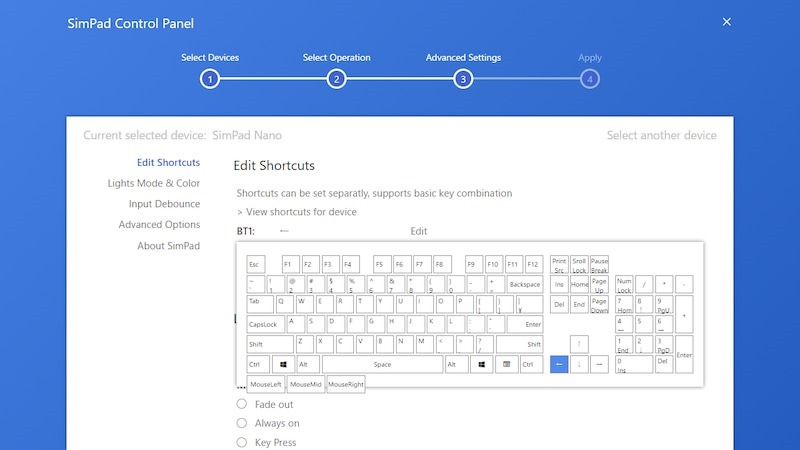
After purchasing it, you can set the shortcut keys corresponding to these two keys directly through the official SimPad Control software. Both Winodws and Mac support:
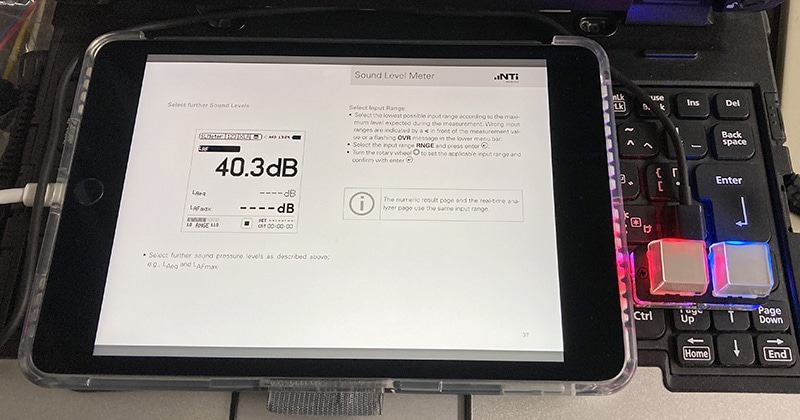
He also tried connecting to the iPad to use, which is indeed feasible:
In addition to SimPad, many manufacturers on the market have launched similar products, which can set up to 9 shortcut keys. It is worth considering for computer workers:
Blog更新
Ableton Live、QLab、qwertyGo!、Maxなどにおすすめの9キープログラマブルキーボードです。設定ソフトウェアはWin & Mac対応です。
別売のキートップでカスタマイズが可能です。
『Koolertron プログラマブルメカニカル9キーボードの紹介』
⇒ https://t.co/FAHcKAWbzW #アメブロ pic.twitter.com/2Tvi7WVEXR— Holy Cater (@linear_pcm0153) April 1, 2021
Source: KOCPC Chinese