


Although it is said that it is best to install a separate graphics card to play games, not everyone has the budget, or just wants to play occasionally. You will definitely want to know whether relying on Intel’s internal graphics is enough? Especially this time, the internal graphics performance of the eleventh generation desktop computer has been greatly improved. Recently, a foreign YouTube channel has actually measured the performance of Intel HD Graphics 750 in 9 games, many of which are 3A masterpieces. It should be a good reference for you. I will summarize them below.
Video introduction of actual test of playing 9 game masterpieces using Intel HD Graphics 750 internal display
Recently, the foreign YouTube channel Benchmark released a video of Intel HD Graphics 750 actually testing 9 games. The computer equipment used is:
- Processor: Intel Core i7-11700K
- Display chip: Intel UHD Graphics 750
- Memory: 32GB (2×16) DDR4 3600MHz CL16
- Motherboard: ASUS ROG Strix Z590-E Gaming WIFI
- Storage space: Samsung 970 EVO Plus SSD 1TB
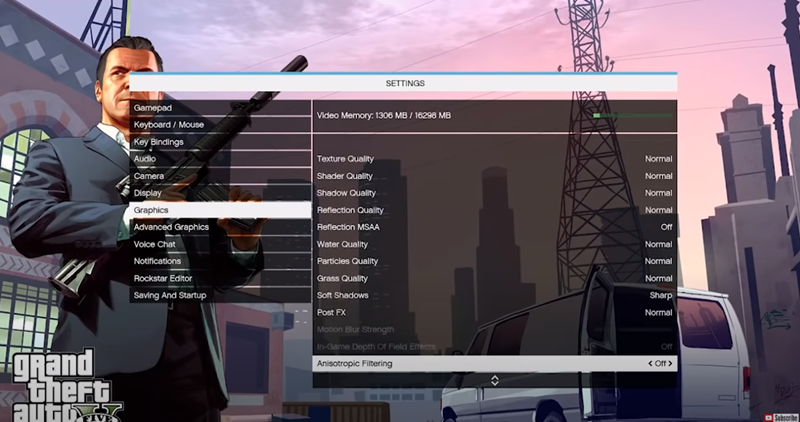
The first game is “Grand Theft Auto V”. Most of the image quality settings are Normal, and the game is played on a 1920×1080 full screen:
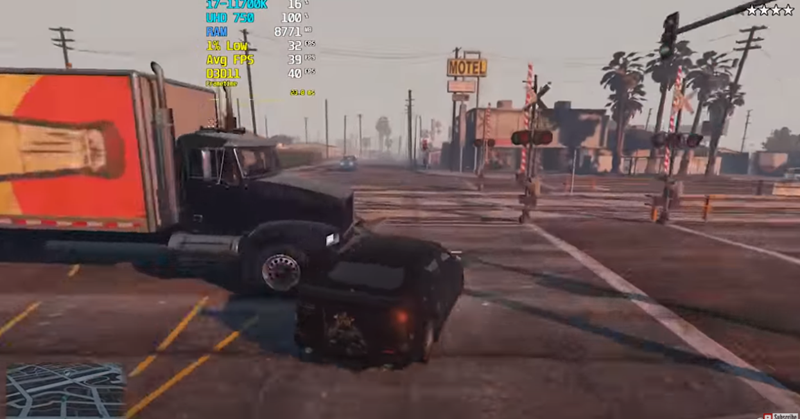
The average FPS is stable around 40, and overall it looks pretty smooth, so people who want to play this game are basically fine:
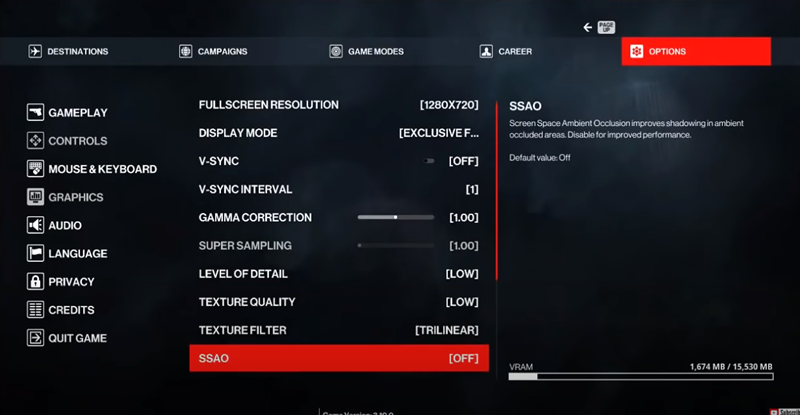
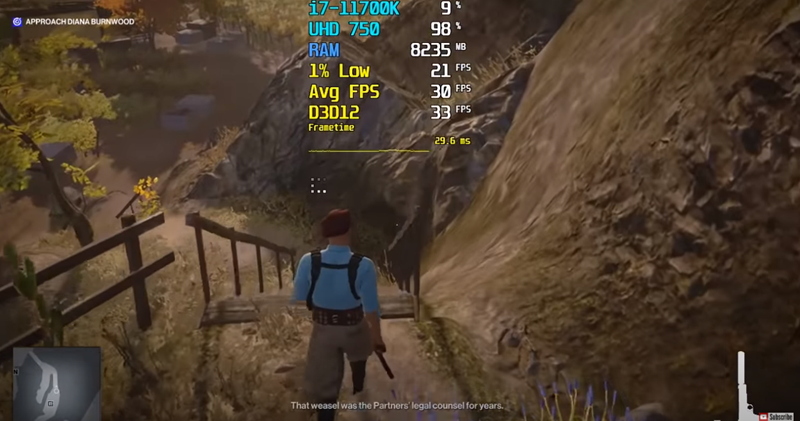
The second game is “Assassin’s Mission 3”. Judging from the image quality settings, it is obvious that the internal display is not enough. Using 1280×720 resolution, the details and texture quality are LOW:
The average FPS is around 30, and the screen will be a little stuttery:
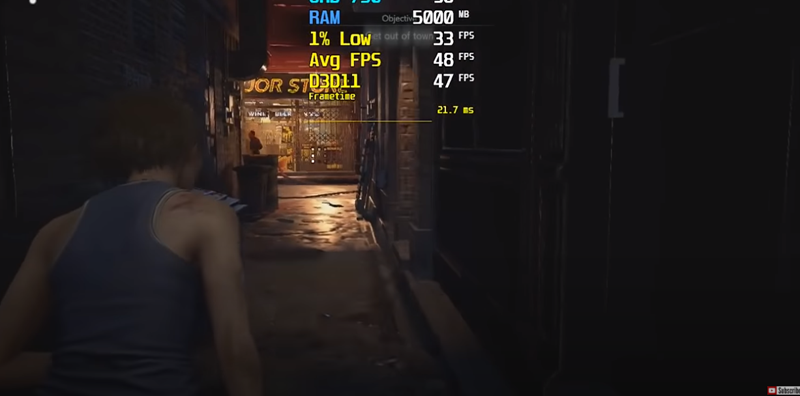
The third game is “Castle of Evil 3”, which uses normal image quality settings and the resolution is also 1280×720:
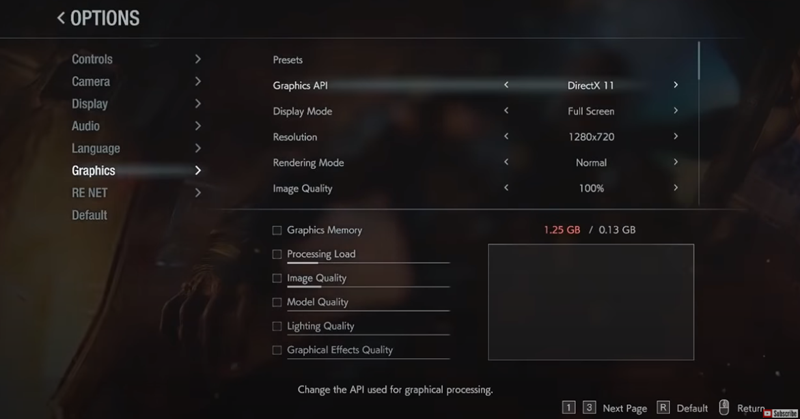
The average FPS is around 48, and the picture is pretty smooth:
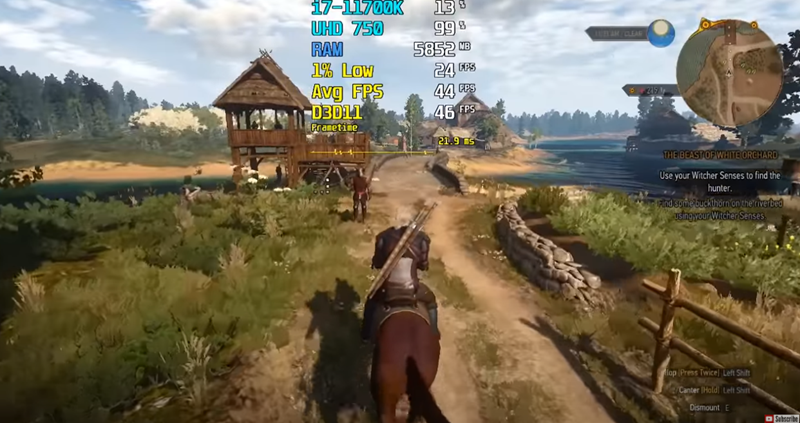
The fourth game is “The Witcher 3: Wild Hunt”, the resolution is set at 1280×720, and most of the image quality settings are Low:
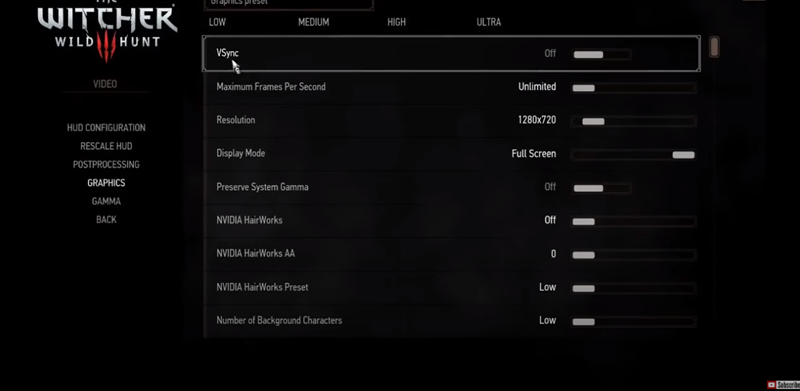
The average FPS performance is also okay, around 42 FPS, but sometimes it feels like the screen pauses:
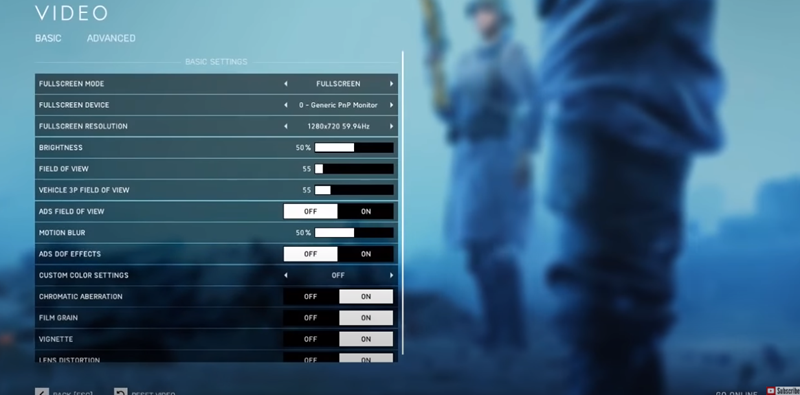
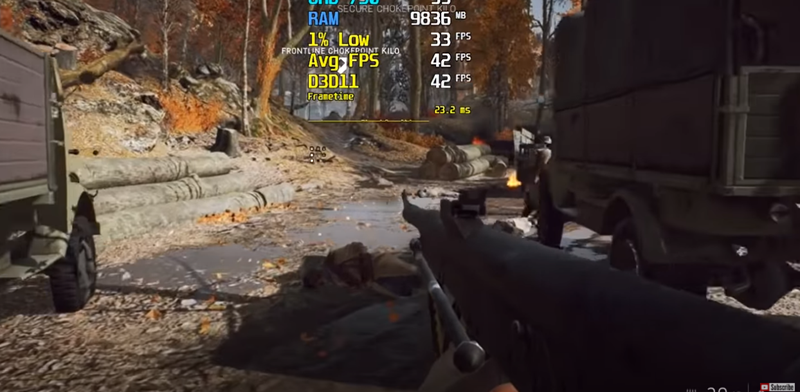
The fifth game is “Battlefield 5”, the same resolution is set at 1280×720, and the image quality settings are Low:
The average FPS is around 42, and it plays smoothly, but the image quality is a bit worse:
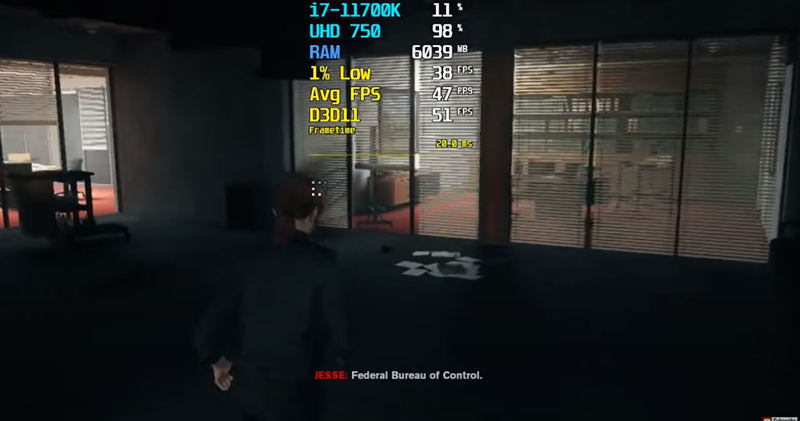
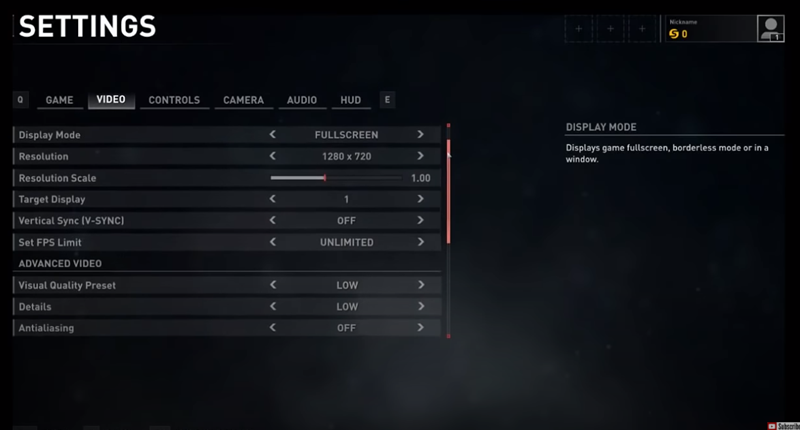
The sixth game is “Control”, with a resolution of 1280×720 and image quality settings of Low:
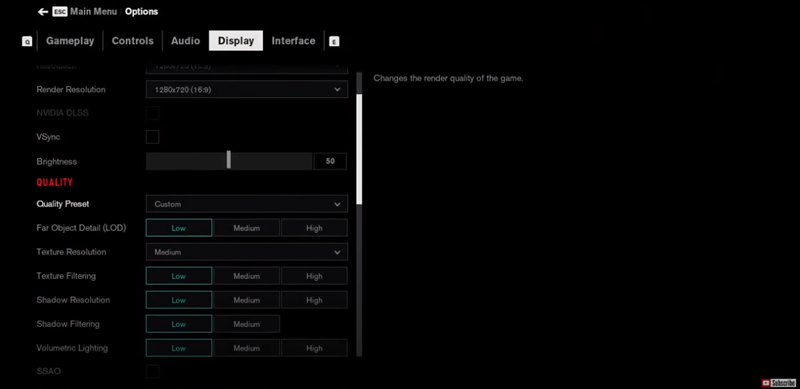
The average FPS is quite high, around 45 FPS, so people who want to play this game are basically fine (but they must use this image quality setting):
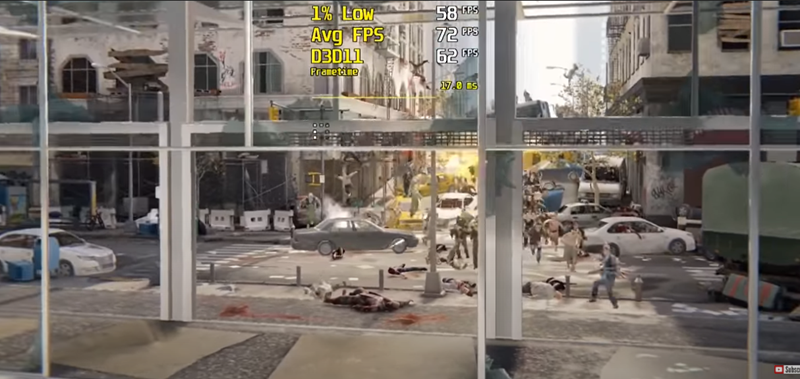
The seventh game is “World War Z”. The image quality settings are the same as the previous games, 1280×720 resolution and Low quality:
Among the 9 games, the one with the highest average FPS is up to 72 FPS, and the picture is very smooth:
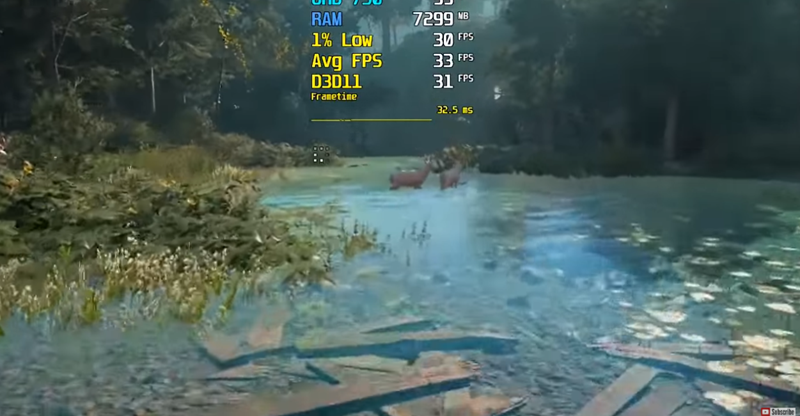
The eighth game is “Arctic War Cry: Breaking Dawn”, 1280×720 resolution and Low quality settings:
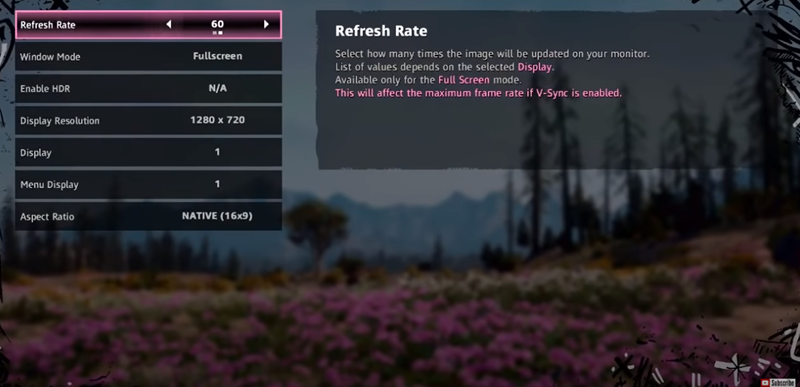
The average FPS is 33. In most cases, the picture is smooth, but occasionally there will still be a pause and startle:
The last game is “Thriller: Exile”, the image quality settings are also the same, 1280×720 and Low quality:
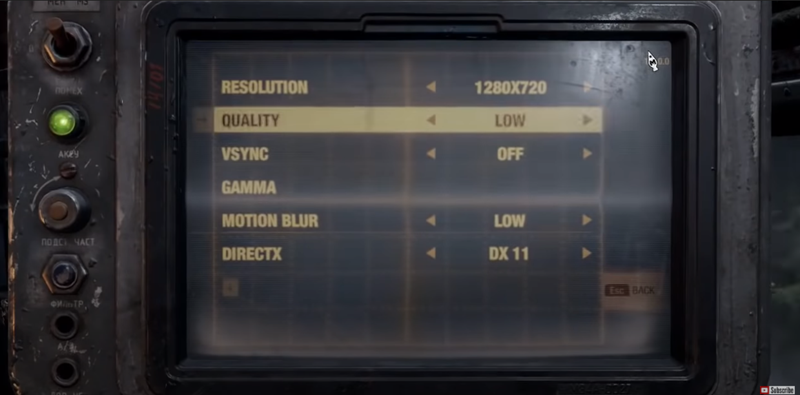
With an average performance of 35 FPS:
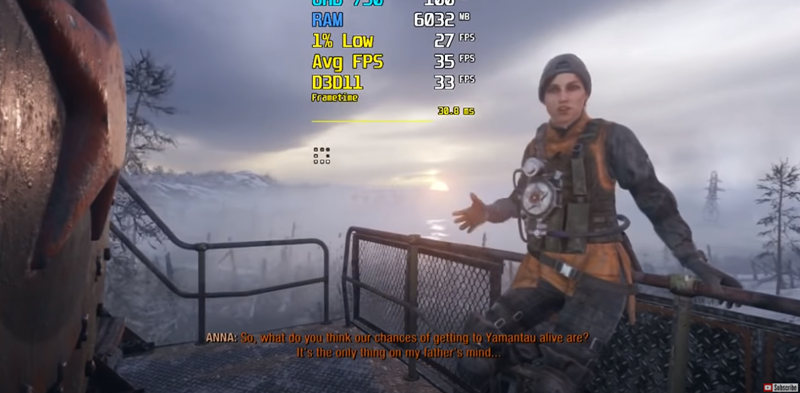
So overall, if you want to play 3A game masterpieces with the Intel HD Graphics 750, some of them are indeed okay, but you have to endure a much lower picture quality. In addition, since 3A games have such performance, non-3A games should basically be fine, at least they can set higher-level image quality settings.
Full video:
Source: KOCPC Chinese