


Last year LINE launched “LINE community” This public online chat room on LINE supports real-time group chats with up to 5,000 people, and also has a community administrator function for easy management. As LINE was fully opened to all users to establish their own LINE communities at the beginning of this year, and more and more users joined the community, the LINE community team also recently launched a new “automatic response” function to make it easier for administrators and co-administrators to manage the order in the daily community and reduce the time required to manually send messages.
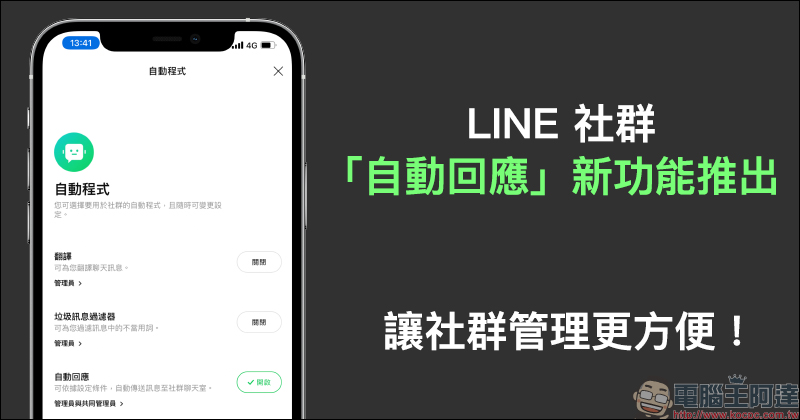
LINE community’s new “automatic response” function is launched, making community management more convenient!
Recently, the LINE community launched a new “automatic response” function, allowing administrators of the LINE community to set three automatic response functions: “welcome message”, “reservation message” and “keyword response message”. If LINE community administrators want to set up automatic response related functions, the administrator or co-administrator needs to upgrade to LINE 11.0.0 (inclusive) or above and complete the relevant settings on the mobile phone. After the automatic response function is set up, all automatic response messages can be seen by members of the LINE community on both mobile phones and computer versions!

▲Picture source:LINE Taiwan official BLOG
The “Auto-Response” function of the LINE community needs to be authorized by the main administrator, and then the co-administrator can start using it. First, click the “≡” icon in the upper right corner of the social chat room to open the function menu, then select “Automated Programs” and check “Administrator and co-administrator” in the automatic response to “Management Permissions”.
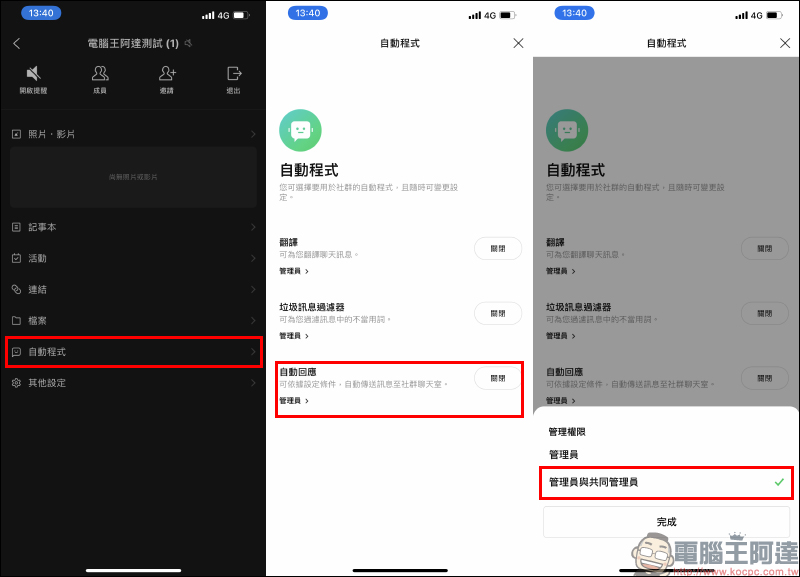
The “automatic response” function of the LINE community currently provides three modes: “Welcome message”, “Reservation message” and “Keyword response message”:
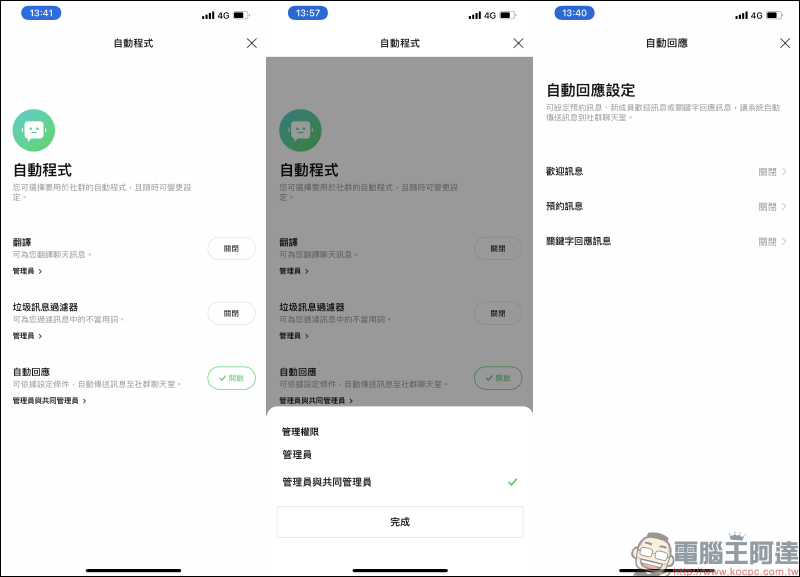
welcome message
For new members who join the LINE community, administrators can choose to set the automatic response function of the “Welcome Message” in order to make all new members feel welcome and understand the community’s board rules and other relevant must-read information. When multiple people join at the same time, only one welcome message will be sent every 3 seconds.
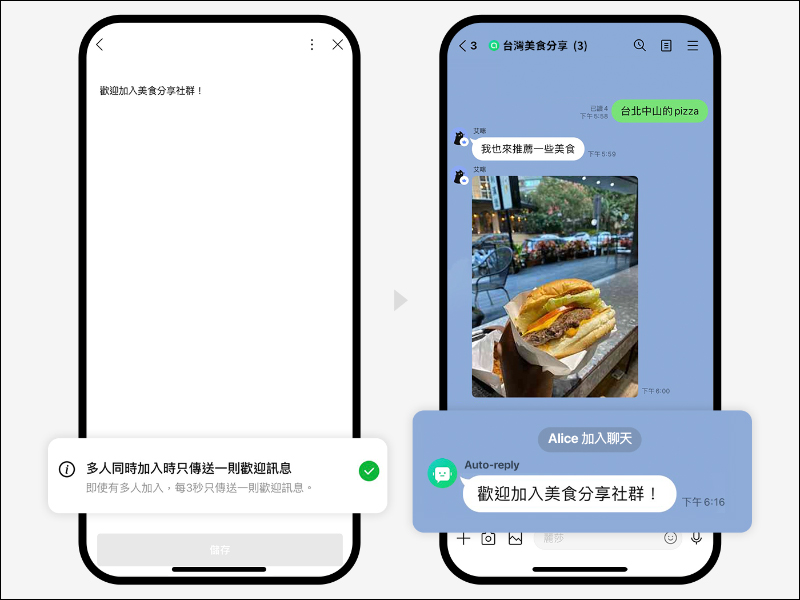
▲Picture source:LINE Taiwan official BLOG
- How many groups can be set: upper limit: 1 group
- Content limit: 500 characters maximum
- Can it be edited and deleted after creation: Yes
Appointment message
In order to encourage or drive discussions in LINE community chat rooms, administrators may sometimes need to regularly promote discussion topics in the community, and automatic responses to “appointment messages” are a good way to do this.
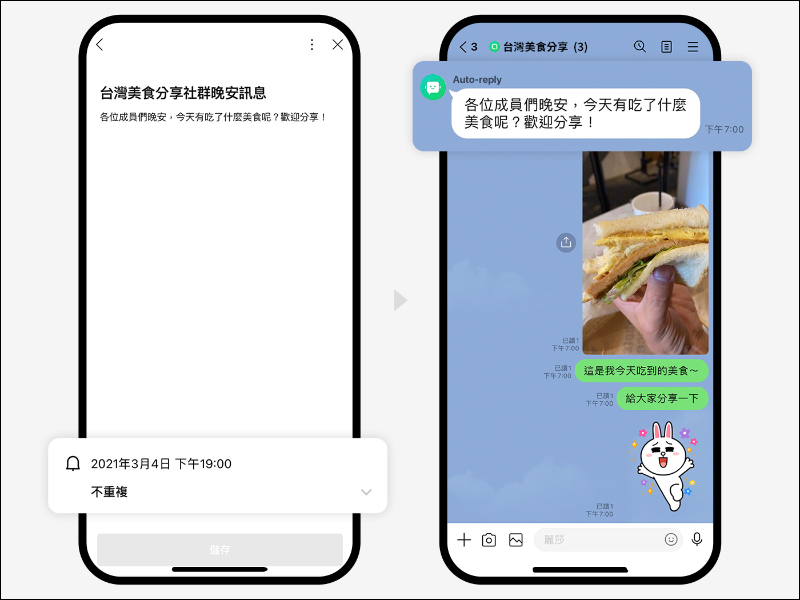
▲Picture source:LINE Taiwan official BLOG
- How many groups can be set: upper limit 1,000 groups
- Content limit: 500 characters maximum
- Sending time: You can set the sending date and time (year/month/day/time)
- Sending frequency: can be set to be non-repeating/daily/weekly/monthly
- Can it be edited and deleted after creation: Yes
Keyword response message
The LINE community has a large number of members, and it is inevitable that members will often ask repeated questions, or send or ask gray area messages that may cause trouble to others. This is quite time-consuming for administrators to manage and keep an eye on. In the past, you had to rely on administrators and some enthusiastic members to respond proactively, but now you can use “keyword messages” to respond automatically. Administrators can set content such as “Form Rules” so that members will automatically reply when they enter these keywords.
After the keyword is set, the system will automatically add a “/” symbol in front of the keyword.
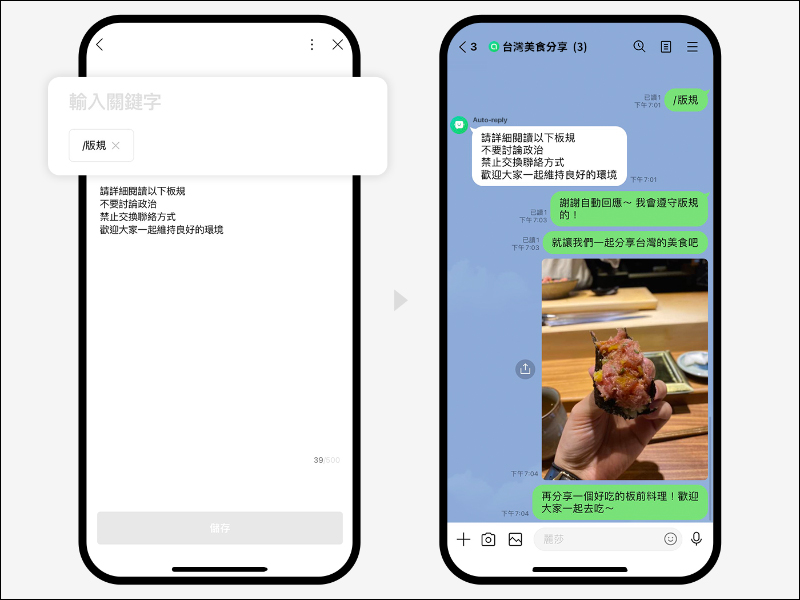
▲Picture source:LINE Taiwan official BLOG
- How many groups of automatic responses can be set: the upper limit is 1,000 groups
- Auto-response content limit: 500 characters
- How many keywords can be set for each group of automatic responses: 30
- How long a keyword can be: 20 characters maximum
Source:LINE Taiwan official BLOG
Further reading:
Collection of 14 free stickers for LINE: So many cute LINE stickers for free download!
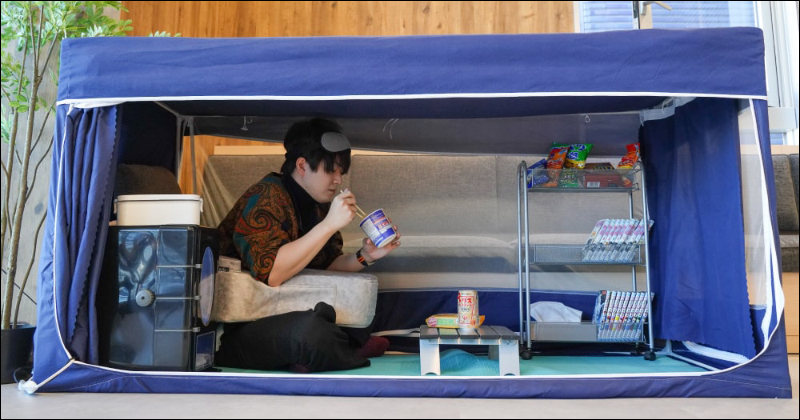
Japan’s THANKO launches “secret base for marginalized people” multi-functional modular tent
Source: KOCPC Chinese