


There are a lot of free software on the Internet, and for people who are not good at English, they will definitely want to find free software that supports Chinese, but be really careful when looking. A while ago, a YouTuber actually tested 5 Chinese rogue software (also known as malware). Not only was the browser homepage kidnapped, but other software was also stolen on the computer. Even the CPU and RAM resources were heavily occupied. In the worst case, 100% usage rate could not be maintained at all times, and there was also anti-virus software…

YouTuber’s actual test of installing 5 Chinese rogue software on a clean system
The Zero Degree Commentary YouTube channel recently shared a video titled “Don’t install these five most rogue software! Otherwise there will be unexpected consequences.” The five softwares are “2345 Browser, Kingsoft Antivirus, Driver Wizard, Sogou Input Method and 360 Guard”.
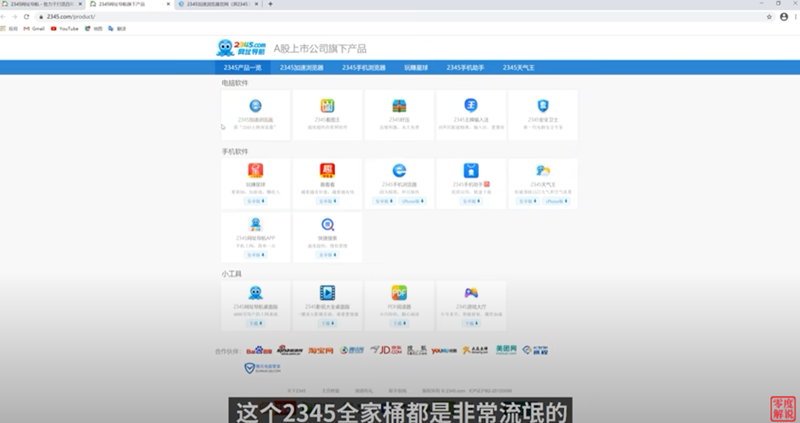
In order to fully expose the rogue capabilities of these browsers, they used the cleanest Windows 10 system for testing, and first installed the 2345 browser. Zero Degree Commentary also mentioned that not only the browser, but also the software of 2345 Family Bucket is actually very rogue, such as viewing pictures, making easy pressure, etc., but this time we will test the browser:
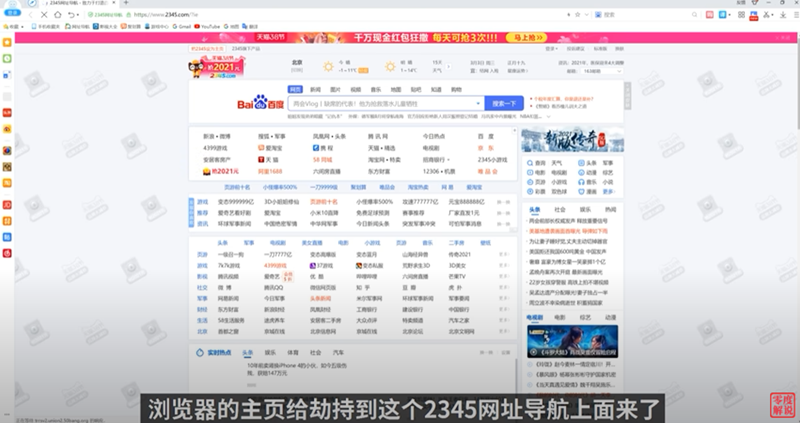
After the installation is completed and opened, the homepage of the IE browser is hijacked into the 2345 website, but I think it is normal. After all, the default homepage of Chrome is also Google search. It is reasonable to set the 2345 browser homepage to the 2345 website. I don’t know whether it has moved to the homepage of the built-in Edge browser in Windows:
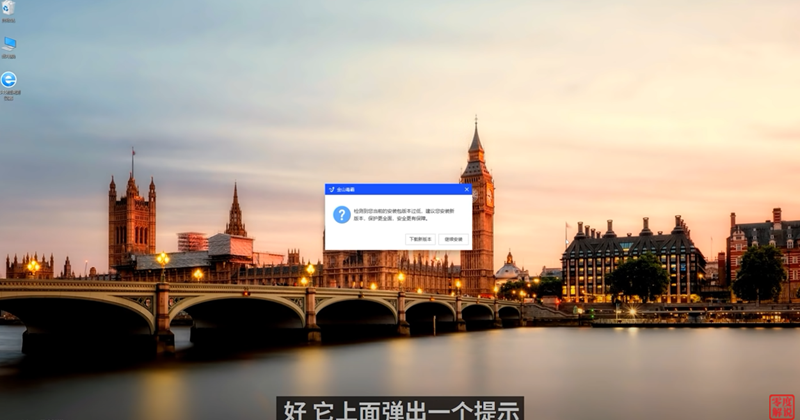
The second set of anti-virus software, Kingsoft Antivirus, is quite special. After downloading the installation file from the official website and executing it, a message appears that the current installation package version is too low, requiring another download of a new version. It feels like I am trying to escape something:
What’s even more embarrassing is that although this software is obviously an anti-virus software, the installation process is blocked by Windows Defender after detecting threats:
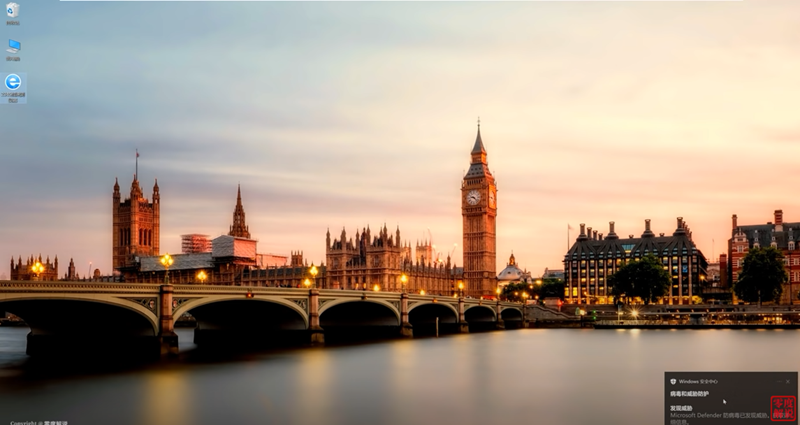
In order to continue testing, they turned off Windows Defender:
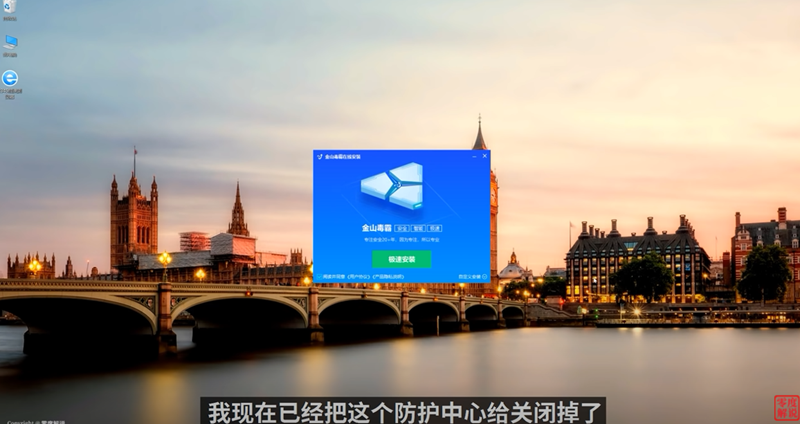
You can also find during installation that this software will automatically install the software manager secretly behind the scenes:

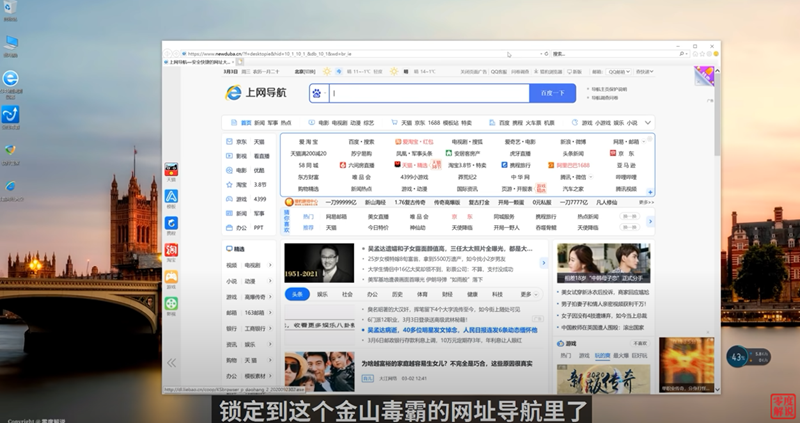
Then I checked the IE homepage and was kidnapped to the website of Kingsoft Antivirus:
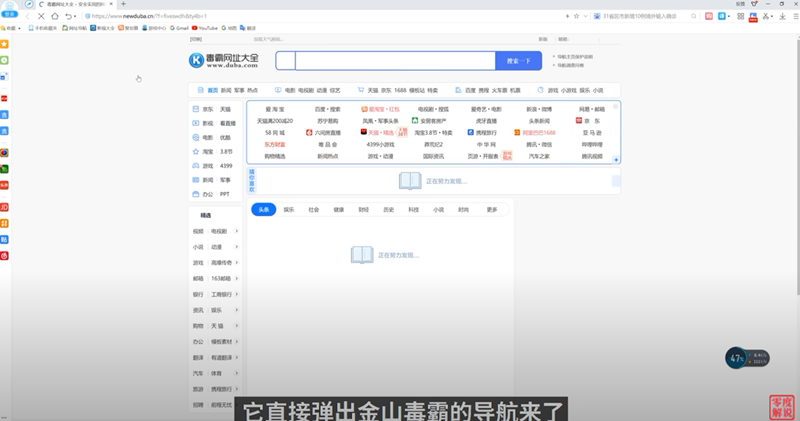
The amazing thing is that even the homepage of the 2345 browser is hijacked, and the opening speed is obviously much slower:
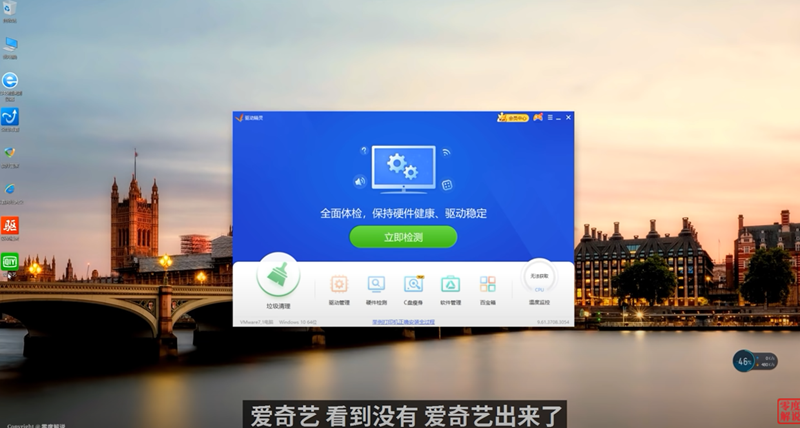
The third set of driver wizards will secretly install iQiyi and Cheetah Safe Browser behind the scenes:
If the fourth set of Sogou input method has user experience checked, your information may be sold to third-party advertising companies. Although this system will also hijack the homepage and install other software, it should not be affected if you uncheck the box on the installation completion screen:
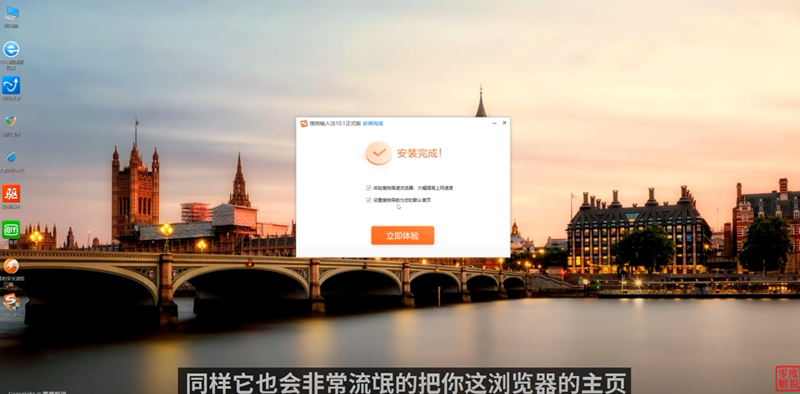
The last 360 Defender is the most rogue. It can not only block the settings of the previous software, but also install the 360 browser. In addition, it also has pop-up full-screen advertisements (when your computer is idle):

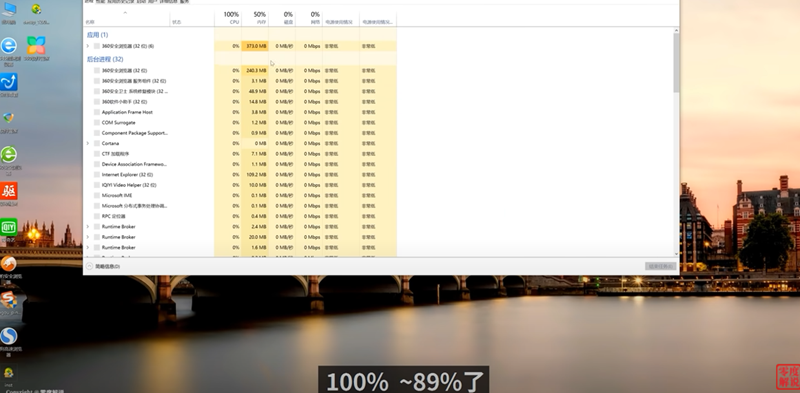
At this time, I checked the CPU usage and found that it was maintained at a high level of 100%, RAM was also at 50%, and it did almost nothing:
Full video:
Overall:
- 234 The browser will change the homepage
- Kingsoft Antivirus will change the home page and install the software manager
- The driver wizard will install iQiyi and Cheetah Browser
- Sogou input method will sell user information, change the homepage, and install Sogou browser.
- 360 Guard will block all settings of previous software and installation of 360 Browser
Therefore, you really need to pay more attention when looking for free software on the Internet. After installing it, if you feel that the computer settings seem to have been changed, unknown software appears, or the homepage becomes hijacked, basically there is a big problem with this software.
Source: KOCPC Chinese