


It seems that the user experience of Google Maps’ new interface will be spread to more applications in the future, right? Because after the recent update of the Android version of Google Play Store, it has also been confirmed that the design of the three horizontal lines collapse button menu in the upper left corner has been changed to a design consistent with the new version of Google Maps service, and the settings and search functions are also different. Continue reading Where did the new Google Play Store feature go? (Let me show you how to play it) Report content.
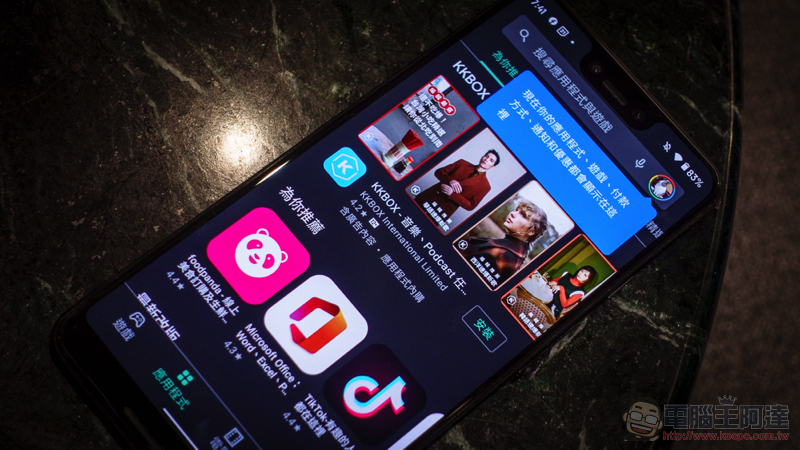
Where are the new Google Play Store features? (I’ll show you how to play it)
Perhaps it is because it wants to correspond to the system gestures of the new generation of Android, and does not want the three-horizontal hamburger menu to have the interference problem of the edge of the screen sliding in. At present, Google has changed almost all official applications to focus the options on the pop-up window design in the circular account icon button in the upper right corner of the application. This Google Play Store update also uses the same method.
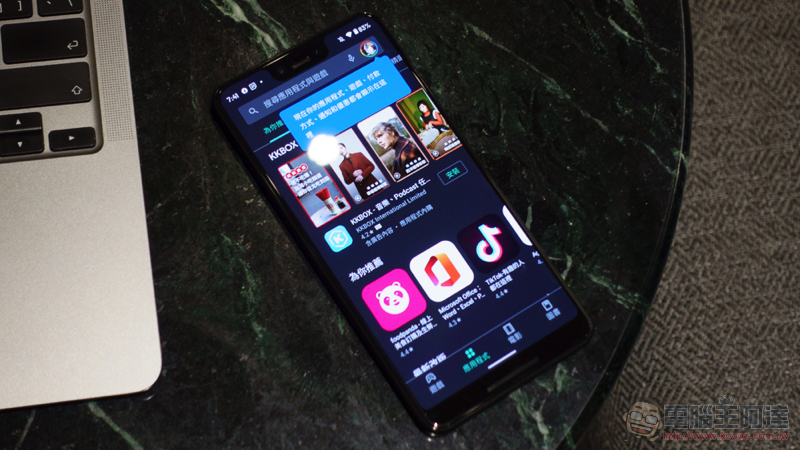
Basically, as long as you have received this update, you should see a blue prompt text after opening the Google Play Store app store, informing you that now “your apps, games, payment methods, notifications, offers, settings” and other functional options will be concentrated in the upper right corner of the app.
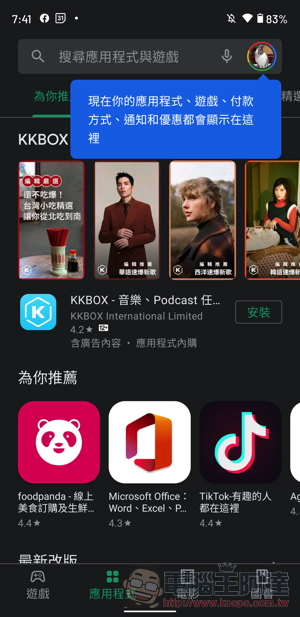
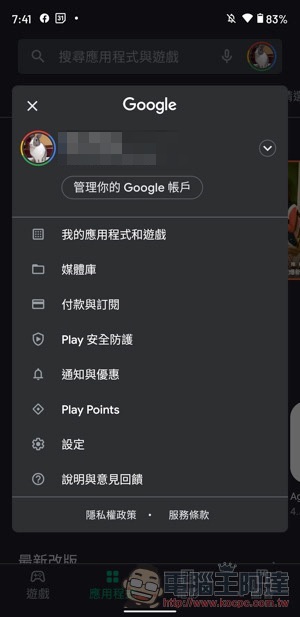
Fortunately, the sub-menu button of long-pressing the application shortcut on the desktop is still there. In fact, most of the time I enter the Play Store is to confirm whether there are app updates. And if you are already in the Play Store app, you no longer have the function of sliding in to open the menu on the left, and you have to click on the upper right corner to find it.
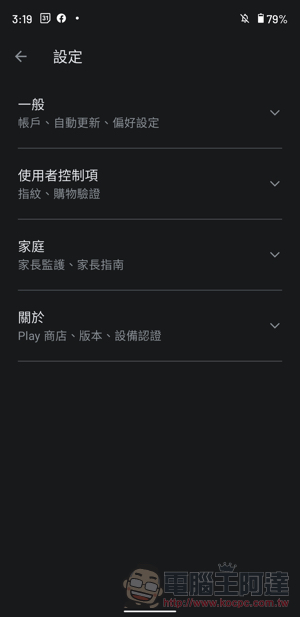
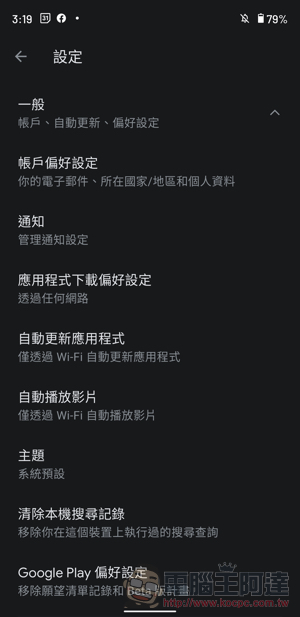
This interface revision actually also revised the “Settings” function of the Play Store. The layout of all options in the past was changed to an expandable menu with four categories: “General/User Controls/Home/About” – to be honest, I rarely click here, only to find that the options of the Google Play Store app alone are as complicated as Android system settings…
It is said that this Android version of the Play Store update has been gradually pushed to all users, and I believe everyone should receive it soon.
Further reading:
Isn’t this coming? Sony A7R4a and A7R3a changed their low-resolution screens
Apple Find My search network officially supports third-party accessories finding/anti-lost function
Source: KOCPC Chinese