


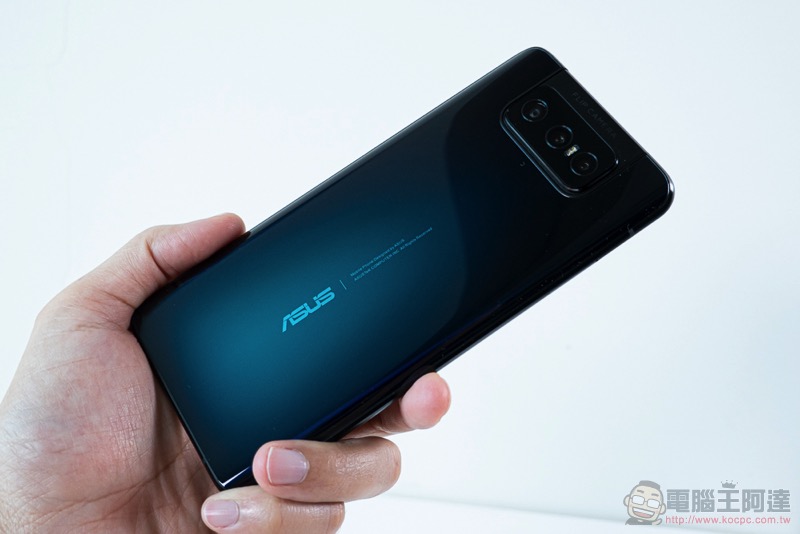
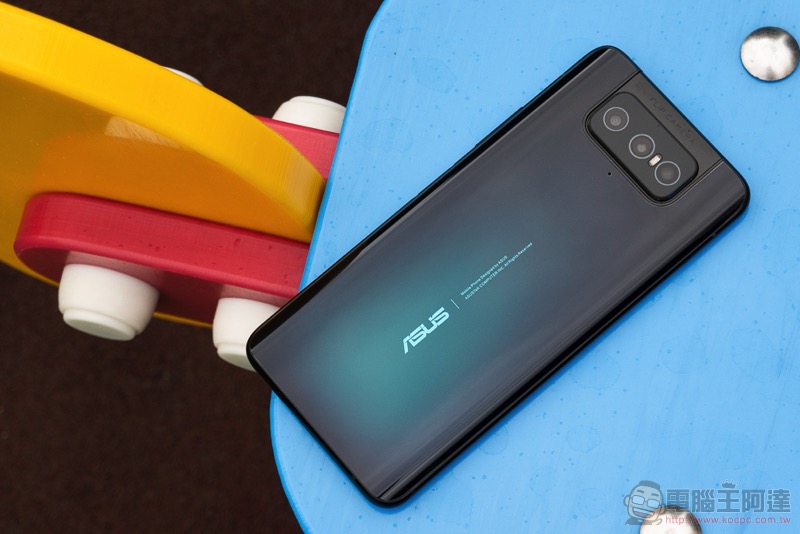
Because of the unique flip camera design, you can upgrade to 3 lenses while allowing both the front and rear cameras to enjoy simultaneous upgrades to provide powerful shooting performance. ASUS ZenFone 7 / 7 Pro. After several months of testing, the update to Android 11 has been officially launched. This update will bring a new look to a number of original applications and provide the latest standard features of Google smartphone systems to ZenFone 7 series users. Continue reading the text of the report that ZenFone 7 / 7 Pro official version Android 11 update has started to be pushed.

ZenFone 7 / 7 Pro official version Android 11 update starts to be pushed
After a period of testing, ASUS has also provided the official version of the Android 11 system upgrade to users of the ZenFone 7 series, including ZenFone 7 Pro (ZS671KS) and ZenFone 7 (ZS670KS) models. This [210325]ZenFone 7 Pro / ZenFone 7_WW_30.40.30.93 (Android 11) update will be automatically pushed within 1 week.
In terms of functionality, it is not surprising that Android 11’s latest long-press shutdown menu has a new design, including the addition of Google Home device control and Google Pay menu. ASUS also mentioned that there are updates for smart housekeeper, contacts, phone, file management, computer, clock, photo library, weather, recording program and other applications. In addition to some interface improvements, Android 11 will also bring the function of granting permissions at one time, and the new system gesture function can also be switched in the settings.
For the changes in the official version of Android 11 on the ZenFone 7 series, please refer to the details below.Official description. It should be noted that the official mentioned that some third-party software is still not compatible with this system version, so if you encounter a situation, the easiest way is to use the official software package to downgrade back to Andriod 10. And don’t say we didn’t remind you, remember to back up before upgrading!
- Update applications such as smart housekeeper, contacts, phone, file management, computer, clock, photo library, weather, recording program, settings, one-click device replacement and local backup.
- Supports one-time permissions, improved file access control, automatic reset of permissions and other privacy features.
- Supports maintaining Bluetooth connection when turning on airplane mode.
- Adjusted to Android 11 notification bar style, supports display of ongoing conversation notifications.
- The classic power button style supports Android 11 device control and Google Pay.
- Added the ability to use buttons to adjust volume and return to advanced gesture settings. Adjust styles and automatically switch system color settings. Removed one-handed mode.
- Notification settings add notification record and dialog box settings.
- Adjust the quick setting panel interface and support media control.
- Added proximity sharing option (needs to be added manually).
Further reading:
Completely prevent robbery? Elon Musk reveals Cybertruck doesn’t even have a door handle


Source: KOCPC Chinese