


I recently discovered this incredibly powerful free open-source tool called “DanDan” (Egg-Laying), which is arguably the best desktop video and audio downloader for Windows and Mac currently available. It features dual engines for sniffing and YT-DLP integration, and even combines YouTube online music streaming and video/audio conversion — two incredibly useful features — all with an interface so simple that even complete beginners can use it with ease. Let me introduce it to you below.
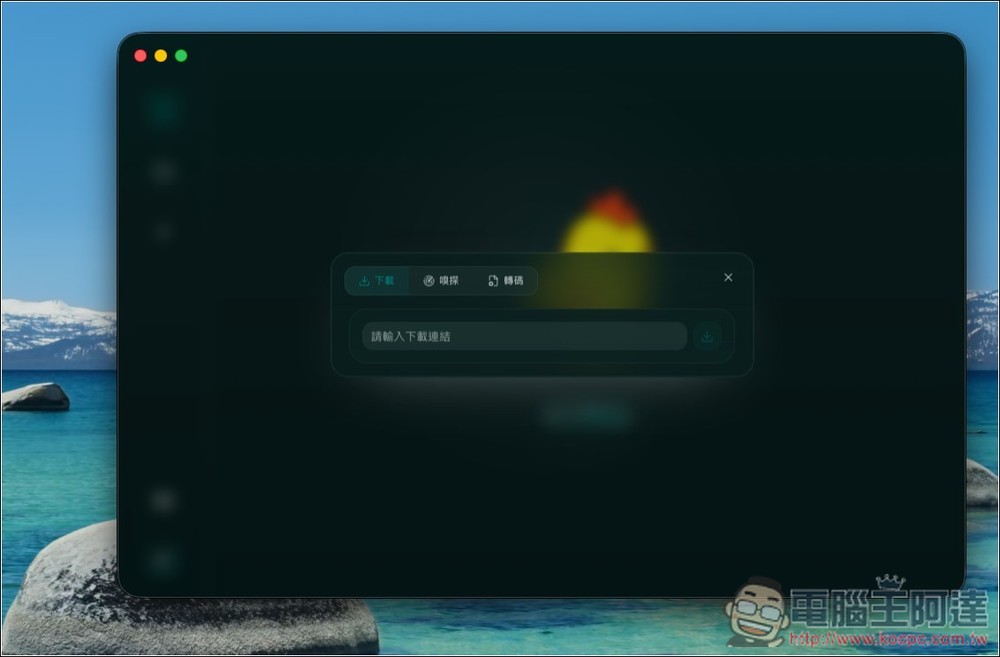
“Egg Drop” – A Free Open-Source Download Tool with Sniffing and YT-DLP Dual Engines: Introduction and Tutorial
XiaDown is a desktop tool that combines online music playback, video downloading, and asset management, ideal for users who frequently organize audio and video materials, preserve legally usable content, or want to centralize their music playback and downloading workflows. Its standout feature is the “dual-engine download” design: one engine supports sniffing to capture videos, audio, live streams, subtitles, images, and API responses from web pages, while the other integrates YT-DLP to parse and download videos, audio, subtitles, and thumbnails from platforms like YouTube and Bilibili.
Beyond downloading, DanDan also features built-in FFmpeg transcoding. After downloading, it can automatically convert to common formats such as H.264, H.265, VP9, MP3, AAC, Opus, FLAC, and WAV, which is very convenient and meets playback needs for any device. It’s not just a download tool either—it also includes a built-in YouTube Music desktop player, local music player, and YouTube Live management features, allowing you to search for songs, play playlists, check live streaming status, and even organize live streaming channels.
It also offers task view and file view for unified management of downloads, transcoding, subtitles, thumbnails, and imported files, with support for batch selection, preview, deletion, failure recovery, and stale record cleanup.
The interface design of 下蛋 is very cute, featuring a retro pixel art style that turns the download tool into a mini game. From the background, the chick character, to the buttons and menus, everything has a strong game-like vibe. The default interface is in English, and you can switch to other languages in the top right corner:
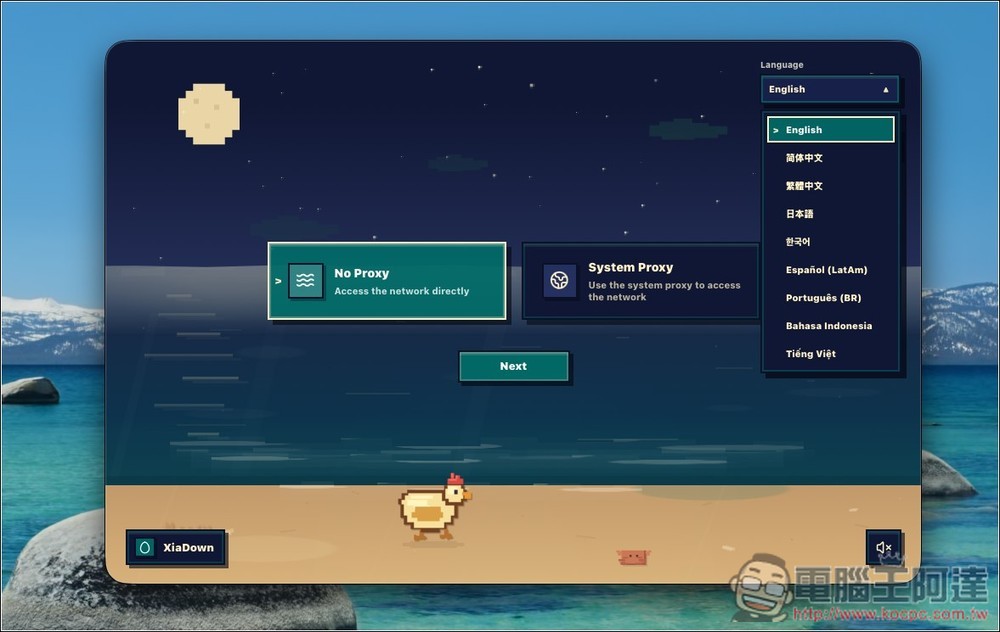
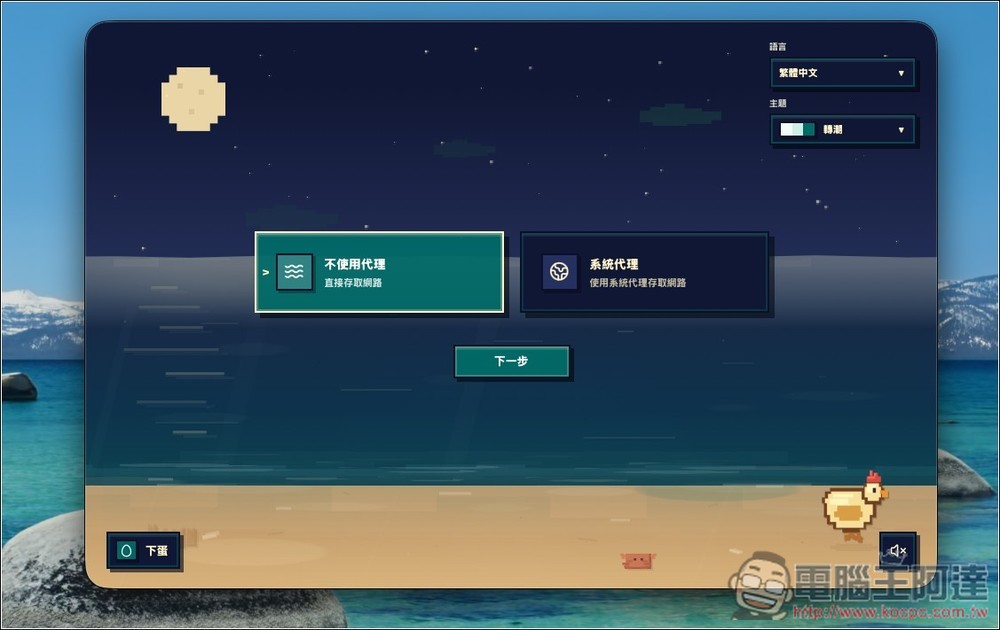
Next, it will ask you about the connection method: whether to use “No proxy” to connect directly, or “System proxy” to follow your computer’s current proxy/VPN settings. Generally, you should just select “No proxy”:
Next are the packages required for installation and usage, which can be installed with one click:
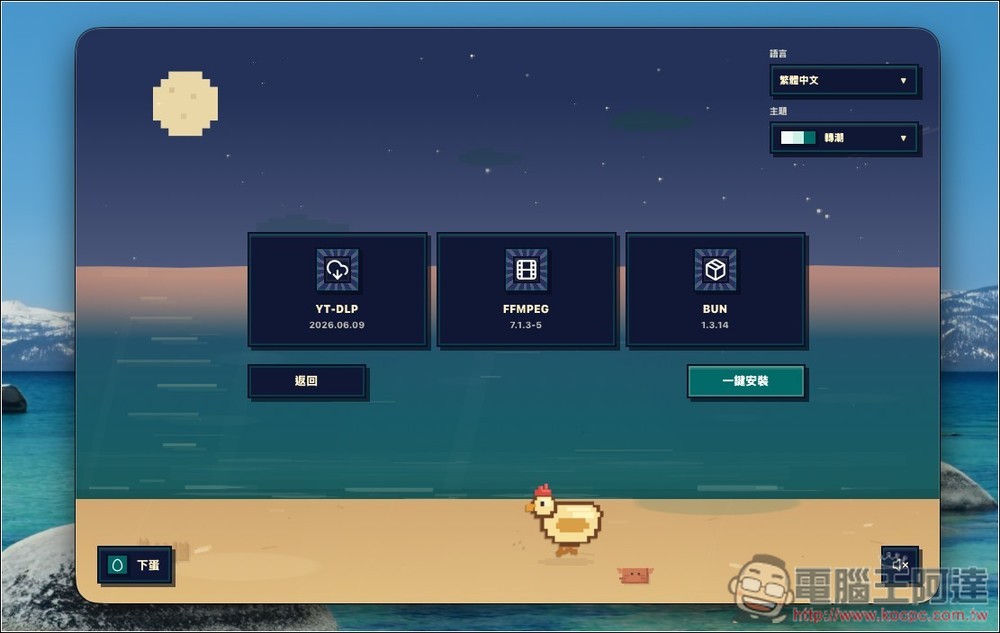
After installation is complete, you can start using it:
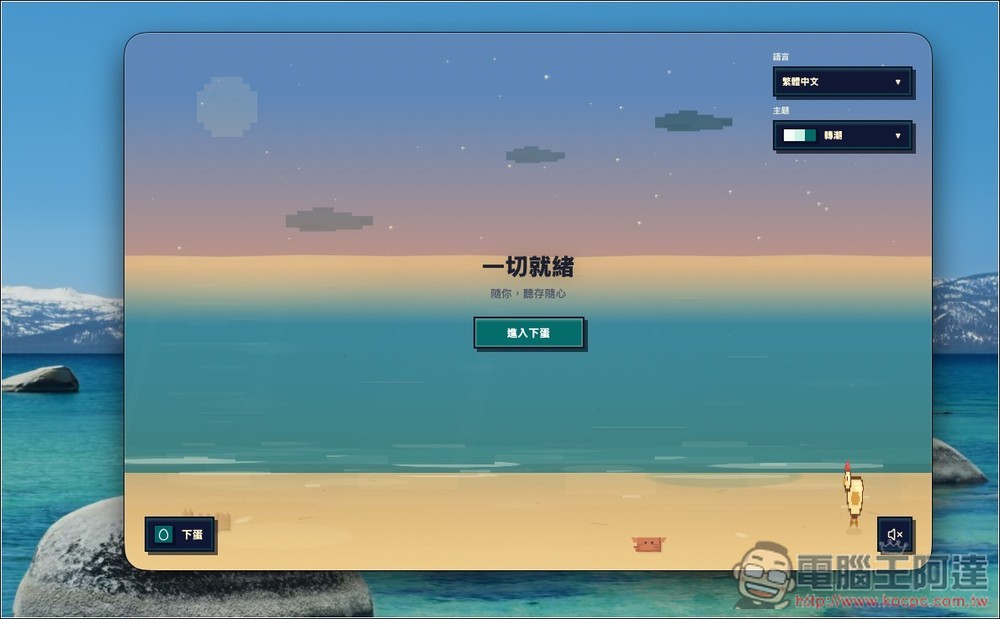
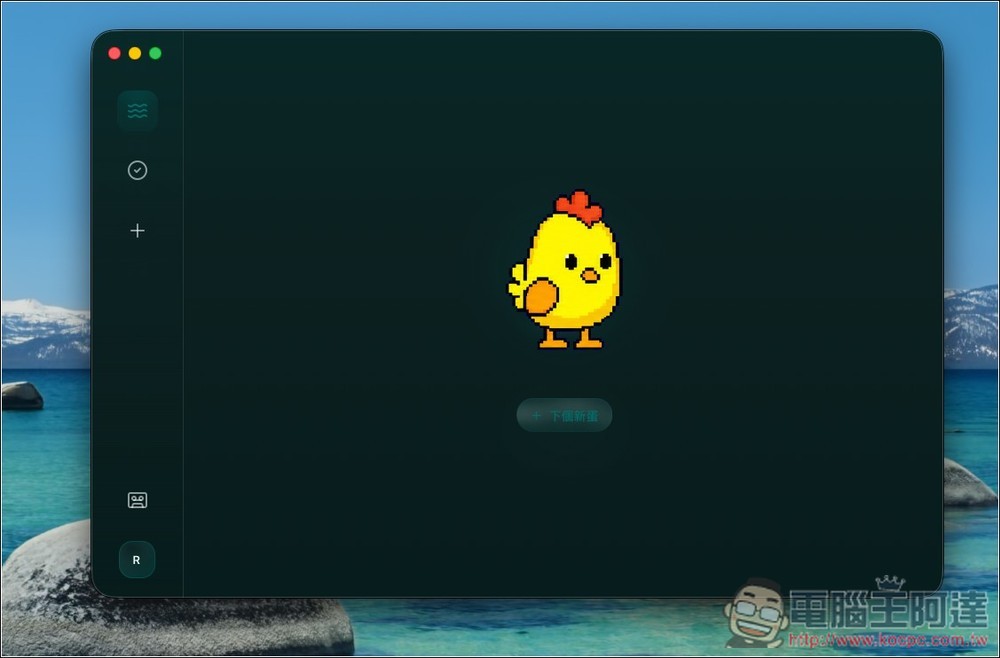
The image below shows the operation interface for the Laying Eggs feature. It’s very cute – tap “Next New Egg” to start creating a task:
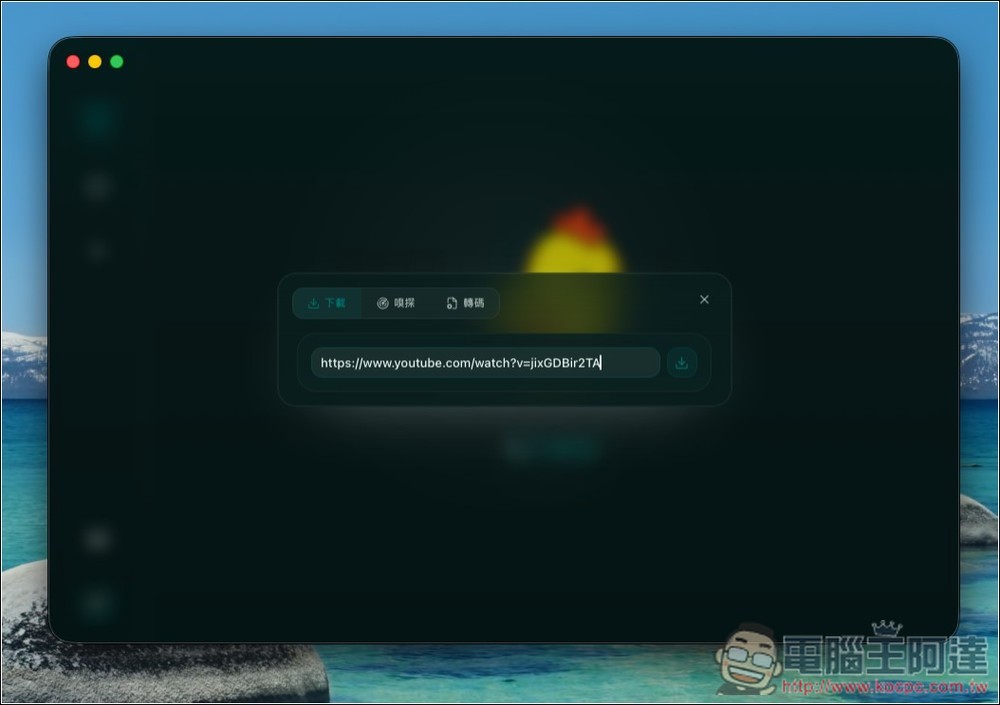
There are three options: download, sniff, and transcode. If you want to download a video, just paste the link into the download field. I’ll use YouTube as an example:
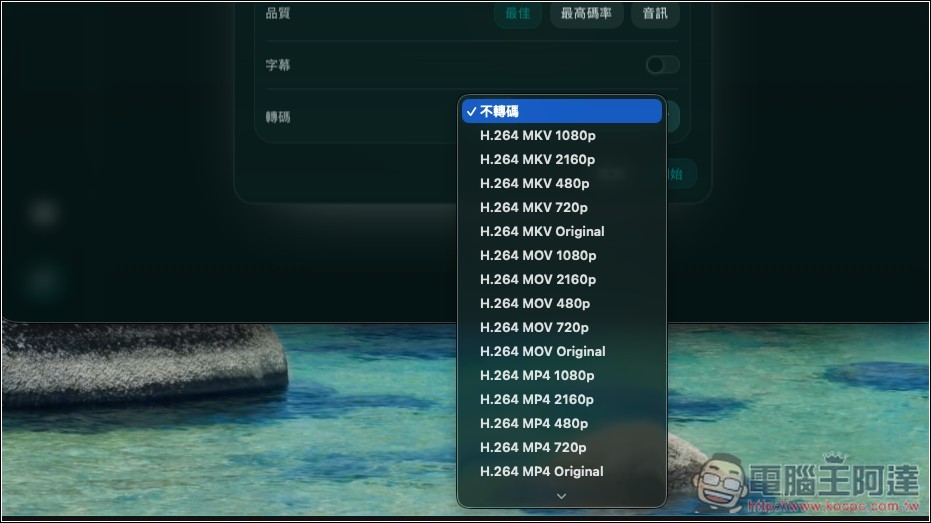
Set your preferred quality, whether to download subtitles, and whether to transcode:
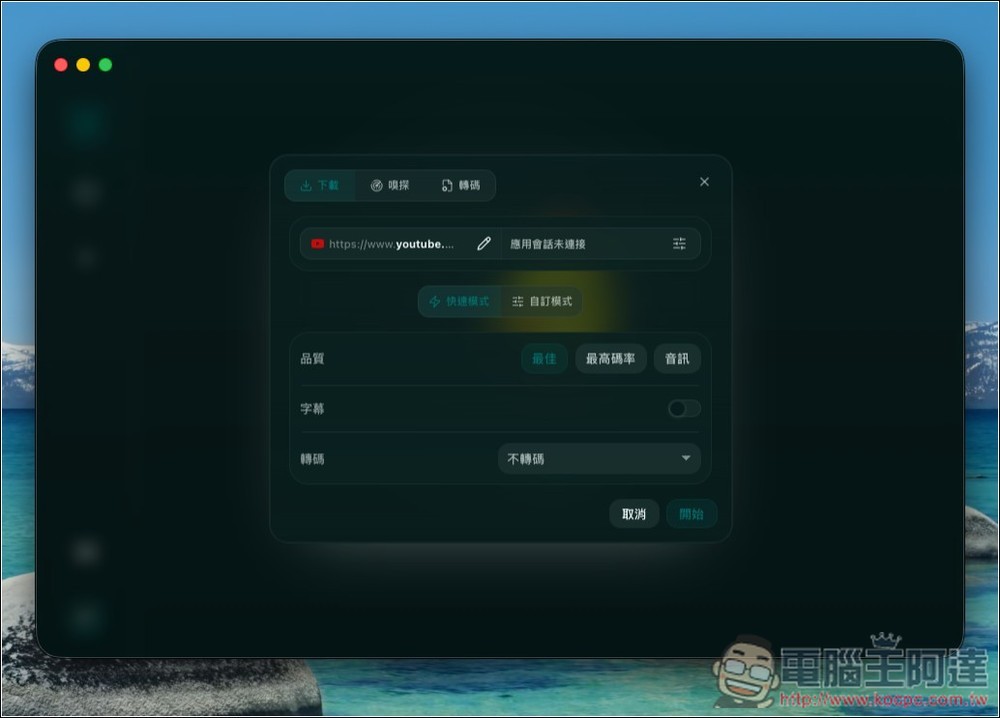
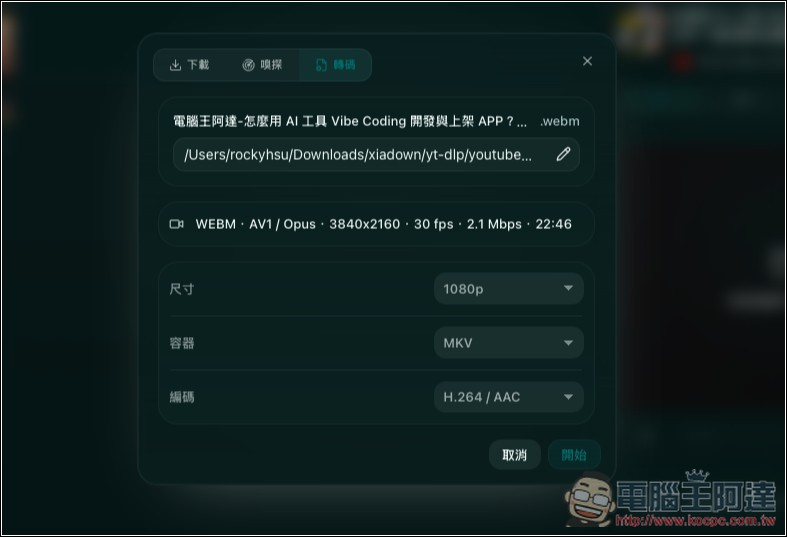
Transcoding offers a wide variety of formats to choose from—basically, everything you need is available:
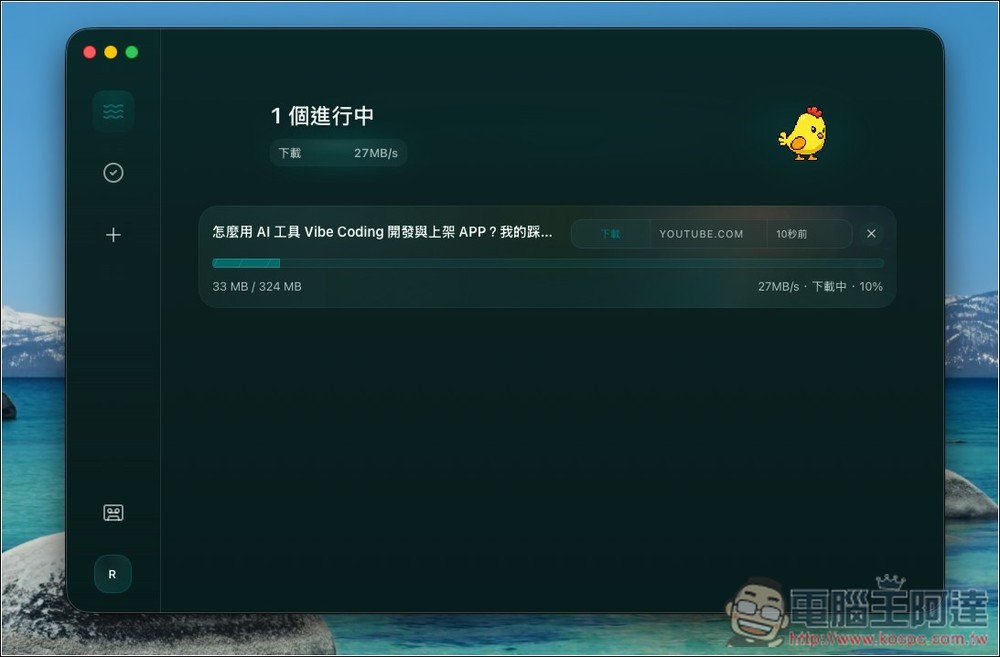
It will then start downloading, and the download is very fast:
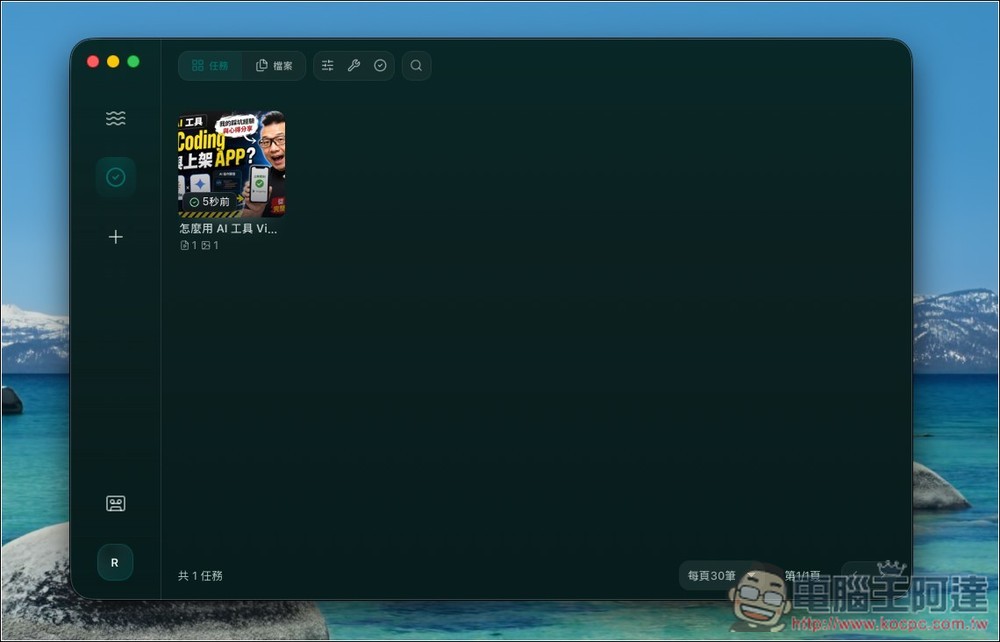
Once completed, you can find this video or audio in your library:
There’s also a built-in player, but it doesn’t support every format. The WEBM format I downloaded doesn’t support previewing.
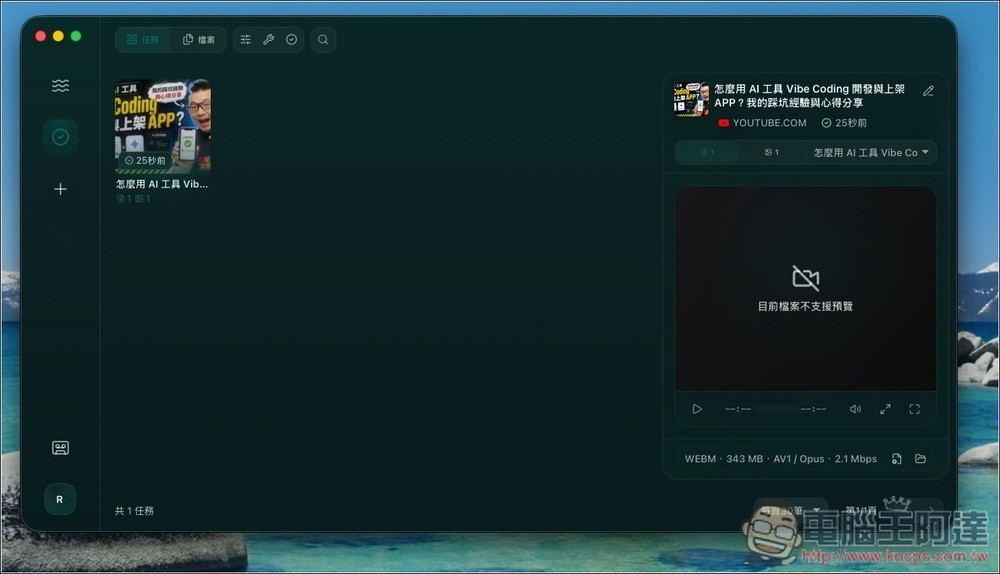
If you want to convert to another format, click the encoding icon on the right, and the video or audio will be directly imported into the encoding function.
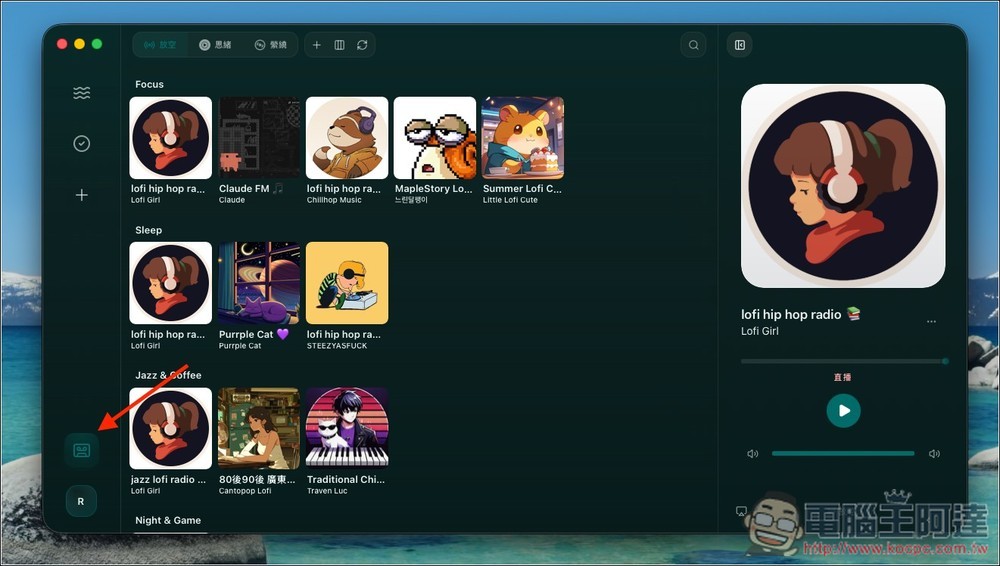
The icon in the bottom left is a music player.
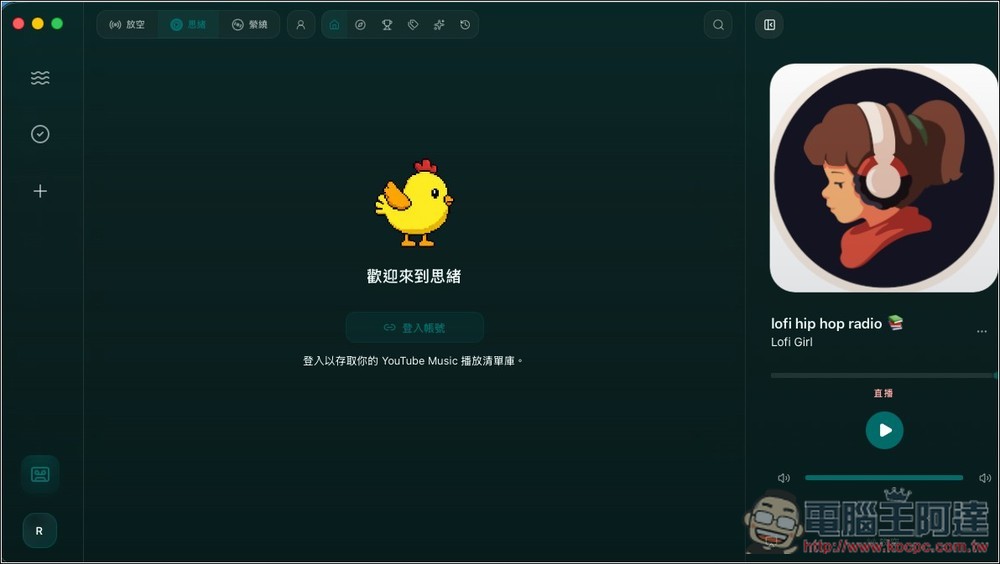
You can sign in to your YouTube account to import YouTube Music:
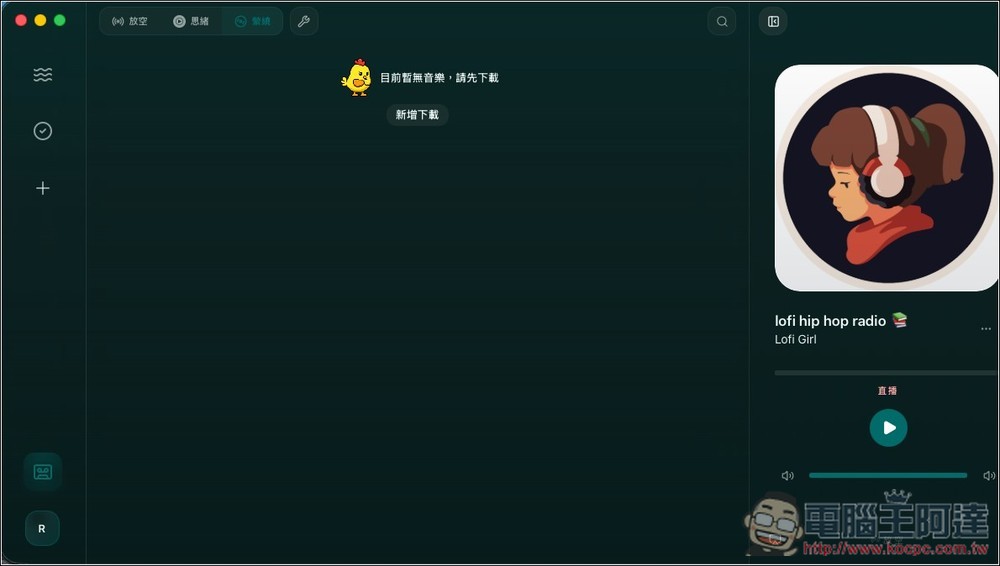
Of course, it also supports downloading:
The egg-laying function has even more to offer than these. The rest is for you to try out on your own.
Source: KOCPC Chinese