


Although foreign AV-TEST and AV-comparatives will publish the latest anti-virus software test reports every once in a while, the content of the tests is too complicated and in-depth. Most people probably just want to know which sets can avoid computer poisoning. There is a channel “Love Comparison Ovo” on China’s bilibili website, which directly uses simple and violent methods to test 8 sets of free anti-virus software and run 150 viruses (including ransomware) on the computer to see which ones can effectively protect them.
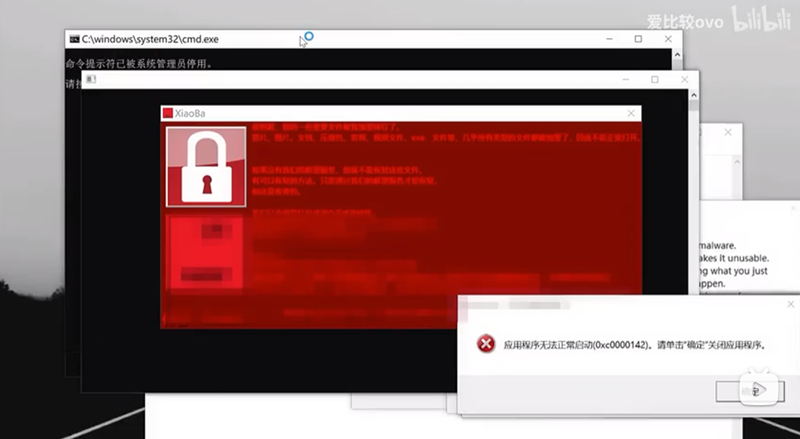
China Channel actually tested who can successfully block 8 well-known free anti-virus software in 150 virus environments
The eight sets of free anti-virus software tested by Ai Comparison ovo this time are “Windows Defender”, “Little Red Umbrella”, “Trend Technology”, “Avast”, “Norton 360 Starter Edition”, “Panda Security Free Edition”, “Kaspersky Free Edition” and “ESET NOD32”.
During the test, they newly installed each set of anti-virus software, ensured that real-time protection was turned on, and then executed 150 viruses. Of course, you will also make sure that other anti-virus software has been removed. Several gentleman picture files are also placed on the desktop to check whether they are encrypted by ransomware.
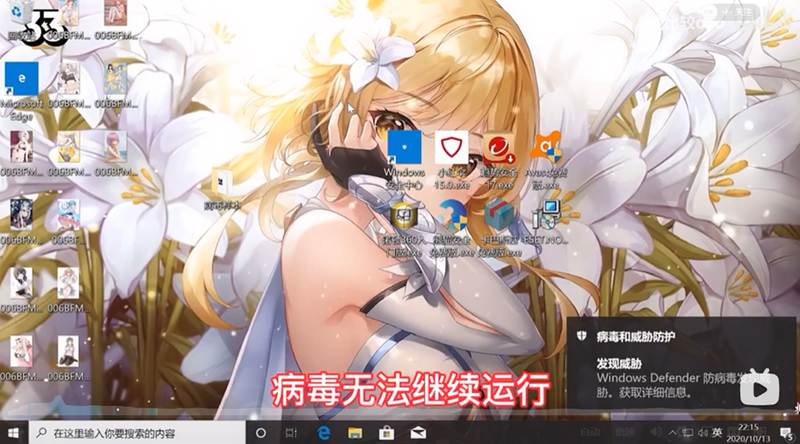
The first is the built-in Defender in Windows. When a virus file is executed, Defender immediately pops up and detects a virus threat, making the program unable to continue execution. It also enters a blue crash screen halfway through and restarts. After restarting, everything works normally, the pictures are not encrypted, and Defender antivirus is automatically enabled, so the protection is successful:
Xiaohongsan and the others tested it twice. The first time may have been because they executed the virus file too quickly and did not wait for the update to be completed. As a result, the protection failed. For the second time, wait for the update of Xiaohong Umbrella to be completed before executing it. The protection will be successful and the computer will automatically be forced to restart:
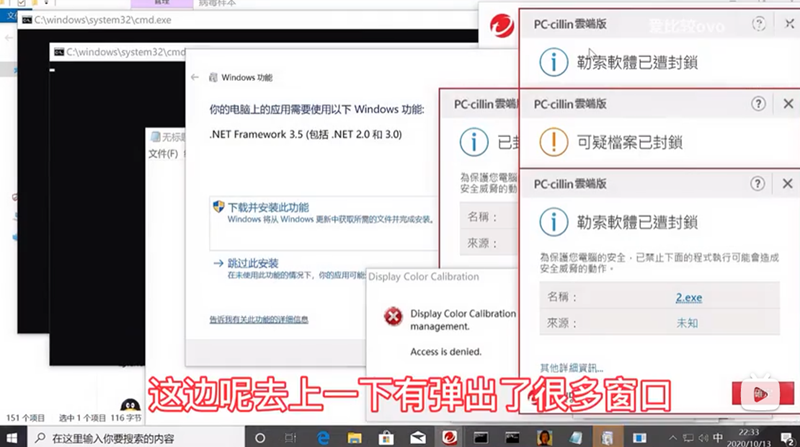
The same goes for Trend Micro. After executing the virus file, many windows that blocked suspicious files immediately popped up. The computer automatically restarted in less than 20 seconds. The pictures were not encrypted. Successful protection:
AVAST also successfully protected against all viruses and automatically rebooted:
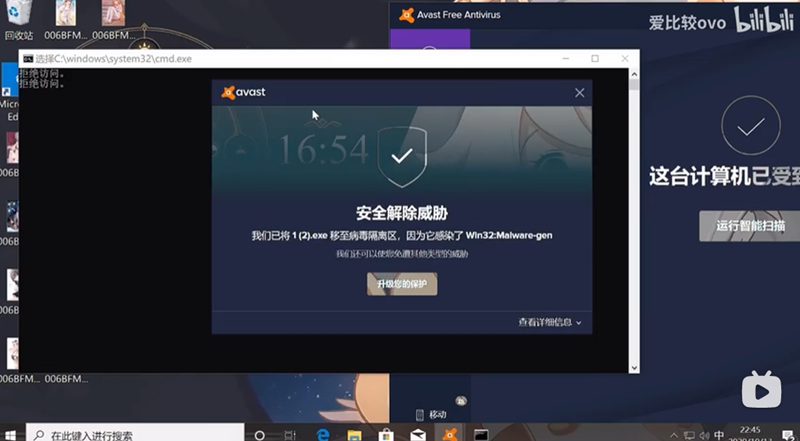
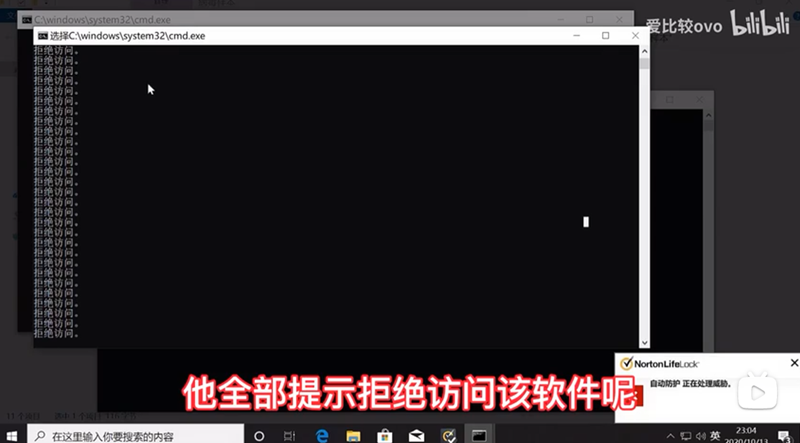
When Norton 360 executed 150 virus files, all of them showed access denied and were successfully protected. In particular, Norton did not force restart the computer:
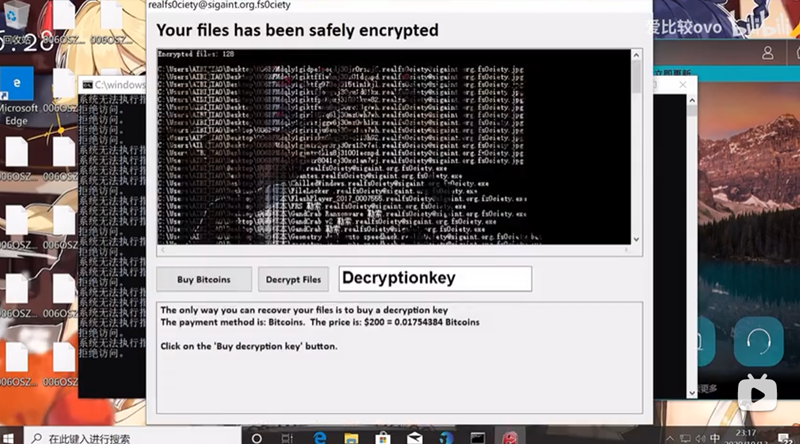
The free version of Panda Security failed. Not only was it not protected, it also directly displayed “Infected with a virus”. All the gentleman pictures on the desktop were also encrypted by the ransomware virus:
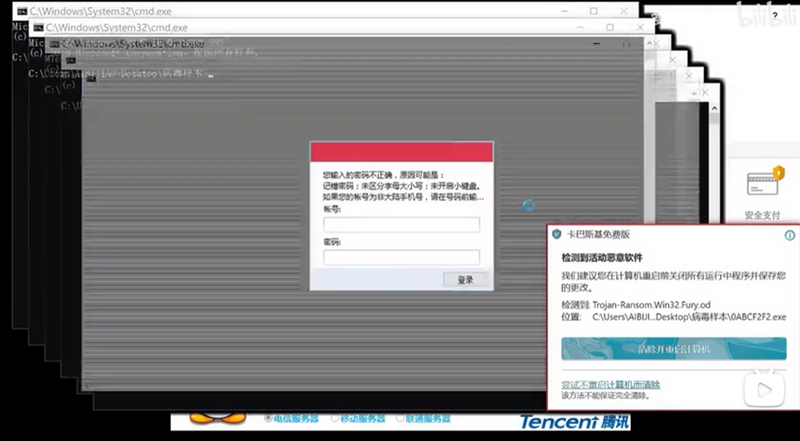
Kaspersky has successfully protected you. There is no virus and the files are not encrypted. There is also an automatic forced restart during the process:
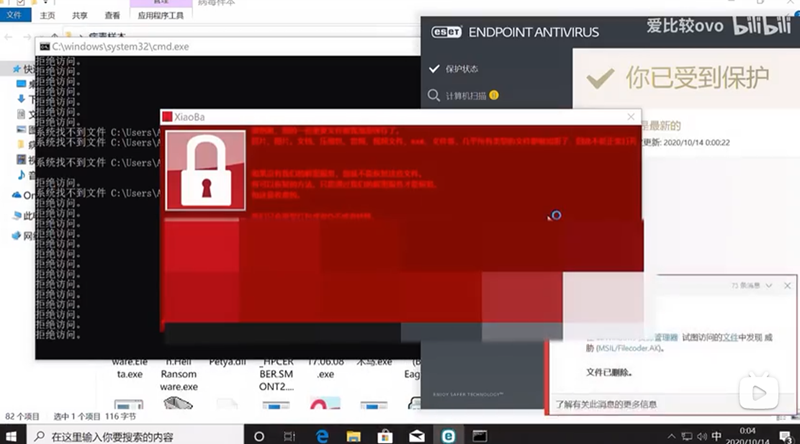
Next, the last ESET NOD32 failed, a poisoned window popped up, and all the gentleman pictures on the desktop were encrypted:
So, out of the 8 models compiled, two free anti-virus software, Panda and ESET, failed, while the other 6 models successfully protected them. You should know how to choose!
Full video:
Source: KOCPC Chinese