


Although many units or schools should be working hard to become paperless, after all, there will still be times when you need to print during work and study. However, for friends who always keep up with Windows Update to maintain optimal security and need to print, they may have encountered some problems recently…or should I say, a crash problem (QQ) – fortunately, there is still a solution. Continue reading The latest Windows 10 update makes printing “one-click blue screen” only possible by restarting it. Have you encountered it? Report text.
▲Image source: Microsoft
The latest Windows 10 update makes printing “one-click blue screen” unable to be restarted. Have you encountered this?
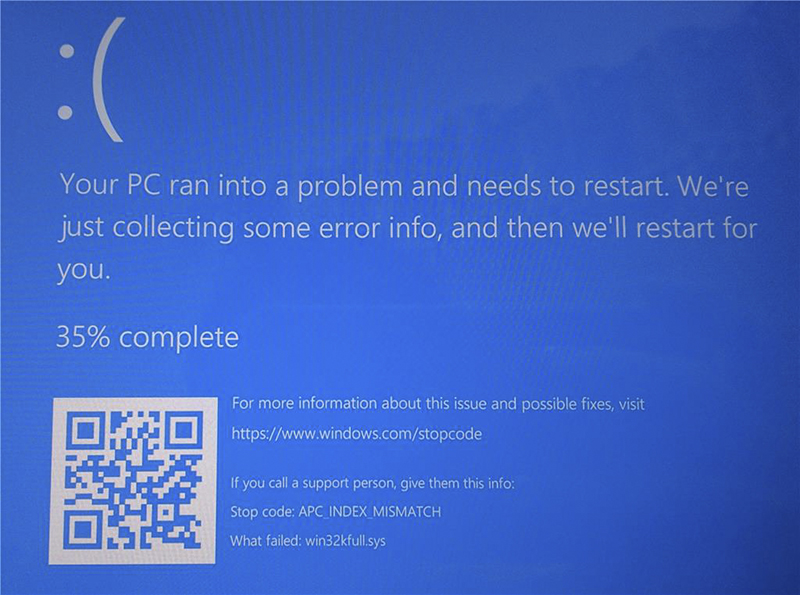
▲Image source: Windows Latest
Have you installed the latest Windows 10 KB5000802 update? In fact, you probably won’t notice anything because it is listed among the automatically installed items, so you probably won’t find it installed. This March 2021 revision is mainly aimed at optimizing the gaming experience and improving the security of the Edge browser. Of course, there are also fixes for security and crash issues. The embarrassing thing is…
Microsoft may have missed (or created) a possible blue screen crash issue…
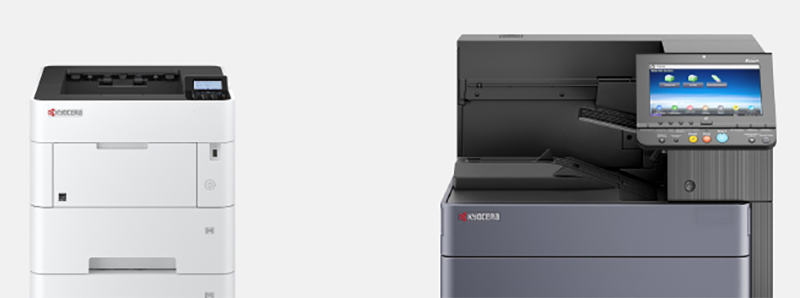
Some users found that after installing this update, the printer instantly became the enemy of Windows 10 – or should we say the “printing” action itself. When some users try to activate the printing function through Notepad, Office and other applications, they will see the legendary BSOD blue crash screen, prompting the user “Your computer has encountered a problem and needs to restart” – it can only be said that everyone should usually save before printing (right).
According to the information on the Windows Latest website, this update will cause win32kfull.sys to malfunction and cause the Windows 10 system to crash. Printing brands that have encountered similar situations include Kyocera, Ricoh, etc. According to some information reported by corporate network administrators in online forums, the simplest and most violent solution to temporarily solve this situation is to
In fact, Microsoft engineers have proposed two temporary solutions on Reddit, but they are really “a bit complicated”, so pleaseTake with considerationBar.
Pictures/sources cited in this article
Further reading:
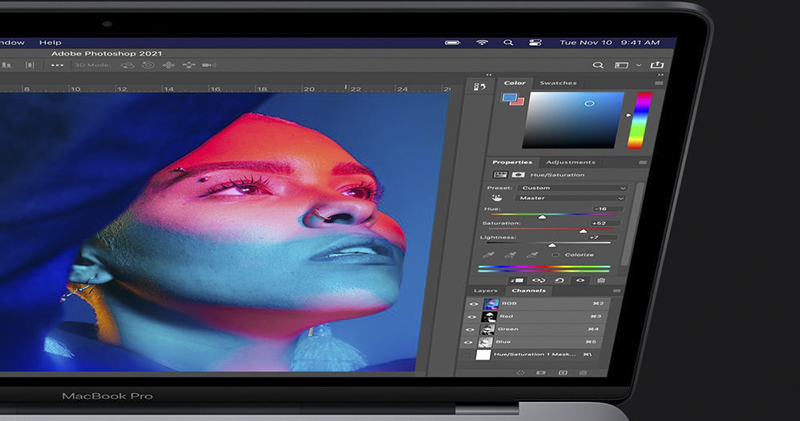
Photoshop now officially supports M1 Mac
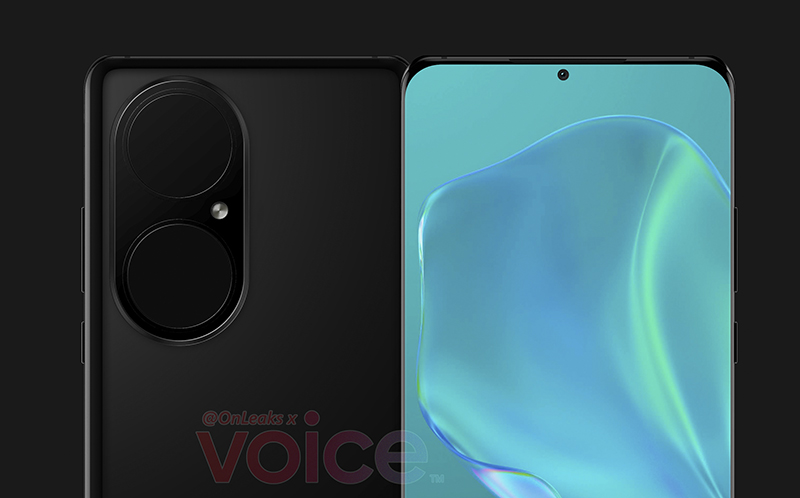
Huawei P50 Pro spy photos exposed: The egg-shaped camera module has a pair of “big eyes”
Source: KOCPC Chinese