


If they want to send important files to clients or colleagues, most people should use email or cloud space, but this is not suitable for situations that require real-time communication. Although communication software can do it, I believe many people are not confident about its security. Therefore, this article will recommend a good free online tool called Quick Sync Me. It can currently open independent rooms for up to 4 people and adopts point-to-point transmission. It not only can share files in real time, but also supports text synchronization function, which means that any communication content can be sent through text synchronization.
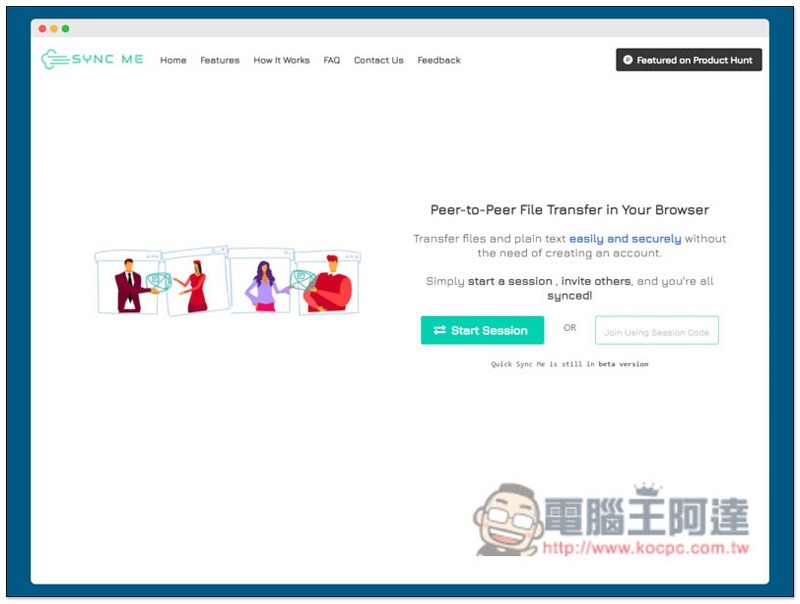
Quick Sync Me free online tool introduction
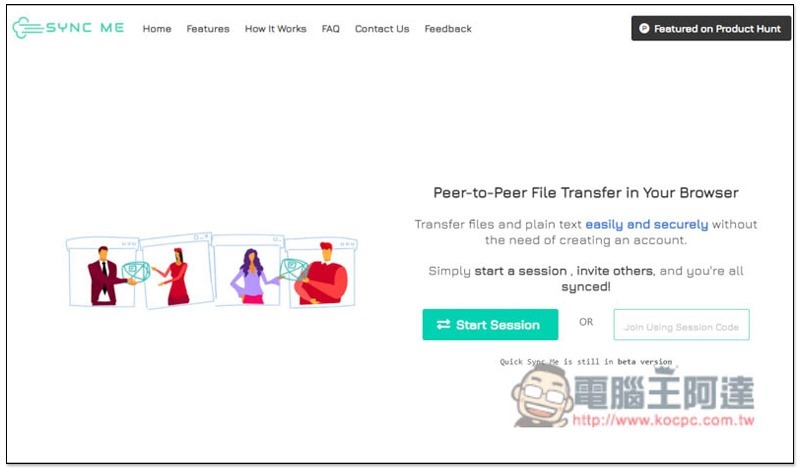
Quick Sync Me is an online tool that requires no account creation.Go to websiteYou can open a room immediately after that, click Start Session on the page. There are two ways to join others to create a room, exclusive URL or input Session Code. The page also explains that they use point-to-point transmission, so it has extremely high privacy security:
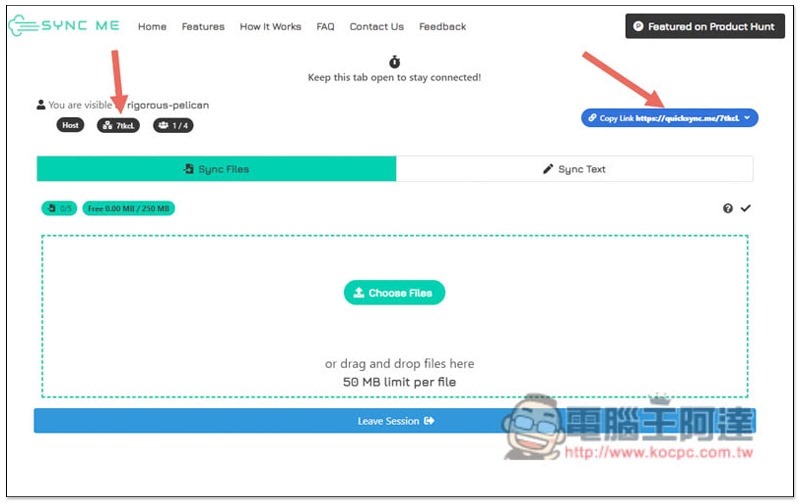
After creating a room, you can get the exclusive URL in the upper right corner, and the code can get the room password:
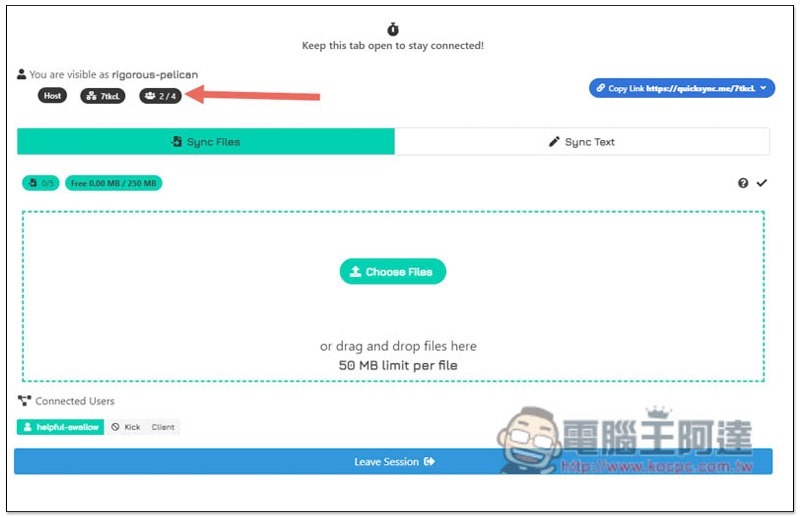
When someone joins, the number of people in the room in the upper left corner will automatically increase. In addition, this tool currently does not support the name function, so you cannot know who is who, and you cannot specify to transfer files or text to one of the people in the room. You can only temporarily solve the problem by creating different rooms:
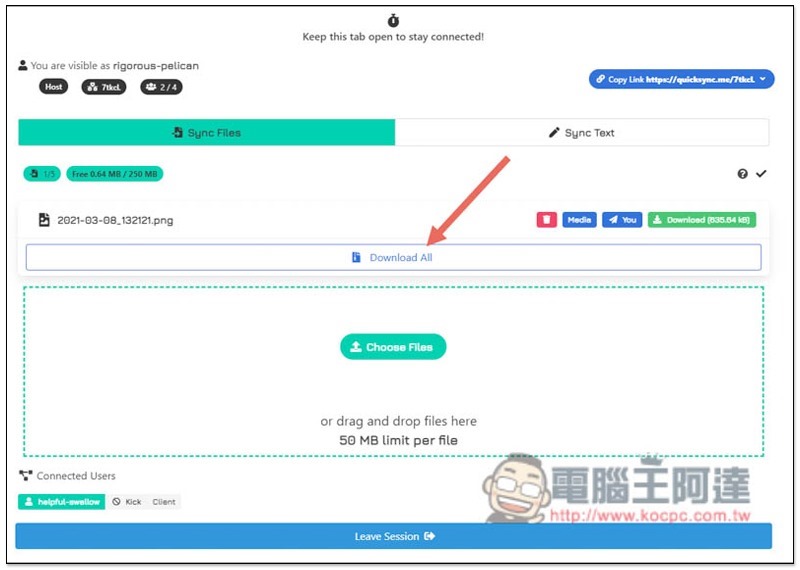
Drag the file into the window and it will be shared point-to-point immediately. When the transfer is completed, the Download All function will be displayed above. If you share multiple files, you can only download all files at once. There is no way to specify it. Each file can be up to 50MB:
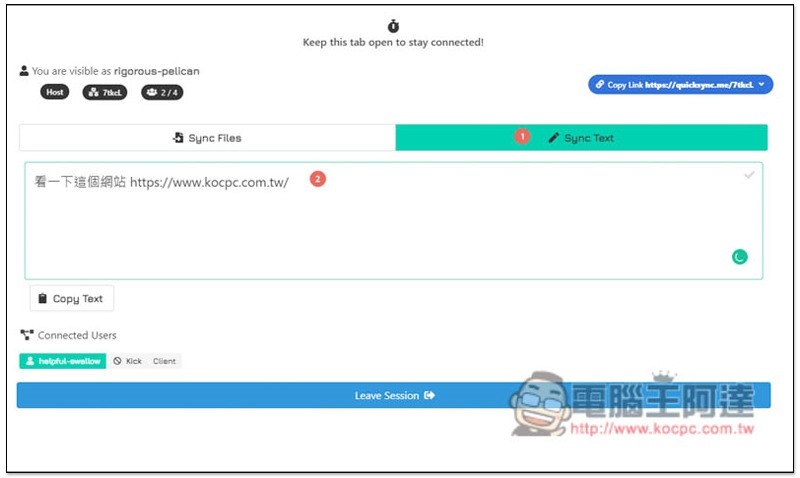
Click Sync Test on the page to switch the sharing text function. Enter the text content you want to share with others in the box. It will be synchronized immediately when you enter:
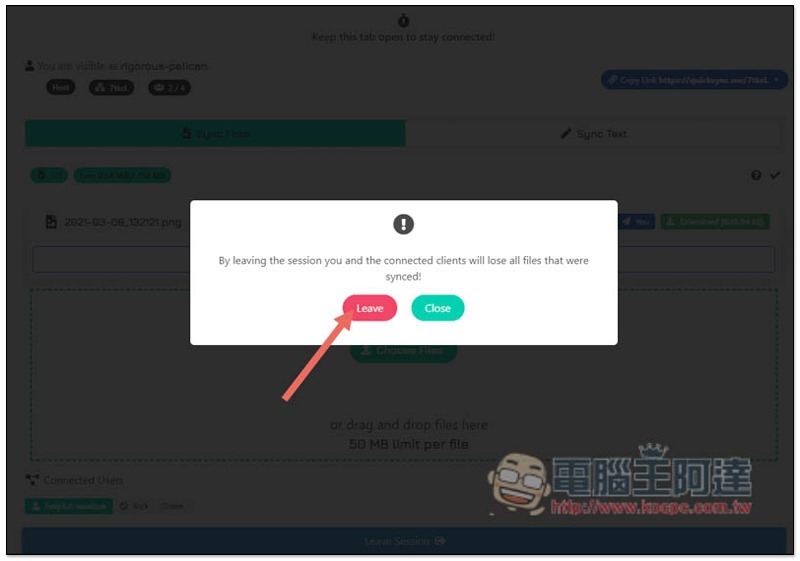
You can exit the room by closing the page or clicking Leave Session below. A warning will pop up before exiting, and all files and content will disappear:
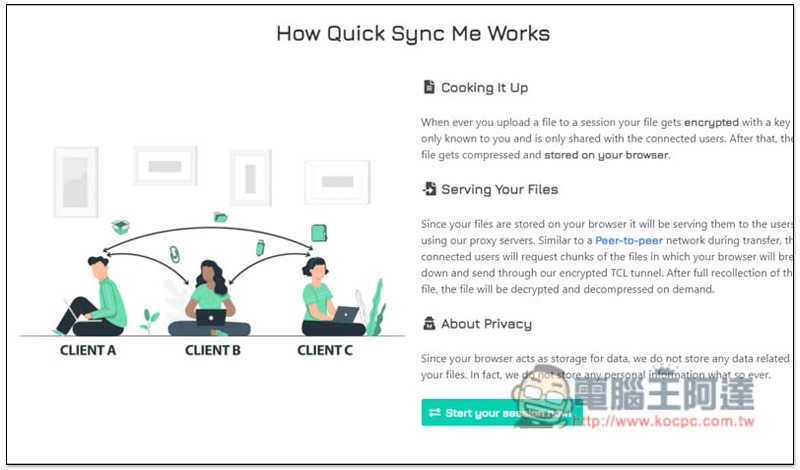
The website description also emphasizes that all peer-to-peer shared content will be encrypted and will not be stored on their servers:
Introductory video:
Supplementary information
Quick Sync Me website:Click here to go
Source: KOCPC Chinese