


Because the effect is so good, I would advise everyone to think twice before uploading photos of missed relatives and friends using the “Deep Nostalgia” portrait photo-to-animation service. Have you tried it recently? If not, this article will not only teach you how to register and use it, but also share some interesting Internet memes. Continue reading “Deep Nostalgia”, which brings portraits to life, and unexpectedly turns into a report on a super crazy meme tool (tutorial on how to use it).

“Deep Nostalgia”, which brings people’s portraits to life, unexpectedly turns into a crazy meme tool (instructions on how to use it)
The picture above is a portrait-to-video effect that we directly used Ada’s Facebook profile photo to create through “Deep Nostalgia”. I have to say that this AI technology with the name of Deep (you know) deep learning is indeed so effective that it will give people goosebumps – the point is, this is a small picture that we downloaded directly from Facebook, with a length and width of only 960px (and the face ratio is not high)… Although the background of the human face is still difficult to simulate well, the effect of the portrait photo animation really gives the illusion of the person appearing on the screen.

What’s even more amazing is that “Deep Nostalgia” actually doesn’t just have one action template, but also provides up to ten versions for you to choose from. Simply put, whether you want to remember your relatives and friends or simply want to make funny memes, this service can actually do a lot more than you think.
“Deep Nostalgia” registration and usage tutorial
This portrait animation service is a feature launched by the online genealogy platform MyHeritage, and its technology is provided by D-ID. Of course, they will provide this function in the hope that everyone can make more use of their services. But as long as you register, you can enjoy the right to upload 5 photos for free – if you have enough Mail accounts, actually… (you know).
Before teaching, I would like to remind everyone that although the website mentions that they will not share it with third parties, and all processing will be carried out within MyHeritage’s server, we still hope thatPlease consider the possible privacy risks yourself。
click inMyHeritage After entering the website, you can directly press “Upload photo” to upload pictures, but once the upload is completed, you will be asked to register:
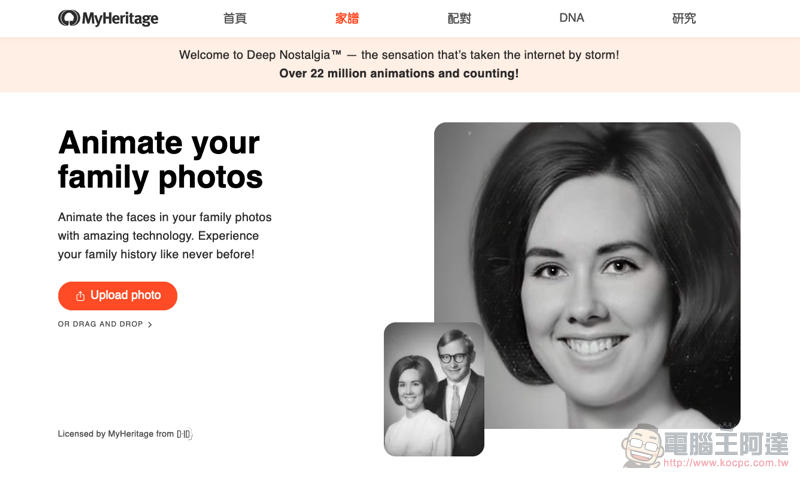
Don’t worry, registration is super easy, you can even enter random information like me (eh):

After selecting “Continue” on the previous page, you will be asked to enter further payment information, but here you can actually click MyHeritage in the upper left corner to enter the family tree tool page (currently)Won’tForce you to enter to use web features:

At this point you can move your mouse to “Family Tree” in the menu to find “Animate Photos” (or click me) to start uploading photos:

After uploading, it will take some time to process the animation:

Then you can directly preview the animation effect of the “mug photo”. Here you can choose to upload another photo, or press Download to directly download the video preview animation:

Modify the default animations of “Deep Nostalgia” to see more lifelike movements
If you are not satisfied with the animation effect or want to see other actions, you can go to “Family Tree > My Photos” to find and click on the photo:

Then click the Animate button in the upper right corner of the photo:
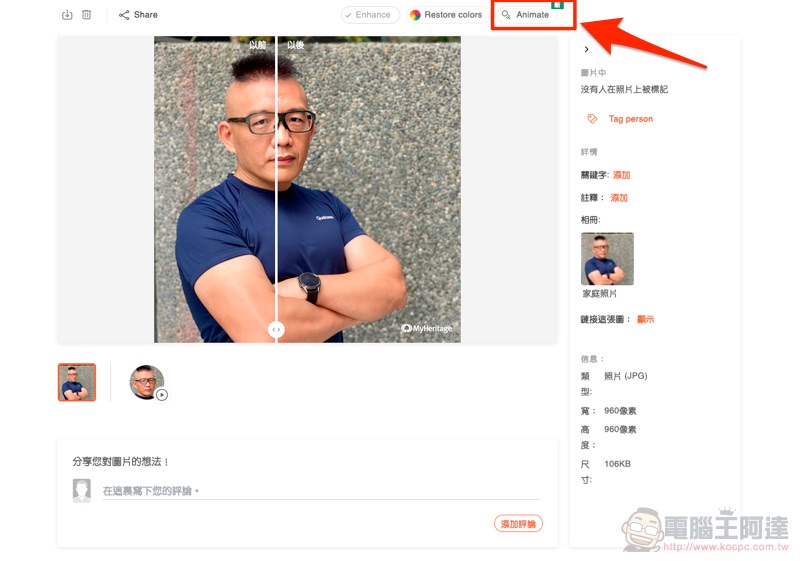
You can enter the interface shown below and switch between different facial action animations using the drop-down menu. You can also download video content of different actions from here:

Simply put, just upload a photo and you should be able to download 10 different facial animations:
Various “Deep Nostalgia”memesVideo sharing
Finally, let’s share some wonderful MyHeritage examples that I saw on the Internet!
“It was so wonderful to do this! My mum died when I was two, so don’t remember her. It made her seem more real to me. Thank you!” – #MyHeritage user Kathleen Batty on #DeepNostalgia pic.twitter.com/4DOwPeCJhF
— MyHeritage (@MyHeritage) March 7, 2021
Obviously we also ran our Darwin statue through #DeepNostalgia and had immediate regrets pic.twitter.com/0h6R3fSERN
— Natural History Museum (@NHM_London) March 2, 2021
Mona Lisa, alive and well #DeepNostalgia from @MyHeritage pic.twitter.com/r2AXujkOsZ
— Dustin Ranem (@elohimito) March 1, 2021
What have I done. pic.twitter.com/FonYzPwiUW
— Tony Ho Tran (@TonyHoWasHere) February 27, 2021
I couldn’t help but play another one. This technique is really powerful:

Further reading:
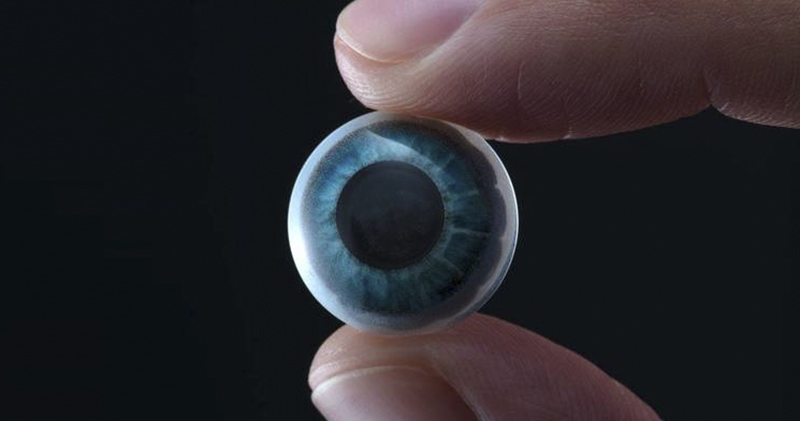
Apple is rumored to launch AR contact lenses, and black technology smart glasses are coming

Source: KOCPC Chinese