


Although Windows, Mac, and even mobile phones now have built-in picture editing functions, this is more suitable for a small number of pictures such as one or two. When there are more than a dozen pictures or photos that need to be adjusted, you will need to use a more professional picture editing tool, and there is such a Aipix on the Internet. The online image batch processing tool is not only completely free, but also provides a lot of functions, from resizing, cropping and scaling, compression, to conversion, etc., and can be used on computers and mobile phones. If this tool happens to have the functions you need, it is worth trying.
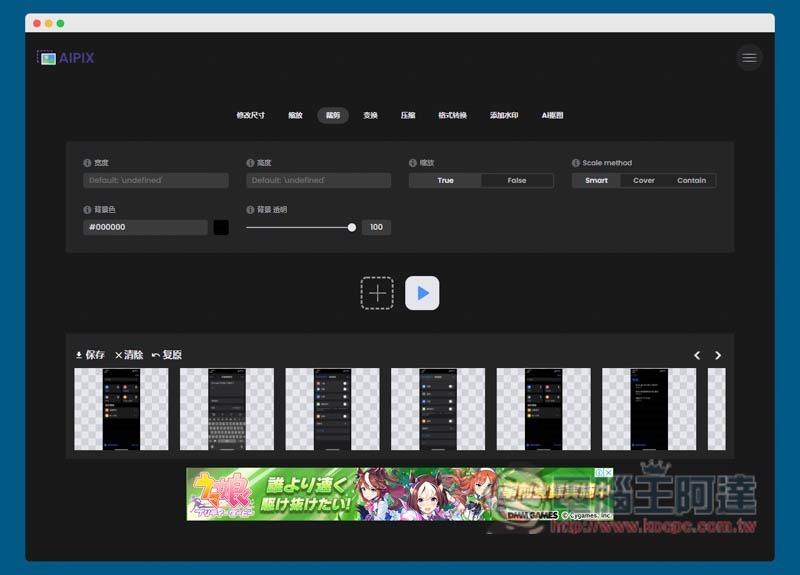
Introduction to Aipix, a free online image batch processing tool
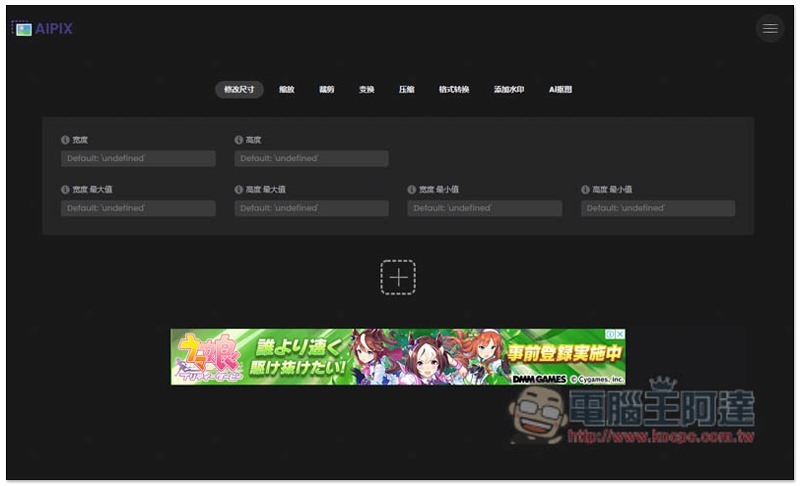
The Aipix online image batch processing free tool is very simple to use.After entering the website, press + below to select the images or photos you want to batch process:
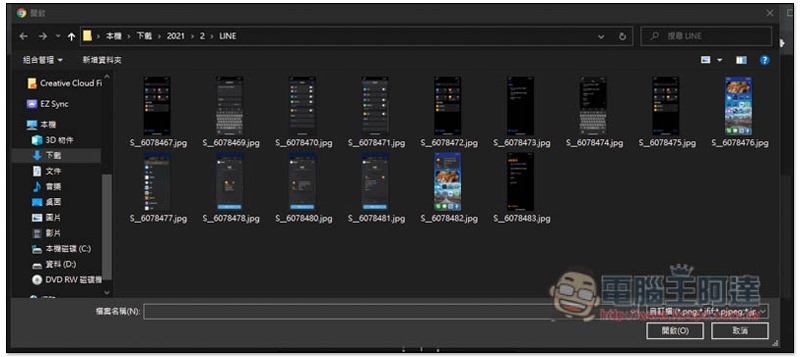
A selection window will pop up, allowing you to select multiple photos at once:
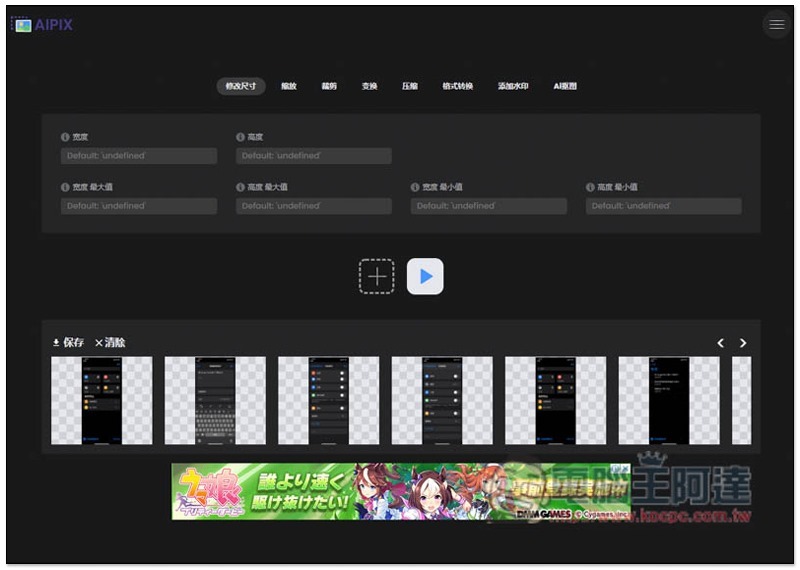
The selected photos will be listed below, and the menu is at the top. Currently, there are eight options: “modify size, zoom, crop, transform, compress, format convert, add watermark, and AI original”. In the modified size section, you can set the width, height, and specify the maximum or minimum value, which is quite powerful:
I take the batch adjustment height of 800 (maximum value) as an example. After entering the value, press the play button below to start processing, which is very fast:
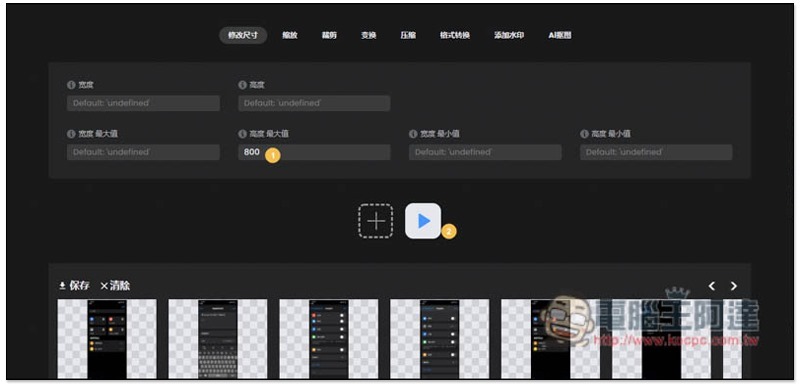
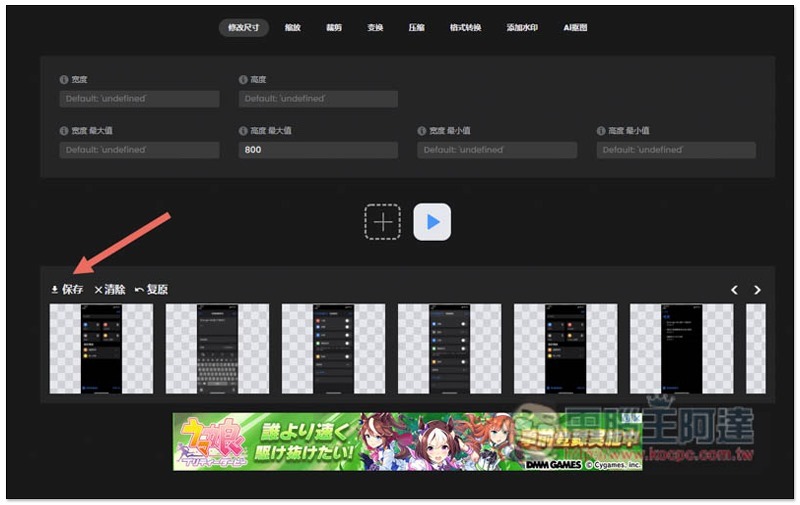
After the processing is completed, there will be no message prompt. If you have no other adjustment needs, you can click on the lower left corner to save and download:
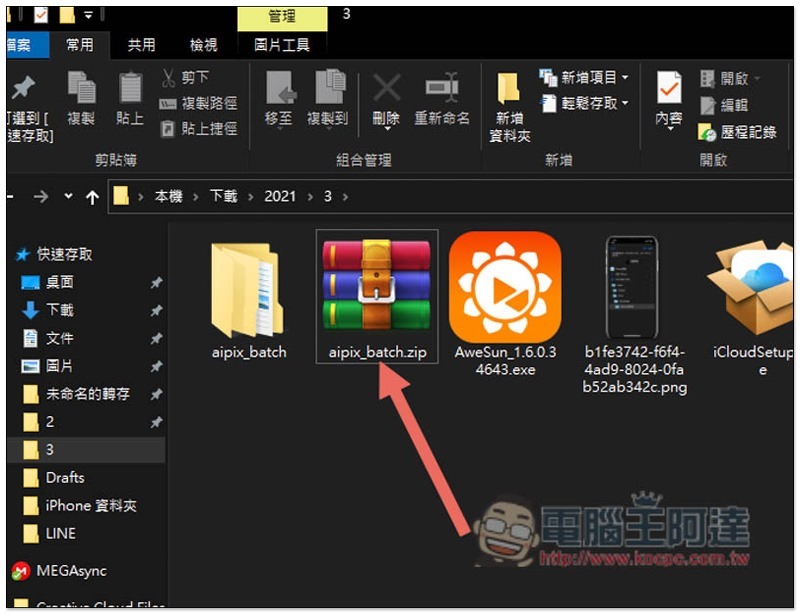
It will be a compressed file. After decompressing, you can see the adjusted picture:
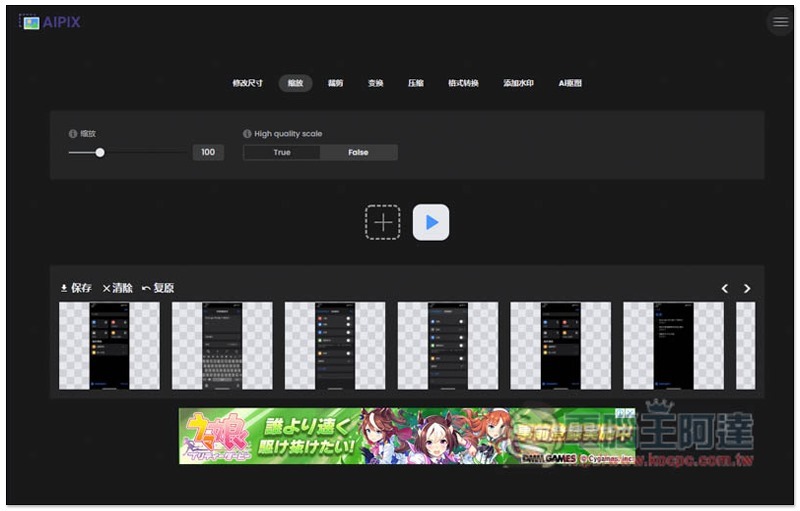
The zoom section allows direct adjustment of percentages and even offers high-quality zoom:
Cropping can set width, height, zoom, Scale method, background color and transparency:
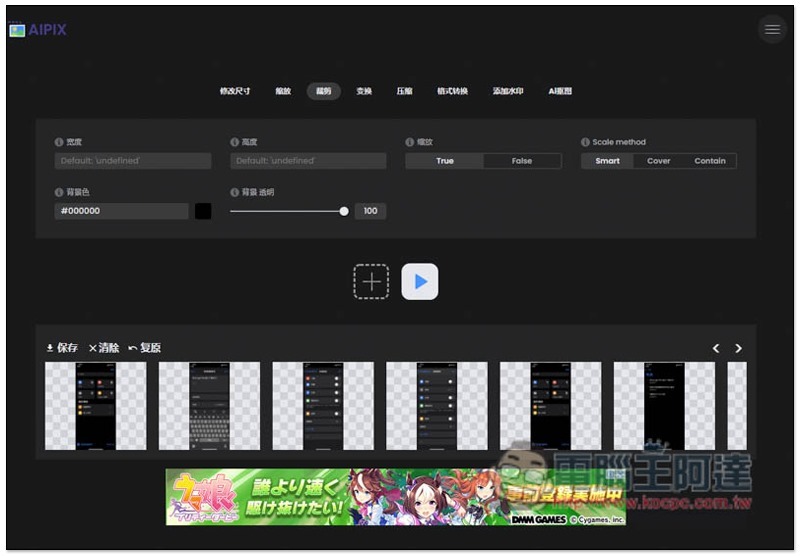
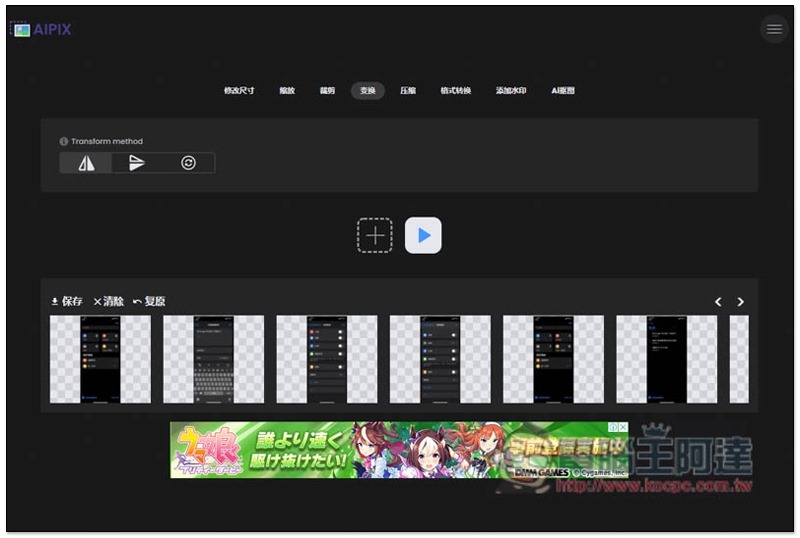
Transformation is turning. If you have a large number of photos that need to be straightened, you can use this function to process them at once:
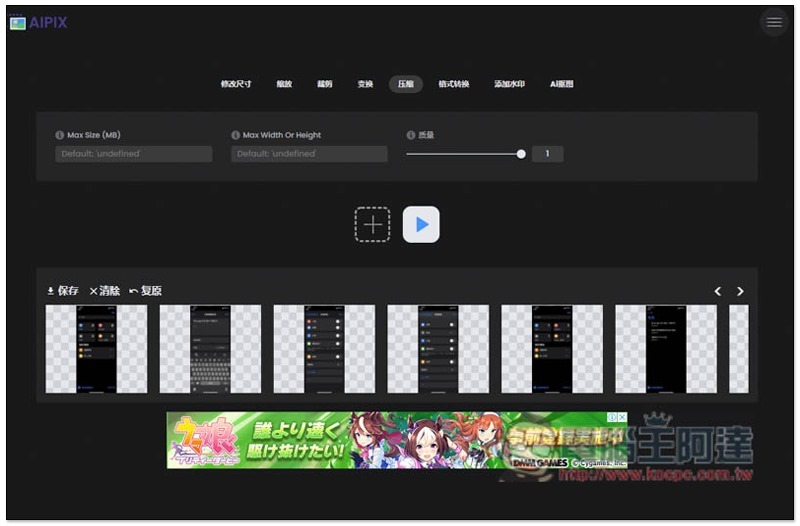
Compression is also quite practical. If there are too many pictures to be included in the email, or they take up too much hard drive space, you can use it to compress them:
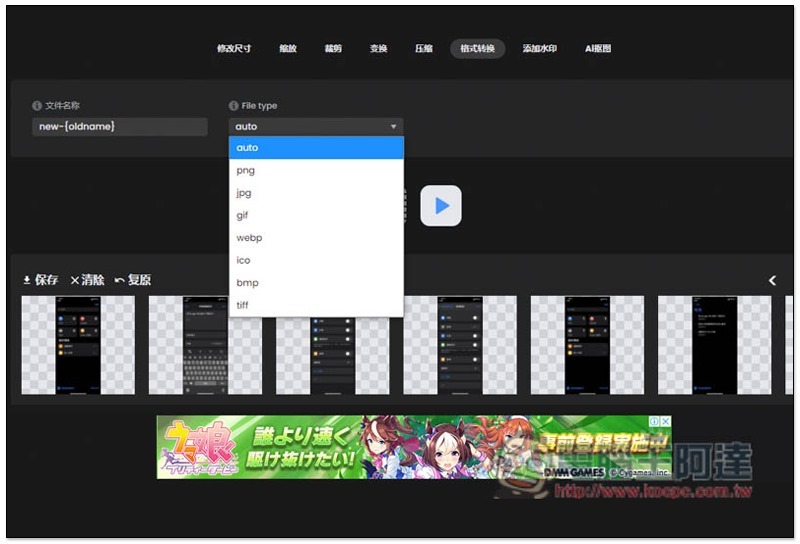
Format conversion supports png, jpg, gif, webp, ico, bmp and tiff:
For friends who run blogs or websites, it is very practical to add watermarks. The position, size, transparency and blending mode can be adjusted. Pure text watermarks are also provided:
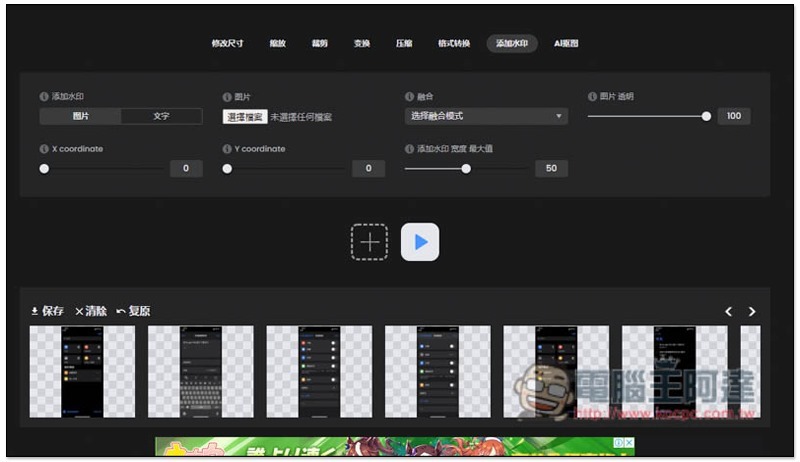
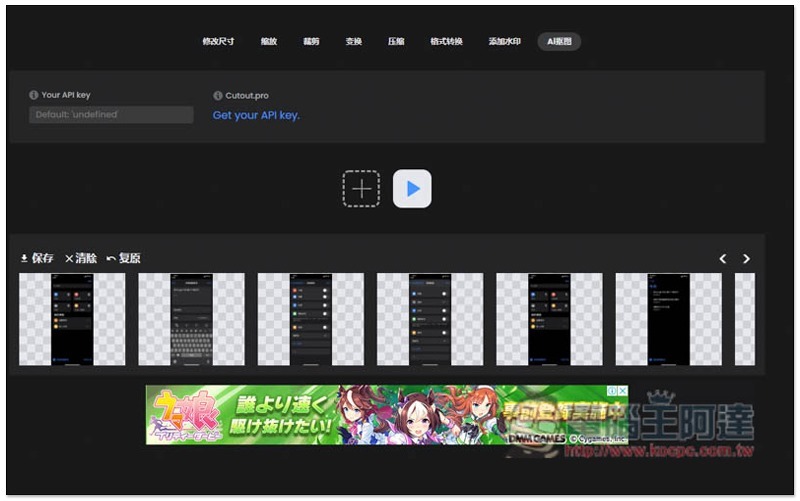
AI cutout requires APK Key:
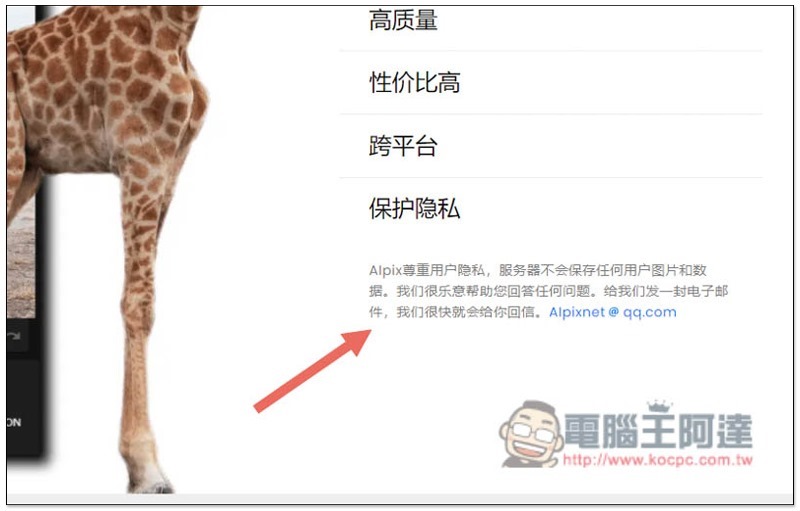
Although this website advertises that it will not save any user’s pictures and data, it is still recommended not to use such online free tools for photos that are too private and personal. It is better to use the offline version:
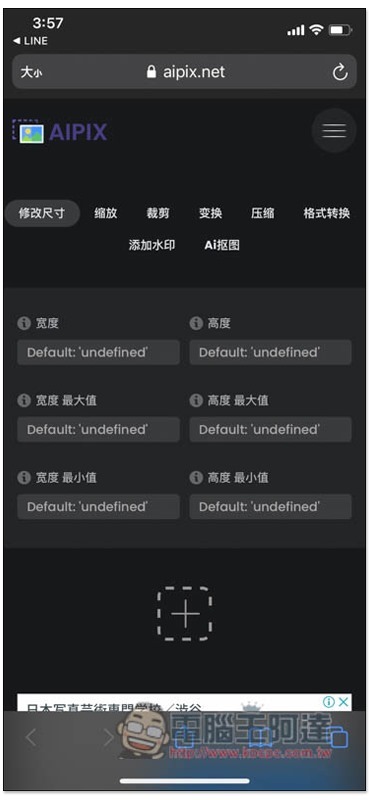
There is a mobile version of the page, so it can also be used on mobile phones:
Supplementary information
- Aipix online image batch processing free tool:Click here to go
Source: KOCPC Chinese