


Although for friends who use Chrome browser Family Meal on various platforms, this feature should have been used on Mac / Windows long ago. But if you don’t want to install it on the desktop platform (beingResistance on inflammationRemember), or if it is only used on mobile platforms, then maybe you can try to use “Password Checkup”, one of the six new Android features announced by Google! Continue reading Chrome’s password check feature is coming to Android, teaching you how to use it to report content.
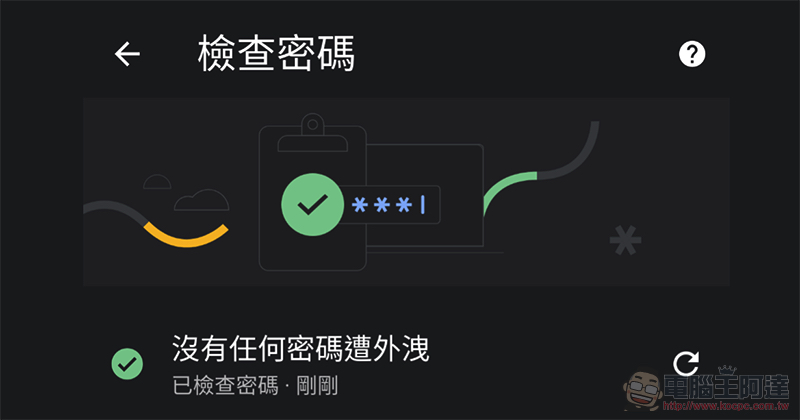
Chrome’s password check feature comes to Android, teach you how to use it
The password check function has recently become a very popular feature in major systems. This is really good! Because we often don’t know that our passwords may have become victims of a certain company’s negligence, because the account passwords between different services may be similar, which may lead to the risk of accounts of other services being cracked after leaks. This time, Google has imported the security check function of Chrome 88 into the Android mobile version. As long as you click on “Settings”, you can actually see options marked with new features appearing in it.
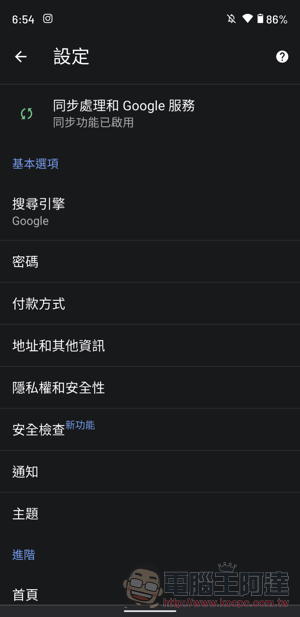
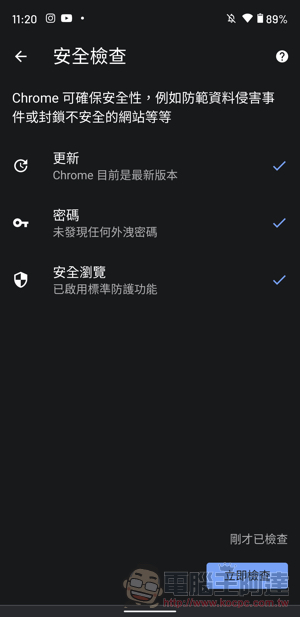
Similar to versions on other platforms, this Password Checkup function can not only be used in the “Password” setting, but can also be used as a “Security Check” to make a complete confirmation of updates, passwords and safe browsing items. If you want to simply check the strength of the passwords currently in Chrome, you can select “Password > Check Password” to check.
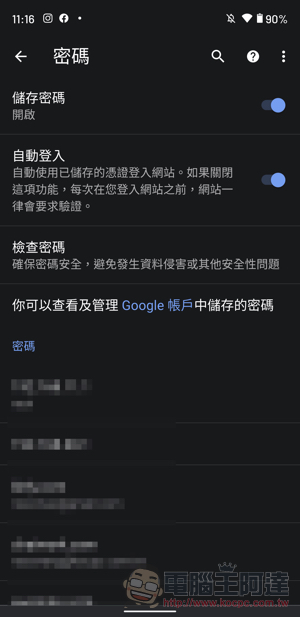
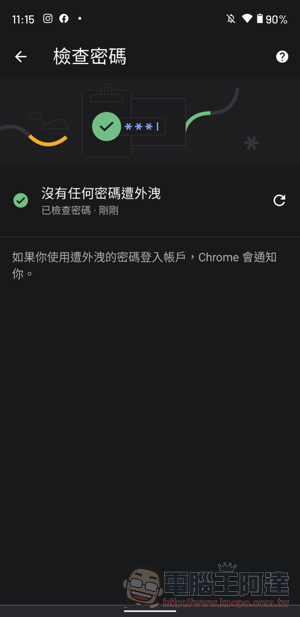
In fact, the best thing about this feature is that if a new leak occurs later, Chrome will “theoretically” let you know with a notification if it confirms that your account password is included. At this time, don’t slide off the notification thinking it’s an advertising message. Remember to go back to this function in Chrome (if you’re afraid that clicking on the notification directly is phishing) and scan your password again to see if there’s anything wrong with it.
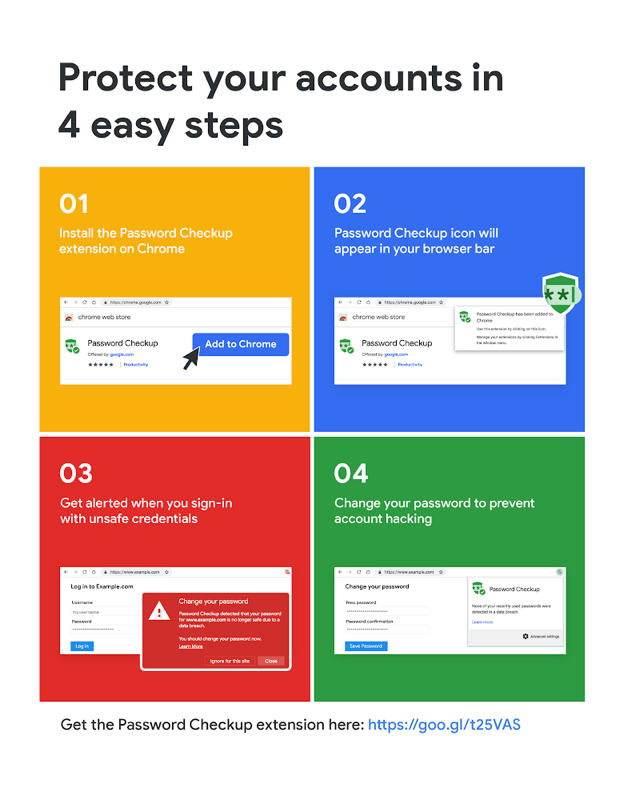
This feature was originally just one of Chrome’s extensions. Later, not only did Google choose to build in such a checking function in greater depth, but even Apple also provided a similar checking function in iOS/iPadOS (it will also confirm the password strength).
After checking before, I found that I have a lot of common passwords. I suggest that you at least find ways to make different passwords for different services. Otherwise, once a service is leaked, it will not be known to the whole world, but as long as it is successfully tried by someone who is interested, the fear of having their account stolen will definitely be very disturbing.
Further reading:
Source: KOCPC Chinese