


As the saying goes, if you take good notes, your friendship will be good.Many people want to win at the starting point when it comes to learning (and making friends), but how to study efficiently is the key. This sentence is not convincing, but it is worth listening to and learning from Dr. Lin Yuxuan (Scott), who shares his method of taking notes on iPad on YouTube and has accumulated more than 400,000 views. Today our Computer King Ada team found an opportunity to learn together Dr. Scott’s sharing of efficient note-taking techniques that have been used since medical school. Continue reading to get your learning started at the starting point, and read the content of a report by a top student sharing an efficient reading and note-taking method using iPad and Apple Pencil.
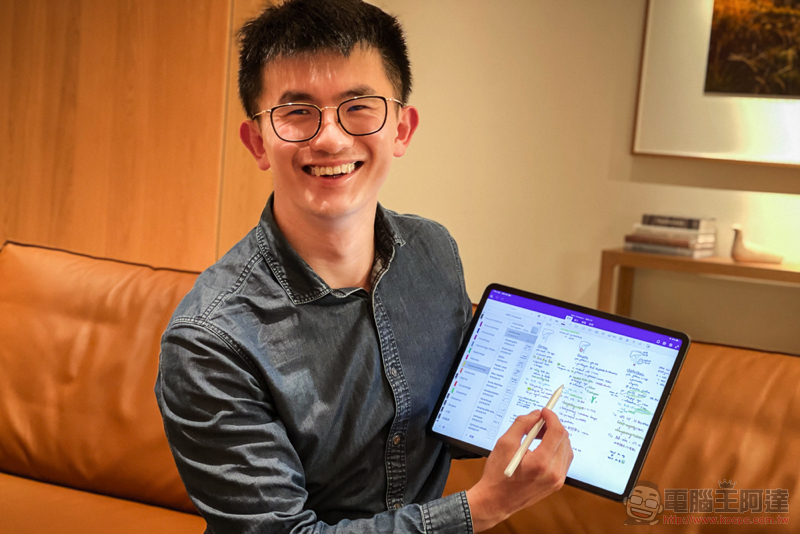
Let learning win at the starting point, watch Xueba share an efficient reading and note-taking method using iPad and Apple Pencil
Whether it is the start of school during the winter vacation or the start of work during the Spring Festival, everyone should have certain expectations for their work and study efficiency. Scott, who is currently serving at Shuanghe Hospital, uses the iPad that you and I often use to watch TV shows or games, and uses it with Apple Pencil for more “productive” and “learning” applications. He also secretly recorded his own note-taking method as a video and shared it on the Internet so that everyone can refer to it and improve their learning efficiency.
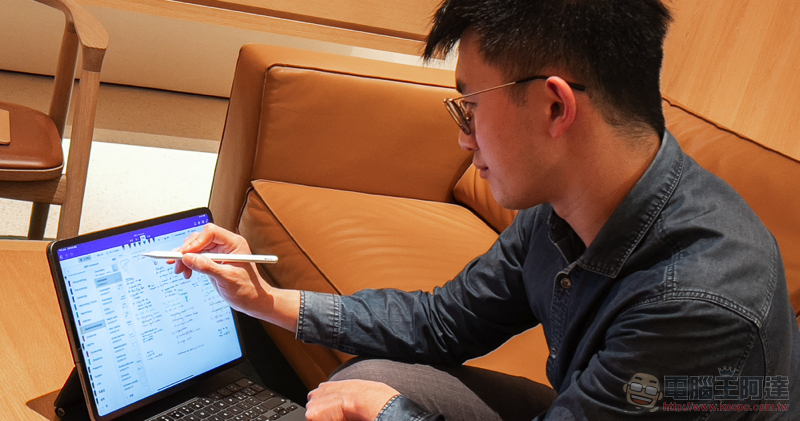
Since medical science has proven that writing is beneficial to learning – it can retain impressions for a longer period of time, he himself used to like to study by taking notes. However, in addition to consuming resources using the traditional paper-and-pencil method, archiving and retrieval of physical paper data is also extremely troublesome.
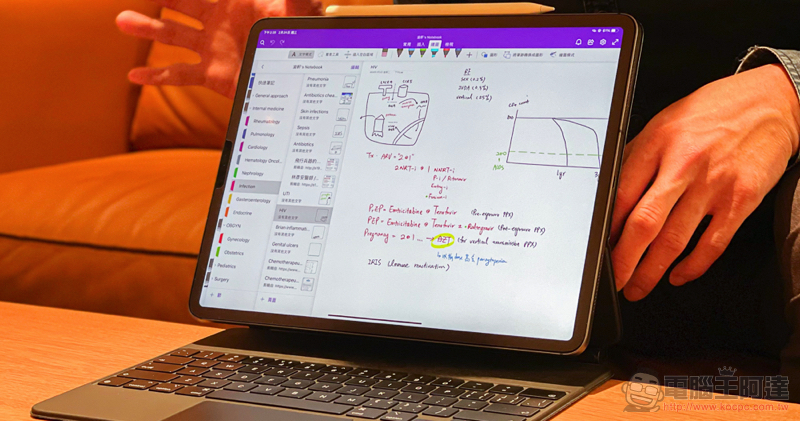
Because of this, in 2017, Scott bought an Apple tablet that can be used with Apple Pencil on the portable iPad Pro for note-taking. I think this combination not only helps in learning, but also in hospital work. In fact, many doctors often use iPad for professional use. The reason why he chose the iPad was that, in addition to being a user of the Apple ecosystem, Scott also conducted research and evaluations and believed that the smoothness of digital writing with the Apple Pencil is one of the best products currently available.
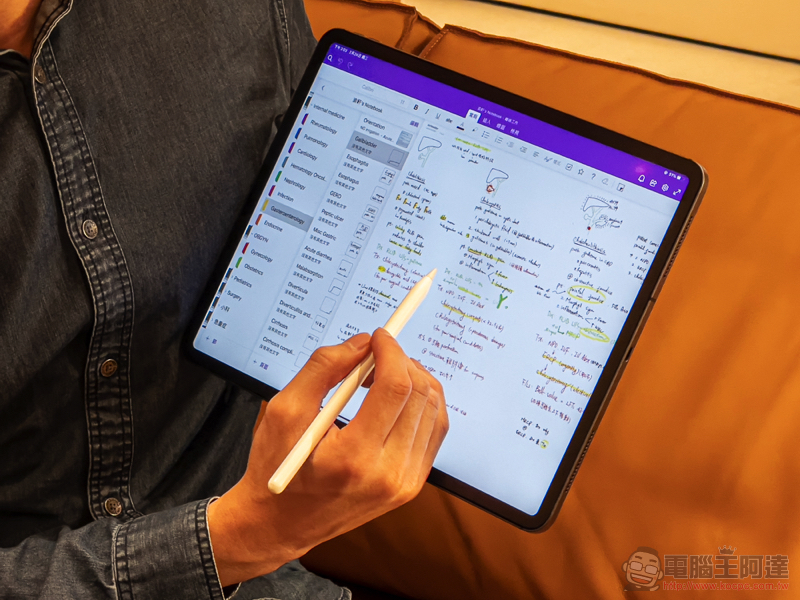
From YouTube’s teachings, everyone should know that one of Scott’s main applications for taking notes with the iPad is OneNote. He believes that OneNote, which can support infinite extension of pages, allows people to take handwritten notes more freely. The built-in multi-level classification is also sufficient to handle complex medical sub-items.
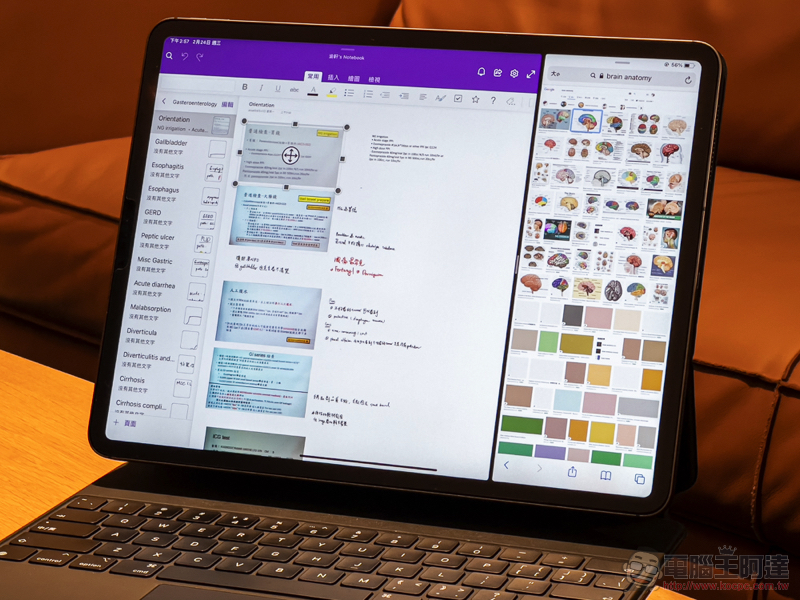
In addition, he often uses the software that can easily import PDF and other data. Notability Take notes. I think this app is particularly useful for taking notes on original books and lecture slides. I also shared that it does not support handwriting, but is very suitable for organizing text content. Notion, through the collapsed hierarchical items, it can also be used as a more systematic learning tool (answers can be answered layer by layer).
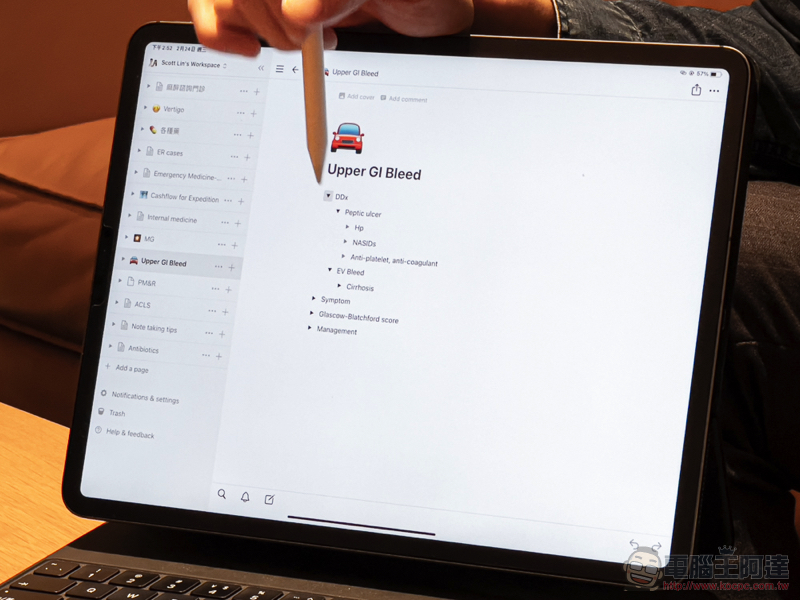
Regarding the tips for taking notes on iPad, he mentioned that the structure of notes is extremely important. He suggested that when studying, you should first organize the structure through the classification of note-taking applications and other tools. After setting up the backbone first, you can accumulate detailed notes so that you can accumulate electronic study notes in a more organized way. This completely refers to my bad habit of taking notes, which is to open notes but always forget to classify them. In the end, it is difficult to find notes quickly for more digestion. It seems that a good classification structure is really half the success of taking notes!
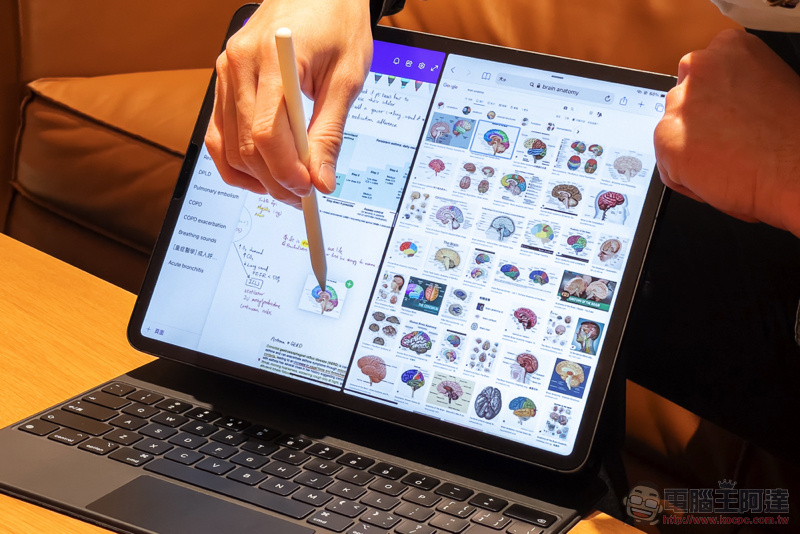
Scott shared his own method of improving learning efficiency. He believed that instead of reading the contents of the book over and over again, it is better to try to challenge yourself by constantly asking questions through taking notes, and strengthen the impression of learning through active recall. At the scene, he also demonstrated how to use the iPad’s multi-function split screen to find reference pictures in the Safari browser and drag them directly into notes to draw.
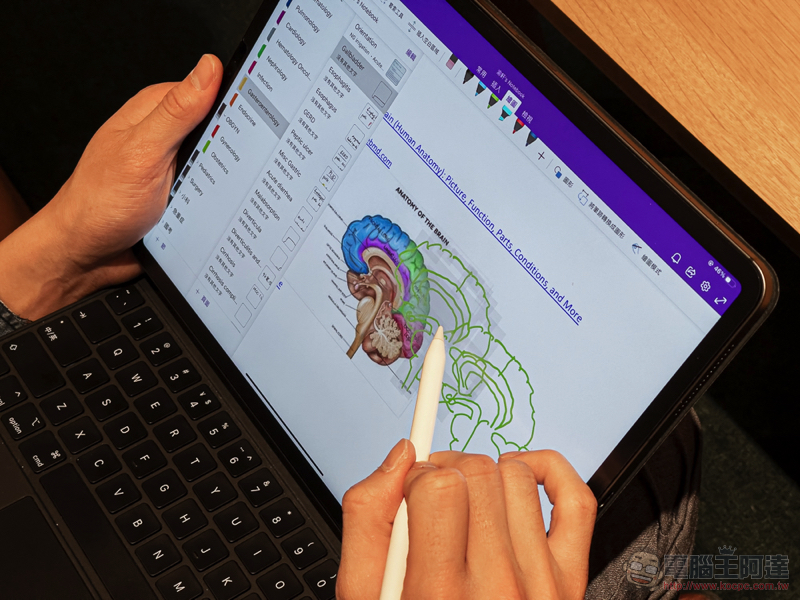
He mentioned that even if you have no talent for drawing, you can actually draw good pictures easily in this way. Afterwards, you can not only use the vector drawing methods provided by many handwritten note-taking applications, but also use methods such as zooming and copy-pasting to learn. He also demonstrated that for a picture like a heart, you can draw the edges to fill in colors and answer the questions for different parts, thereby enhancing learning and memory. You can also simulate answering the question bank exam directly on the handouts (erasing the answers does not waste paper or make them white immediately),
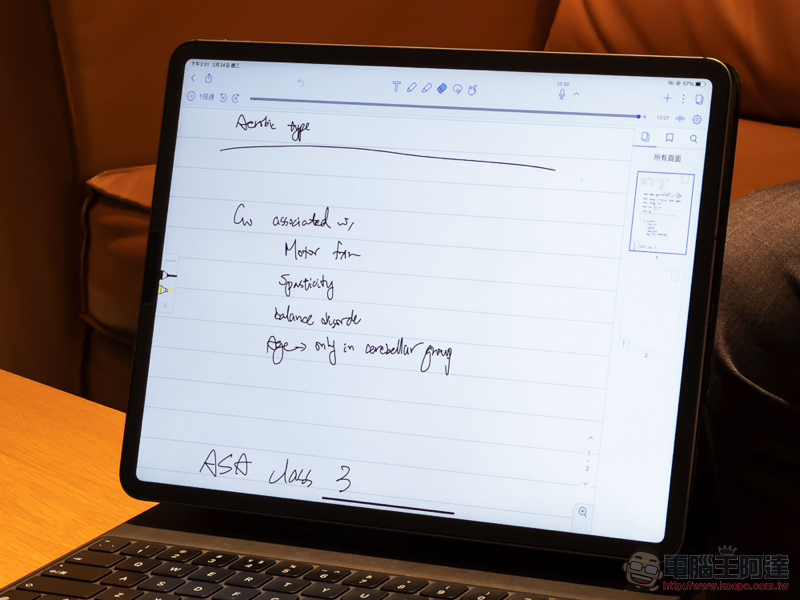
When talking about note-taking skills in class or meetings, Scott also showed off Notability’s useful recording and note-taking function – use Apple Pencil to tap on the item of the note, and the app will quickly jump to the time point when the note was taken. There are also features such as iPadOS 14’s freehand writing input and smart selection and text recognition, which are also recommended for everyone to take advantage of.
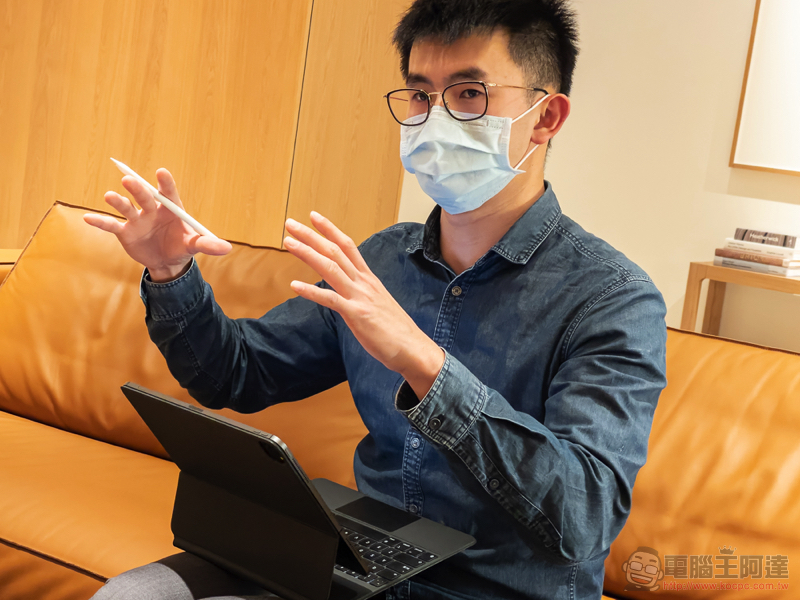
After Scott demonstrates his efficient note-taking method, it really makes people want to make better use of the digital tools at hand and use them for more purposes besides entertainment. Maybe slowing down and writing can allow you to absorb learning more quickly and improve your work efficiency!
Further reading:
Apple kicks out Samsung to become global smartphone sales leader
Old Go pulling new tricks? Gogoro VIVA MIX wants to become your shape (test riding experience)

Source: KOCPC Chinese