


It has been introduced and started to be imported in iOS 14How to use the desktop gadget Widget functionFinally, there are now more and more convenient and beautifully designed gadget applications to choose from. Today, we would like to recommend a free and feature-rich Widgetify that can also be used as a beautiful time and date display on the desktop: Home Screen Widgets (App Store). Continue reading Widgetify: A free iOS desktop gadget that helps you “count down the days” and displays the battery time.
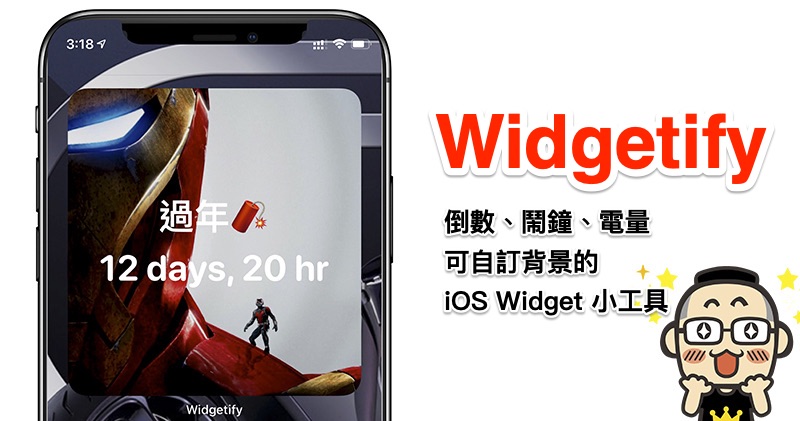
Widgetify: A free iOS desktop gadget that helps you “count down the days” and displays the battery time
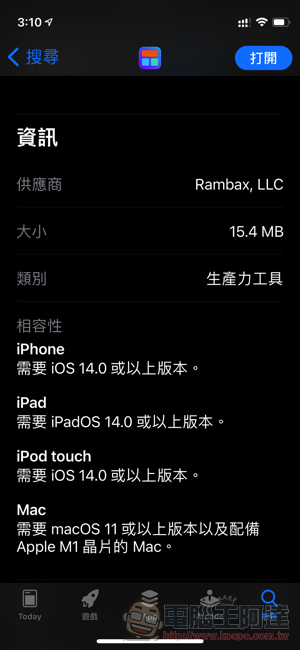
Widgetify is a free custom interface Widget desktop gadget application. The installation size is about 15.4MB. It can support iPhone / iPad and Apple Chip M1 Mac:
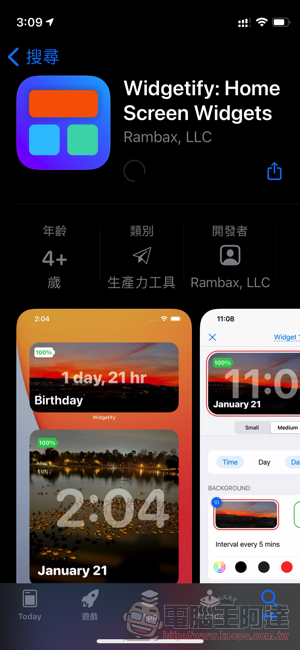
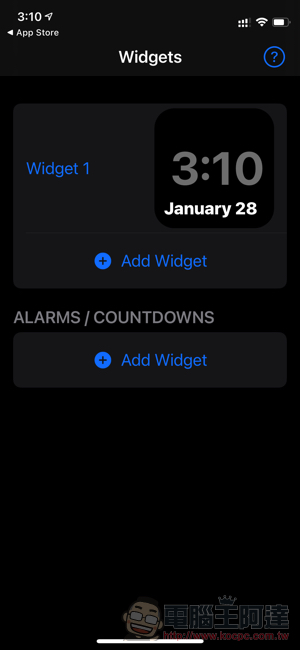
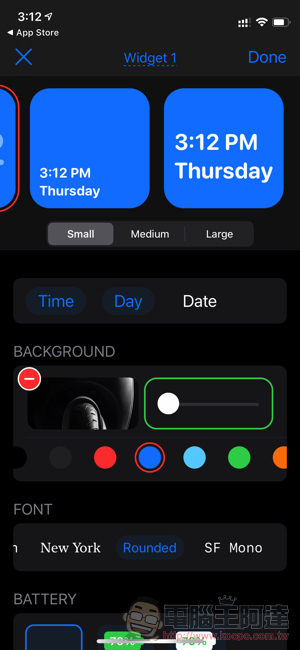
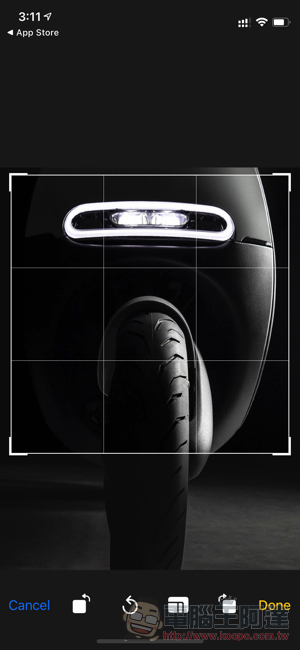
The interface after opening is quite simple. You can select “Add Widget” to add a default widget. The editing function provides the function of adding a background image. If added in the general Widgets field, it can display date/time/week information, and can also customize the background color, font, etc.; although the position of the power display cannot be changed, it is not very considerate, but it is not bad to have a green background or a white background:
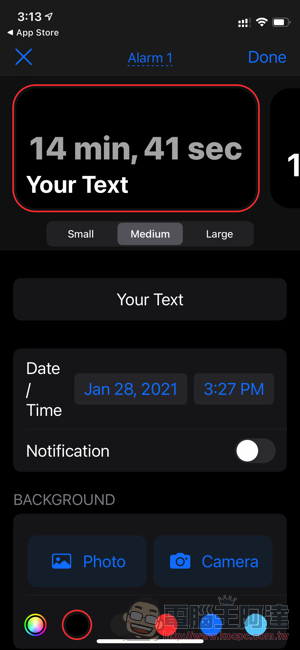
The alarm clock and countdown function should be the most important features of Widgetify. You can set the description text to be displayed on the Widget (emoticons are supported), and specify the date and time. The Widget will display a countdown of how long it is until that time. If it has an alarm clock function, you can turn on the Notification option:
After the settings are completed, you can add it to the desktop. Small/Medium/Large are available:
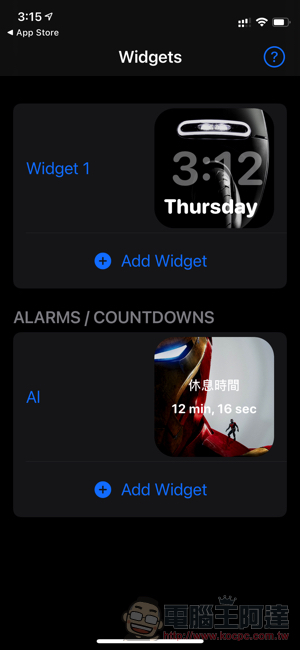
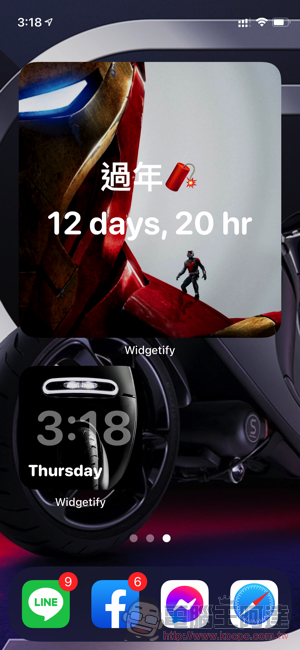
If you want to switch to different countdown widgets currently set, you can long press the Widgetify desktop widget and press “Edit Widget” to select a different widget – if there are many settings, remember to name them! :
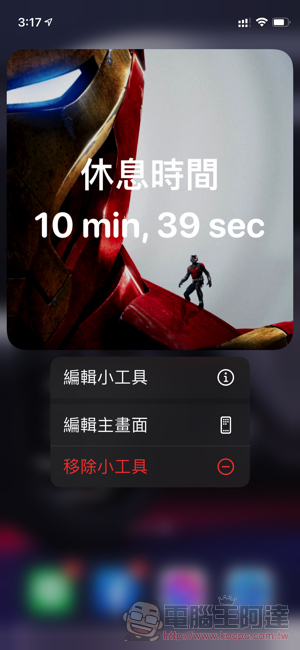
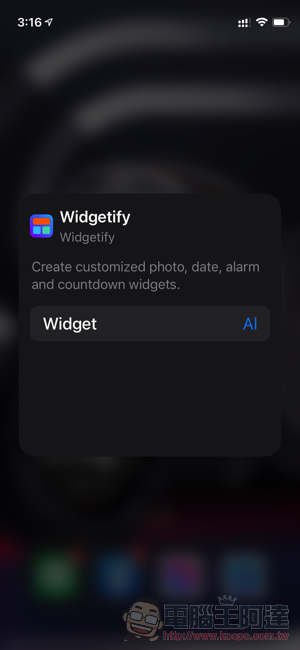
Widgetify is quite simple and easy to use, and it can be set up beautifully even without adding a base image. In addition to the convenient function of the countdown alarm clock and it is free to download, it is recommended to use it to remind you of various countdown days. It may make you feel a little better if you count all kinds of steamed buns – eh, it can also be set to an anticipated anniversary!
Widgetify Download (App Store)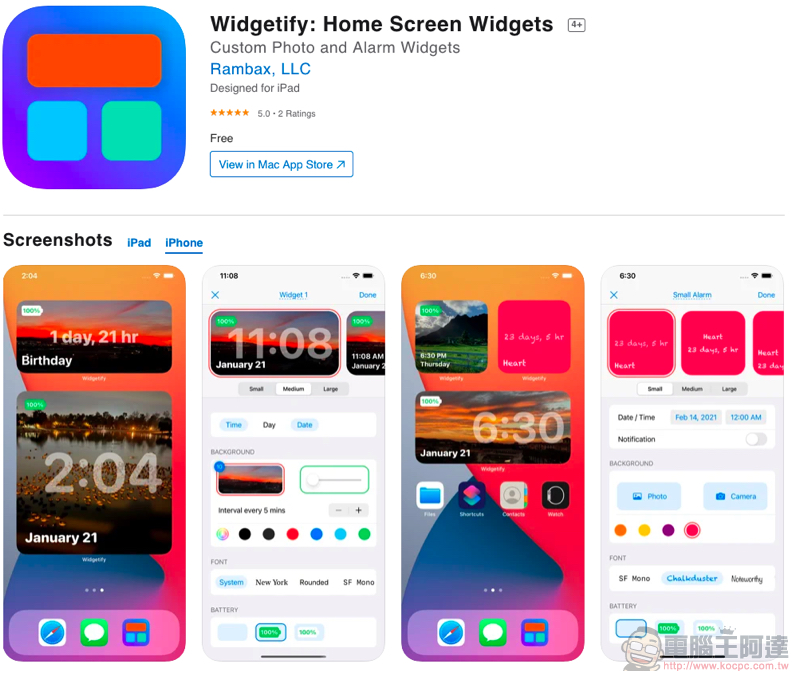
Further reading:
M1 MacBook Air unboxing experience: the most surprising thing remains the same
Source: KOCPC Chinese