


These days, smart voice assistants are becoming smarter with the research in the field of AI. Whether it is Apple’s Siri, Amazon’s Alexa, Microsoft’s Cortana or Google Assistant, these little assistants that mainly communicate with humans through voice are all versatile, and each has its own unique functions and wisdom. But many users also use various weird ways to deal with these seemingly smart artificial intelligences. Recently, some foreign players discovered a small easter egg for Google Assistant. Saying the command “Go Super Saiyan” in English mode, the Google assistant actually started to make mysterious transformation sound effects, which was very similar to the voices of each Saiyan who was about to transform in the “Dragon Ball” animation:

▲Wukong: “Ahhhhhhhhh” (Image source)
Dragon Ball is a set of shounen manga that has influenced many manga lovers in Japan and around the world. Its unique world view and “fighting from the earth to outer space” fighting style became popular among readers in the 1990s, and it is still very popular even now. Even in 2015, there was still a new work “Dragon Ball Super” that inherited its world view. The various warriors in the Dragon Ball story are still popular among many comic fans in the 21st century.
Dragon Ball fans are shocked that Google Assistant is actually a Super Saiyan
A foreign player suddenly had a whim, called up Google Assistant on his Android tablet, and said a strange command “Go Super Saiyan”. The author is not very familiar with the English version of Dragon Ball, but I probably know that Super Saiyan means Super Saiyan. The previous Go may mean similar to transformation. When combined, this string of words should mean “Transform into a Super Saiyan!”:
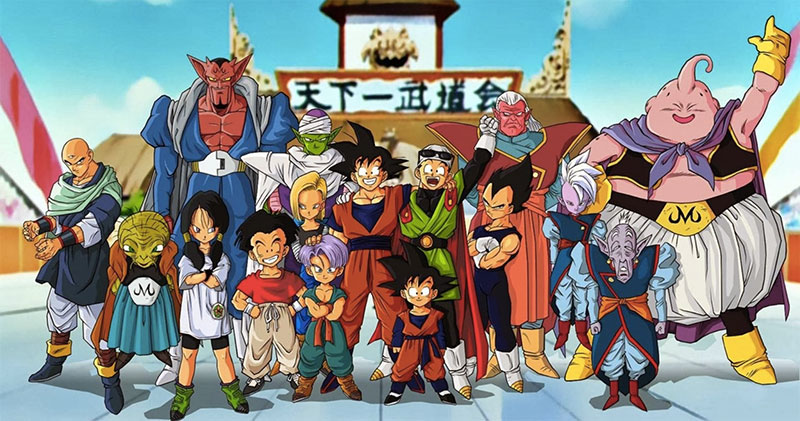
▲Dragon Ball started out as an adventure story about Goku and Bulma, and later gradually added elements such as the World’s No. 1 Budokai and Super Saiyan (Image source)
After the Google Assistant received this command, what was surprising was that it actually transformed… To be precise, it made a sound effect similar to that of a Super Saiyan when it transformed. After a series of unknown roars, it also included a small explosion and a small Emoji, indicating that it had successfully transformed. But this easter egg obviously has no other mysterious instructions about Dragon Balls or Saiyans. It seems that nothing happens except that it can transform…no, make transformation sound effects. The author’s mobile phone neither emits fighting spirit nor changes from black to golden or blue:
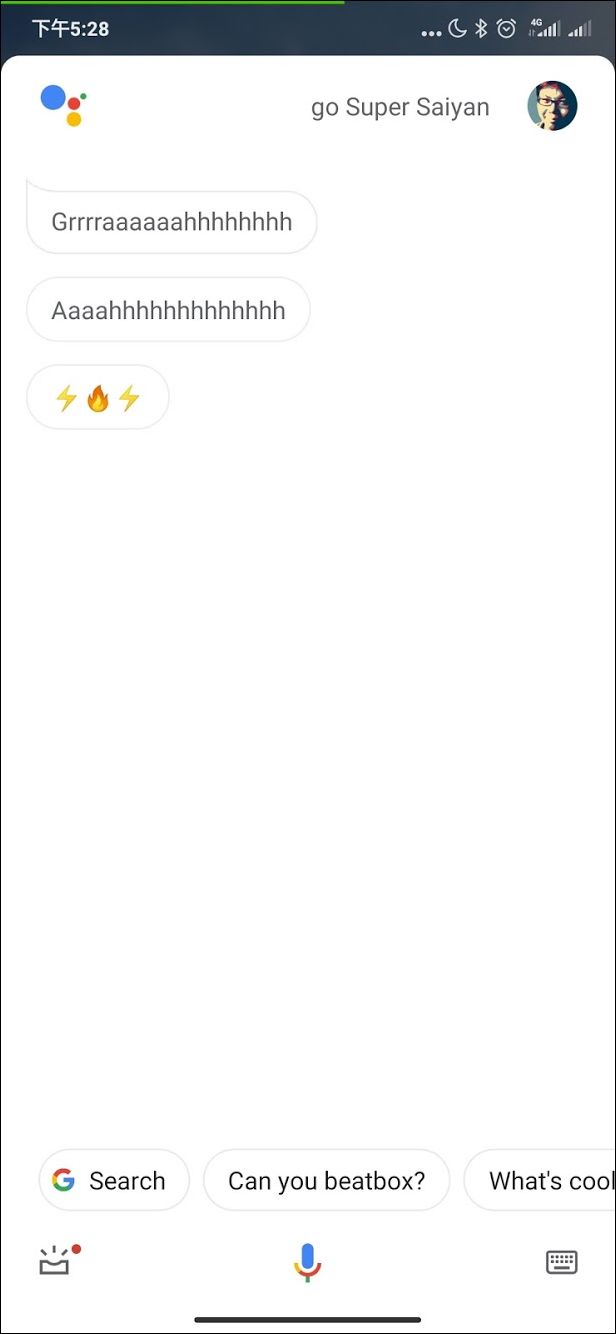
▲The actual measurement results show that the Super Saiyan easter egg does exist.
Since foreign players can see this Easter egg, they generally have Android phones and tablets with Google Assistant, that is, users with Android version 5.0 or above, can they reproduce this Easter egg? The author did some research and found that Easter eggs can still be triggered through this command. However, the default language of Google Assistant on ordinary people’s mobile phones is usually not English. They must first change the default language to English through the system settings. If your assistant is already speaking English, maybe this step can be saved:
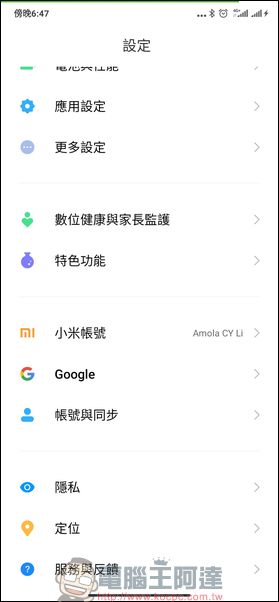
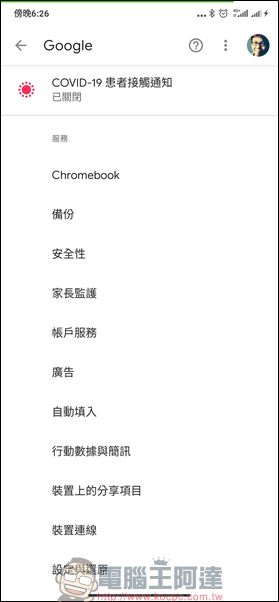
▲First enter “Settings” -> “Google” -> “Account Services” in the mobile phone system. If you are not sure where it is, you can find it from the bottom first. You can see “Google” near “Accounts and Sync”
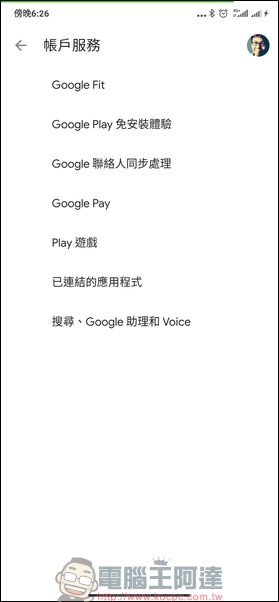
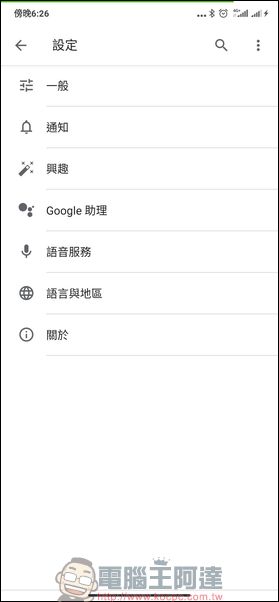
▲Then click on “Search, Google Assistant and Voice” -> “Google Assistant”
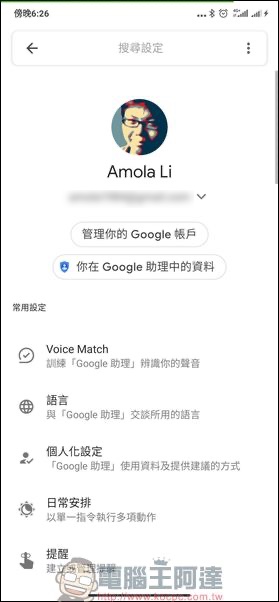
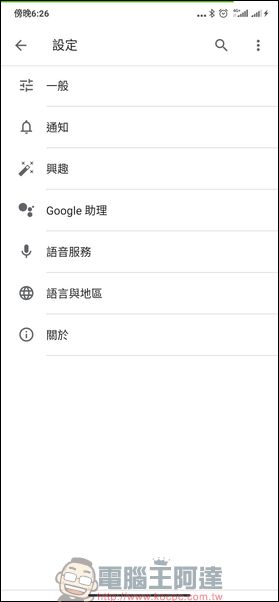
▲Then click on “Language”, this is the place to switch languages. For me, just click “Chinese (Taiwan)” and you will enter the language switching menu.
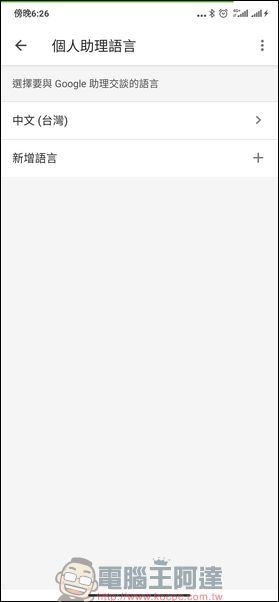
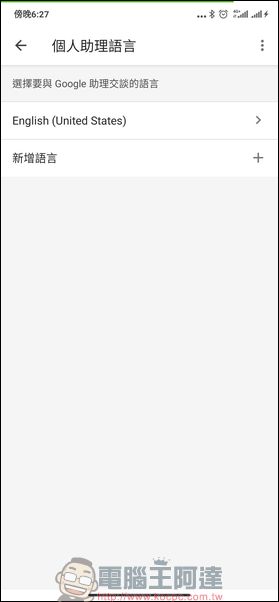
▲Find “English (United States)” and click on it, then exit the screen and you will see that the language has been changed to English
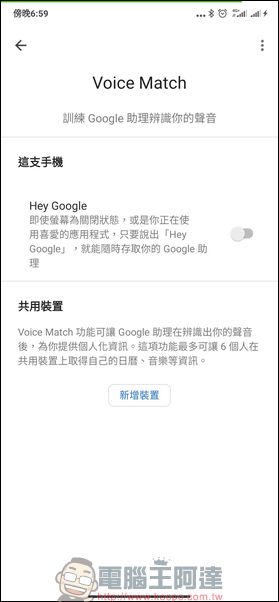
▲In order to use Google Assistant more conveniently, you can also set up an additional “Voice Match” at this time. We first return to the “Google Assistant” screen, find “Voice Match” and click on it.
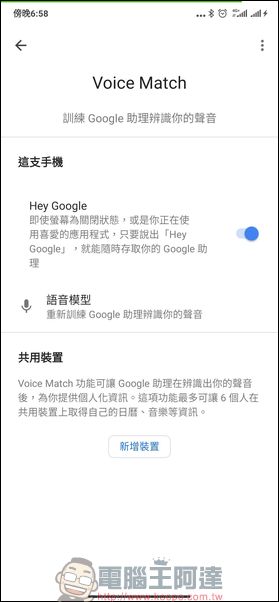
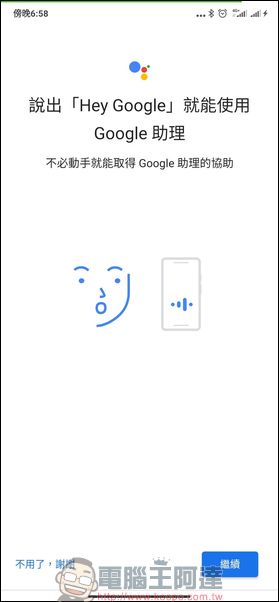
▲Pull up the lever option of “Hey Google” to enable this function. Users who have not set it up may see a prompt on their phone that requires recording to identify the user’s own voice. In this case, just follow the instructions. After setting up, we can say “Hey Google” to the phone to call the assistant, and then try the easter egg command “Go Super Saiyan”
Although this little easter egg has no more playability, nor is it related to marketing information about an upcoming game, movie, animation, etc., at least the author has no such information at the moment. But it’s fun to hear Ms. Google yell once in a while. As for whether Google will one day remove this easter egg in a low-key manner, the author did not discover this before finishing the article. Interested players may also pick up your Android phone and tablet to play with it:
▲A video of the actual operation of foreign players. Have you successfully triggered this easter egg?
Source: KOCPC Chinese