


Finally, now AI also gradually started to move toward helping users complete designated tasks locally, earlier Claude We’re introducing a brand new “Cowork” feature. As the name suggests, you can think of it as your colleague that automatically handles local tasks in the background—like organizing specific folders, creating documents, generating report drafts, and more.
This also means that AI can actually do things for you on your computer, not just chat.
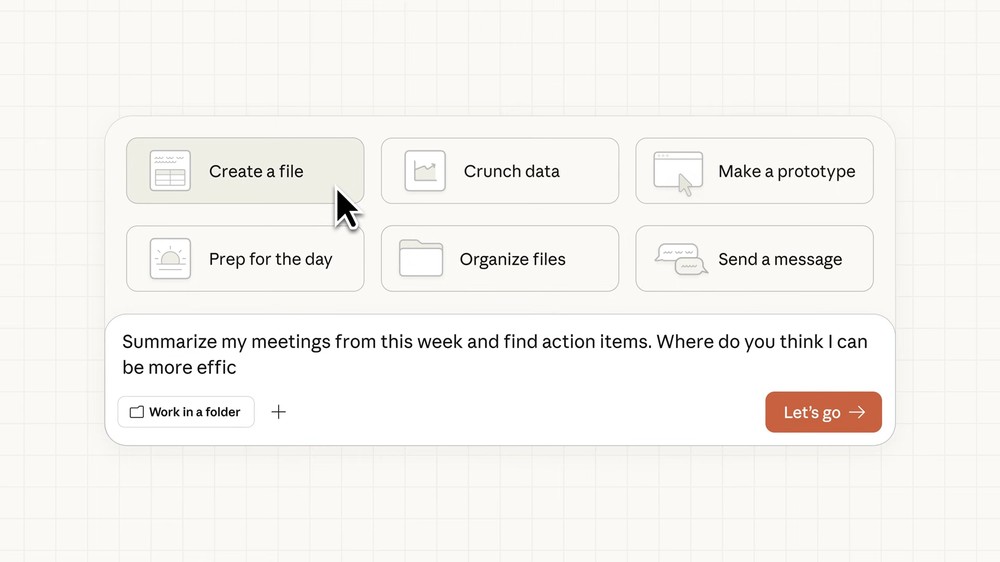
Claude Launches “Cowork” — Your AI Work Partner That Actually Gets Things Done, Handling Local Computer Tasks
Previously, Anthropic released Claude Code, an AI agent tool that could actually handle the tasks mentioned above. However, since Claude Code was designed specifically for programmers, users without a technical background found it quite challenging to use. That’s why Anthropic is now launching “Claude Cowork” to lower the barrier, allowing everyone to simply use natural language conversations to have AI help with tasks.
Based on the official introduction, when using Cowork, users can authorize access to designated folders, and then Claude can perform the following tasks within those folders:
- Read file
- Edit file
- Create new file
For example, you can ask Claude to reorganize and rename files in your Downloads folder, compile a spreadsheet from a pile of expense screenshots, or generate a draft based on your scattered notes, and so on.
After you describe your requirements, Claude will plan out the execution steps on its own, just like other AI agent tools, and then work through them step by step, keeping you updated on progress throughout the process.
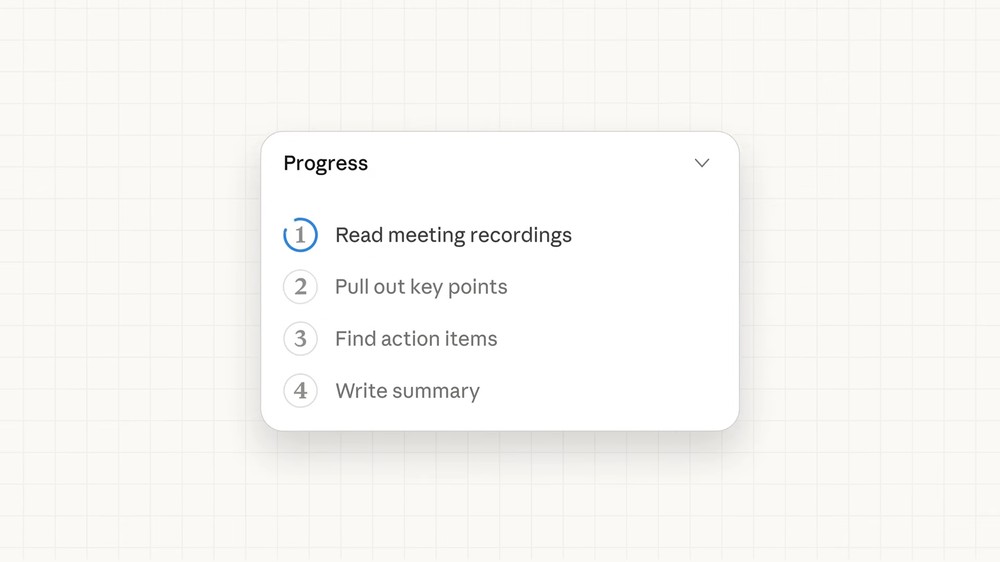
Below is an example: a cluttered desktop that Claude Cowork effortlessly organizes on its own — no action required from you.
Anthropic also mentioned that after users master the basic usage, they can unlock even more capabilities of Cowork, such as:
- You can use your connectors to access external information sources
- Using Skills to enhance Claude’s capabilities in creating documents, presentations, and various types of files
- With the Claude in Chrome feature, Claude can also handle browser operation tasks.
Regarding security, users will have full control, clearly knowing which folders Claude can see and which connectors are available. Claude cannot read or edit any content the user hasn’t authorized.
Like other AI agents, Claude will ask for your consent before performing any important operations (such as deleting files), enabling you to intervene or adjust the course in real time.
Sure, after all, it’s AI—Anthropic has also written disclaimers upfront: “By default, Claude has the ability to perform destructive operations (such as deleting local files), and misjudgments can occur if instructions aren’t clear enough.” The official recommendation is to give specific and clear instructions when using it, especially when handling important folders. Additionally, be cautious of Prompt Injection risks.
Claude Cowork is currently only in preview, so only a limited number of people can try it early. If you’re a Claude Max subscriber running macOS, you can experience it right now. Users on other plans can join the waitlist.
Source: KOCPC Chinese