


There are a lot of videos on YouTube now, whether it is about learning English, cooking, knowledge, financial management, or even life, and many of them are of good quality. Therefore, many people who want to learn new things now go to YouTube to find them. However, YouTube does not provide a note-taking function. When you see some good points, you can only record them through other note-taking applications. It is okay to use a computer, but it is very inconvenient to use a mobile phone, and the screen will jump around (unless you use pen and paper instead). This article will recommend a very good free TubeNote App, which allows you to watch YouTube videos and take notes at the same time without switching to other applications. Currently, it is only available in iOS version.
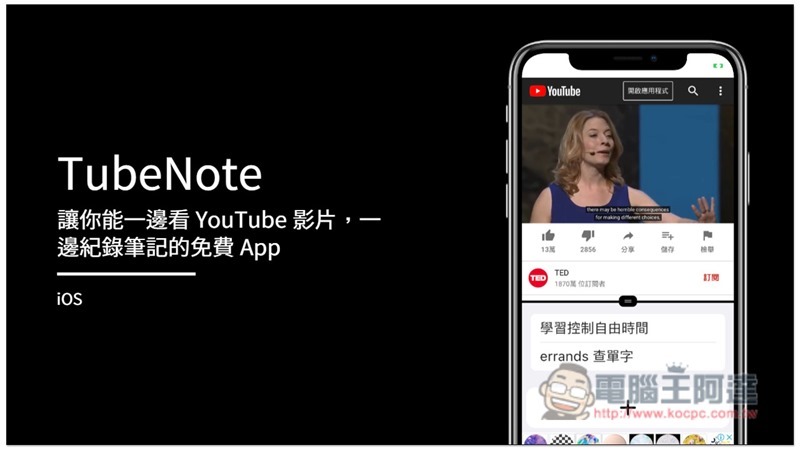
TubeNote App Introduction
The interface of TubeNote will be divided into two parts. The YouTube website is displayed on the upper part, and the note-taking function is displayed on the lower part. The slider in the middle can slide up and down to adjust the size that suits you best:
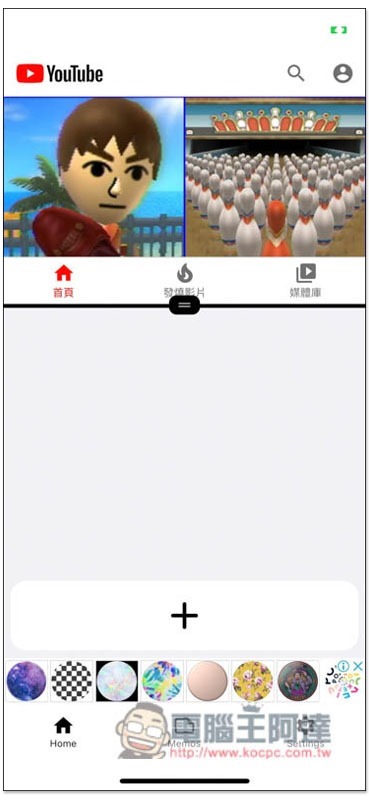
As shown in the picture below, the videos displayed on the default YouTube homepage will be the country you are currently in. For example, if I am in Japan, Japanese YouTube videos will be displayed:
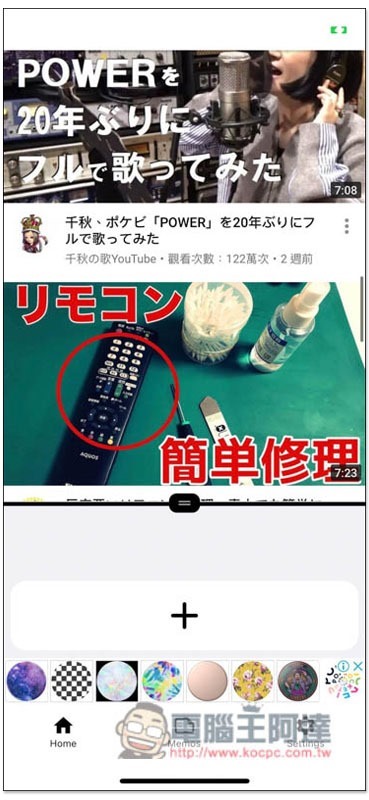
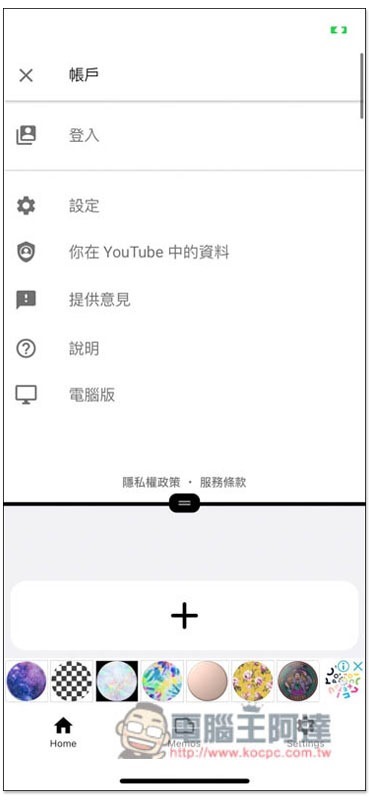
It also supports YouTube account login function. For those who are worried that their account may be compromised, it is recommended to watch the video you want through search:
Take this TED Talk video for example:

This film has a subtitle function and provides subtitles in multiple languages. After clicking on the video, a gear icon will appear in the upper right corner:

After entering, you can choose the subtitles you want to use, adjust the video quality and playback speed, etc.:
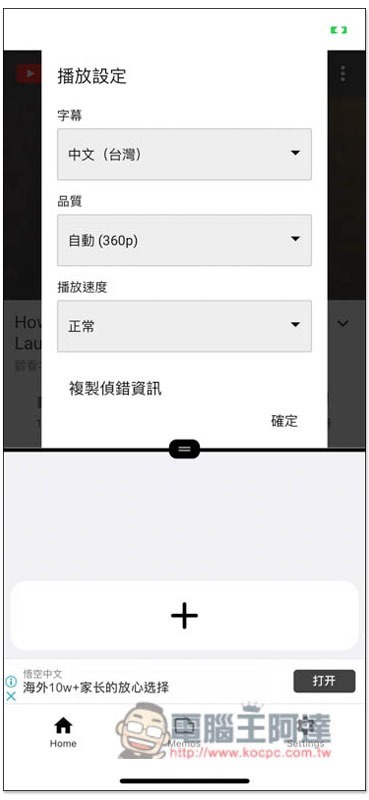
I changed it to English subtitles so that I can start learning English:

When you see the key content you want to record, click the + symbol below to enter the note mode, where you can enter the content you want to record:
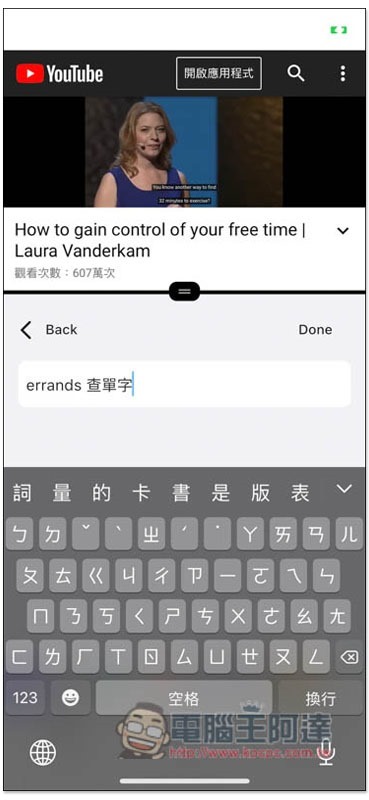
Pressing Done will save it:
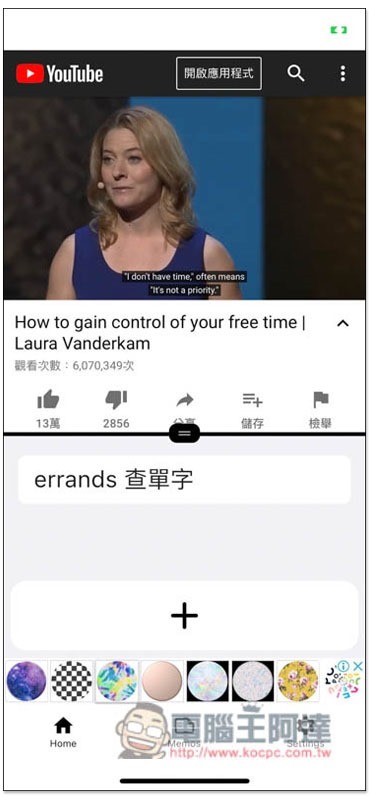
Each new note will be recorded separately, so you don’t have to worry about it being washed away. In addition, the background icons in the lower row are advertisements, not functions:
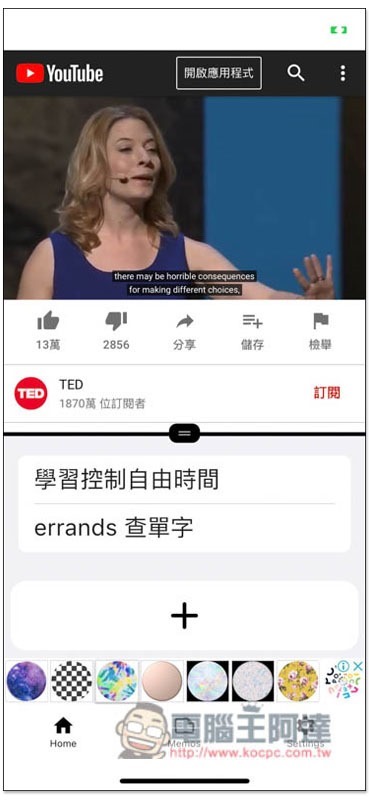
The videos you have taken notes on will be automatically saved in the List menu, making it easier for you to find them quickly in the future:

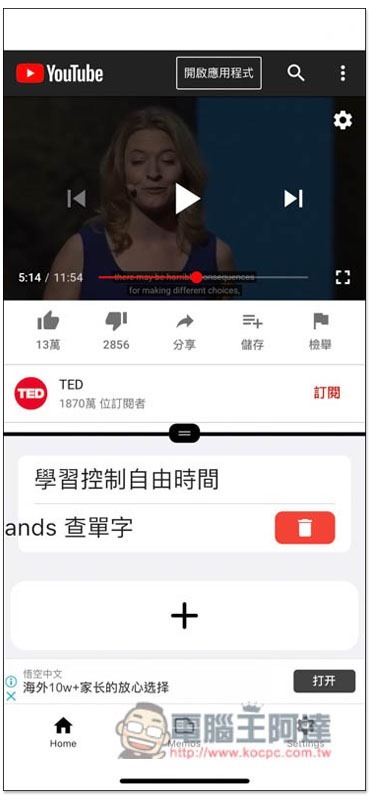
If you want to delete a certain paragraph of notes, swipe left and you will see the trash can icon:
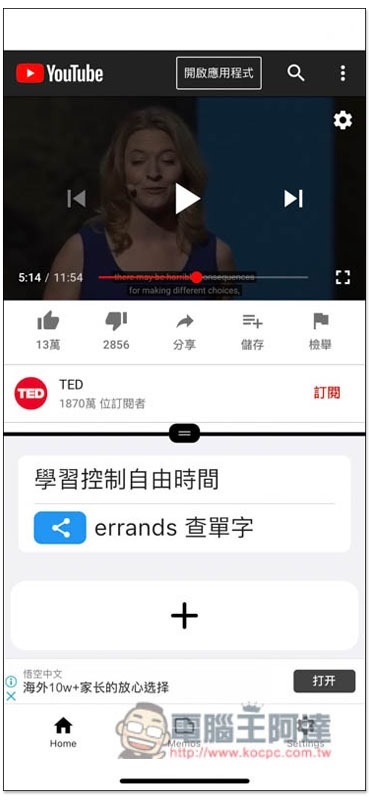
Swipe right to share the note:
One thing to note is that the free version can record a limited number of notes. If you exceed the number, you must delete the old ones before you can write new ones. Although the paid version has no ads and unlimited notes, I personally think it is a bit expensive, and it is a subscription system, so I don’t recommend it:

Supplementary information
- TubeNote download page:App Store
Source: KOCPC Chinese