


Recently discovered that ChatGPT Also launched their own ChatGPT Translate tool, with usage similar to Google TranslateOpen the webpage and paste the content you want to translate, then you’ll get the results without needing to type like you do in ChatGPTPlease provide the Traditional Chinese text you would like translated to English.and similar prompts, making them more convenient to use
But what you get from ChatGPT is AI translationQuality, and Google Although it has already been announced that the underlying will become GeminiBut Taiwan hasn’t launched this yet, so you can still only get machine translation quality. Feel free to give it a try.
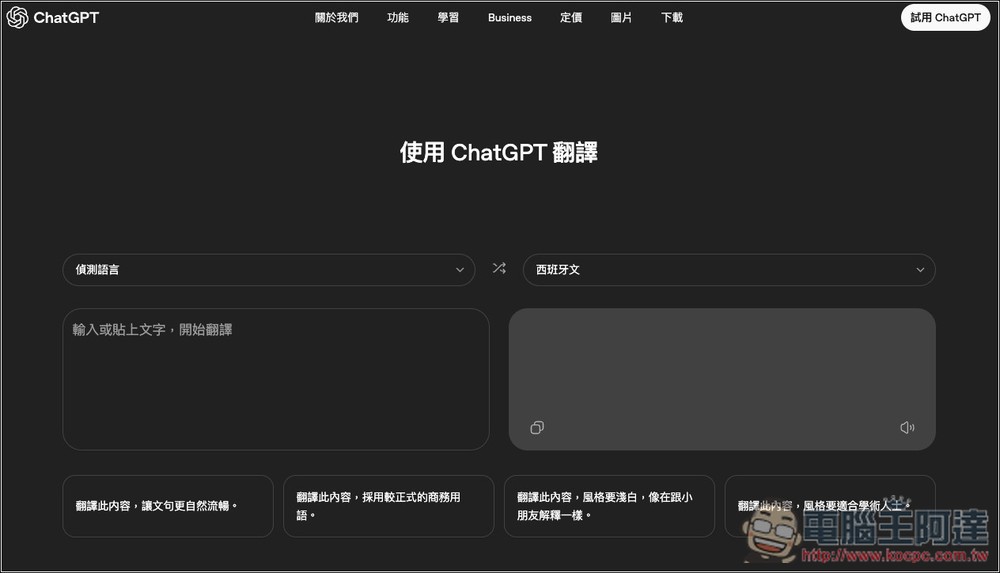
ChatGPT Translate is an official web-based translation tool by OpenAI, supporting over 50 languages.
Many people today, like me, probably use ChatGPT when translating foreign texts. Although the quality is much better than machine translation, the process is still somewhat tedious, because besides copying and pasting the content, you also need to enter prompts to tell ChatGPT to perform the translation.
With the ChatGPT Translate tool, there’s no need to log into an account or enter any prompts—just paste the content, and ChatGPT will automatically translate it for you.
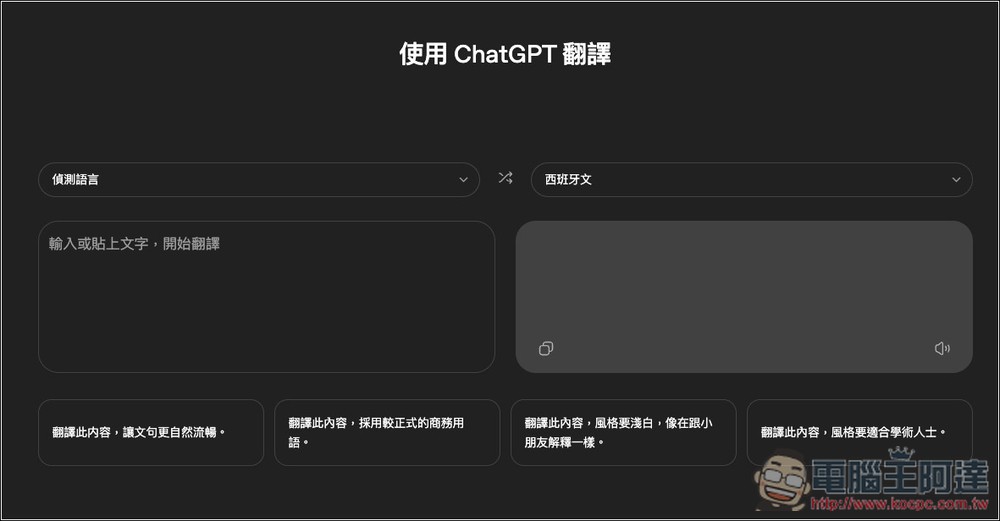
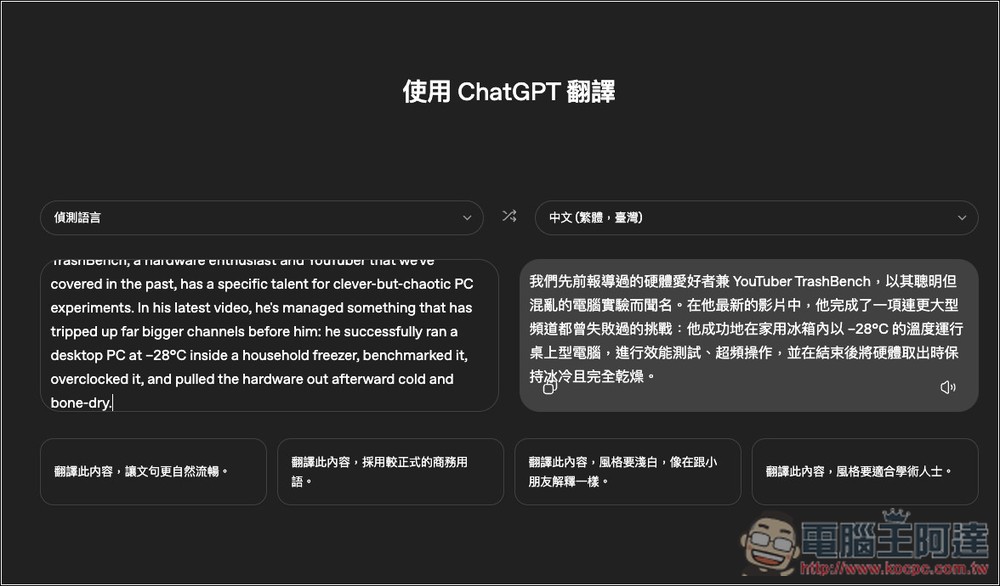
After clicking the link above to open ChatGPT Translate, you can paste the content you want to translate on the left side. The system automatically detects the language by default, so there’s no need to change it manually—just remember to change “Spanish” on the right to your desired target language.
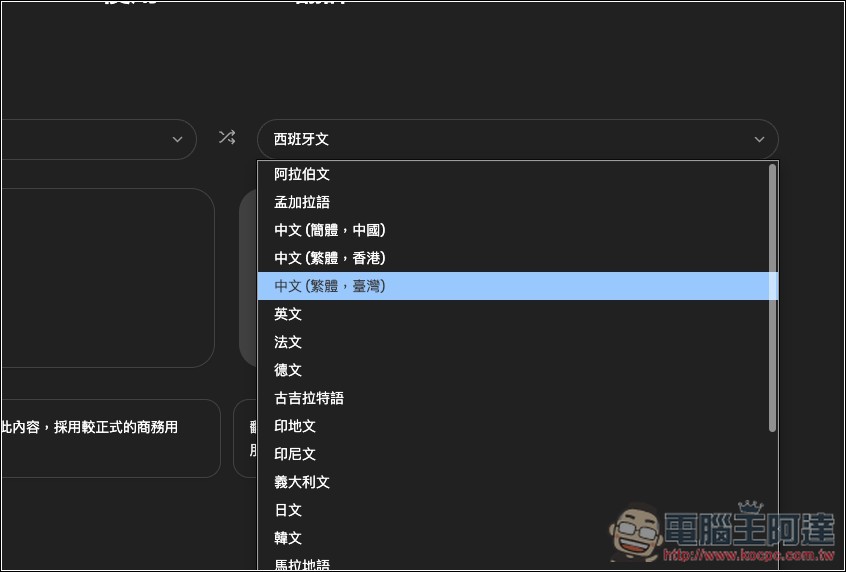
OpenAI claims this tool can translate over 50 languages, but when I checked, there are only about 20+ target languages—so the 50+ figure likely refers to source languages when using “detect language” mode.
Once you’ve set the target language, paste your content on the left side, and you’ll see ChatGPT start translating on the right.
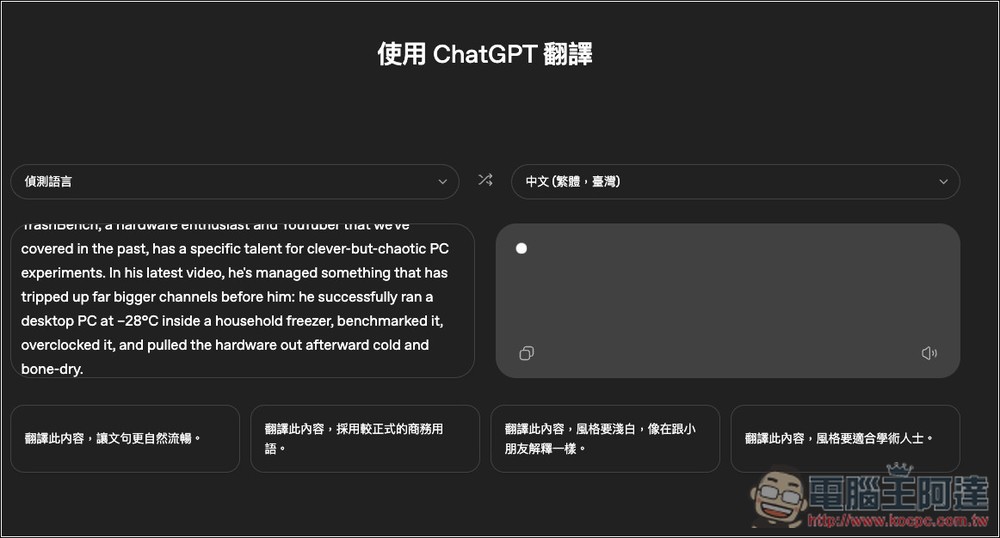
I’m not sure which model is being used behind the scenes, but my guess is it’s the latest GPT-5.2.
After the translation is complete, if you’re satisfied with the content, you can of course read or use it directly. If you feel the content is a bit stiff, or doesn’t meet your needs, four common options are provided below to help you quickly improve the translation quality:
Translate this content, making the wording more natural and fluent
No content was provided for translation. Please provide the Traditional Chinese text you would like translated into formal business English.
3. Translate this content in a simple, child-friendly style.
4. Translate this content in a style appropriate for an academic audience.
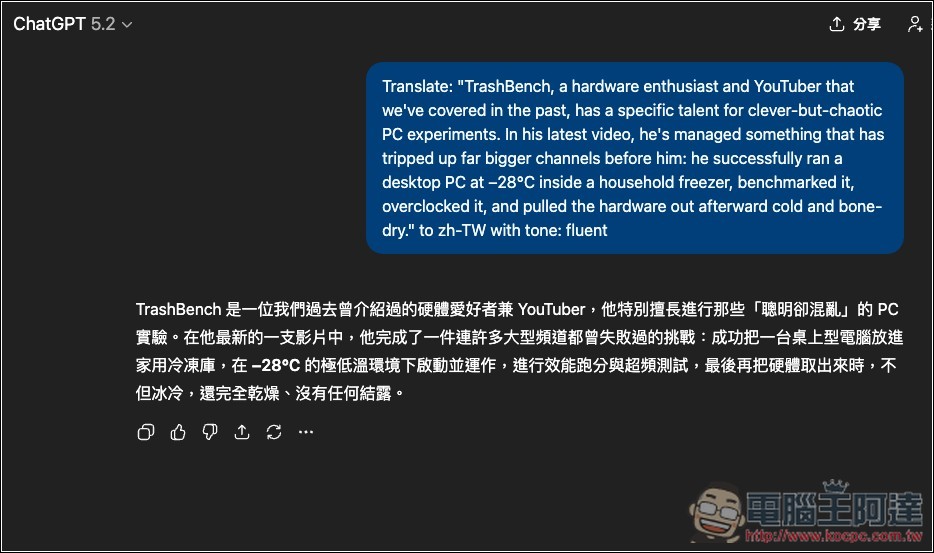
After clicking, the system will automatically redirect to ChatGPT’s chat interface and combine the content you want to translate with the prompt you’ve selected. You can directly press send, and then you’ll get the translation result.
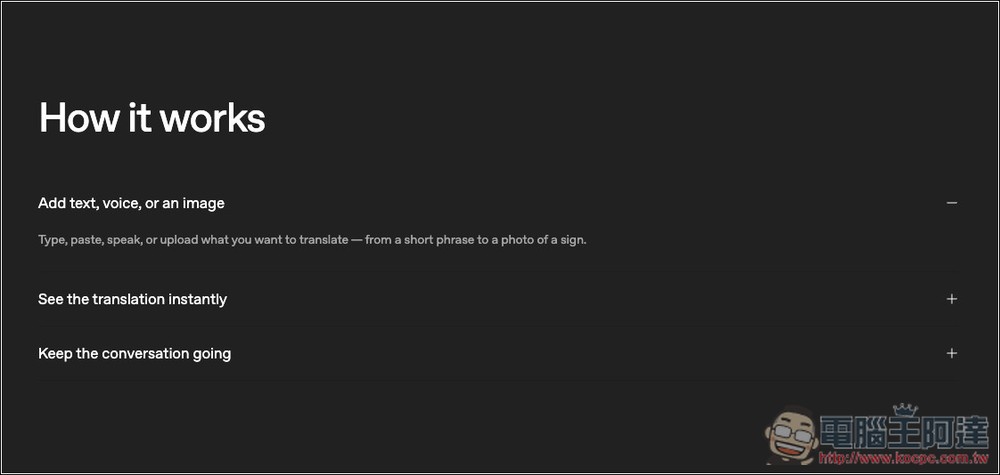
Also, there are some descriptions at the bottom of the tools page. Based on the description, it seems that in the future there will be not only text translation, but also voice and image translation:
It even mentions language learning, travel use, and professional purposes, though it’s unclear whether this refers to ChatGPT or if the translation tool will also include these modes in the future:
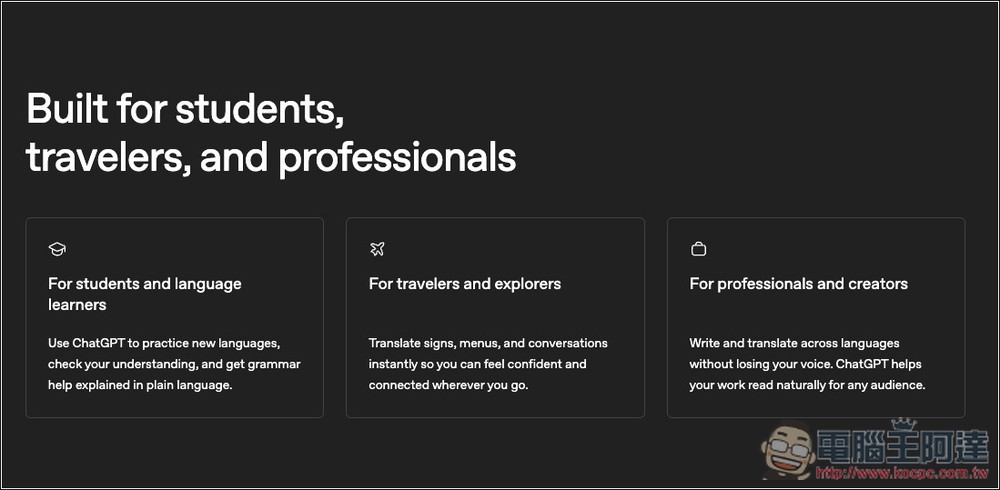
However, Google Translate already has language learning features, so I expect ChatGPT will likely add this functionality in the future as well, and might even launch a dedicated ChatGPT translation app. You can look forward to it.
Source: KOCPC Chinese