


a few days ago LINE 10.21.0 update for iOS, a quite practical “Watching YouTube videos with friends function” has also been quietly added. When there are any YouTube videos that you think are good and interesting in the future, you can invite LINE friends to chat and watch them together, and there is no limit to one, you can have as many as you want (the maximum number of people in the group is allowed). In addition, not only iOS, but also Android can now use this function. If you don’t know how to operate it yet, I will teach you below.

How to use LINE’s feature of watching YouTube videos with friends?
First of all, remember that your iOS or Android version of LINE must be updated to the latest version. If you are not sure, you can search for LINE in the App Store or Google Play. If it shows Open or Open, it means it is the latest version.
This function of watching YouTube videos together is currently only available in “groups” and is not supported by friends’ conversation chat windows. Therefore, even if you just want to watch YouTube videos with another friend, you still need to create a group.
Like this, if you share a YouTube video in a group, there will be an additional “call and share screen” function below:

Even if it’s not the YouTube link video you shared, anyone in the group can turn on the YouTube watch together feature:

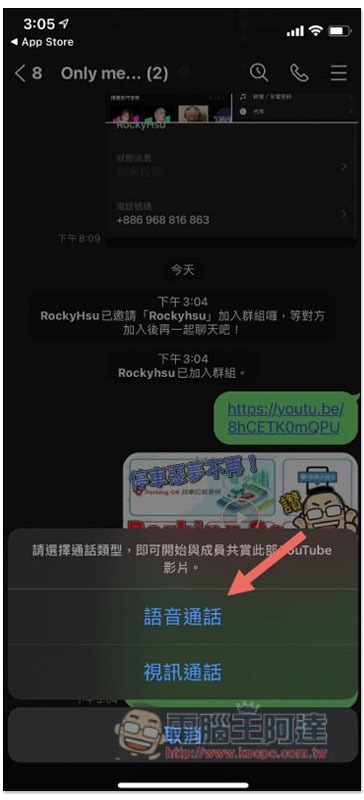
After clicking, the “Voice Call” and “Video Call” menus will pop up. The voice call is simply to watch YouTube videos together, while the video call will show everyone’s video screen. There are screenshots below:
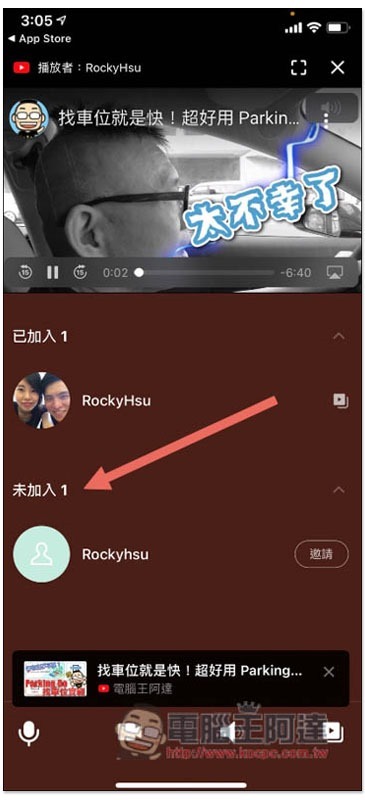
The voice call screen will look like this. The top is the YouTube video, and the bottom shows who in the group has/has not yet joined the watch together queue:
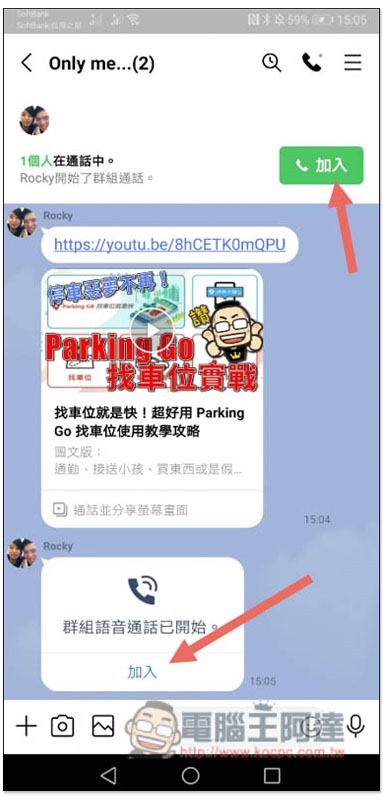
When someone enables the YouTube watch together function, the chat window of the group members will pop up to ask whether they want to join:
After joining, you can watch together and chat while watching:
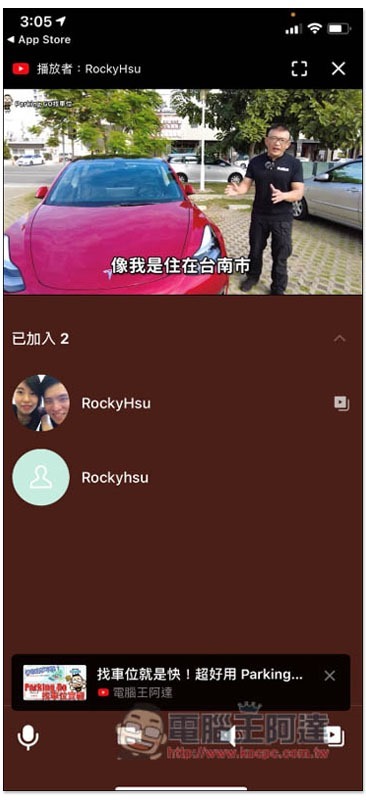
The screen of the video call is as follows. The YouTube video remains at the top, and the bottom becomes the video screen of each member who has joined:
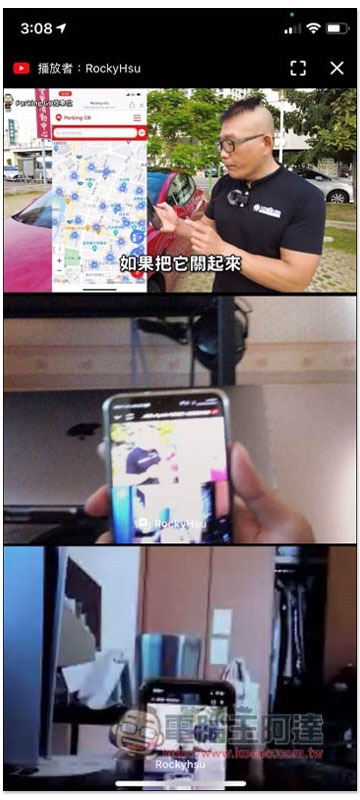
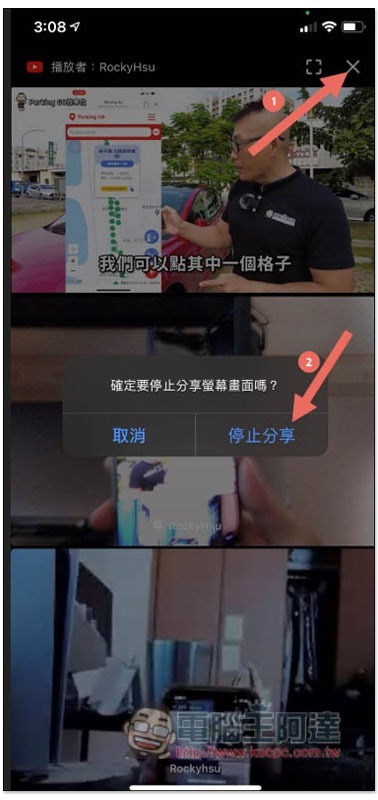
It is also very simple to end the YouTube watch together function, just click the X in the upper right corner to close:
in conclusion
Therefore, if there are any funny YouTube videos in the future, you can invite friends to watch them together through this function. Even those who are making travel, dinner, or wedding videos can upload them to YouTube first, and then use this function to let all family and friends watch the premiere together.
Source: KOCPC Chinese