


I believe many of you have seen the news that important and private files were leaked due to computers being sent for repair. This is because the deletion in the computer will still leave some traces, which can be recovered through professional rescue software. This is also the reason why sometimes important data is missing or accidentally deleted, but there is still a chance to recover it. If you have important files that you want to delete and don’t want anyone to know or rescue them, this free and open-source SDelete-Gui tool is very good. It requires no installation and you can quickly, securely and permanently delete the files directly by right-clicking them. No one can recover them.
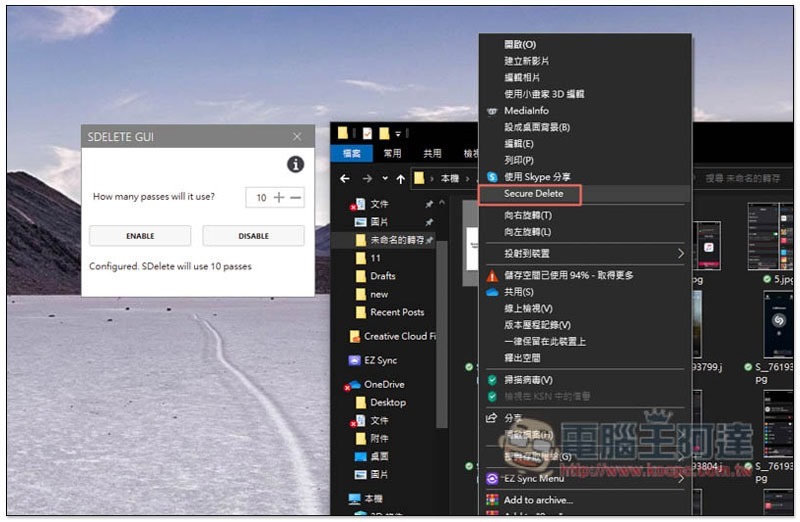
Introduction to SDelete-Gui safe file deletion tool
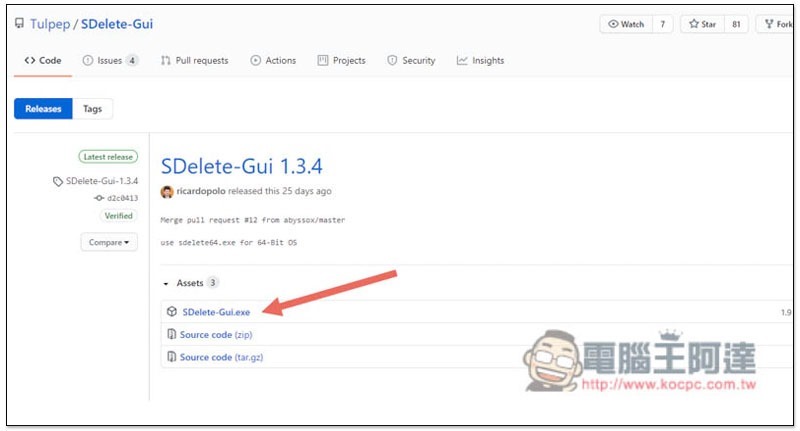
The developer of SDelete-Gui has put the program source code on Github. Anyone who is interested can find it by themselves.Click me to go to the tool download pageAfter that, click on the SDelete-Gui.exe file:
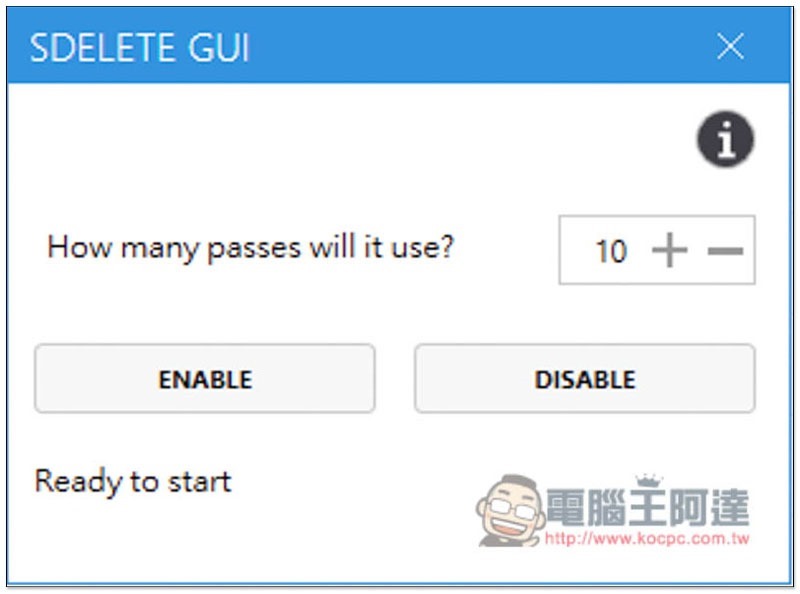
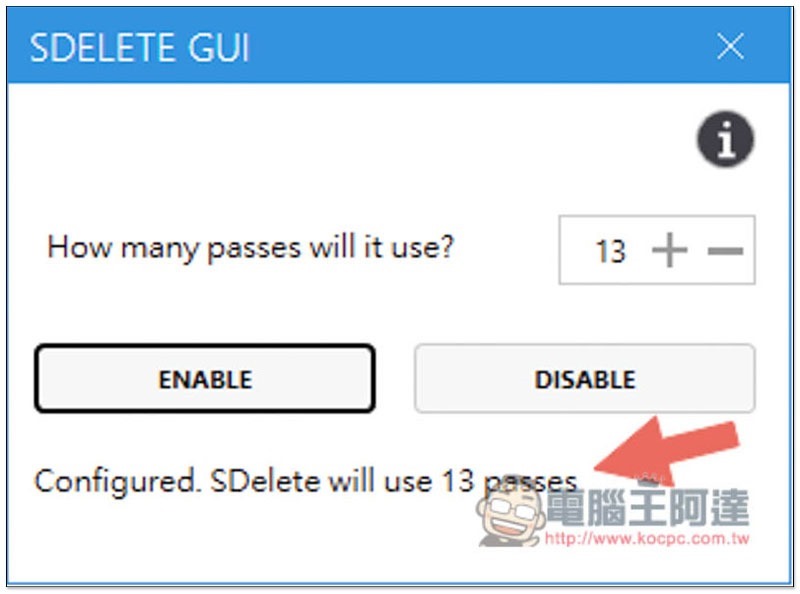
After downloading and opening it, you will see this screen. The number represents how many times you want to delete. The default is 10 times, which can be increased or decreased. If there are no special needs, there is no need to change:
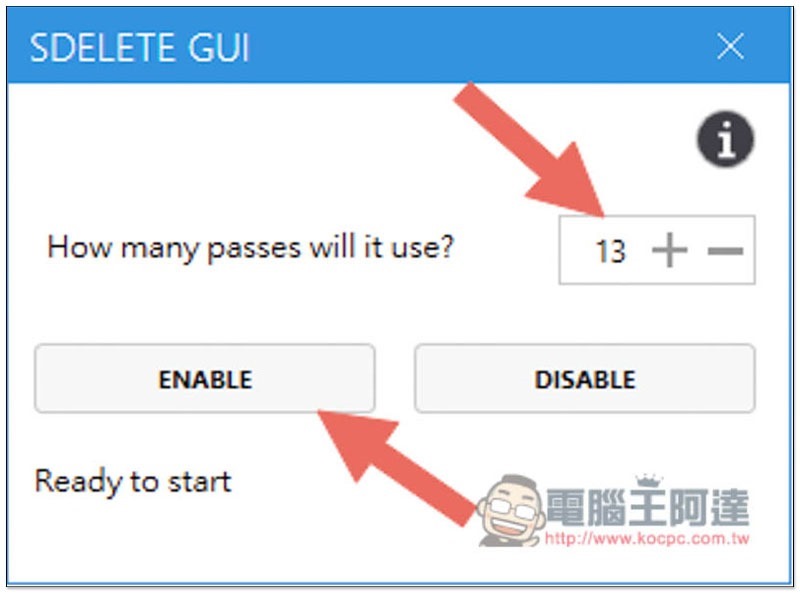
After setting, press ENABLE to activate:
When the “Configured” message appears in the lower left corner, it means the activation is successful:
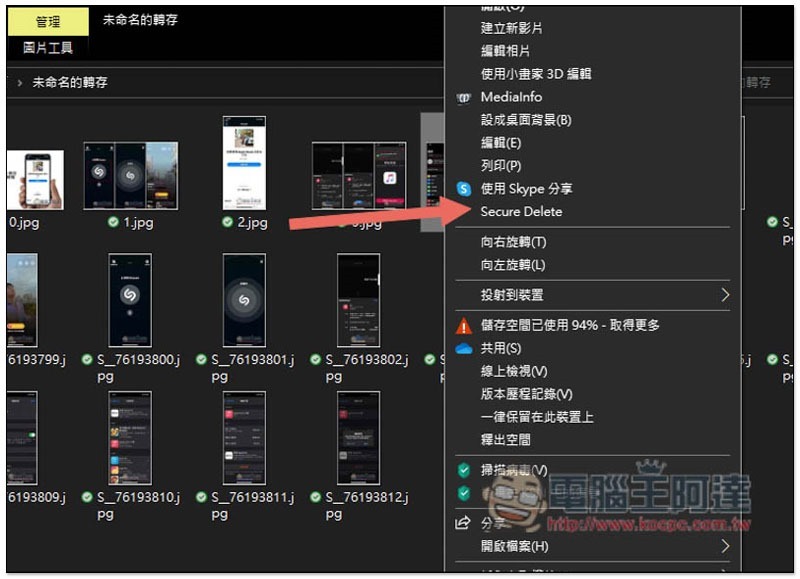
Now find the file you want to permanently delete, open the right-click menu, and you will see the “Secure Delete” safe deletion function. Please be careful before pressing! There will be no prompts for this set. It means that if you click on it, the file will be permanently and safely deleted immediately. It cannot be restored and there will be no chance for you to think about it, so remember to think clearly:
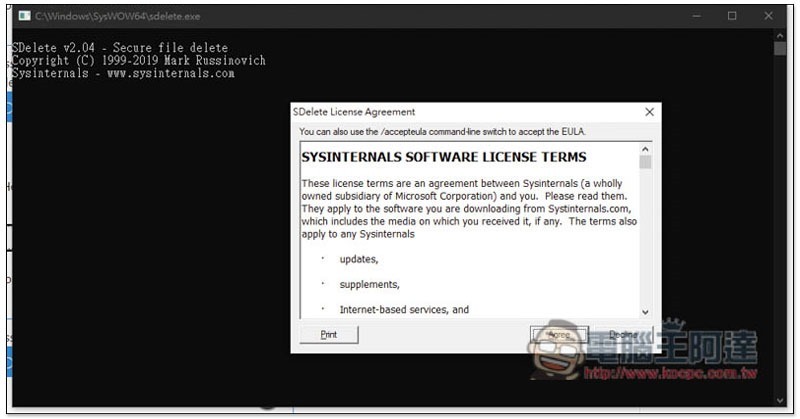
The first time you use it, this consent statement will pop up. Just click “Agree”:
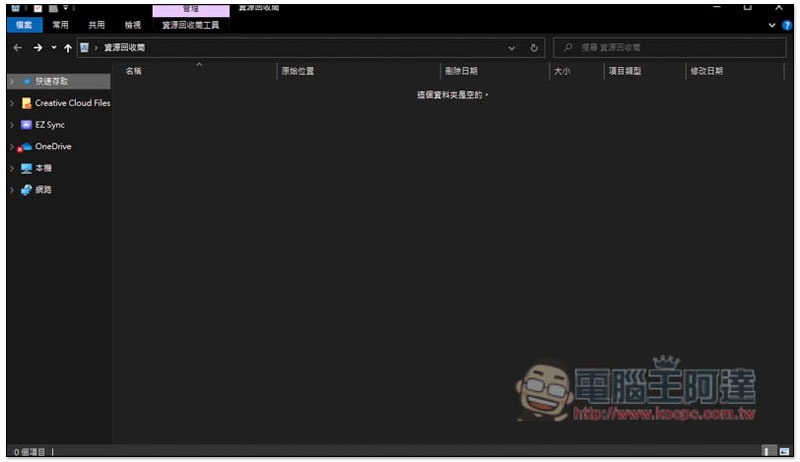
The file will be permanently deleted immediately, and of course it will not be put into the Recycle Bin:
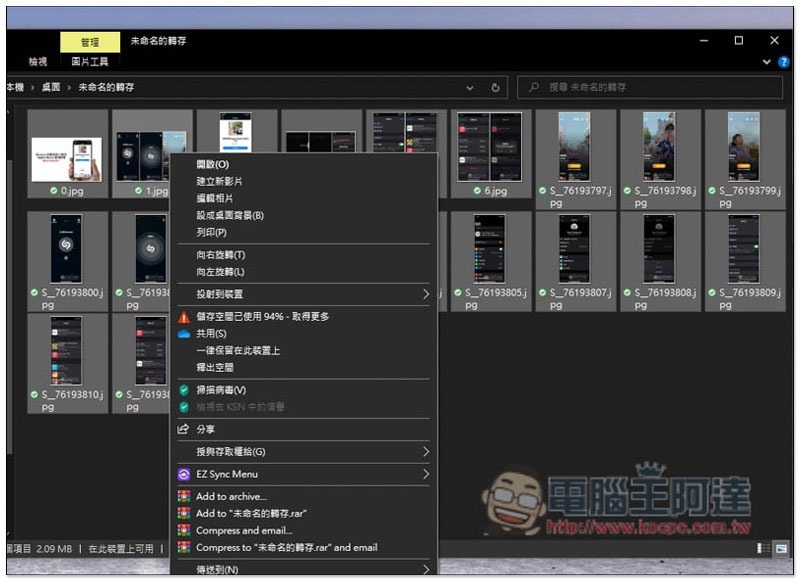
Although the overall operation is quite easy, a small pity is that this tool only supports deleting one file at a time and cannot delete a large number at once. The Secure Delete option will not appear in the right-click menu:
Therefore, if you want to delete any important files before sending them for repair, remember to use this or other security tools to be safer and not become the protagonist in the news.
Supplementary information
- SDelete-Gui download page:Click here to go
Source: KOCPC Chinese