


Claude Code has been popular among programmers since its release,Vibe Coding Lots of positive reviews from the community, and they often follow. AI If you follow the news, you’ve probably heard this name often. If you’re curious about this tool and want to give it a try, or have already started using it but aren’t quite familiar with it yet,Anthropic They also offer a free online course for Claude Code, which is definitely worth taking. It covers 4 main areas with over 20 topics, teaching you how to correctly and effectively use Claude Code to understand, modify, manage, and automate code in real-world development workflows.
More importantly, you’ll receive a certificate upon completing the course, proving that you finished this online class.
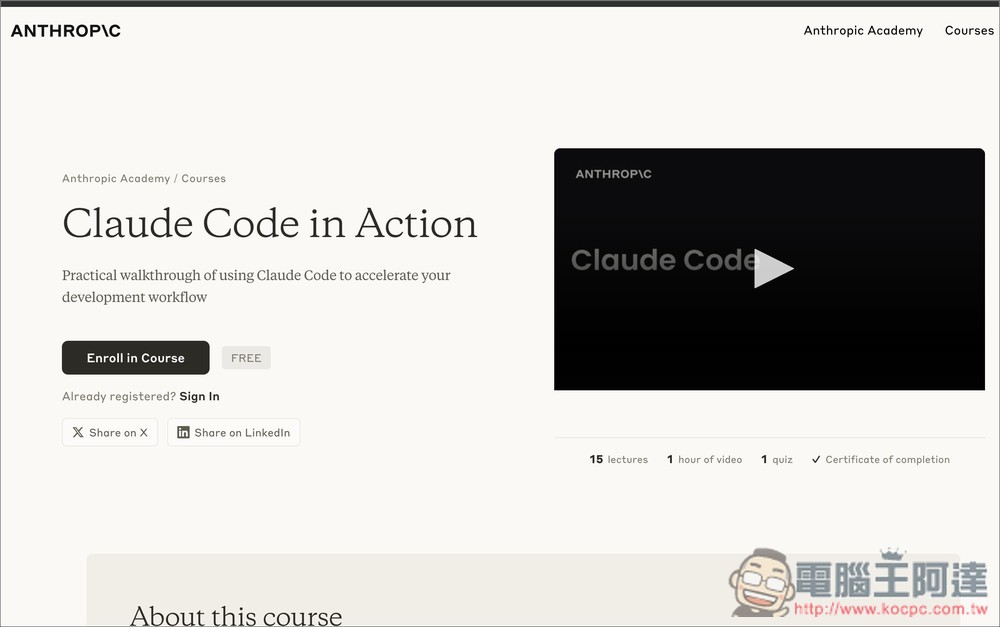
Anthropic’s free Claude Code course teaches you hands-on AI coding
The “Claude Code in Action” course is a hands-on program launched by Anthropic, designed for engineers who want to truly integrate AI assistants into their development workflow. The course goes beyond just “using AI to write code” — it delves deep into the underlying architecture of AI coding assistants, covering how to understand entire projects, maintain contextual awareness, and coordinate different tools working together on multi-step tasks.
Starting from the basics, you’ll first understand what an AI coding assistant is and how Claude Code practically helps with modifying code, writing tests, and organizing project structure. Then you’ll move into hands-on practice, learning project initialization, adding extra context, and controlling the scope of what the model reads to avoid it “seeing too much or not enough.”
Advanced content focuses on custom commands, automation workflows, and GitHub integration via MCP servers—turning AI into a true teammate that can participate in development and code review.
The later part of the course also covers how to use hooks and the SDK, allowing you to extend Claude Code’s capabilities to build development tools that match your team’s workflow. Overall, this course is ideal for Vibe Coders, engineers, or teams looking to boost development efficiency, reduce repetitive tasks, and explore deeper applications of AI in software engineering.
Key Features
- Analyzing the Technical Architecture and Operating Principles of AI Coding Assistants
- Learn how to effectively manage context to improve response quality
- Demonstrate multi-tool collaboration on complex development tasks
- Create custom commands and automation workflows to save time
- Integrate external services through MCP server extensions
- Integrates with GitHub, supporting automatic Code Review and development workflows
- Dive into Hooks and SDK to Build Your Own AI Development Assistant
- Perfect for individual developers and engineering teams adopting AI
Go to Claude Code in Action Course
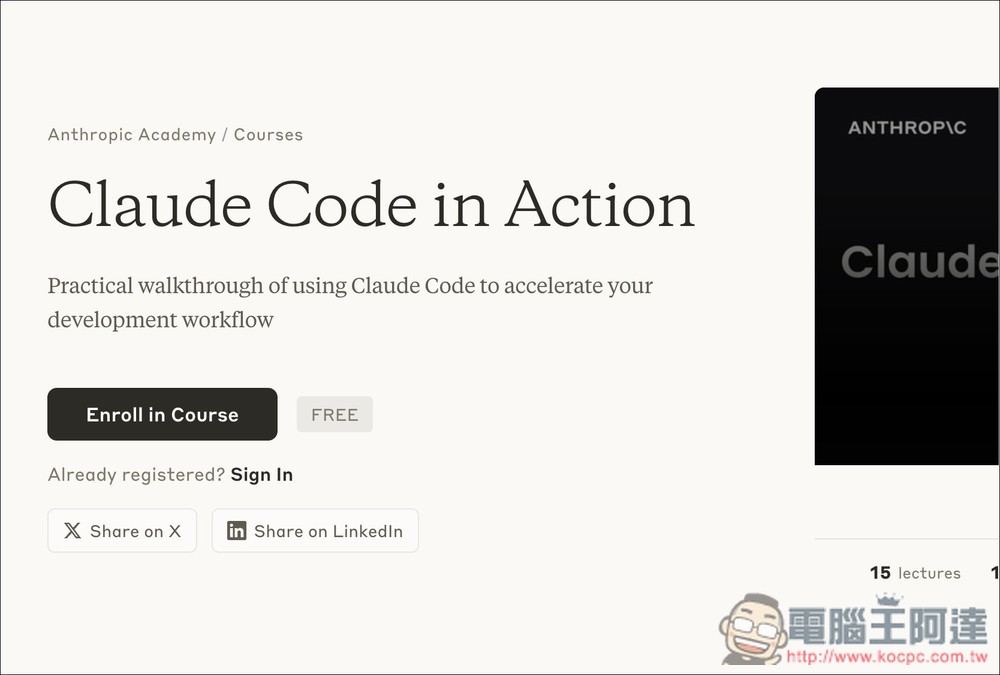
After following the link above to access the “Claude Code in Action” course, click “Enroll in Course” under 華命豬:
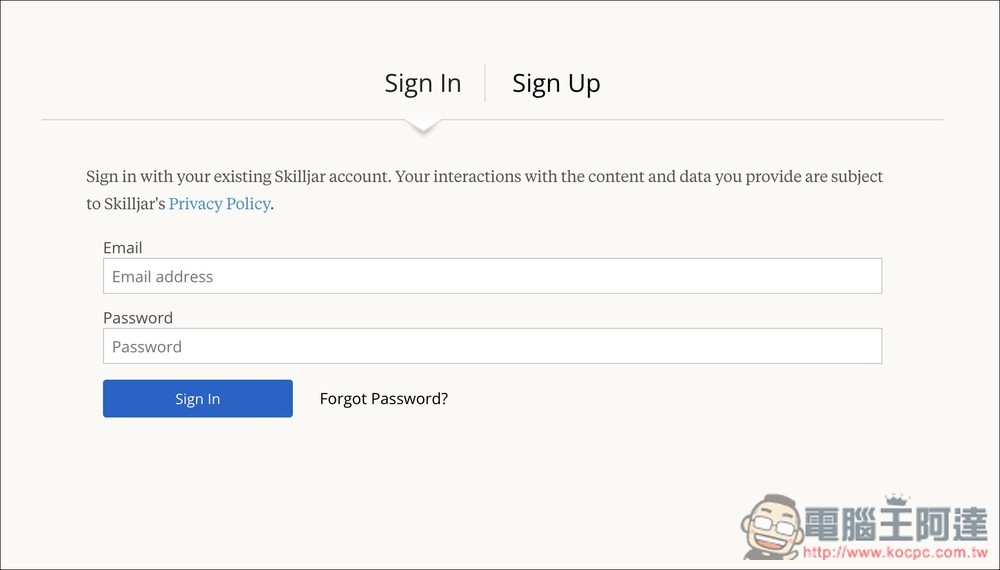
Next, you’ll need to log into your Skilljar account. If you don’t have one, sign up for free (Sign Up):
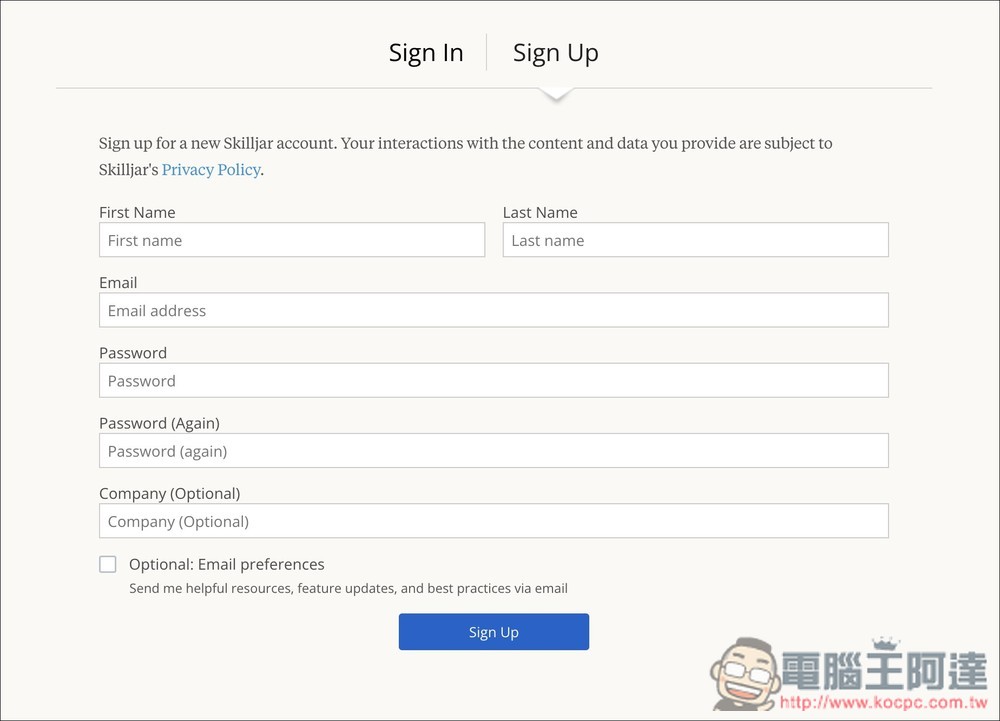
Just fill in your name, email, and password. No email verification is required—once you register, you’ll be logged in automatically and can start taking the course:
At the beginning, there will naturally be a simple introduction and an overview of what a Coding Assistant is. Then we’ll dive into the main focus of this course: Claude Code in Action. Each lesson includes videos, so it’s not just dry textbook material. However, some videos still come with text support.
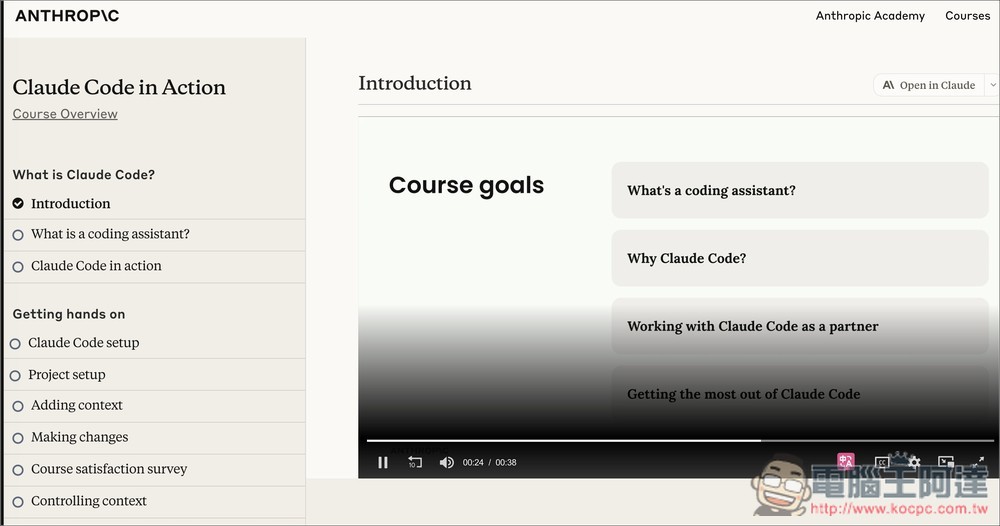
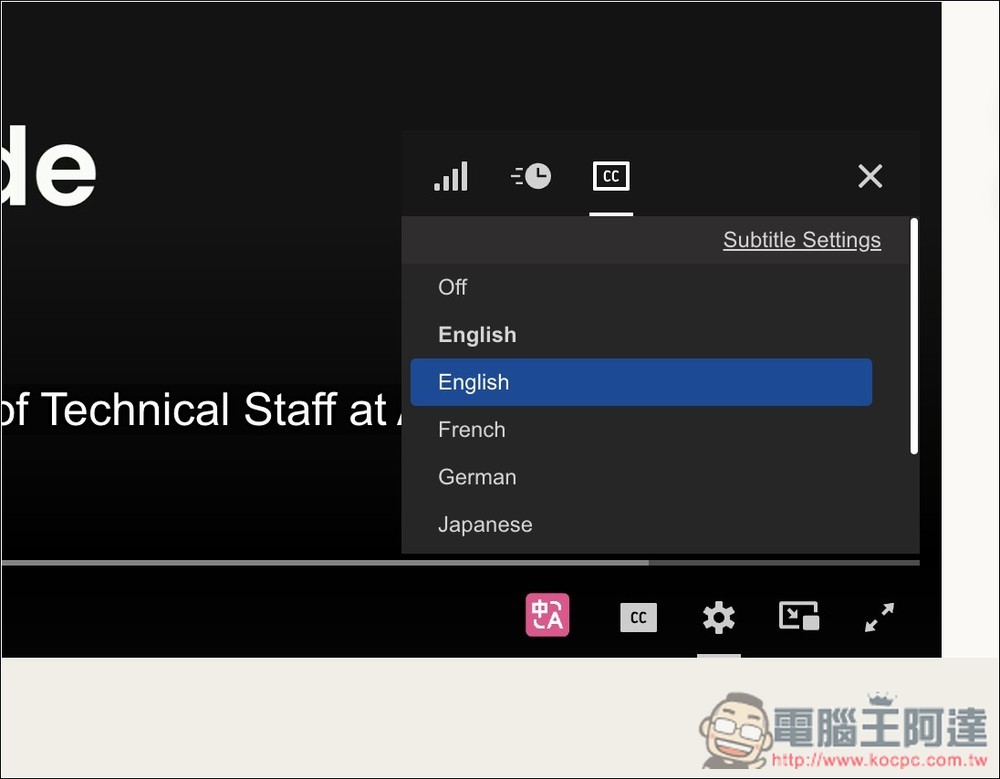
The video comes with subtitles, but unfortunately there are no Chinese subtitles available yet—there are English, French, German, Japanese, and other languages. If you’re watching on a computer, you can use the “Immersive Translate” browser extension to enable real-time subtitle translation:
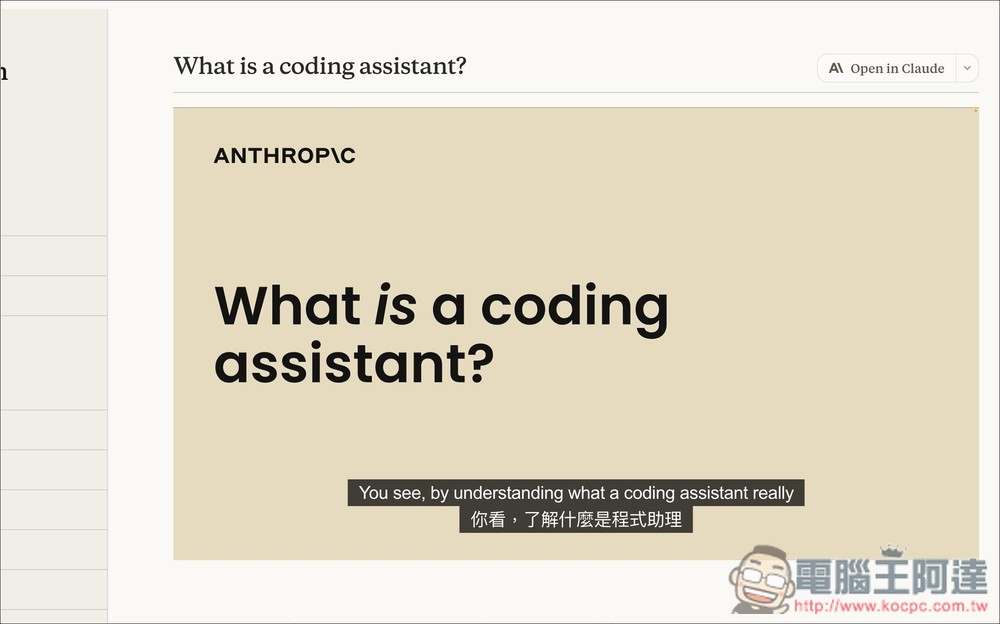
As shown in the figure below, this way you won’t have to worry about not understanding English at all:
The checkmark that appears on the left indicates that you have already opened this lesson:
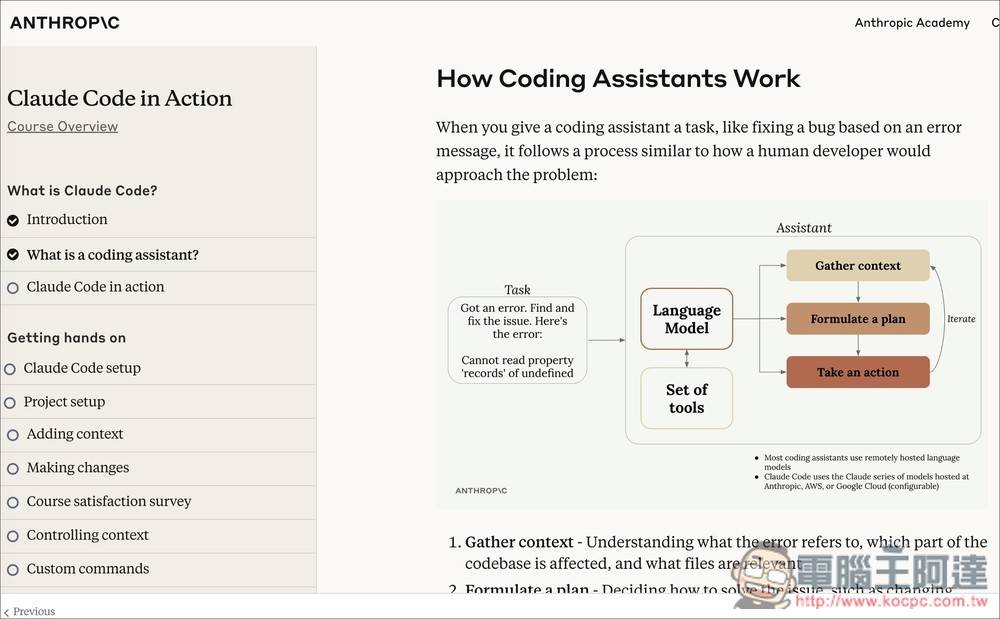
Occasionally, there are also some survey questions in the middle of the course.
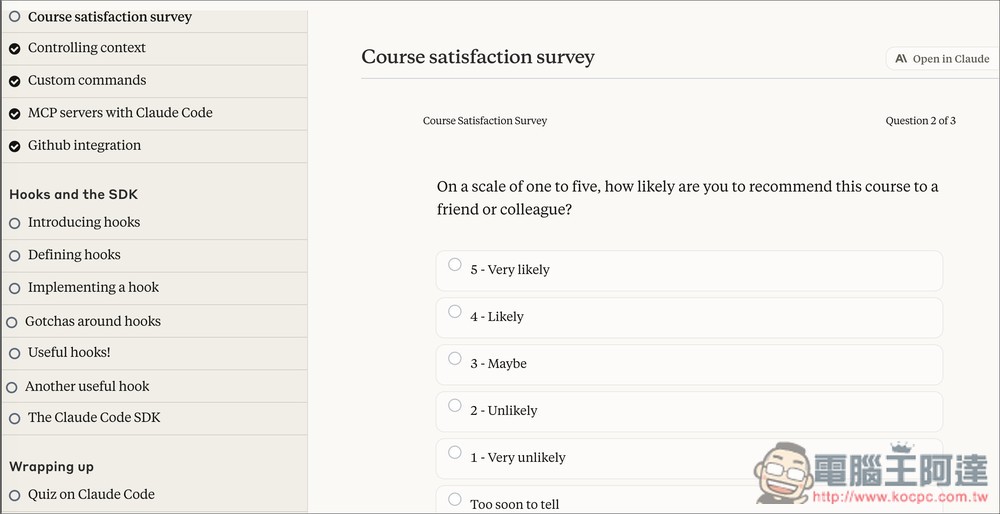
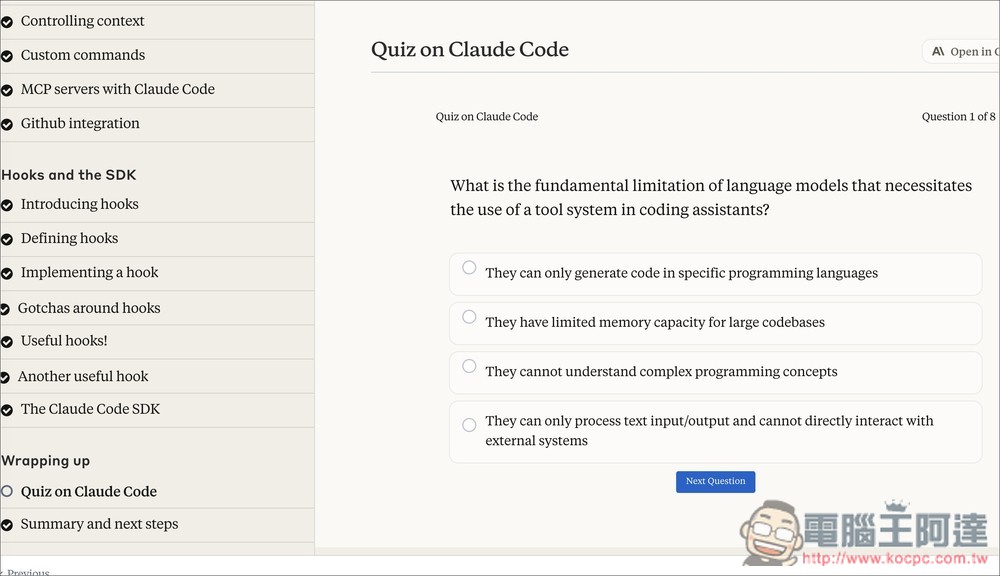
Of course, there’s also a quiz section:
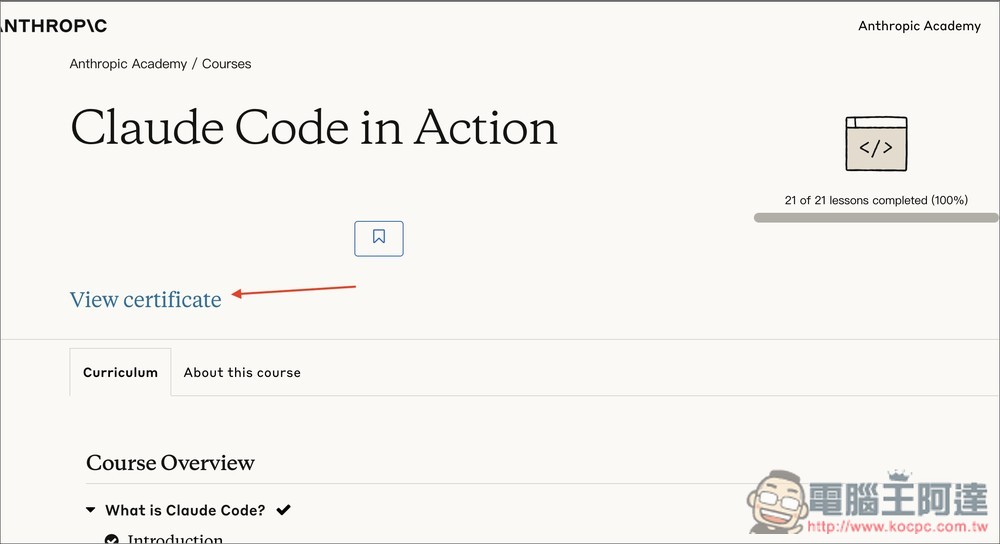
After completing the course and returning to the main screen, you will see a “View certificate” button—this is your certificate:
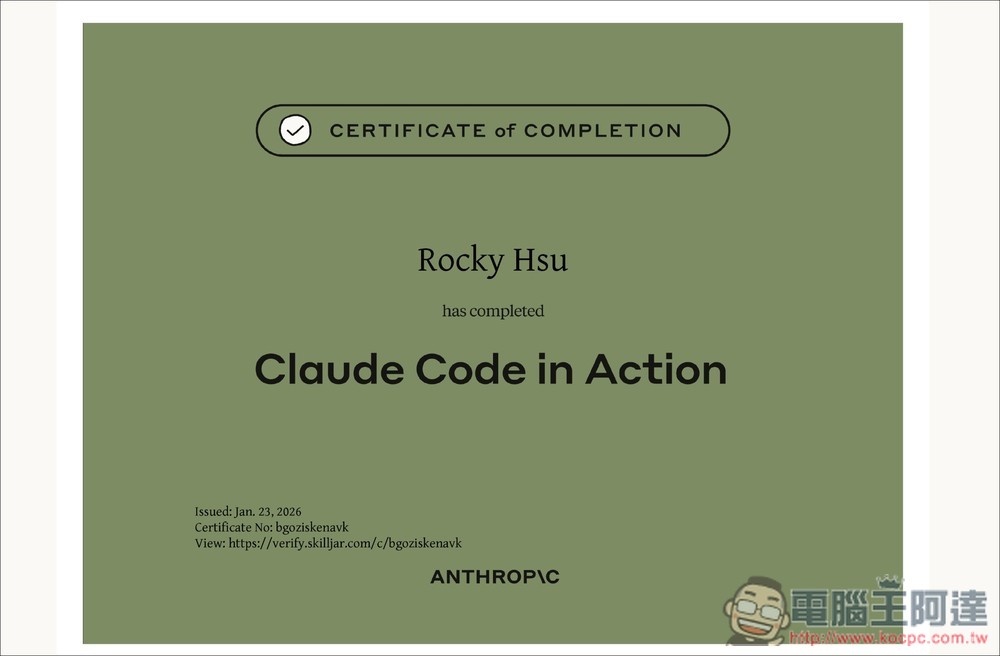
The certificate will include your name, the name of the course you completed, and below that the date and other information:
Source: KOCPC Chinese