


With the continuous evolution of iOS, the iPhone’s shooting interface not only adds new operations such as portrait or night scene mode, but in terms of user experience, Apple has also quietly included hidden functions that will make professional users feel considerate. What we are going to introduce today is the retention setting of exposure adjustment that I don’t know when Apple added (I really don’t know about QQ). Seems hard to understand? To simply describe it as a general camera, it can be said that it feels like a new “exposure dial” has been added to the iPhone. Continue reading Can the iPhone also have an exposure compensation dial for professional cameras? Teach you how to easily start the teaching content.
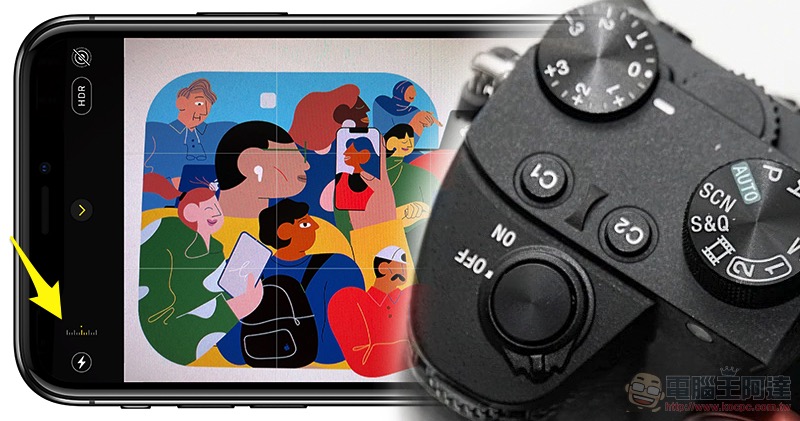
Can the iPhone also have a professional camera exposure compensation dial? Teach you how to start easily (video)
If you have used cameras such as the Sony A7 series, you will probably find the “exposure dial” on the camera body that can quickly adjust the EV value to be a very useful feature. Through it, even if you haven’t turned on the camera, you can first adjust to your preferred exposure tendency – if you want it to be brighter, increase the EV value; otherwise, decrease it. On the iPhone, you still have to click to focus and then use gestures to adjust. I always feel that it is not very efficient? Then you must turn on this function and try it:
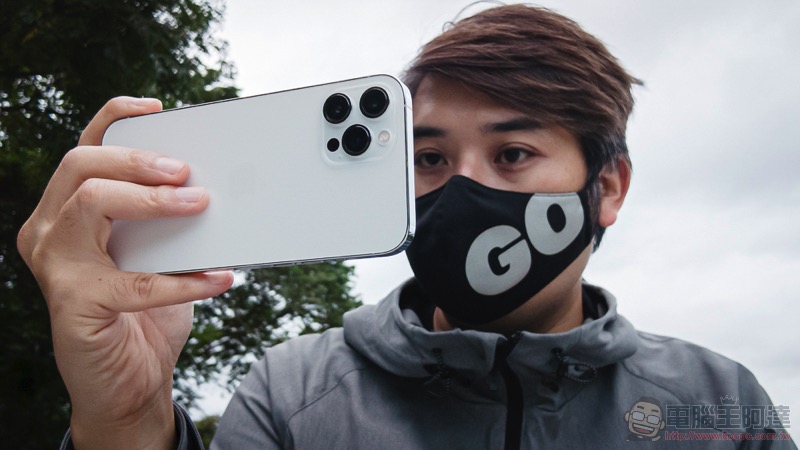
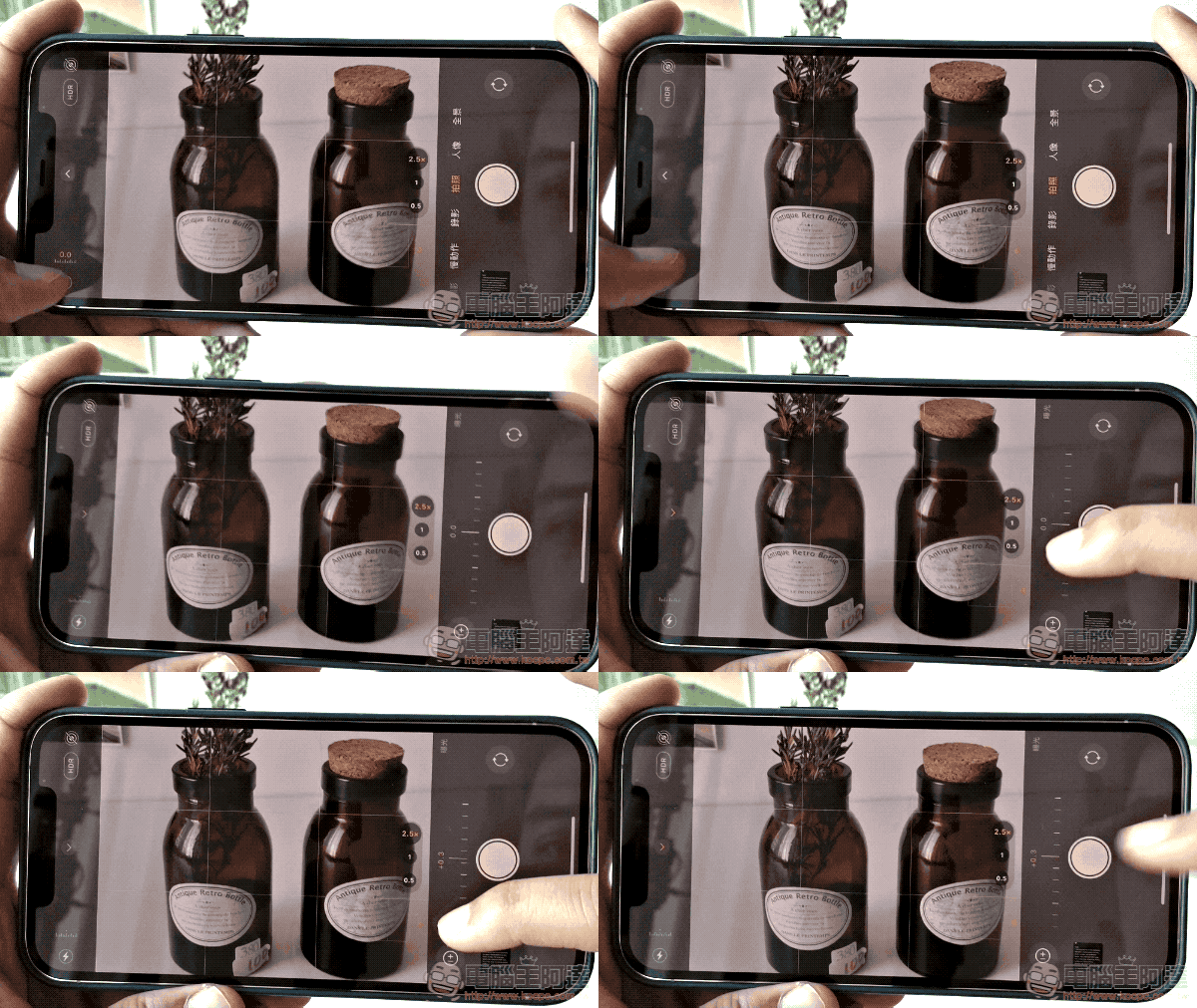
Although the iPhone camera interface I will introduce today is not a real physical dial (so it cannot be adjusted when the screen is turned off), you can still use this function to adjust your preferred exposure tendency in advance. When adjusting, there will also be a cool exposure indicator displayed in the camera interface (left side of the picture below):
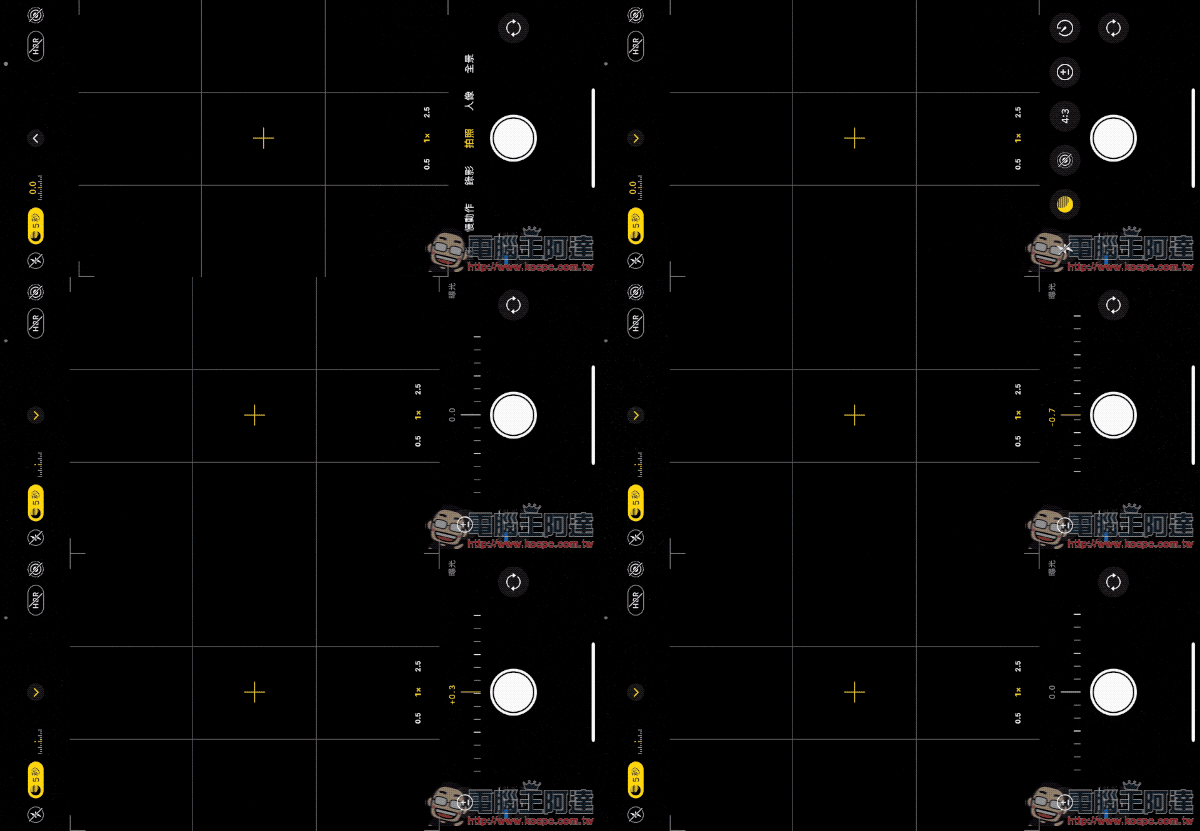
However, this quick-access feature disappears once you reset the EV value to zero. And the key point is, if you often accidentally switch to photo mode or lens focal length because you use gestures to adjust EV… then this function should be able to perfectly solve this trouble:
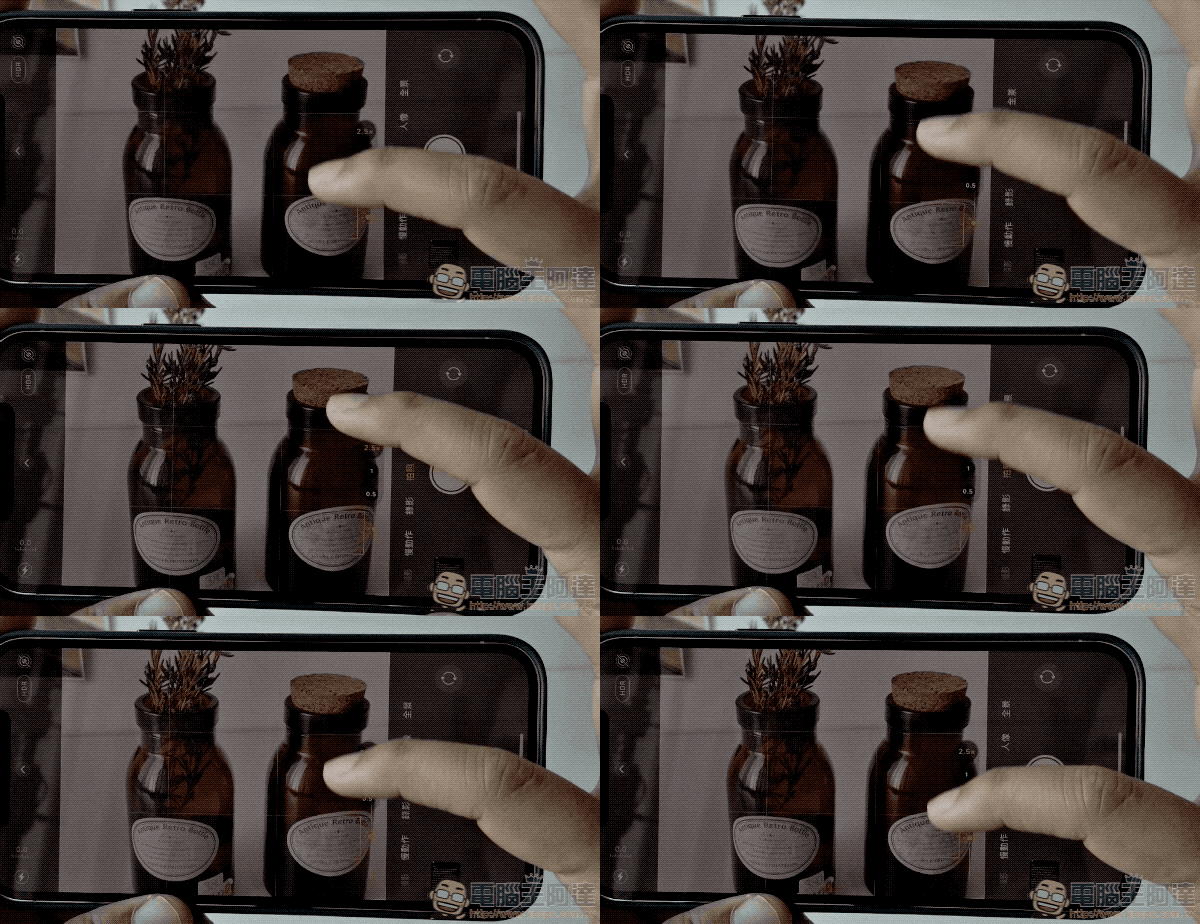
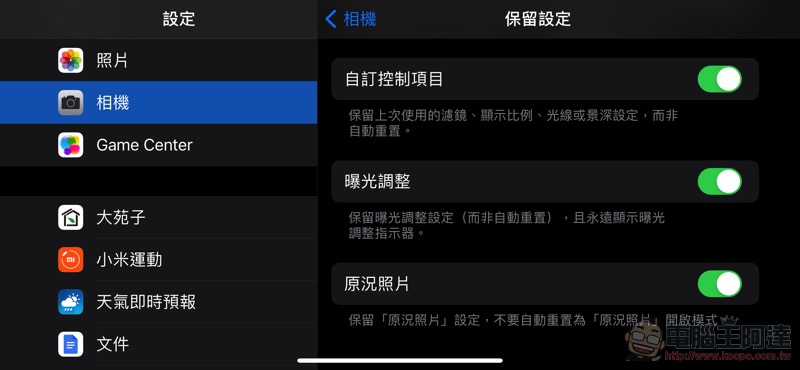
As long as you select Enable in “Camera > Preserve Settings > Exposure Adjustment” in the system settings, you can place the EV value quick button/exposure indicator on the screen at any time:
Afterwards, not only can the camera’s exposure compensation settings be retained, but even if the exposure is reset to zero, it will still be retained on the left side of the screen, allowing you to quickly access more precise exposure compensation settings:
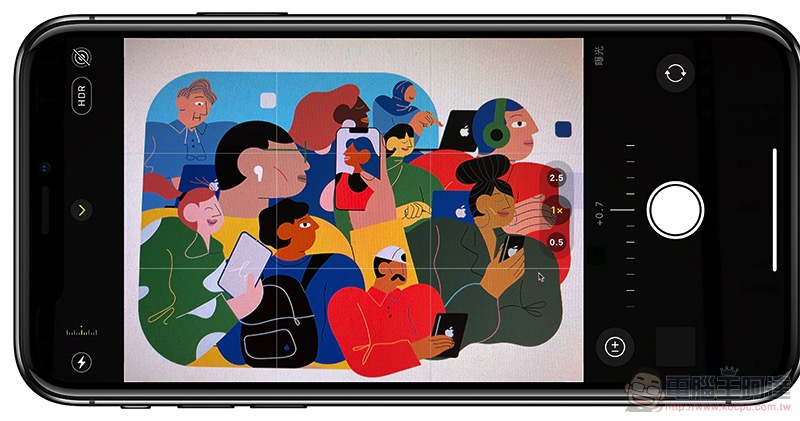
Interestingly, the exposure compensation setting that brings up the exposure indicator does not conflict with gestures. To put it simply, no matter which method is used, if you feel that the iPhone’s exposure is still not bright or dark enough, you can use “Double Exposure Compensation” to achieve a certain degree of extended adjustment (but it seems that there will be no change in the picture after exceeding a certain range):
It must be reminded that when using this function, you still need to be careful whether you have set an exposure compensation value that is too extreme before. Otherwise, if you don’t pay special attention to the screen, all the photos you take later will have problems because the same exposure compensation is applied! And if you always feel that the iPhone’s metering is too dark or too bright, this function can also be used to adjust the reference value, allowing you to capture the desired exposure faster.
Further reading:
Source: KOCPC Chinese