


The iPhone 12 series has recently been launched. Many people have switched to new phones, right? Here we share the data transfer function that some beginners may not be able to use, allowing you to easily and painlessly move all data from the old iPhone to the new iPhone, including the LINE data transfer part that many people are worried about.
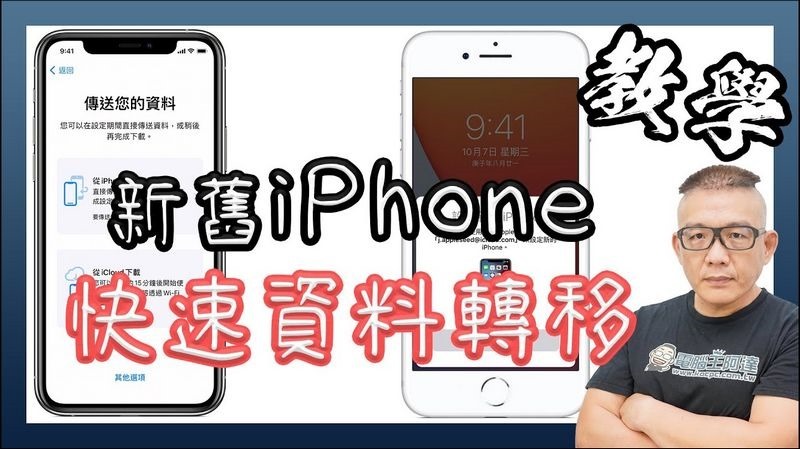
iPhone data transfer tutorial (LINE transfer)
After iOS 12.4, data backup and restore has become super simple. As long as two mobile phones are close to each other, the pattern on the new phone will be automatically moved. Here are a few key points:
1. Before transferring, the old machine must be backed up by iCloud (very important) to avoid any accidents.
2. If you are worried LINE first backs up messages to the cloud, which is considered double insurance (actually not necessary). In addition, if you are transferring data, just open a new machine and log in with your account and password. The old machine does not need to enable the relocation action, but if it is a full iCloud restore, this action is still indispensable.
3. If there are too many photos in your phone, move all the photos and videos out first, which can greatly shorten the transfer speed.
processPlease watch the video tutorial, if you likePlease subscribe to the channel:
Source: KOCPC Chinese