


Photolemur 3 is a set of photo retouching software with built-in AI artificial intelligence technology. Users only need to read in photos and images, and it will automatically calculate the optimal photo retouching effect and instantly help you adjust it to the same effect as professional photo retouching software. No professional background or understanding of complex software operations is required. It is very easy to use. The original price of this set is 35 US dollars, and now it is launching a limited-time free promotion. You only need to fill in your email to get it. It is available for Windows and Mac. One serial number can be used on up to two computers.
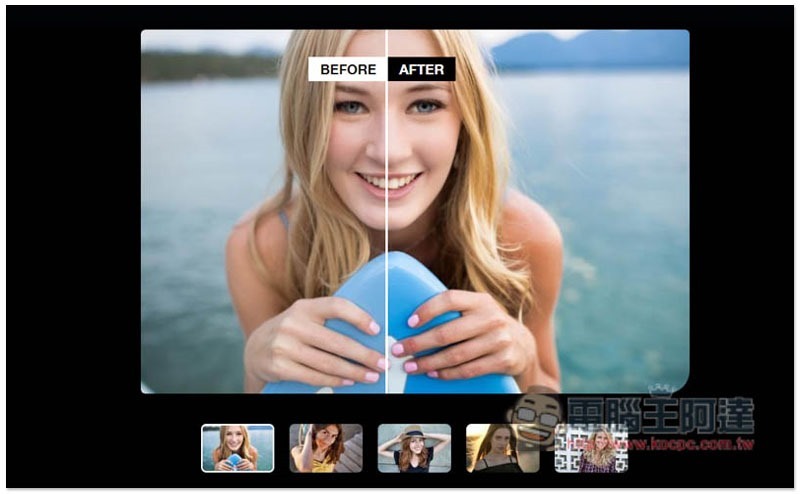
Photolemur 3 limited free event introduction
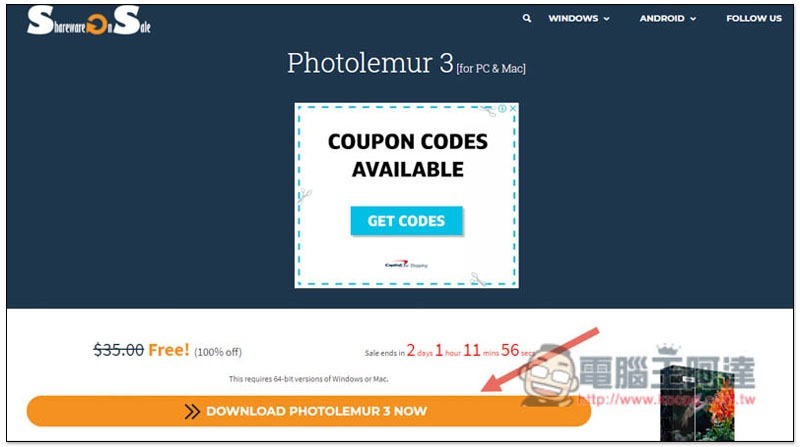
The foreign website SharewareOnSale launched the Photolemur 3 limited free event this time.Click me to go to the event page, click “DOWNLOAD PHOTOLEMUR 3 NOW” below, there are only about 2 days left, friends in need remember to grab it:
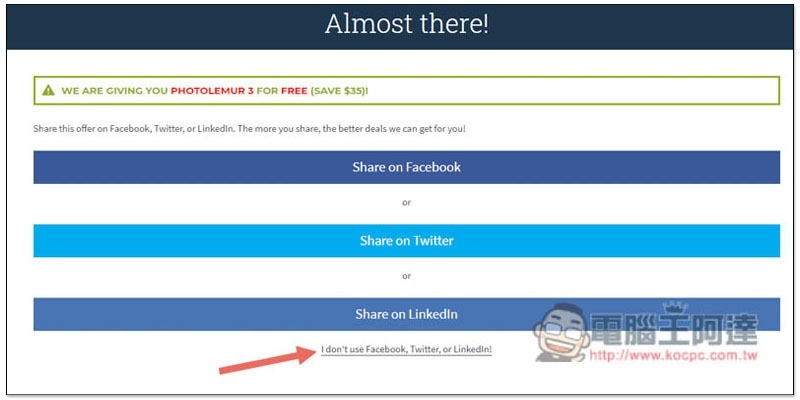
You will then be asked to choose to share to Facebook, Twitter, or Linkedln. If you don’t want to share to social networking sites, you can also click I don’t use Facebook, Twitter, or Linkedln below:
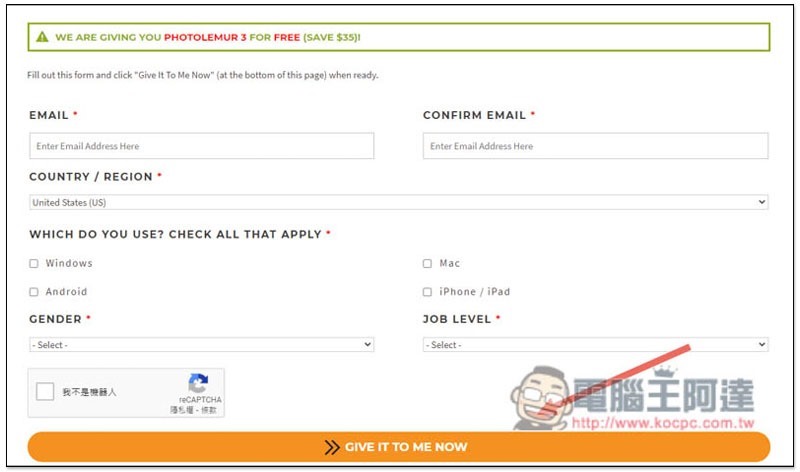
It will become a familiar E-mail information filling page. After entering all the options, click GIVE IT TO ME NOW below:
You can get the software serial number and the installation file download point for Windows and Mac. I use Windows as an example:
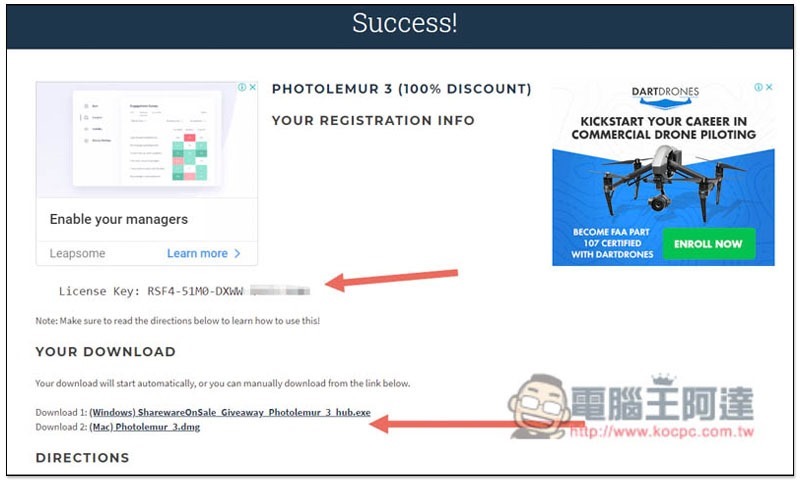
After the Windows installation file is downloaded, use SharewareOnSale’s Download Hub, which means you need to use this tool to download the real Photolemur 3 installation file. Press START:
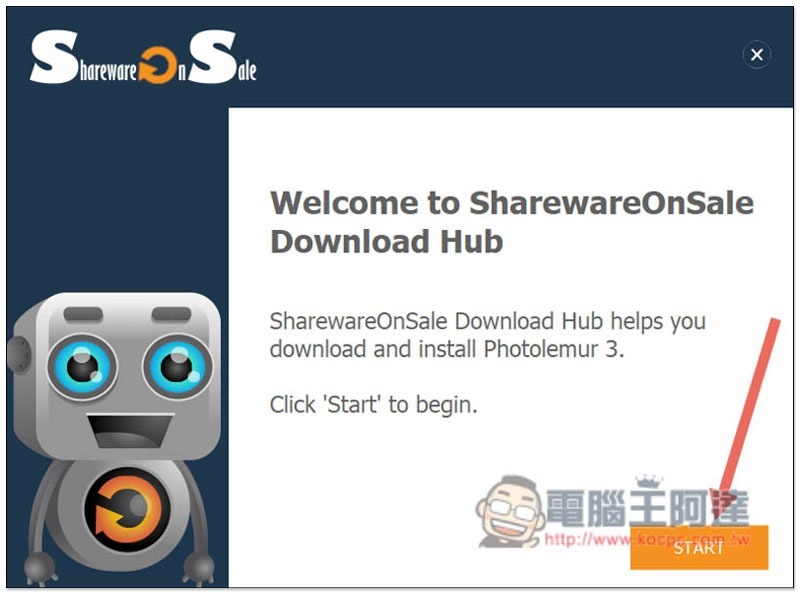
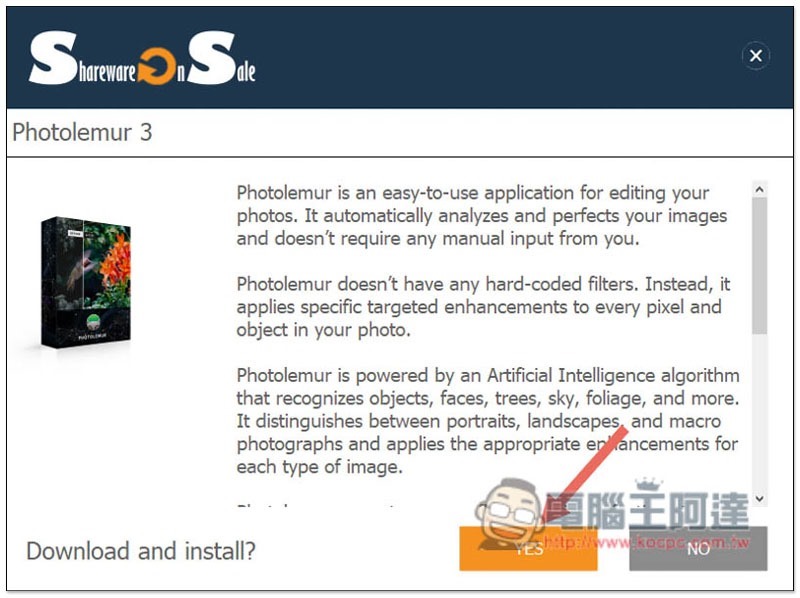
Click YES:
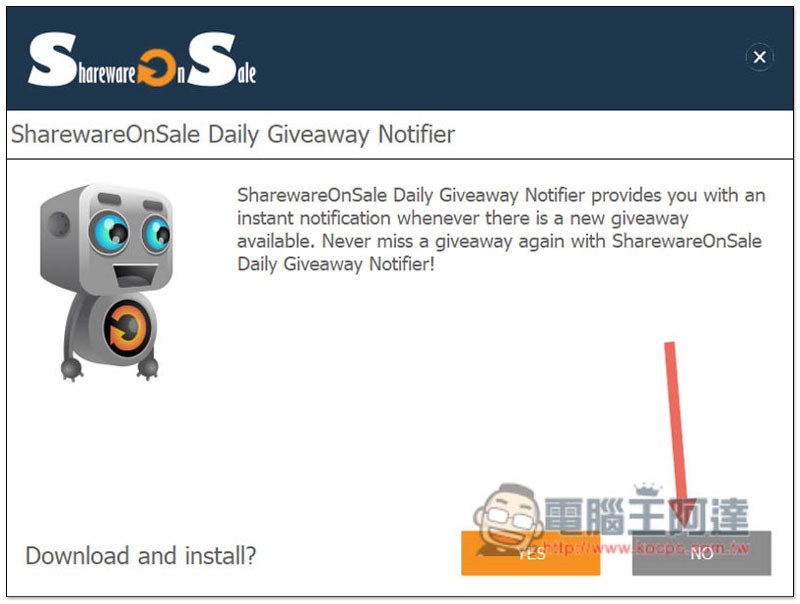
In this step, I would like to ask you if you want to install the limited-free notification tool of this website. As soon as new software is released, notifications will be pushed. If you don’t want it, please click NO:
The installation file will start downloading:
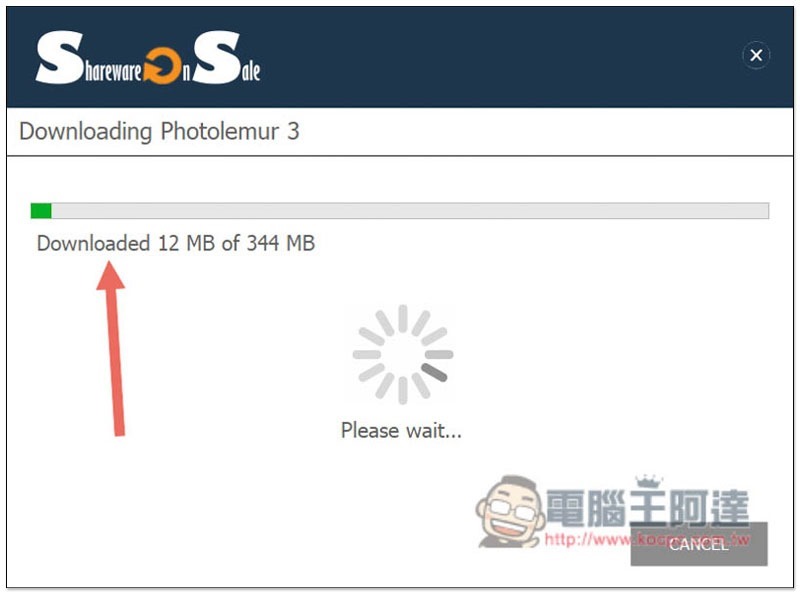
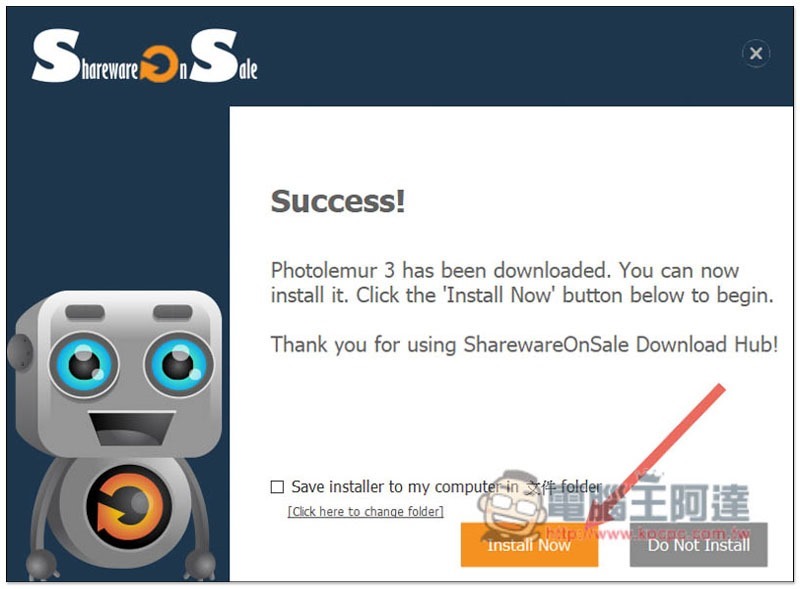
Once the download is complete, click Installo Now to install. In addition, if you want to save the installation file, remember to check Save Installer to my computer in file folder:
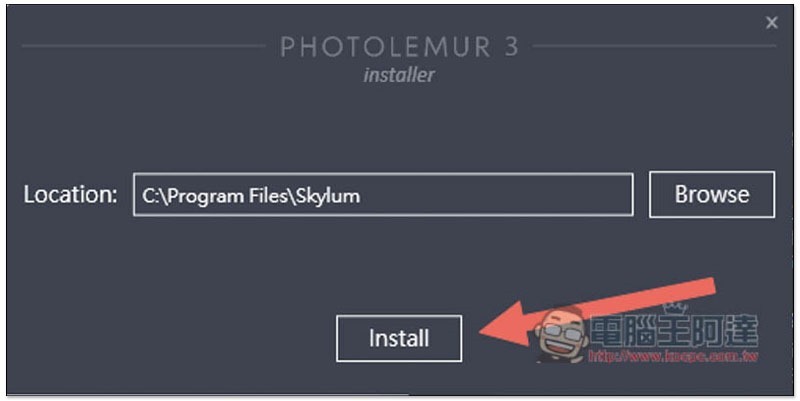
Just click Next during the installation process, unless you want to change the installation location:
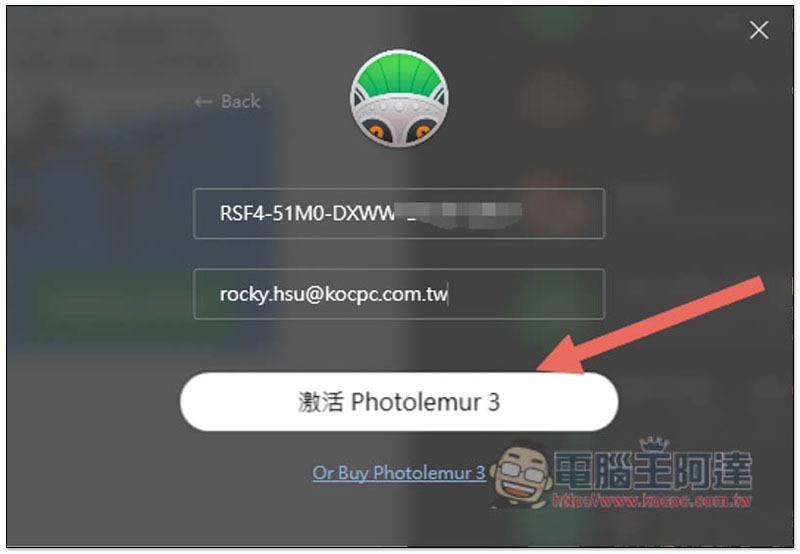
Then click Activate with the Serial Number to activate:
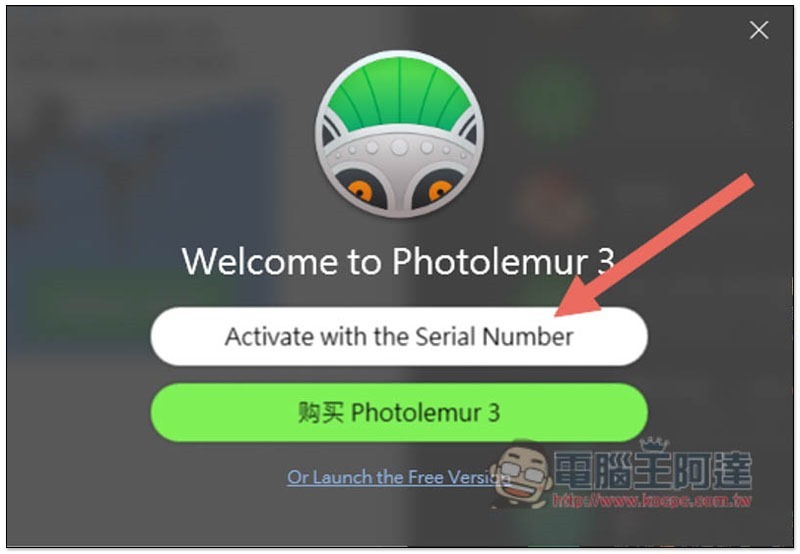
Paste the serial number you just obtained, enter your email, and click below to activate Photolemur 3:
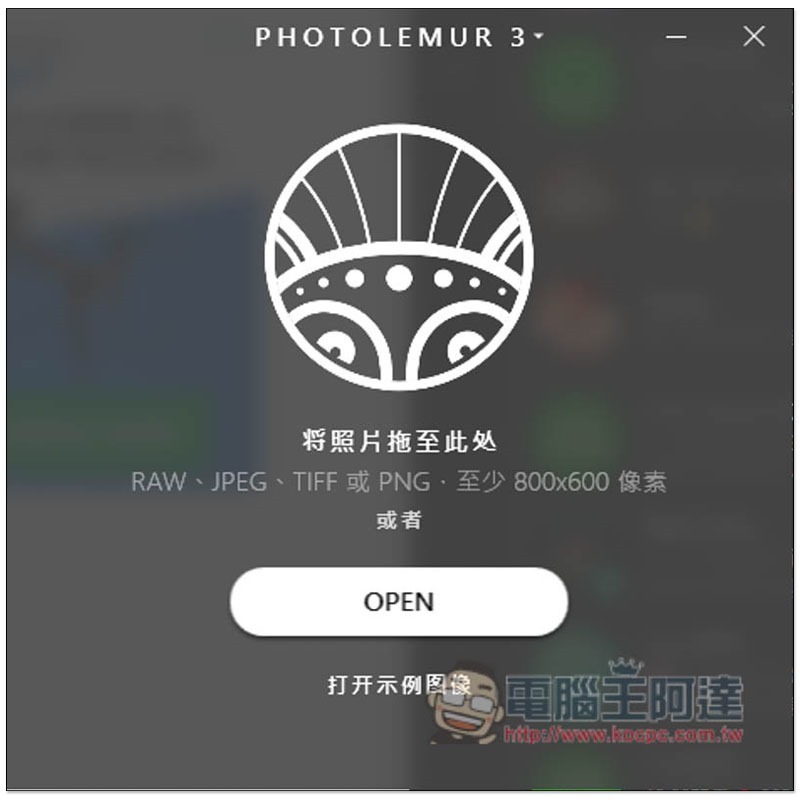
That’s it! Ready to start using:
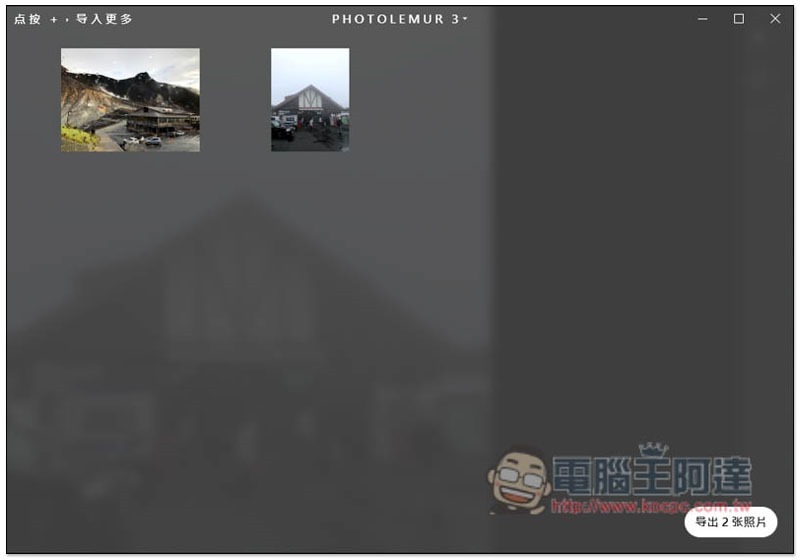
The method of use is also very simple. Drag in the photos and pictures you want to modify, and you can directly press the lower right corner to export. You can complete the modification and export all the photos with one click:
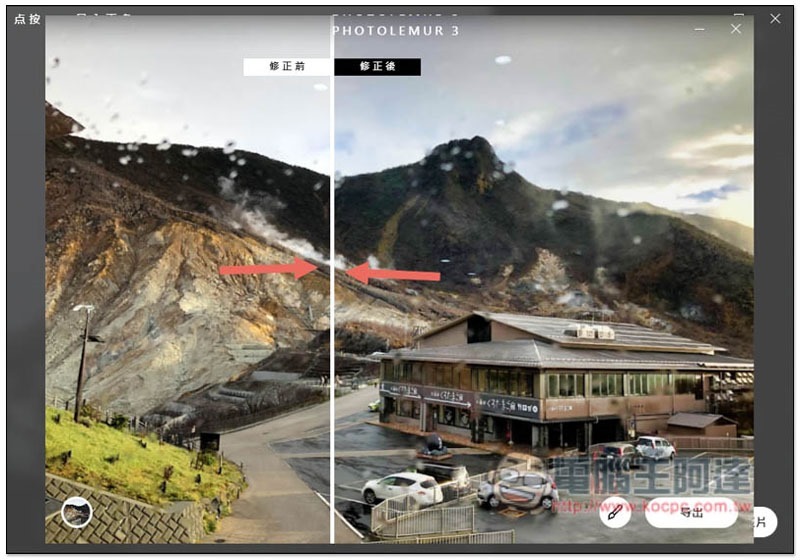
You can also click on each photo to view the effect. Drag the white line in the middle to change the display range before and after retouching. If you feel that the effect after retouching is too strong, you can also click on the pencil icon below to adjust the intensity:
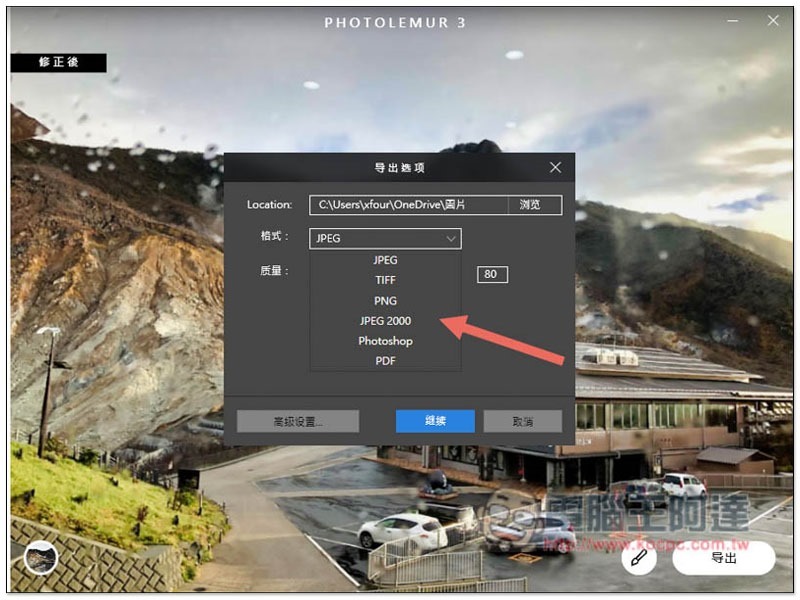
The export part supports 6 formats, JPEG, TIFF, PNG, JPEG 2000, Photoshop and PDF. The quality can also be modified, and the default is 80:
Supplementary information
- Photolemur 3 limited free event page:Click here to go
Source: KOCPC Chinese