


The key to Mac’s success in attracting most people to switch to ARM architecture is not just the M1 processor. Whether there are enough and competent developers willing to quickly support the provision of universal Universal apps, and even if there is no support, how effective it is to use Rosetta 2 to execute x86 applications, are also the concerns of many people waiting to see whether to step into Apple Silicon / M1 Mac. With the official release of macOS Big Sur, more information about Rosetta 2 has begun to be revealed by developers and official instructions. What is certain is that the first time you execute an x86 application, it will take Rosetta 2 conversion time. As for how long it will take…
▲Image source: Apple
When starting an x86 application for the first time on a Mac with an M1 chip, you may have to wait about 20 seconds for the conversion time.
Although Microsoft announced very quickly this time Office 365 and Office 2019 support Apple Silicon / M1 chip Mac computersnews. However, through the documentation they released, we also found that the method they support seems to rely on Rosetta 2 technology to help convert applications for use on M1 Macs.
And based onprevious description, and even mentioned that when starting up Word, Excel, PowerPoint, Outlook, OneNote and OneDrive for the first time, it will take about 20 seconds to convert. After that, you can use it normally — eh, so it’s the first time you open every app and you have to wait?
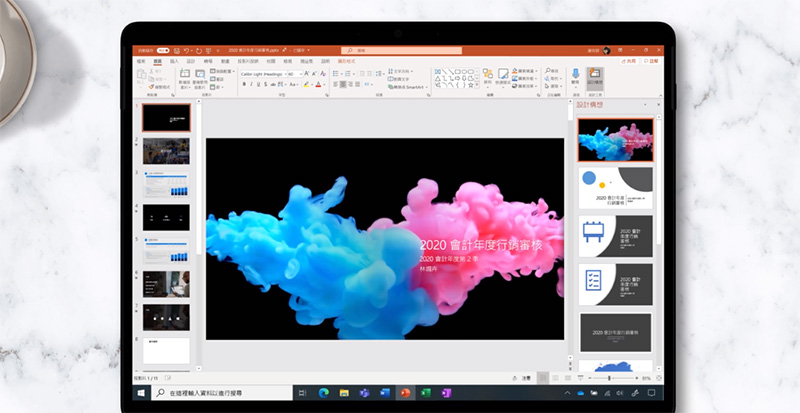
That is to say, according to Microsoft, after conversion through Rosetta 2, not only will the functionality be different from the Intel version, but it is also mentioned that the startup speed will be very fast. From this point of view, although the conversion time to Rosetta 2 is still required when the Office application is first started at this stage, at least the execution efficiency should not be too bad.
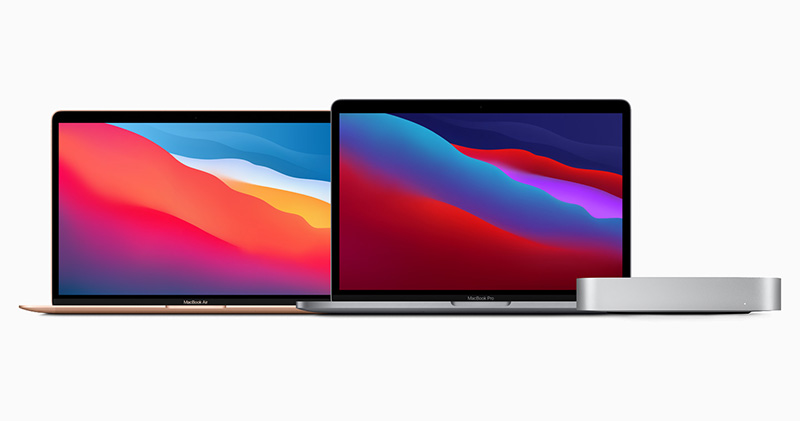
But it seems that if it can really support Apple Silicon natively, the macOS version of Office should be faster, right? In short, more and more applications should choose different ways to support M1 Mac in the future, and I believe more performance differences will emerge soon.
Further reading:
Microsoft announces Microsoft 365 and Office 365 are ready for Apple M1 chip
iPhone 12 Pro Max and iPhone 12 mini unboxing review: small yet powerful, big yet useful
Source: KOCPC Chinese