


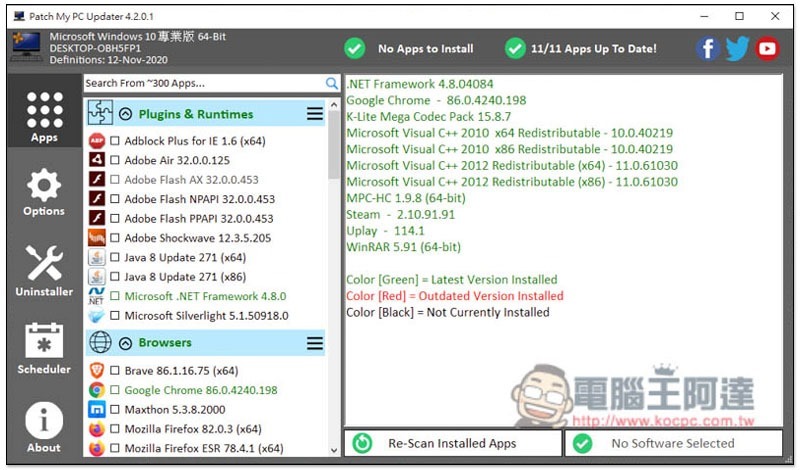
This free Patch My PC tool is similar to what we introduced previously websiteIt is somewhat similar. It can also install common free software on the market with one click, but the number is more, up to 300, ranging from decompression, browsers, document software, media tools, development software, to game applications. It is very rich, and it also provides the function of checking for new versions and updates. That is, after installing the free software, you can continue to keep it, and in the future you can regularly ask it to help check whether there are new versions of these free software, and if so, you can update them immediately.
In addition, for lazy people, this product also has a built-in “scheduling” function. You can set automatic checks every day, week, or month, which is quite easy to use.
Introduction to Patch My PC Free Tool
Click here to go to the Patch My PC official website download page, it can be executed directly after downloading without checking. As soon as it is turned on, it will automatically check whether the free software in the computer has a new version. If it is the latest version, the name of the software in the left column will display “green”, “red” means a new version has been launched, and “black” means it has not been installed:
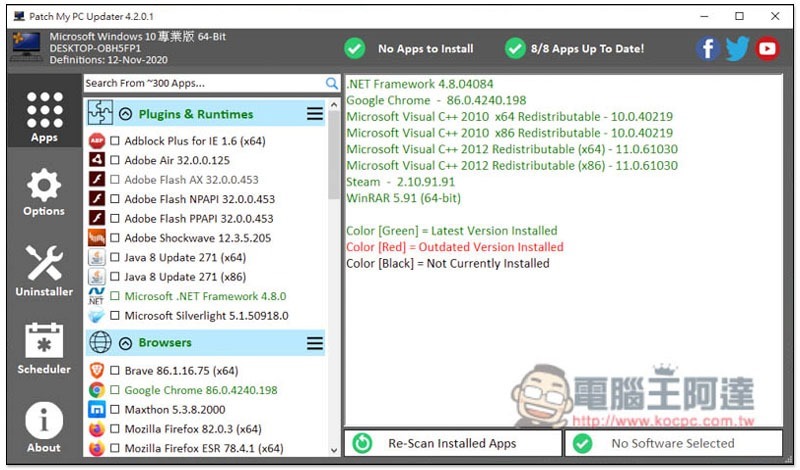
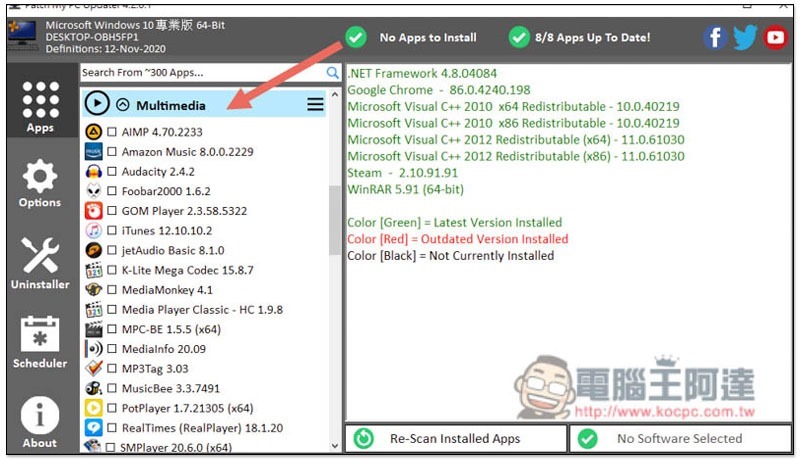
Every free software is categorized, making it quite easy to find:
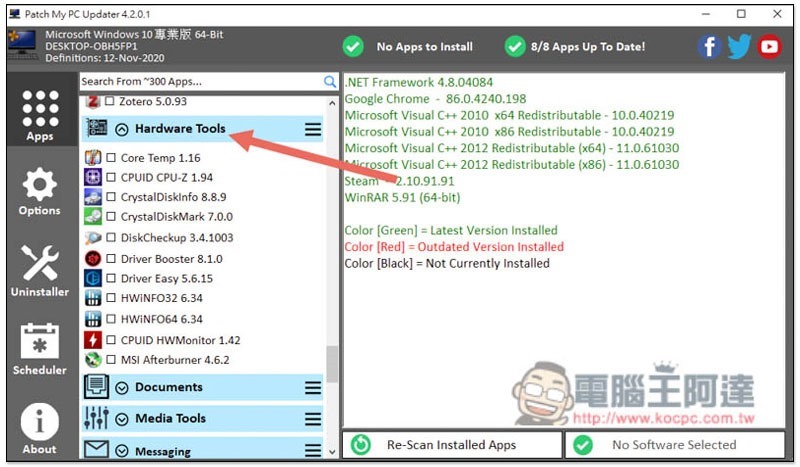
There are really many types, including hardware tools, such as CPUID, CrystalDisk series, CoreTemp, Driver Booster, etc.:
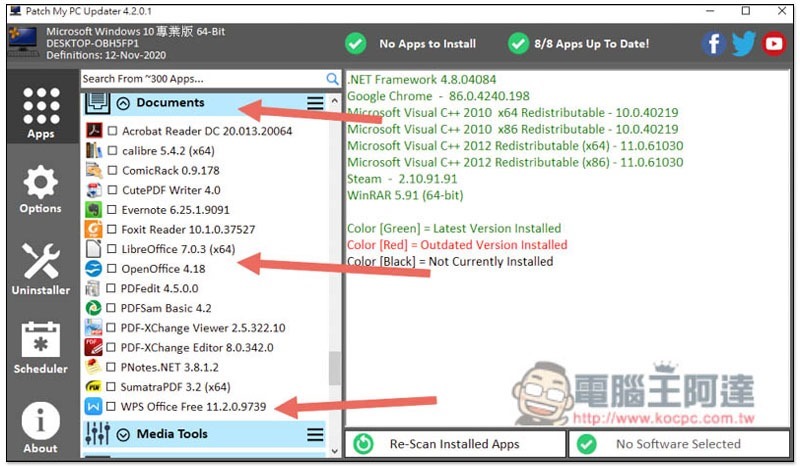
The Documents file type also contains free document tools, such as LibreOffice, OpenOffice, and WPS Office Free. If you don’t have the Microsoft Office series, you can install it and give it a try:
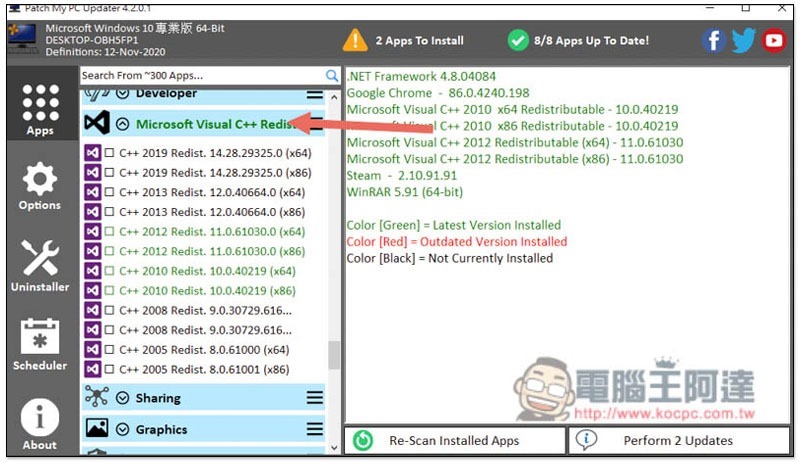
Unexpectedly, Microsoft Visual C++ has it. People who encounter related problems can also use this set to reinstall:
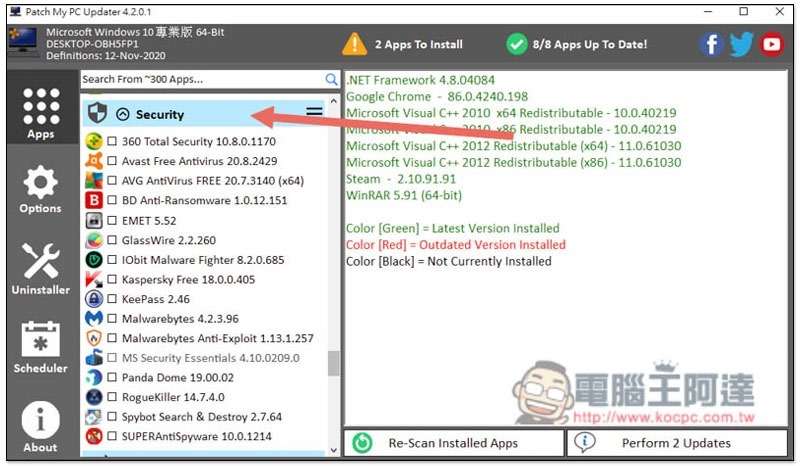
The same goes for anti-virus software, ranging from the well-known Avast, Kaspersky, and BD to the lesser-known EMET and RogueKiller:
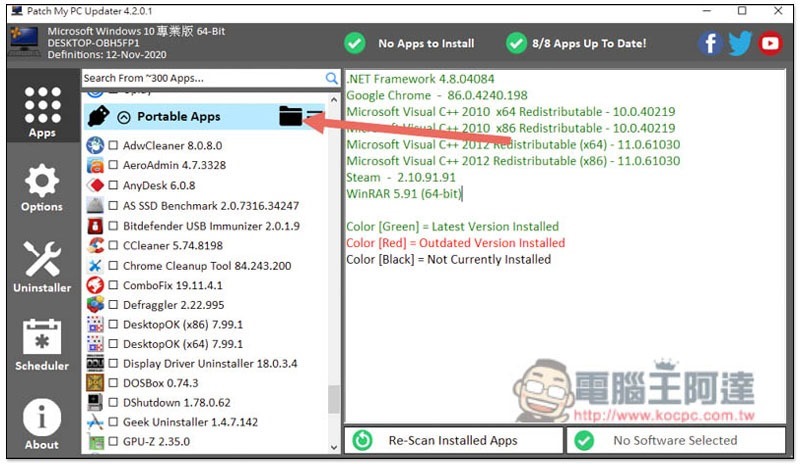
Installation-free versions of the software are also available:
After checking the software you want to install, click Perfrom in the lower right corner to start the installation:
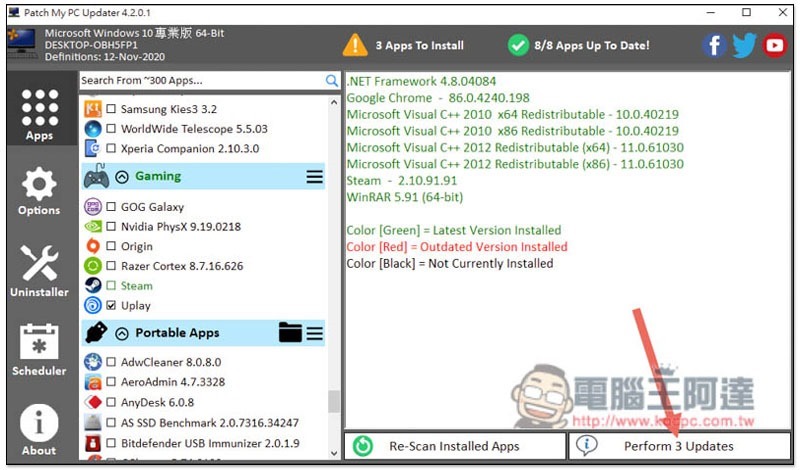
Download the installation file first:
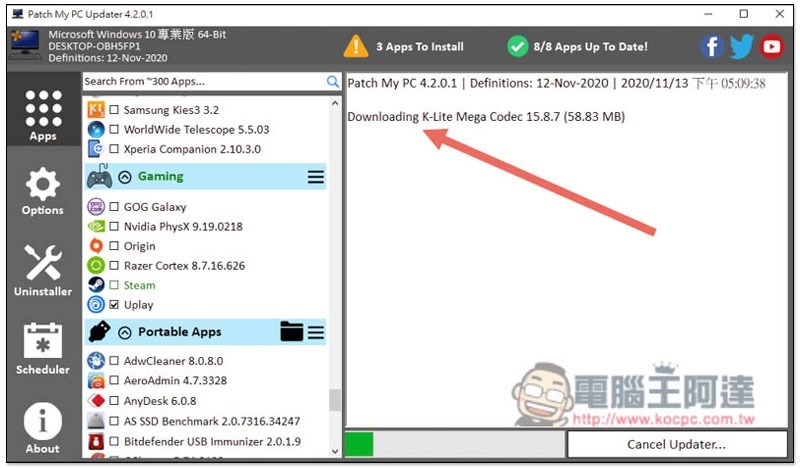
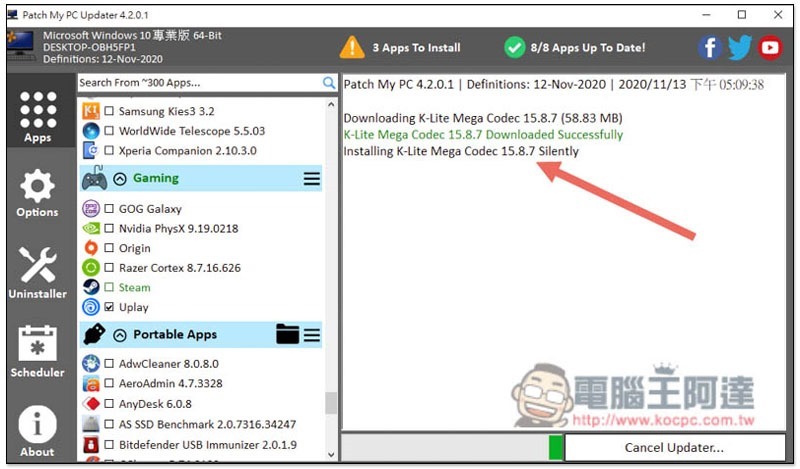
After the download is completed, it will be installed automatically. You don’t need to operate anything. All software are the same:
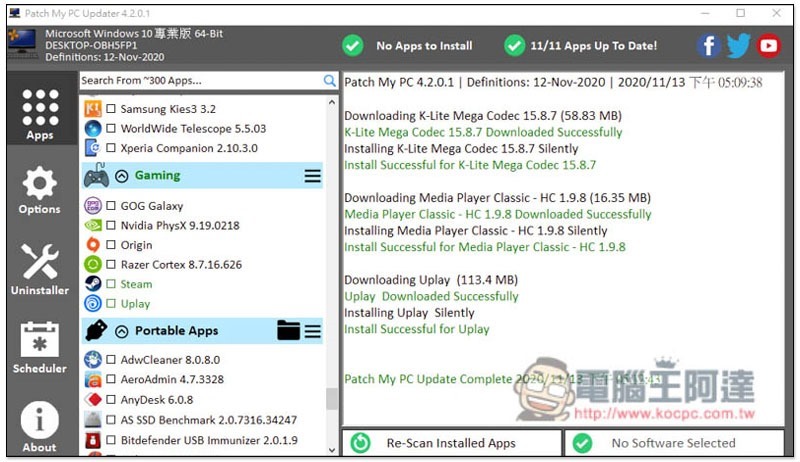
When the screen displays Complete, it means the installation is complete:
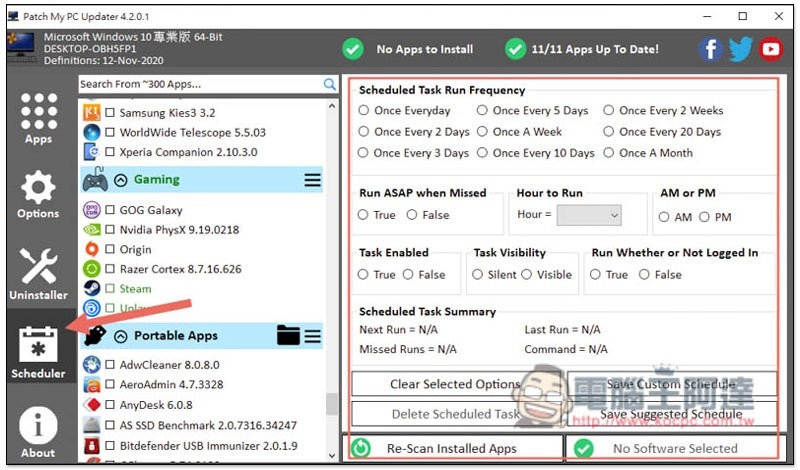
In the Scheduler menu on the left, you can set the time to automatically execute this tool. This does not need to be set too frequently. Basically once a month is enough:
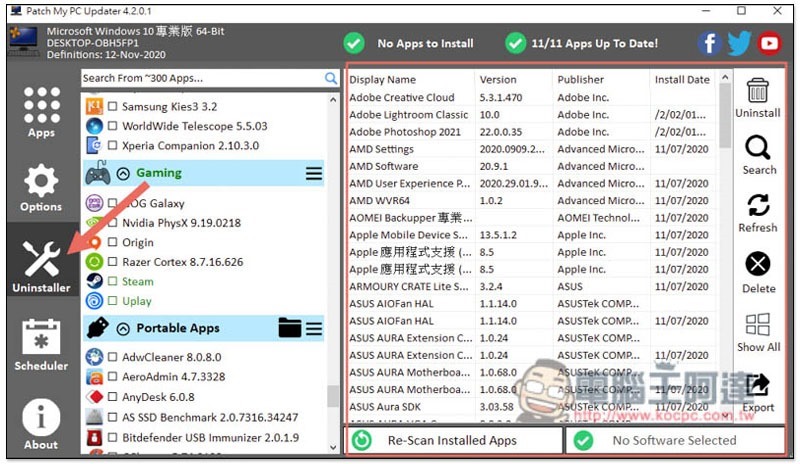
It also provides an uninstallation function that can remove all installed software on your computer:
Compared with Ninite, I think this set is more practical. On the one hand, it has more comprehensive functions. On the other hand, it is easier to collect and carry around. Needless to say, you have to remember the URL.
Supplementary information
- Patch My PC download page:Click here to go
Source: KOCPC Chinese