


When using a computer or Mac, many people use the YouTube web version to watch YouTube videos or listen to music. Although it is not difficult to use, if you do not have a YouTube Premium membership, there will be ads every time you play. When you see a good video, you may want to download it and add it to your collection. However, the web version of YouTube does not have this function, and this FreeTube free software tool is all you need. It has all the above functions, and you can enjoy ad-free playback without membership. It also has a built-in download function and supports various formats. It is recommended to everyone. Available in Windows, Mac, and Linux versions.
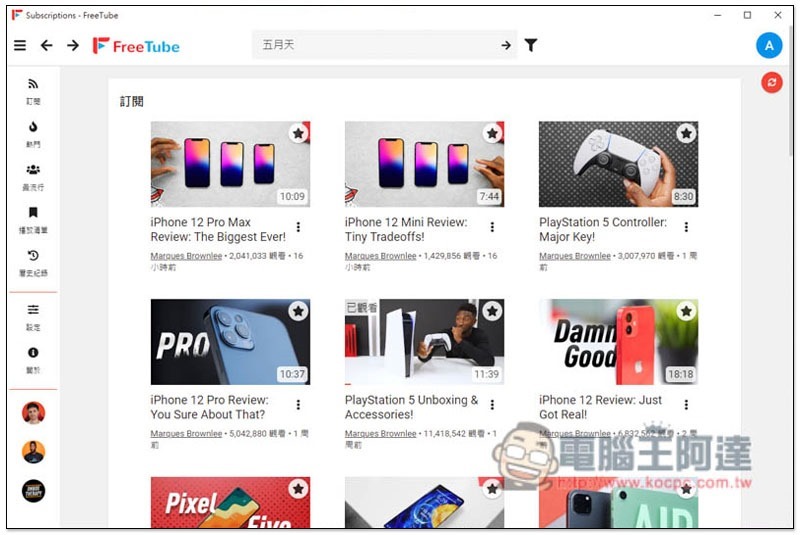
FreeTube free YouTube playback tool introduction
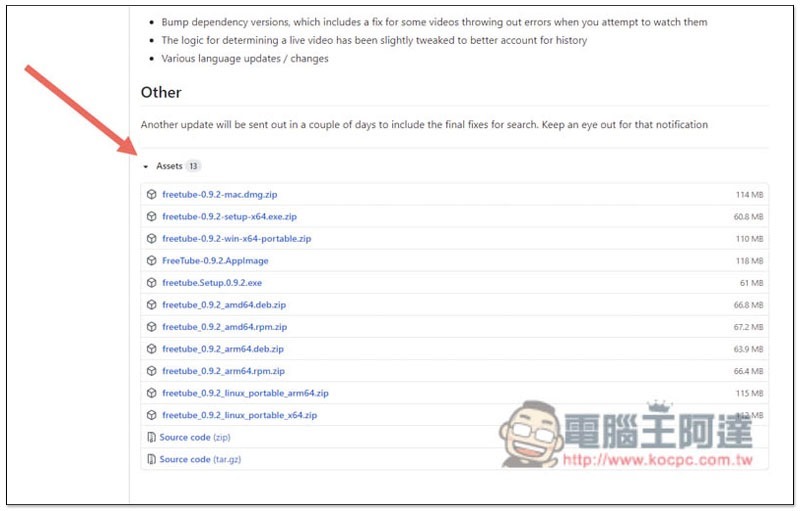
FreeTube is a free open-code tool.Developers have shared on GitHub, interested people can do their own research.Click me to go to the software download page, under the Assets column, you can find the installation files of each version. Windows and Linux provide installation-free files (Protable):
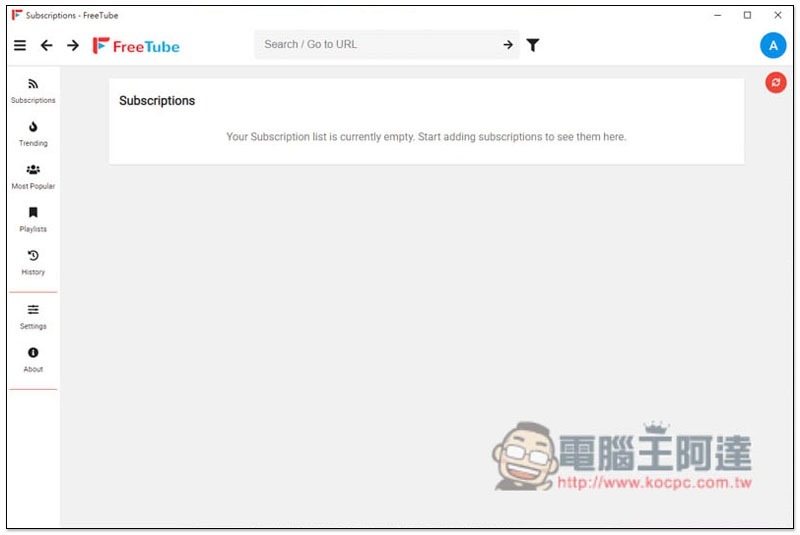
FreeTube’s interface design is very simple, somewhat similar to the layout of YouTube’s web version. The main menu is on the left and there is a search function above. In addition, although this model does not provide a YouTube account function, it does have a built-in subscription function. That is, you can also manually subscribe to your favorite YouTube channels for future viewing. It is more secure than logging in to your own account:
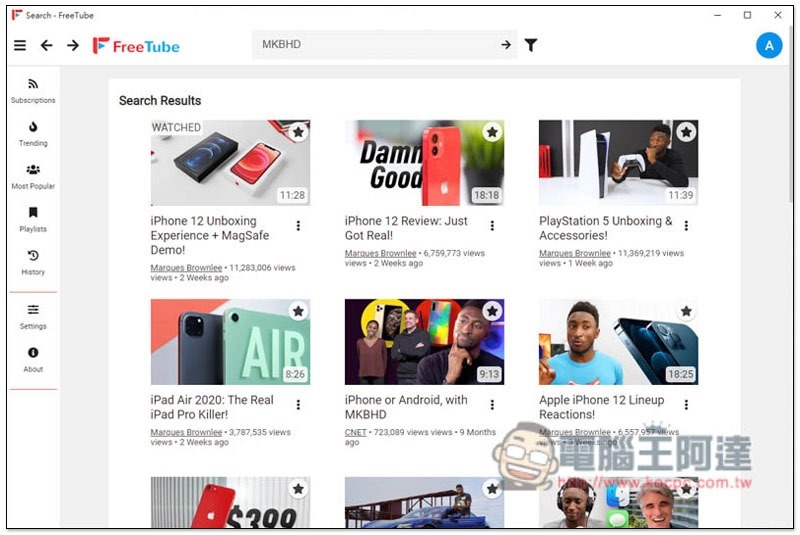
After entering your keywords, YouTube video search results will be listed below:
Then you can click to play, completely ad-free:
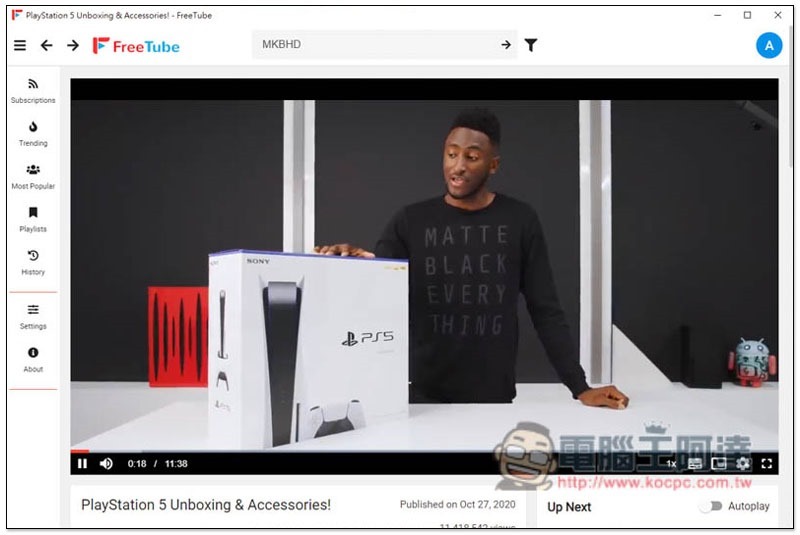
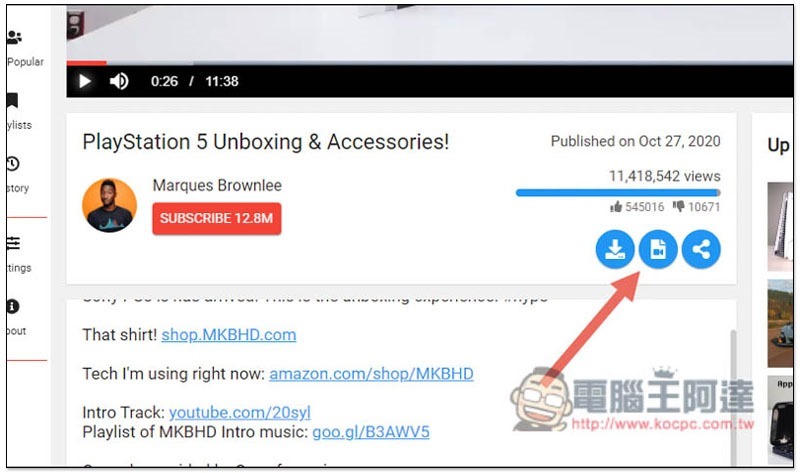
There are three functions below, namely “Download”, “Convert Format” and “Share”:
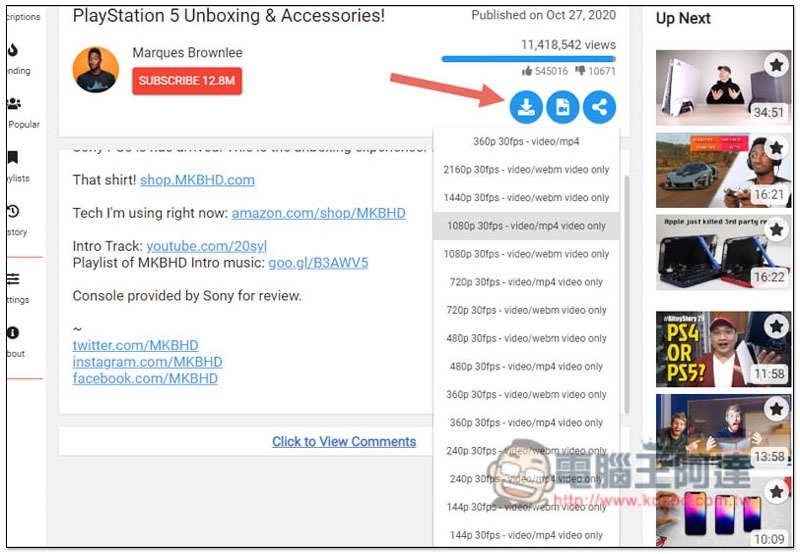
It provides a lot of download format choices, including videos and music. The video part supports up to 4K, and the format above 2K is only webm. This is a limitation of YouTube itself, and it is the same no matter what tool is used:
When downloading, another web page will be opened. You can find the download function in the… option in the lower right corner:

You can subscribe to the channel you like:
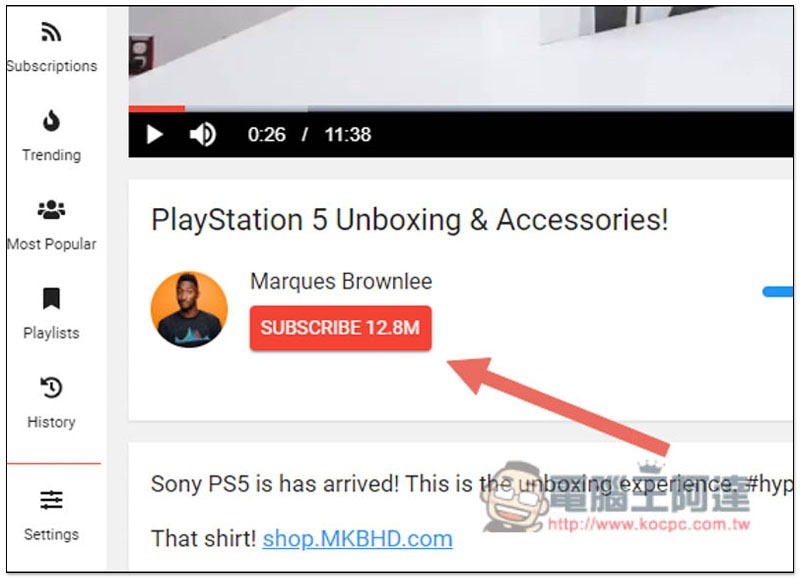
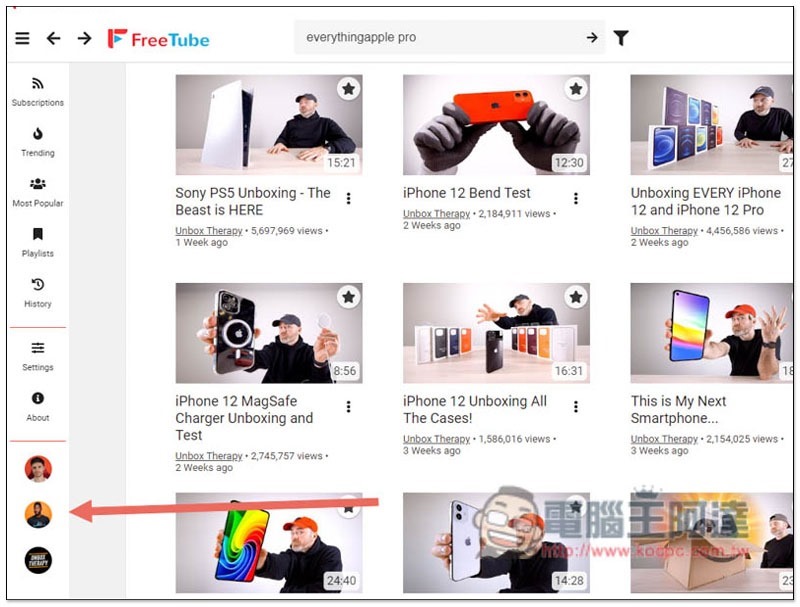
The subscribed channel icon will be displayed in the lower left corner. You can quickly check whether new videos are available by clicking on it in the future:
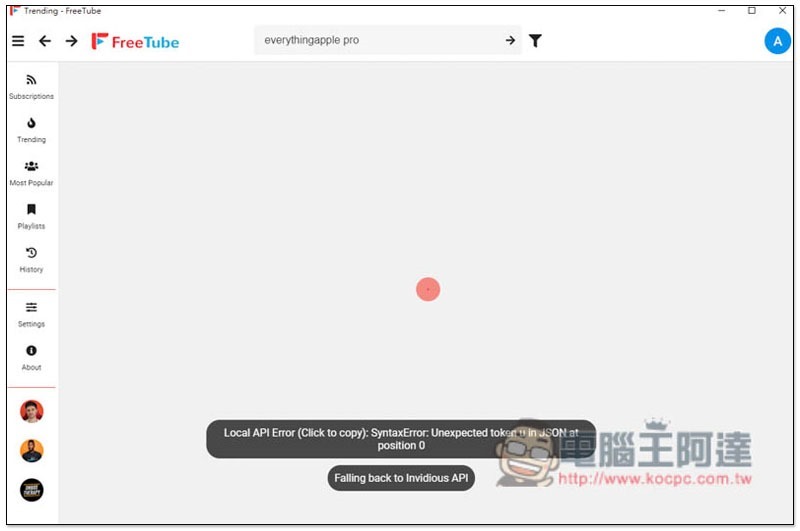
In addition, this tool is still in beta version, so sometimes a Local API error message will pop up. Wait for a while or refresh and it will appear:
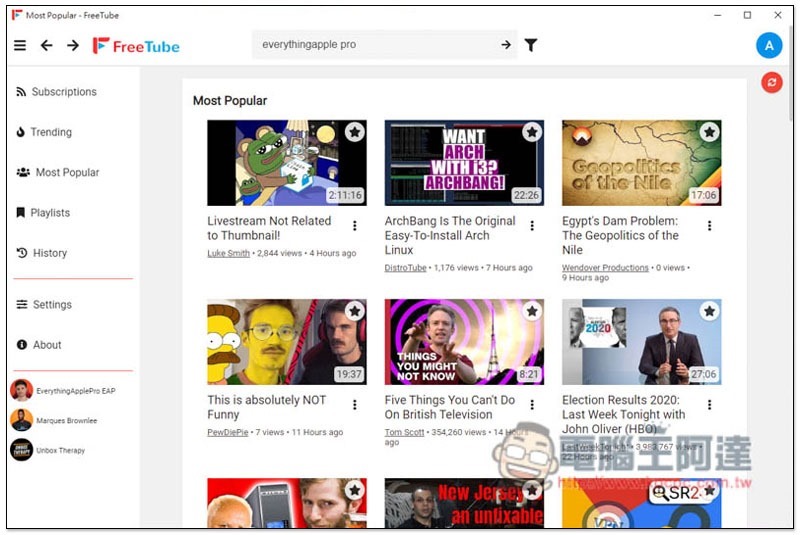
There are also Trending and Most Popular menus on the left, but the default popular regions are foreign countries, so foreign YouTube videos will be displayed:
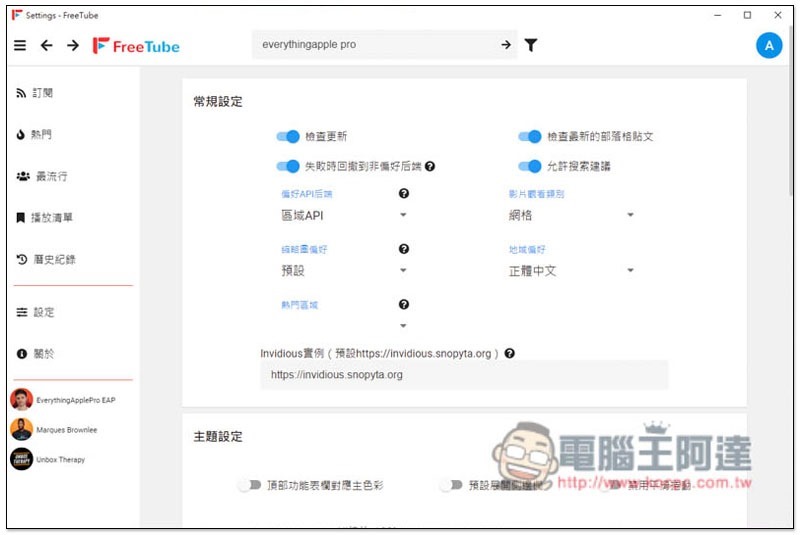
After changing the “regional preference” in the settings to Traditional Chinese, the interface will change to Chinese language. Currently, “Popular Areas” does not include Taiwan, so the popular and most popular menus are temporarily unable to display results for Taiwan:
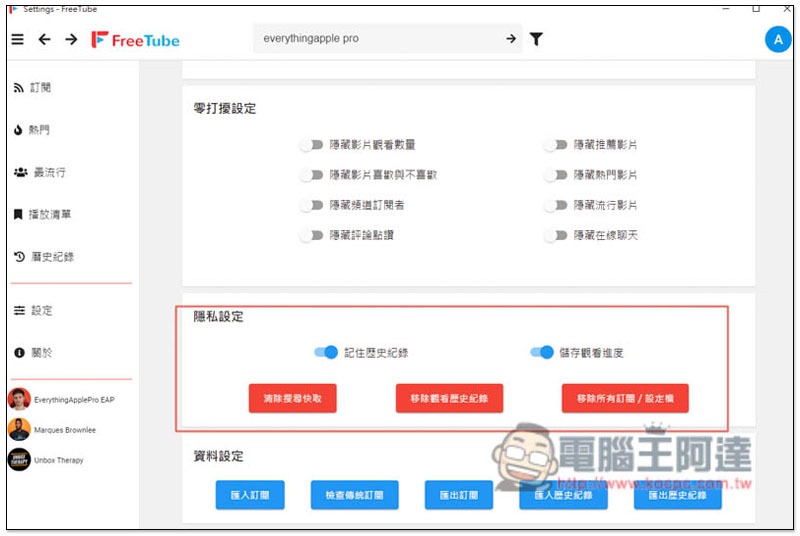
In the privacy settings below, you can also clear various cached data. It is recommended to click it after using it for a period of time to avoid taking up too much space:
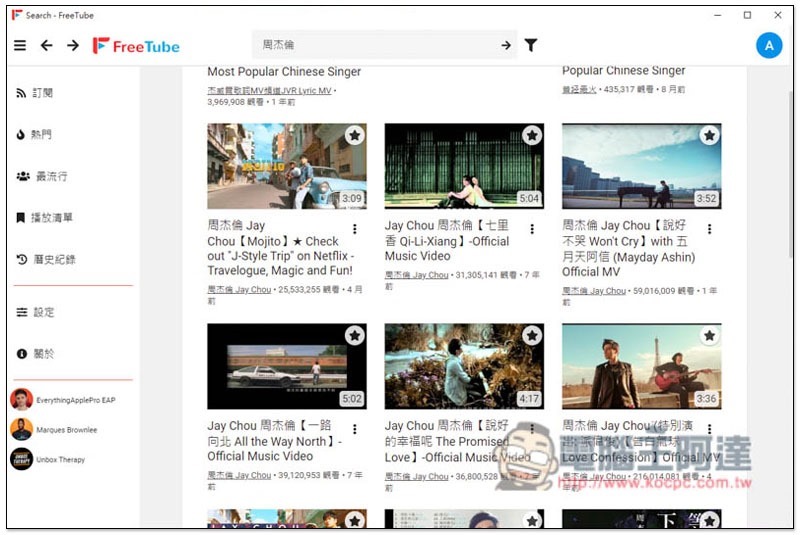
You can also enter Chinese when searching:
Supplementary information
- FreeTube download page:Click here to go
Source: KOCPC Chinese