


Since a few months ago, Google began to update the icons for its services, making the icons of Google-related services look more consistent. But this is still quite difficult for users who have been accustomed to the original design for many years. Many foreign netizens have even made many spoof memes about these new Google icons. If you still prefer the old version of the icon design and want to change the paging thumbnails of the Chrome browser back to the old version, then you might as well try the Chrome extension plug-in introduced today!
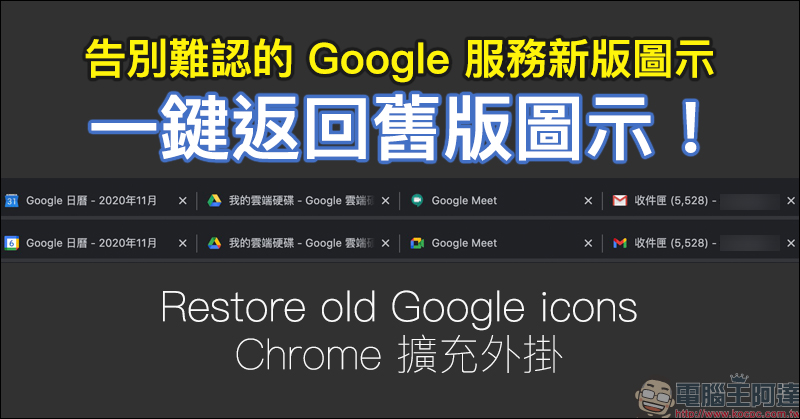
Say goodbye to the new version of Google icons that are difficult to recognize, “Restore old Google icons” will return Google related services to the old version with one click! (Chrome extension plug-in)
Some time ago, Google launched a new version of icons for its related services. The simpler icon design uses Google’s four representative colors of red, yellow, blue and green. But can users get used to this new design? For small-area displays on smartphones or computer browsers, similar colors and outlines have also begun to arouse discussions among villagers at home and abroad after recent updates. Many people are still trying to adapt to these new Google icons.
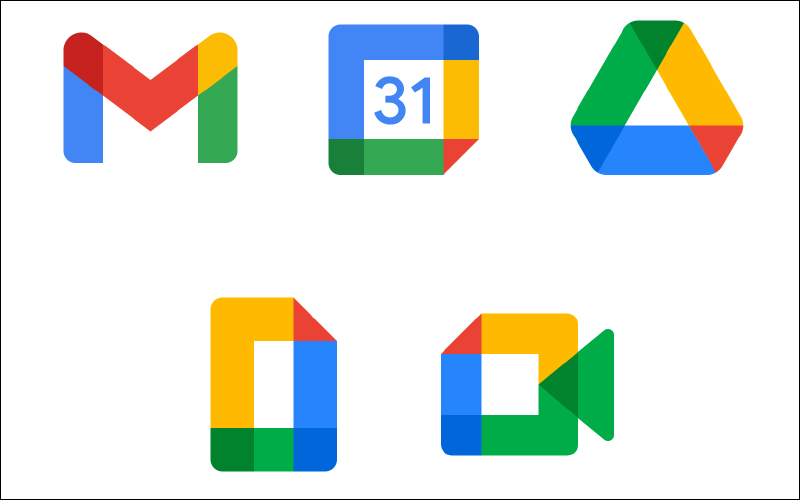
▲Picture source:The Verge
The new version of the icon has indeed troubled many people. Some Reddit netizens even made this classic meme, which simply and clearly presents what Google and the public see (laughs).
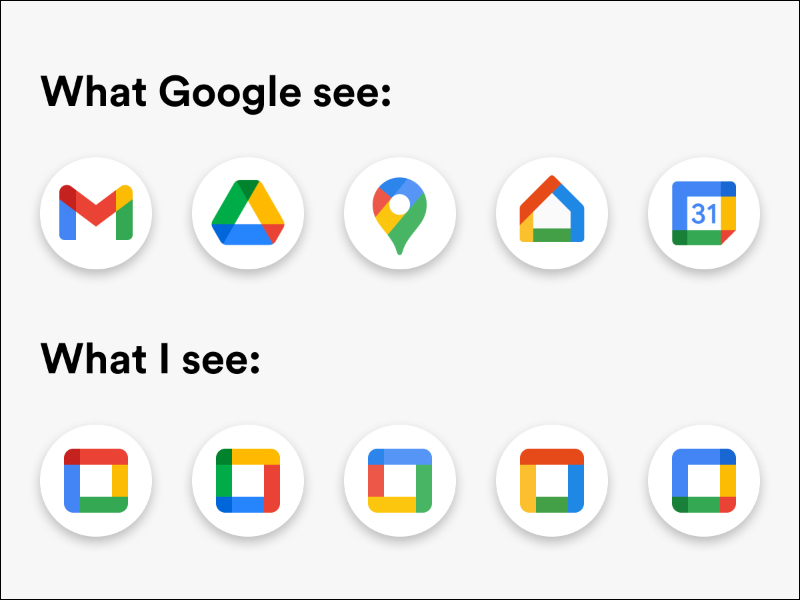
▲Picture source:Reddit
This problem is more obvious when you open a browser on a computer every day, because the icons on each page are actually quite small, and similar color matching and icon designs can easily confuse users. However, if you also use the Gooogle Chrome browser, you can download this “Restore old Google icons”. It will help users change these pagination icons back to the old version when using Google-related services in the Chrome browser!
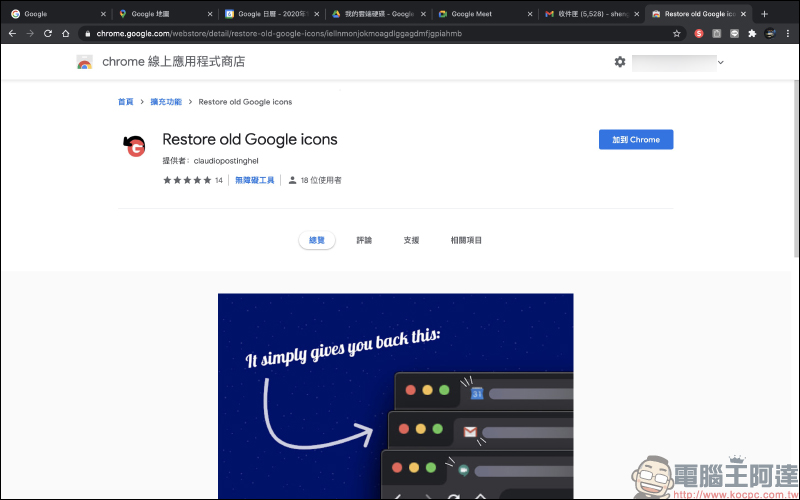
After adding this extension to Chrome, you only need to close and restart the browser, or rearrange the originally opened tabs, and then you will find that the tab icons have changed back to the previous version!
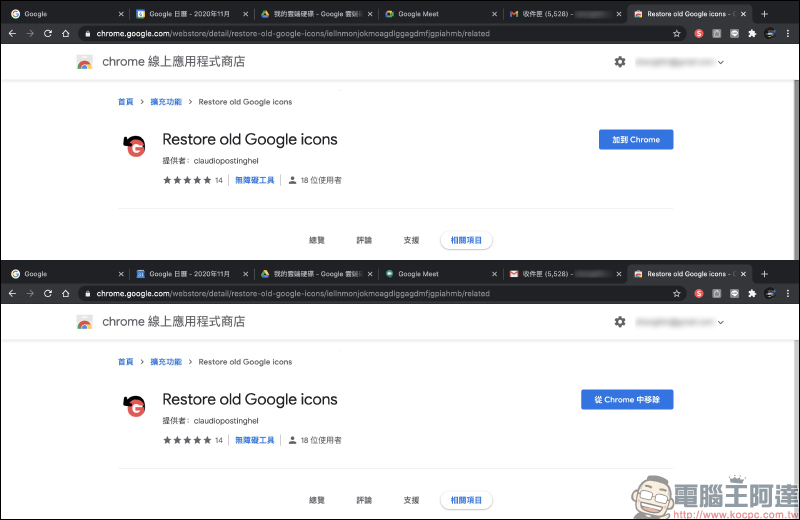
Restore old Google icons
Click here to download (Google Chrome browser extension plug-in)
Further reading:
Stay on top of real-time news on your iPhone home screen, try the Google News iOS gadget!
Source: KOCPC Chinese