


For LINE users, the most common worry when chatting is that friends will not read or reply, or whether they have been blocked by the other party. We have alsoI shared tips on how to check whether the other party has blocked me (click me to learn more), but I think everyone has also encountered the situation where the chat partner left the chat room and became “no member”. I think many people still don’t know the real reason for this situation. Is this also blocked by the other party? Today, let’s find out what is actually happening!
Why does the LINE chat partner become “No members”? This is not actually being blocked by friends (same scene: How to check whether LINE is blocked?)
Some people may have encountered “no members” or “unknown” names displayed in LINE chat rooms or groups, and the status “someone left the chat” is displayed at the bottom of the chat room. At this time, in addition to not showing that the name of the chat partner is missing or the photo disappearing, it is no longer possible to reply to messages or perform any query actions. Many LINE users are also very curious as to why this situation occurs.
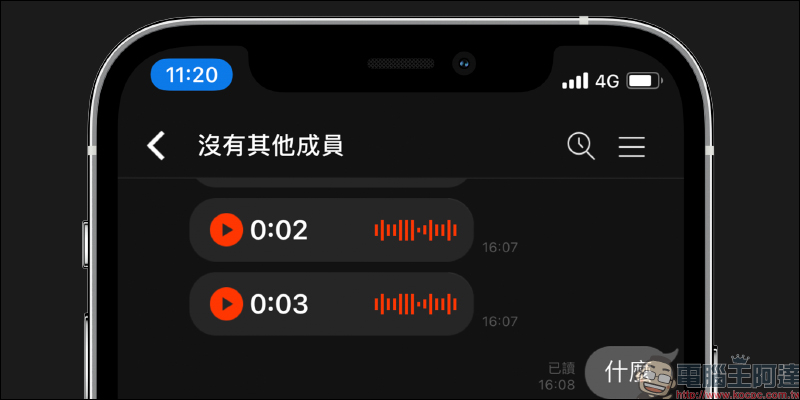
Why does the chat object become “no members”?
The most likely reason why the chat partner will become “no member” is that the other party’s “LINE account has been deleted”, whether it is manually deleted or deleted by the authorities because the fraudulent account was reported. This situation most commonly occurs in some LINE fraudulent accounts.
There is another possibility that the other party “changed the bound mobile phone number without transferring the original LINE data”, and the original mobile phone number was directly bound to another new LINE account. Simply put, “the same phone number was directly bound to the new LINE account, instead of being transferred to the new phone.” Although the latter is less likely to happen, it may also result in the chat room showing “no members”.
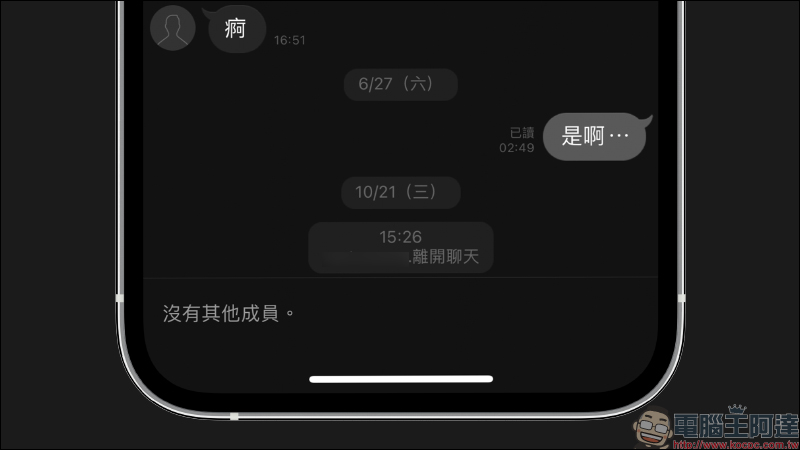
In short, assuming that the LINE chat partner shows “no members” is not blocked by the other party, but that the account has disappeared.
Additional screening at the same scene: Is LINE blocked by friends? This trick allows you to face reality early (support: LINE mobile version)
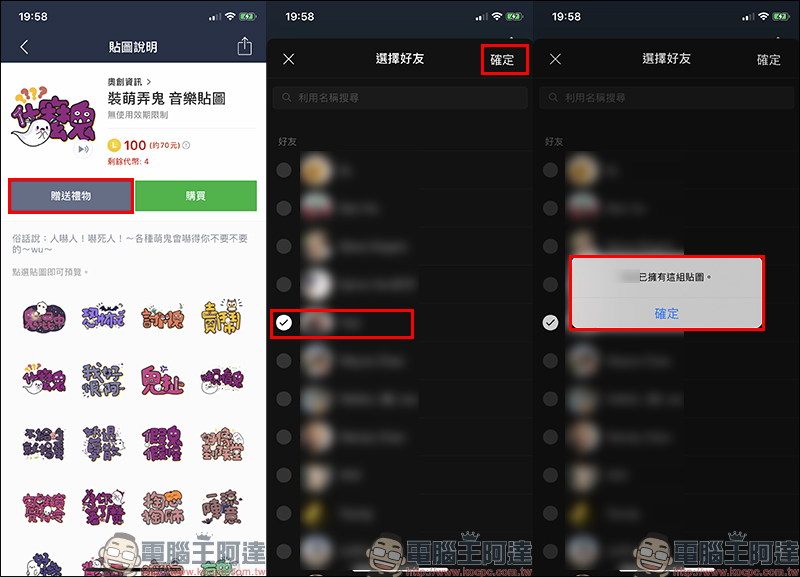
If you find that you have recently sent a message to a certain LINE friend, but the other party never reads or replies, you will inevitably wonder whether you have been silently blocked by the other party. In fact, with simple tricks, you can quickly confirm whether the other party has blocked you. First, select a sticker in the Sticker Shop and select “Give Gift” to give the sticker to the friend. If you find that you want to gift the sticker, the screen will appear.“XXX can own this set of stickers.”, it means that it is probably blocked!
Of course, this may also be due to “such a coincidence” that the other party really has that sticker, so you might as well try to give away other sets of stickers using the same steps. If you find that the other party already has many unpopular stickers, unless the other party has downloaded all the stickers in the sticker shop, it is almost certain that the other party has really blocked you.
Further reading:
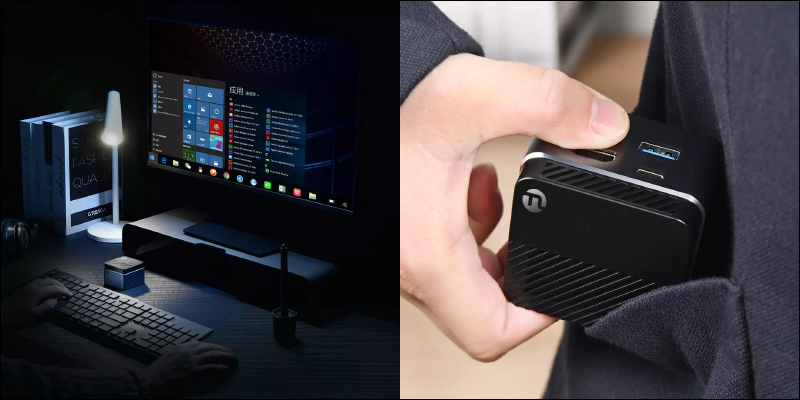
Xiaomi Youpin launches Rubik’s Cube mini computer host through crowdfunding: compact body, only 145 grams, crowdfunding price is about 4,250 yuan
Source: KOCPC Chinese