


There is a lot of information on the Internet. When you see something you like, you will definitely want to collect it so that you can use or read it again in the future. Adding it to favorites is one way, but this requires storing the entire URL and only the title text. After a long time, you will forget why you saved it. Cutouts, which I will introduce in this article, is a very good free expansion plug-in. It uses a collection method similar to Pinterest. You can pin text, pictures, and videos to the collection board, and it also supports classification functions.
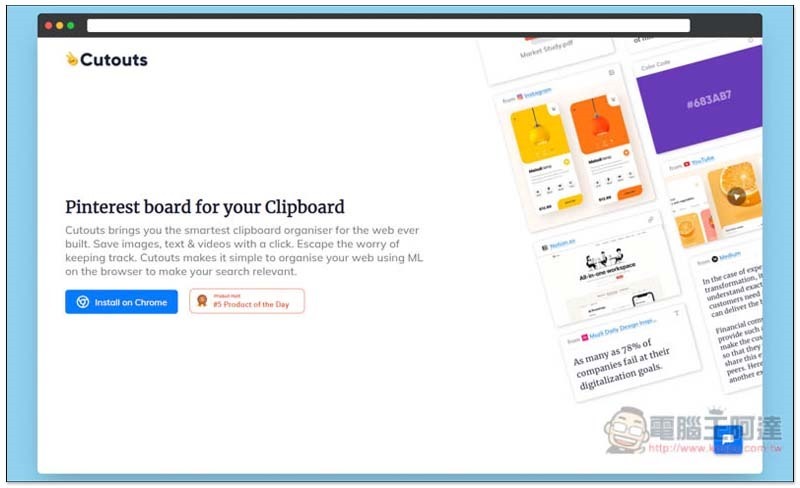
Introduction to Cutouts free expansion plug-in
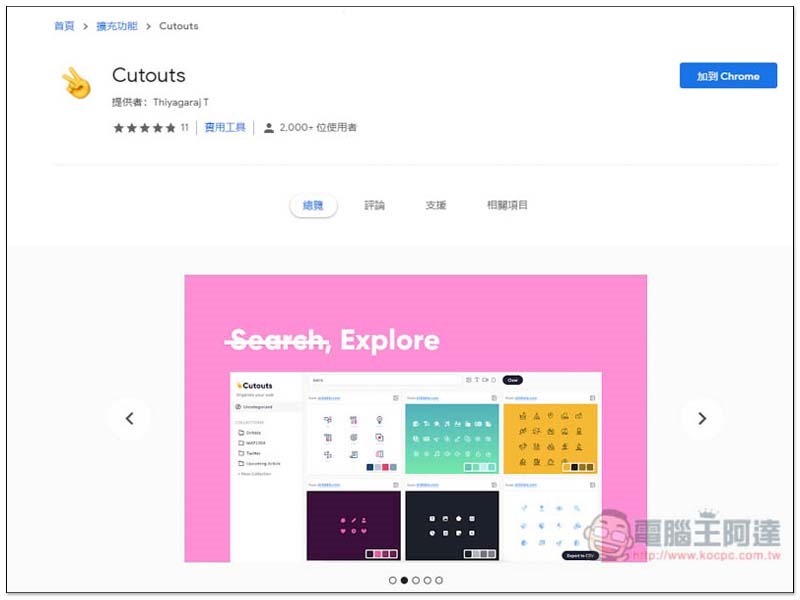
Click me to enter the Cutouts extension store page, click “Add to Chrome” in the upper right corner:
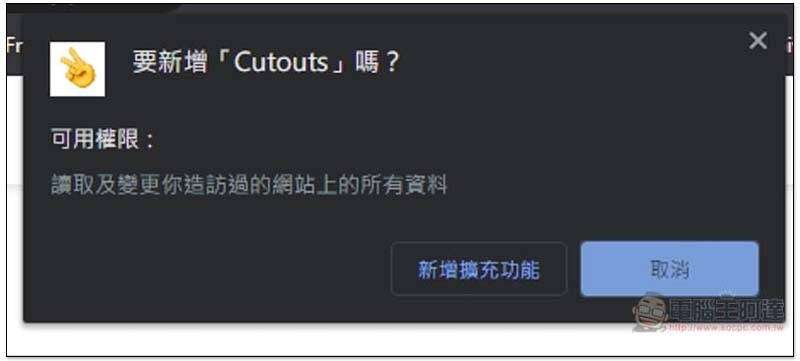
Click “Add new extension” to install:
When the YA icon appears in the upper right corner, the installation is complete:
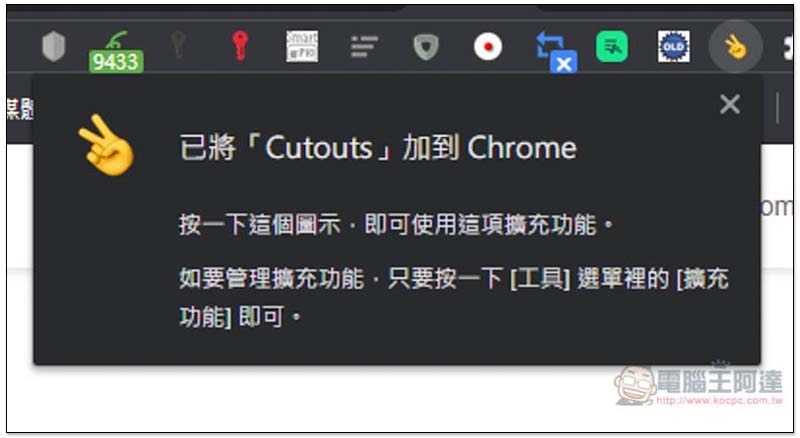
If the icon suddenly disappears after installation, please click on the puzzle on the right to find the expansion plug-in. Click on the pin and it will appear again:
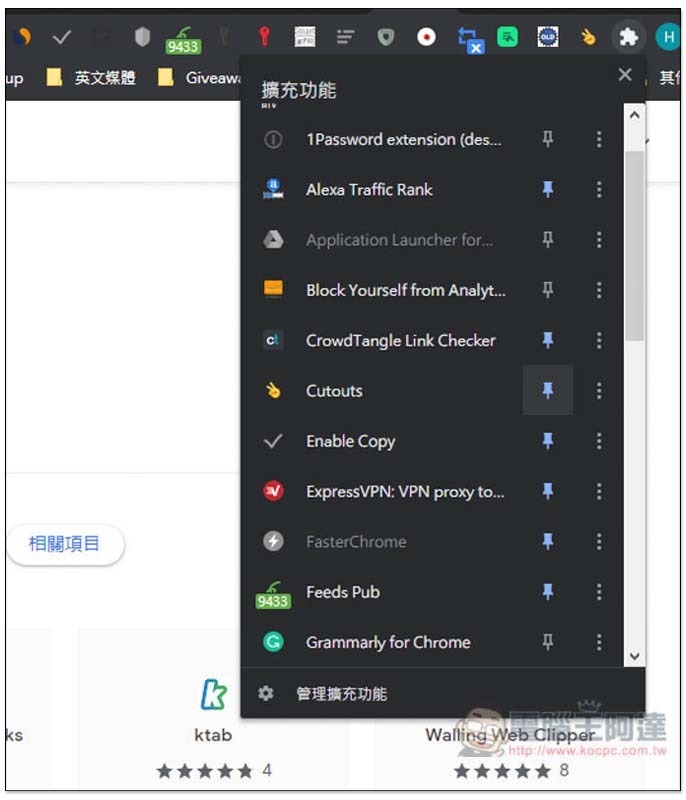
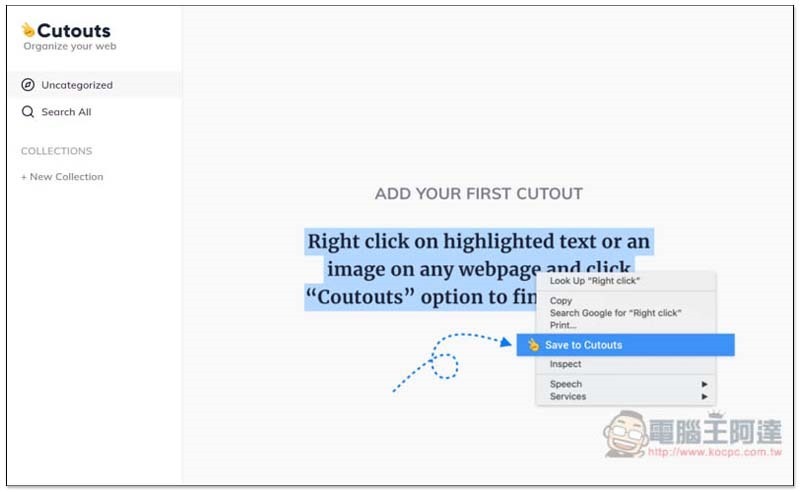
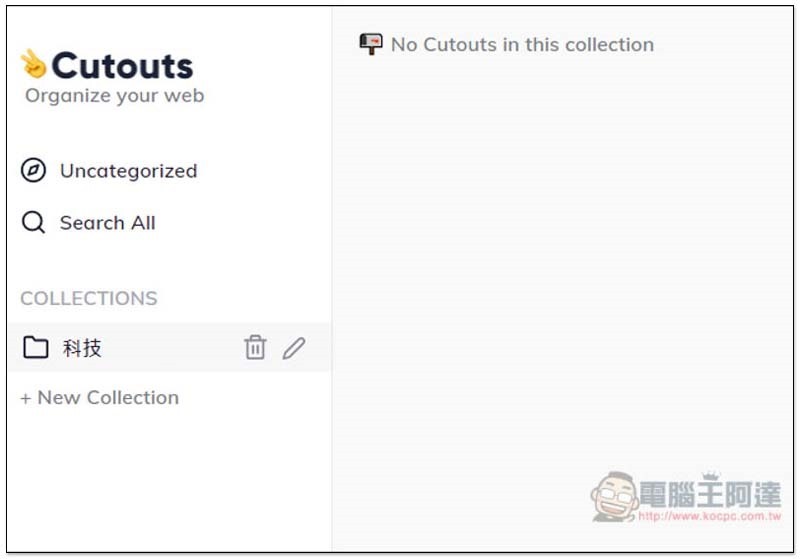
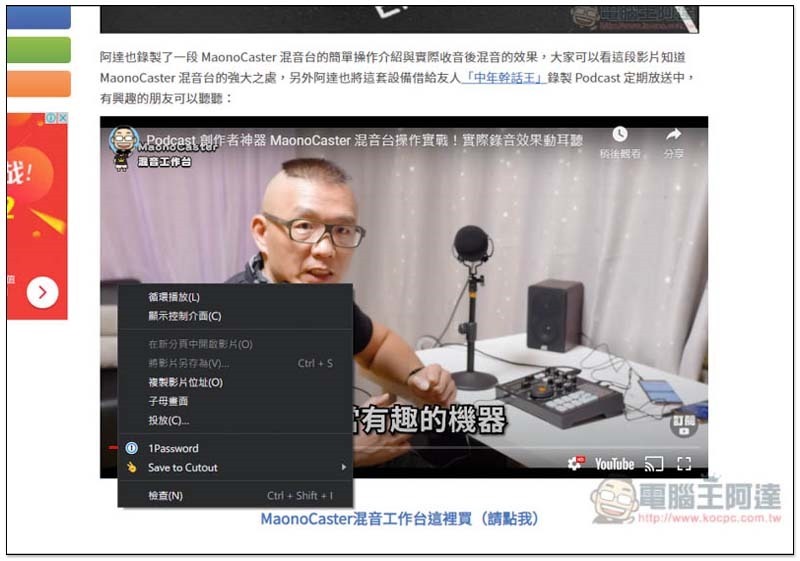
The collection method is very simple. After you find the content you like, right-click to see the Save to Cutouts function. In addition, before collecting, you can also go to the background and create your collection category (+ New Collection), which will make it easier to organize:
As shown below, supports Chinese:
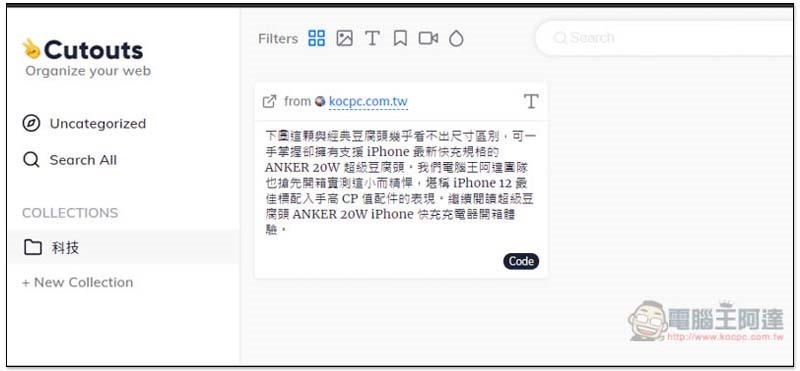
If you find text you like in future web pages, such as a whole paragraph, an article, etc., you can highlight them and then right-click to add them to the collection category:
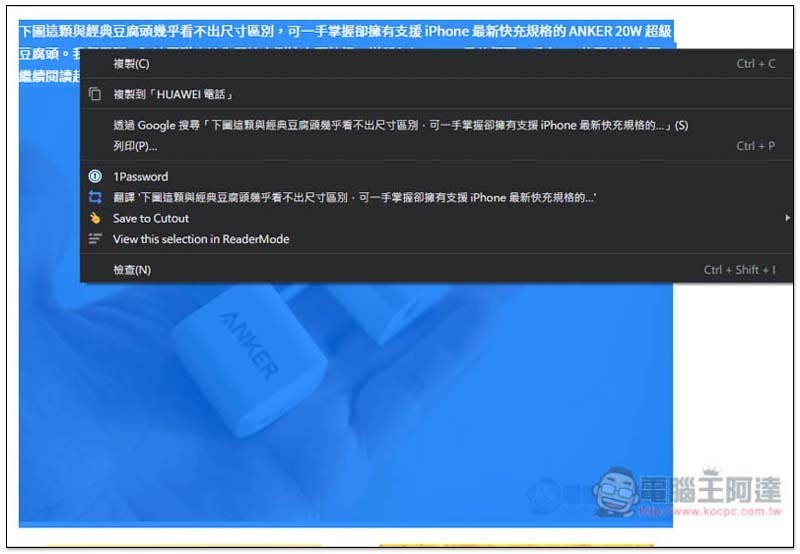
The text will be stored, and there will also be a URL. But it’s a pity that text + pictures cannot be collected together:
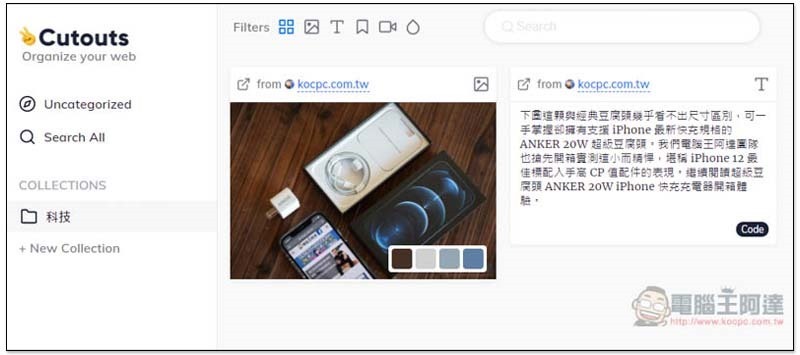
The picture part can only be collected separately:
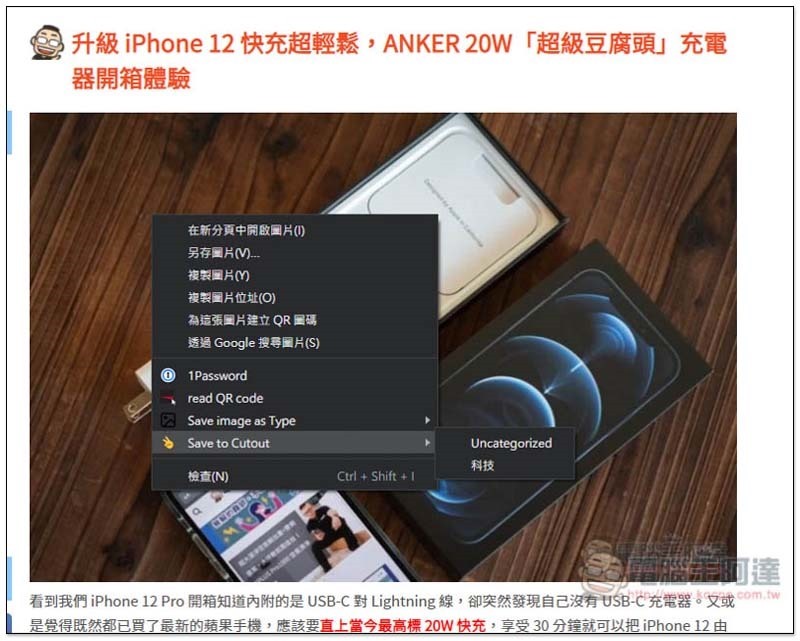
As shown below:
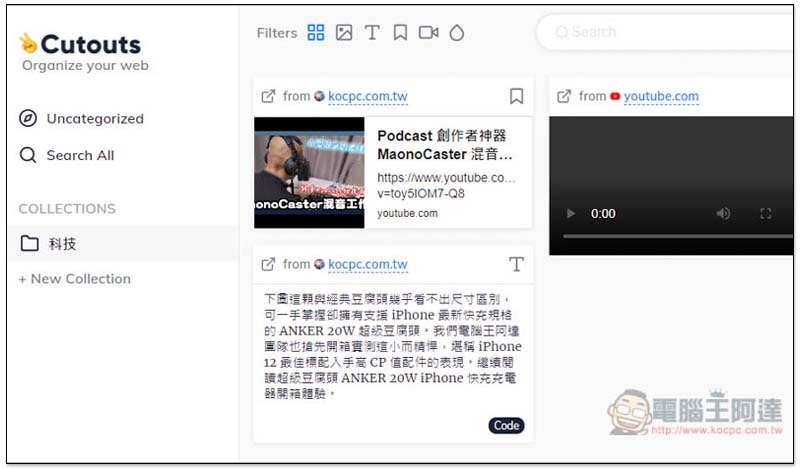
It also supports collecting videos, but YouTube cannot collect them directly from the YouTube website, and a blank screen will be displayed. I am not sure if it is a bug, but I guess support will be added in the future:
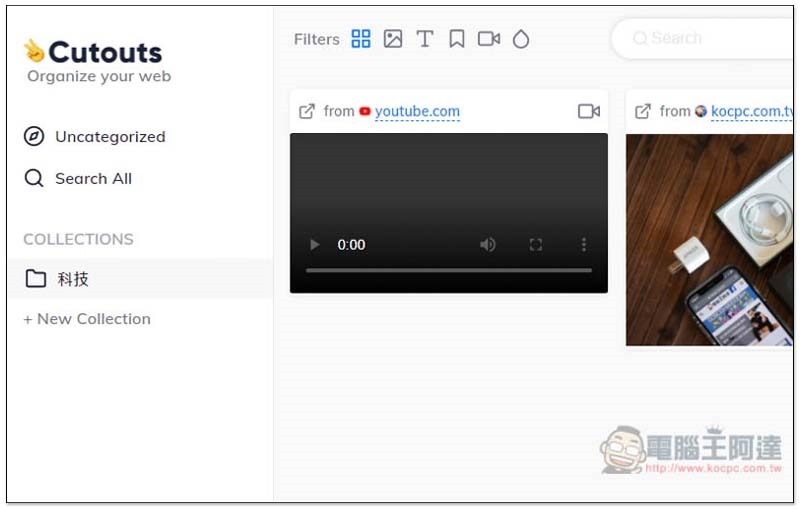
But if you instead collect this YouTube video from a web page:
Right-click the name of the video to find the collection function:
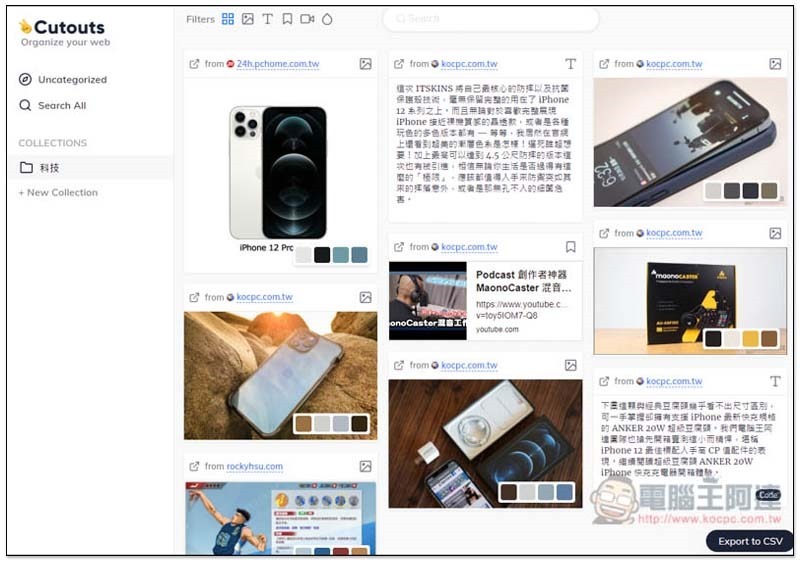
Like this, after long-term use, your Cutouts blackboard will become somewhat similar to Pinterest:
It also provides a classification function to display only pictures, text or videos:
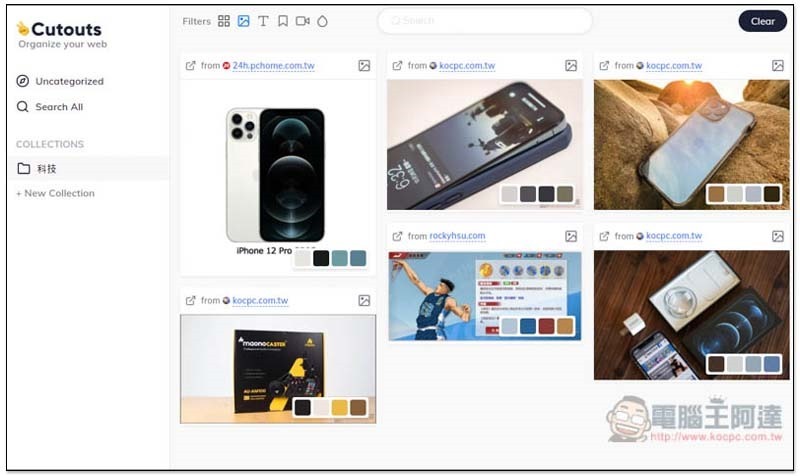
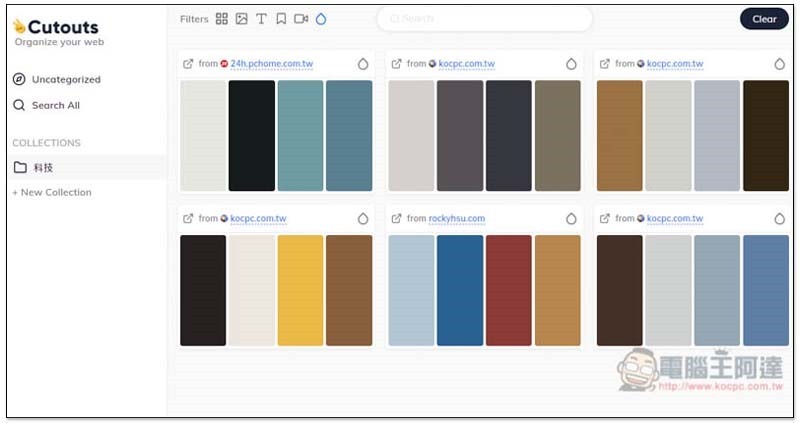
This extension plug-in also provides a very special function, which will automatically capture the color matching in the picture, which is quite practical for designers:
Supplementary information
- Expanded plug-in name: Cutouts
- Nature: Free
- Chrome store page:Click here to go
Source: KOCPC Chinese