


Although the built-in Photos App of iOS 14 has supported the latest widget function from the beginning, which can display selected photos on the desktop, for those who have used iPhone for a long time, many photos should have been backed up to Google Photos long ago, so some precious memories cannot be seen. The good news is that the latest version of Google Photos has finally quietly added the iOS 14 widget function, and now it can be added to the desktop! For those of you who back up your photos to Google Photos, you can delete the built-in photo widget you previously configured and use Google Photos instead.
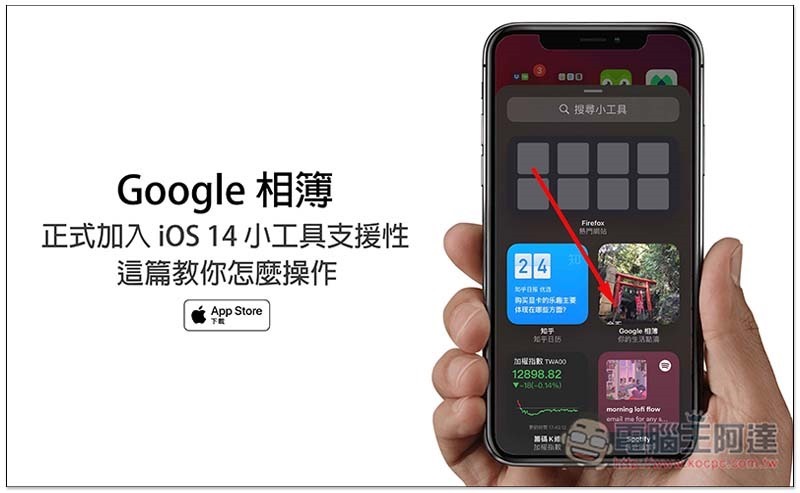
Google Photos officially adds support for iOS 14 widgets
In the list of update instructions, Google did not explain when it will add support for iOS 14 gadgets. I personally speculate that it should be after the latest version. Therefore, those who have not updated Google Photos are recommended to upgrade to the latest version before proceeding (if you enter the Google Photos App page of the App Store and can only click the “Open” option, it means that you have upgraded to the latest version).
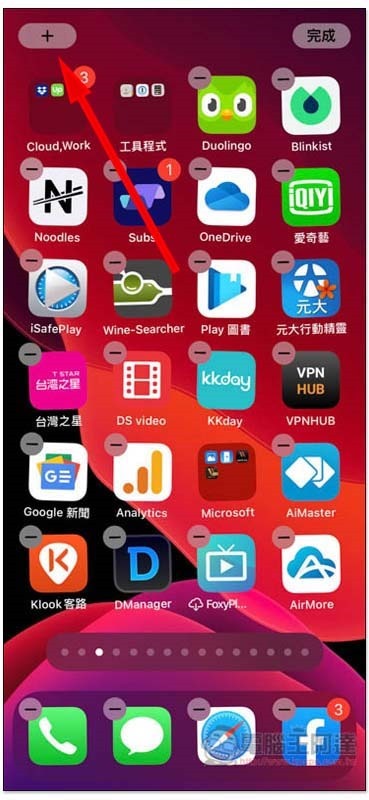
The operation method is the same as that of ordinary iOS 14 gadgets. On the page you want to add, long press the blank area of the screen. After the App icon starts to shake, you will see a + symbol in the upper left corner:
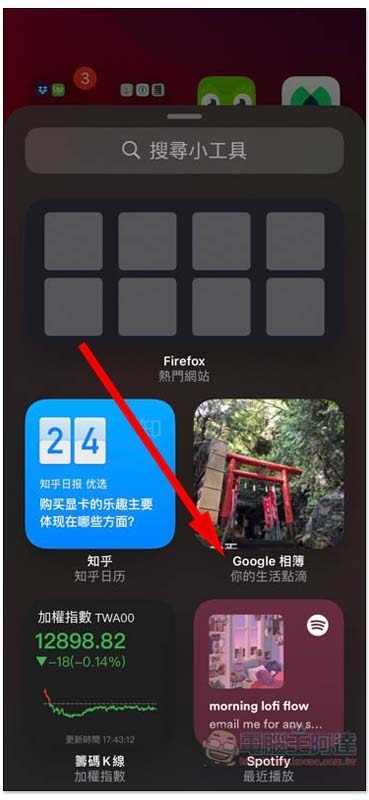
You will then enter the gadget interface, scroll down and you should see Google Photos:
Select the screen size of the gadget you want to display. Small 2×2, medium 4×2 and large 4×4 are all supported. Swipe left or right to switch:
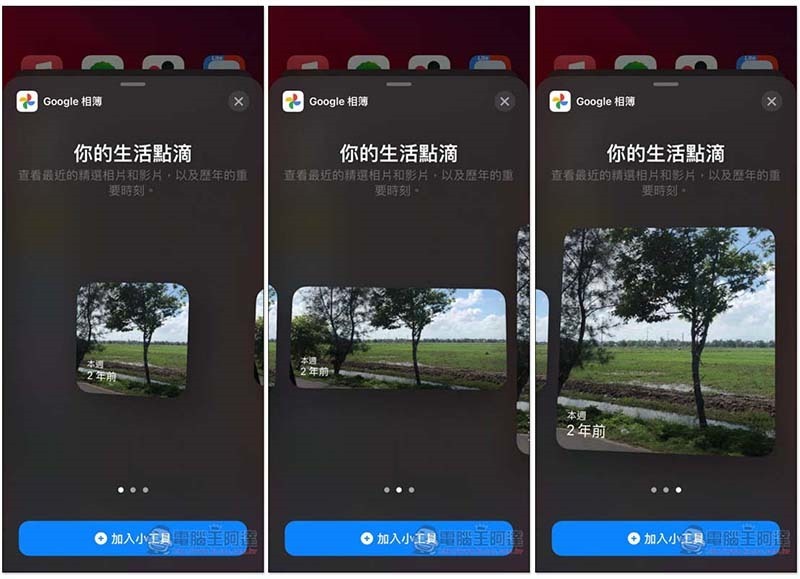
The Google Photos gadget will appear on the home screen! Unfortunately, Google Photos currently does not provide the function of specifying photos and albums to be displayed. Now it will automatically capture the selected photos of this week or a few years ago, as well as the photos of special moments in the past. The time will be displayed in the lower left corner:
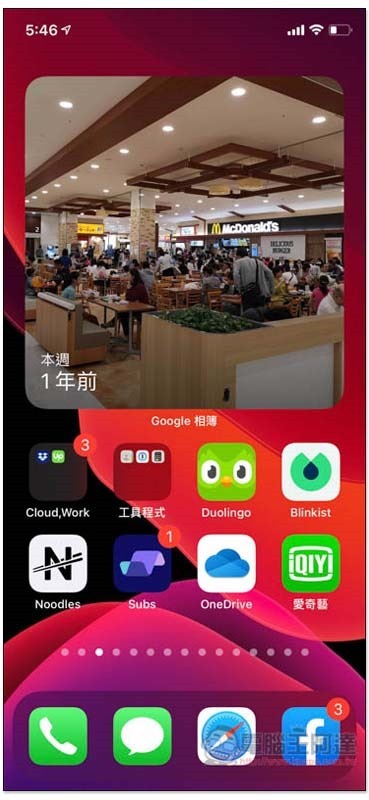
Other photos will be automatically switched every short period of time:
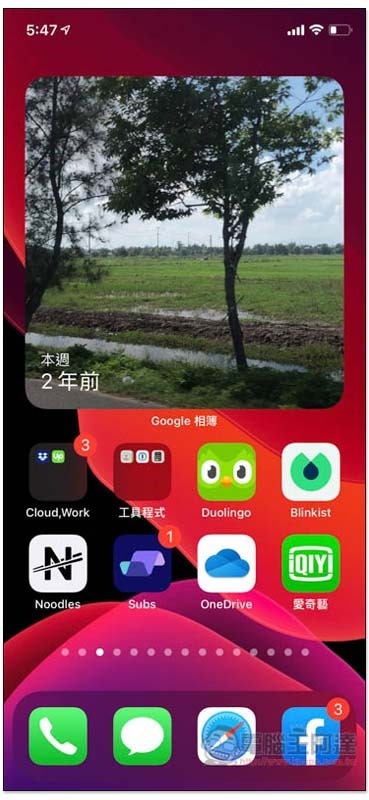
I sincerely hope that in the future, the function of displaying photos will be manually specified, so that it makes sense to display them on the homepage. Now many times, the photos automatically captured feel like a random photo that matches the time, rather than the most selected and memorable photos from that time.
Supplementary information
- Google Photos for iOS download page:Click here to go
Source: KOCPC Chinese