


Introducing AppWhen showcasing apps, websites, or new features, simply posting a screenshot always feels less convincing, but taking real device photos yourself is a hassle, and using ready-made mockups often results in duplicate images. This is the daily frustration of many content creators, designers, and editors. Now with AI With tools now more mature, creating scenario illustrations has actually become a lot easier.
In this article, we’ll introduce Mock.Club, a platform that specializes in AI-generated device mockups.Free materialsThe website not only has a large collection of images, but also offers an intuitive user experience — from uploading screenshots to downloading the final result only takes a few steps. If you occasionally need to quickly create polished phone screen mockups, this tool might become your new go-to.
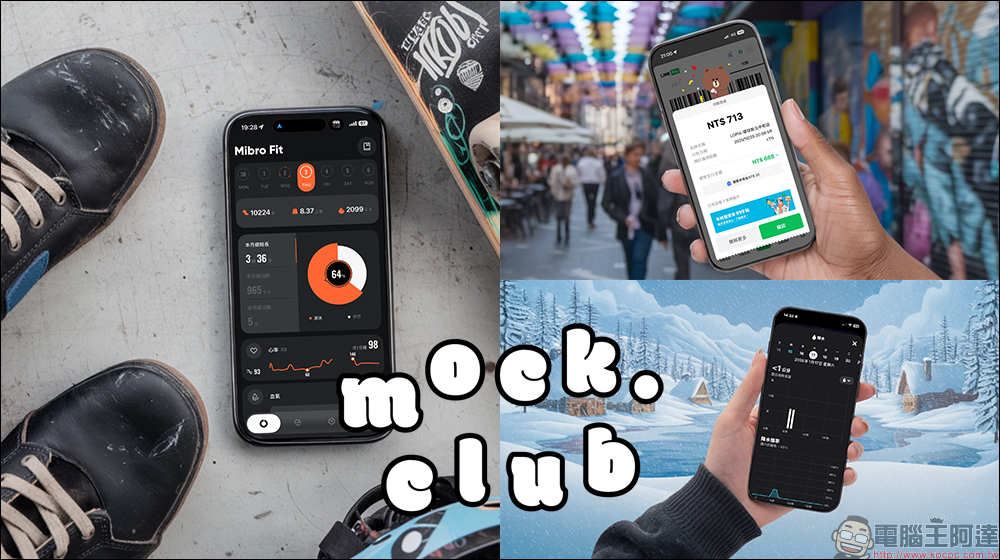
Mock.Club features over 2,700 AI-generated device mockups available for free, watermark-free downloads – the ultimate smartphone illustration resource library.
When writing app tutorials, product introductions, or feature update articles, visuals are often just as important as the text. A screen mockup placed within a phone frame not only helps readers quickly visualize the context, but also makes the entire content look more professional.
There have generally been three common approaches in the past. The first is actually photographing real devices. The advantage is authenticity, but it requires equipment, lighting, and shooting time. The second is using traditional mockup assets, where you simply drop in screenshots to complete the design. However, the drawbacks are also obvious—use them long enough and you’ll notice many websites, presentations, and even press releases have backgrounds and angles that feel eerily familiar. The third is compositing on your own, but for those unfamiliar with Photoshop, the learning curve is quite steep.
Because of this, when AI began to get involved in this field, many people naturally started wondering if there might be a more convenient solution that’s also less likely to produce duplicate images.
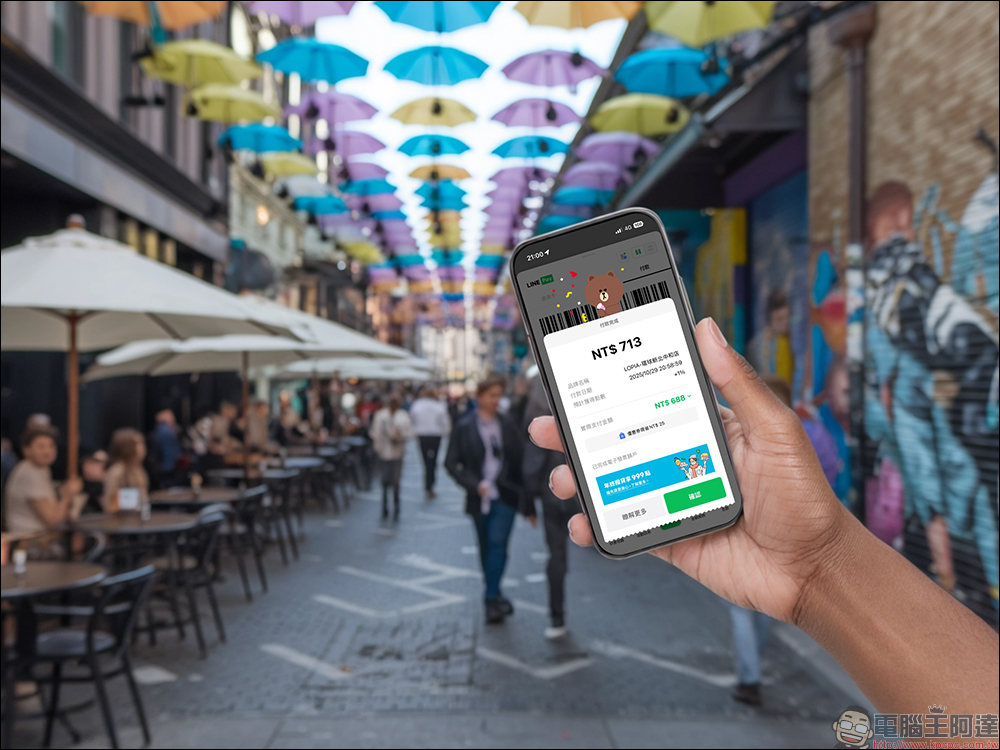
What is Mock.Club and what kind of service does it offer
Mock.Club is a free-to-use device mockup resource website that currently features over 2,700 AI-generated device illustrations, with the collection growing daily. Most of these images focus on smartphones, combining various usage scenarios, background styles, and lighting, which gives them a distinctly “AI-generated” look—but this is precisely what makes them less repetitive.
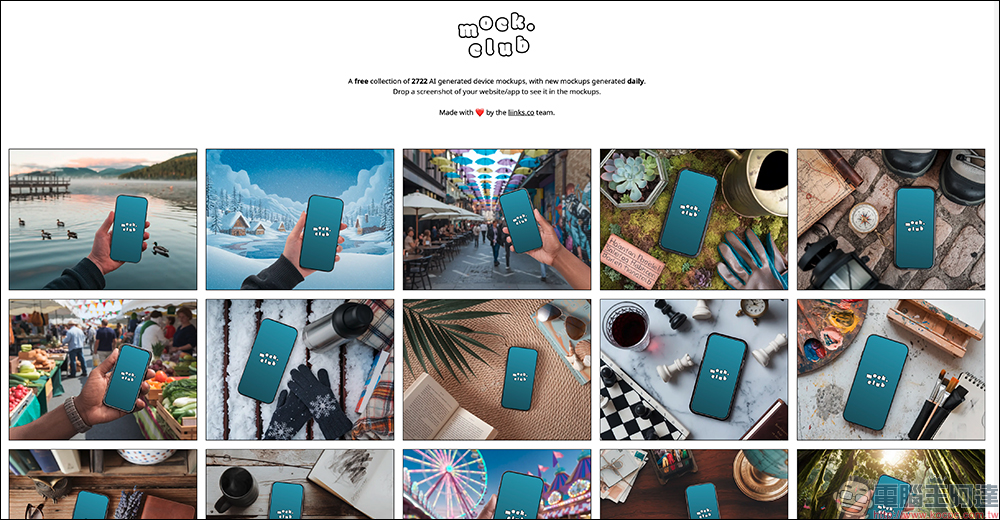
This service is operated by the liinks.co team. It’s not simply a stock asset marketplace, but rather applies AI generation capabilities directly to real-world needs. For users, the biggest benefit is that all images can be downloaded for free, without watermarks, and without worrying about copyright issues, making it quite friendly for content creators.
See real-time composite effects without any photo editing software.
Mock.Club’s workflow is intuitively designed, requiring virtually no learning curve. Users simply need to prepare a screenshot of an app or website to get started.
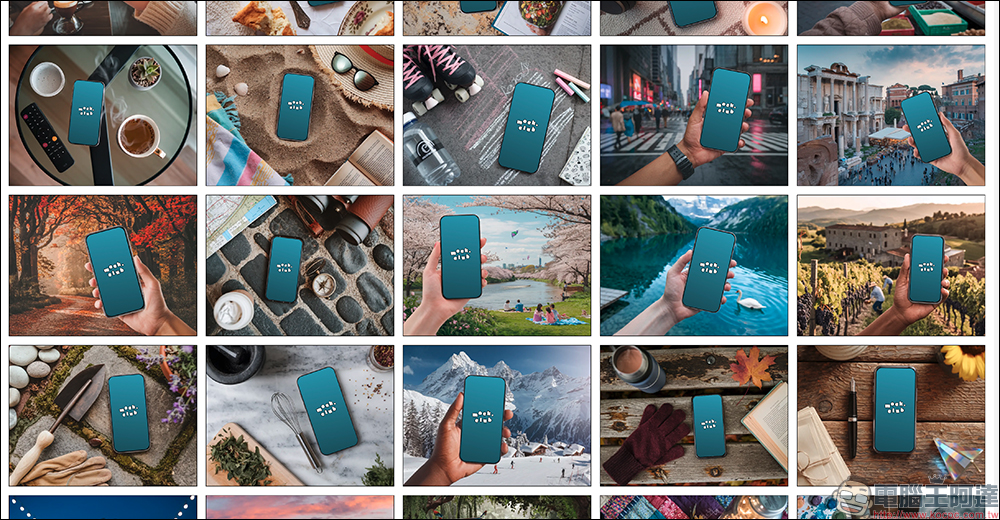
After entering the website, you’ll see a large number of AI-generated device model thumbnails on the homepage. Some of the visuals have a more avant-garde style and may not be very practical, but if you scroll through a bit more, you’ll usually find options suitable for tech articles or product introductions.
Click on any model, and you’ll see upload options on the left side. Select “Upload a screenshot” and upload the screenshot you prepared earlier.
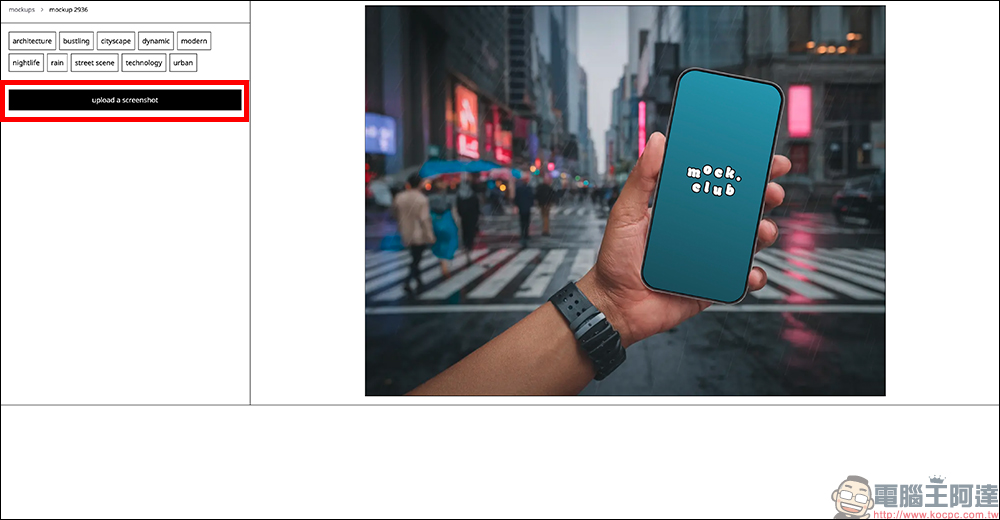
The system will automatically process the composition. Just wait a moment, and you’ll see the complete preview.
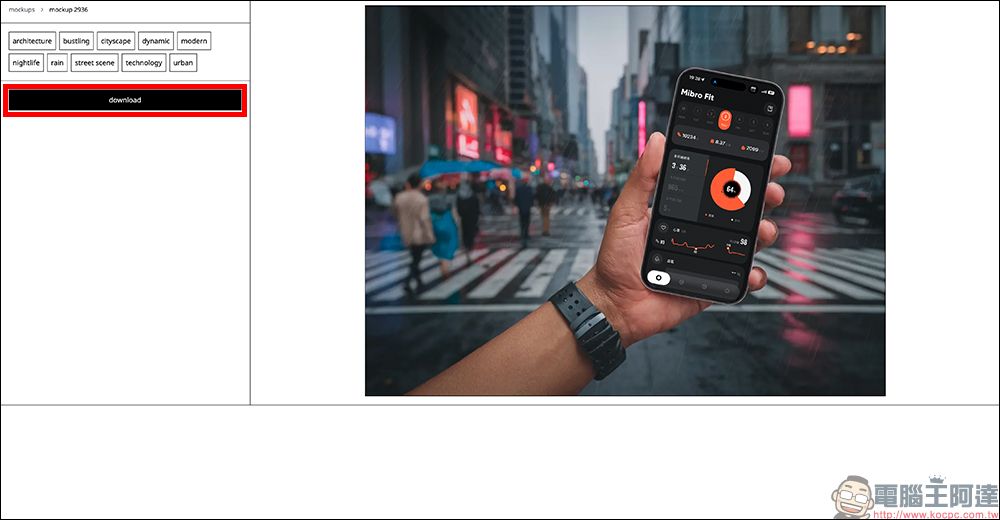
Download directly if the preview looks good, with no restrictions on high-quality content.
After synthesis is complete, if you’re happy with the results, just click the download button on the left to get a high-quality image. According to the official instructions, the download process may take up to 30 seconds, but in practice, it usually only takes a few seconds.
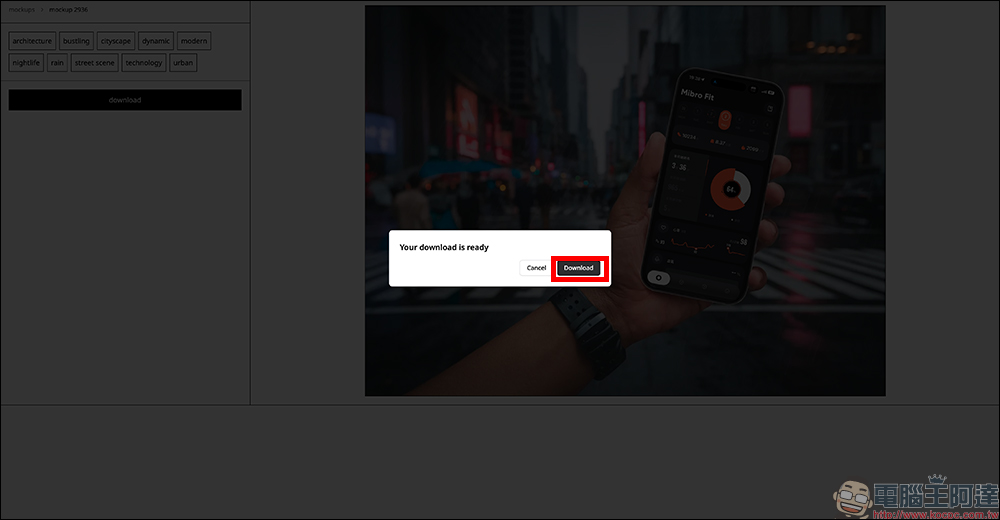
For those rushing to meet deadlines or needing images on short notice, this is quite important — no registration required, no waiting in line, and no download limits. The overall experience is quite smooth.
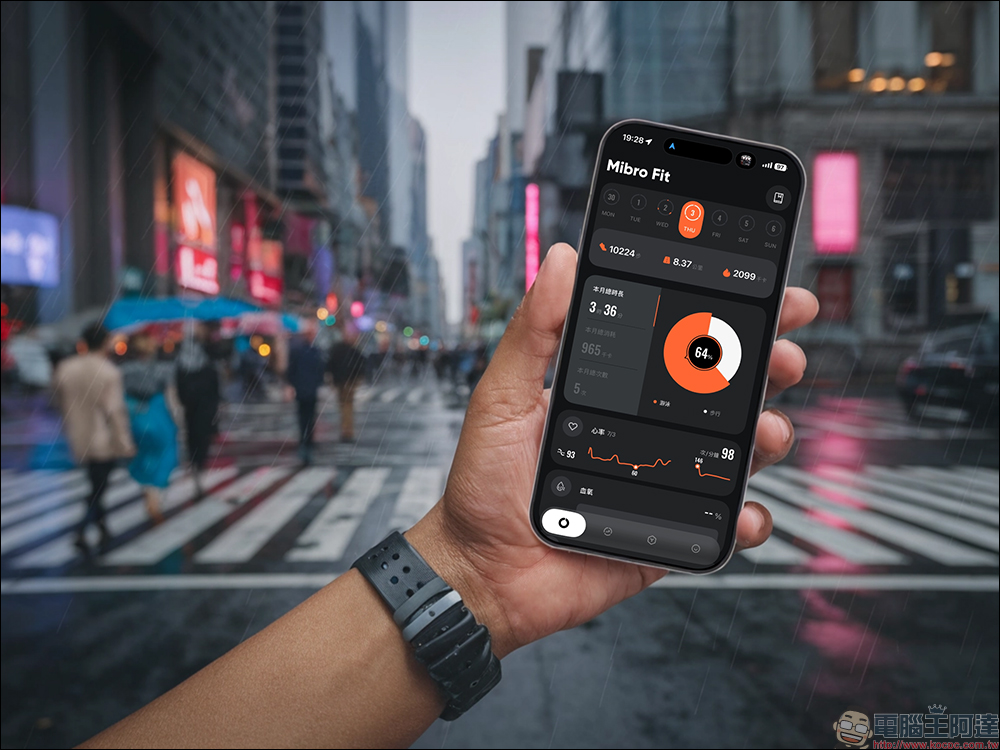
Preview multiple styles on the same screenshot at once
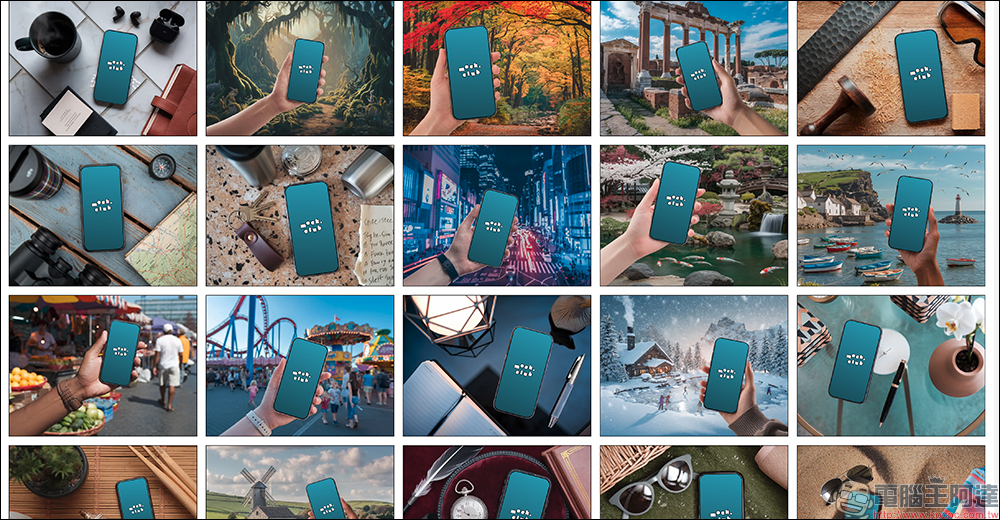
Another useful tip with Mock.Club is that once you’ve uploaded a screenshot, when you return to the homepage, all device models will automatically apply the same image. This means you don’t need to re-upload for each one, allowing you to quickly compare effects across different scenes.
For those who need to select images that best match their article’s tone, this ability to view multiple images at once saves considerable time compared to traditional Mockups sites, where you have to download and test each one individually.
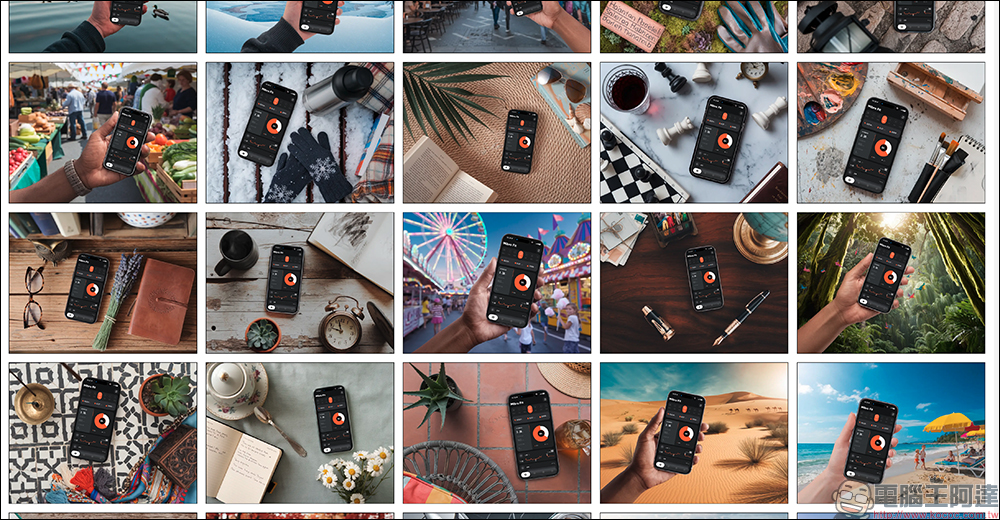
If you want a new view, just refresh the page.
If you want to use a different screenshot to create a new diagram, it’s actually quite simple — just refresh the page and the system will reset to its original state, leaving no trace of the previous image. Although this design is minimal, it’s quite intuitive in practice, so you don’t need to hunt for a clear or reset button.
Conclusion
Overall, Mock.Club isn’t trying to completely replace professional designers or high-end mockups—it’s providing a fast, free, low-barrier option. For editors, bloggers, presentation creators, and even those who occasionally need to create product showcase pages, it’s more like a “handy when you need it” toolkit.
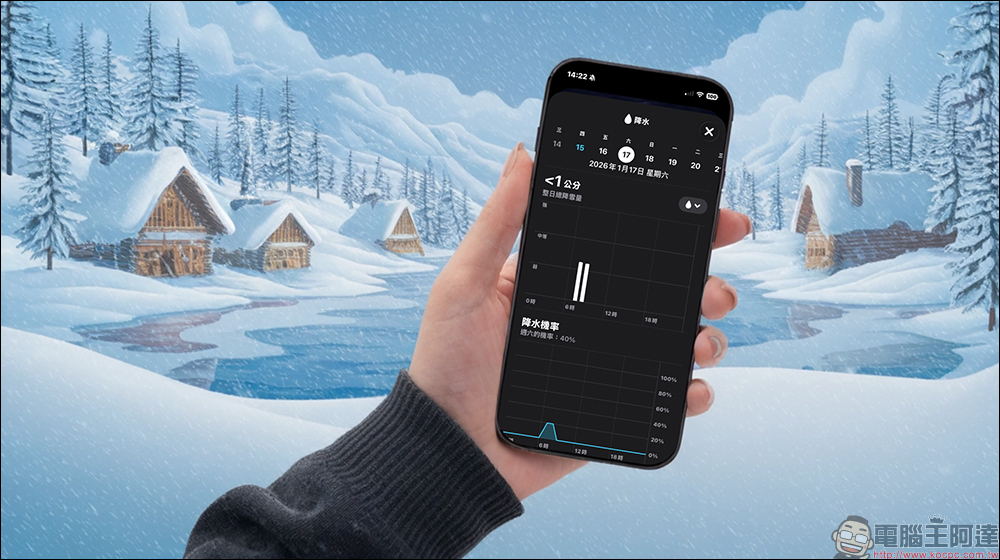
AI-generated styles do vary in quality, and it takes some time to find the right imagery, but that’s precisely what makes your final result less likely to look identical to everyone else’s. If you’re tired of those template-looking phone mockups you’ve seen countless times, next time you’re preparing an article or presentation, add Mock.Club to your bookmarks—you might just find some unexpectedly fitting visual inspiration.
Mock.Club
Further Reading:
Source: KOCPC Chinese