


Although there are many free online memorization tools on the Internet, the useful ones usually have some limitations. For example, you can only download low-resolution memorization images, and many of them are automatically memorized through AI and cannot be adjusted manually. Therefore, if there are flaws in some places after memorization, you still need to use other software to correct them. The inPixio recommended in this article is quite good. Not only can you download the original resolution after memorizing it, but the operation is also very simple. Just draw the areas you want to keep and remove. It also provides a repair function later, allowing us to correct the mistakes in judgment, completely free of charge.
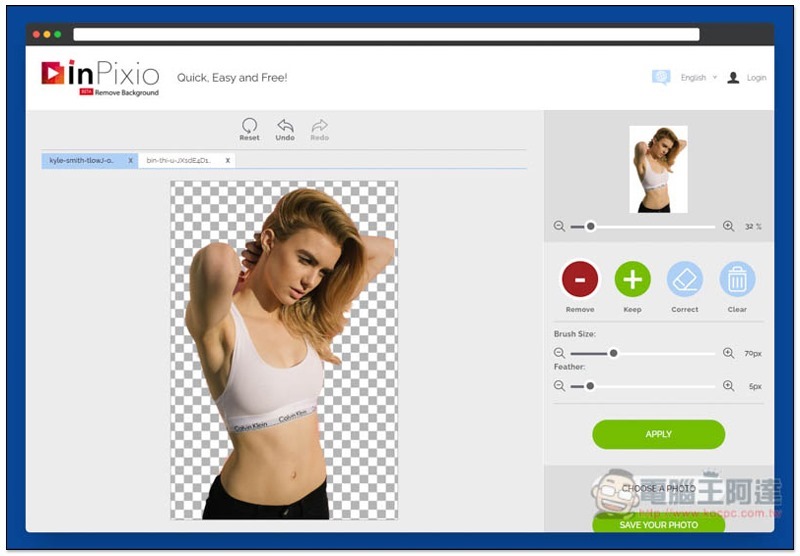
Introduction to inPixio free online memorization tool
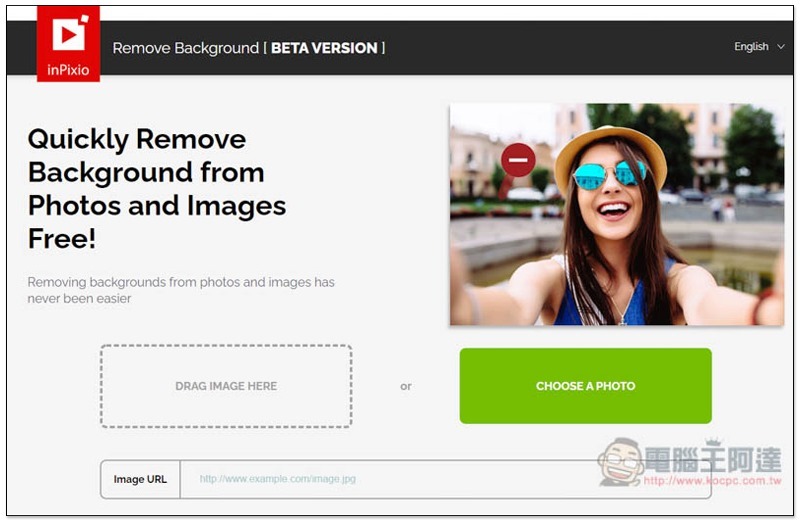
Although inPixio is currently a beta testing version, the results are already quite good.After clicking me to enter the website, you can drag in the picture you want to memorize, or click CHOOSE A PHOTO to select it manually:
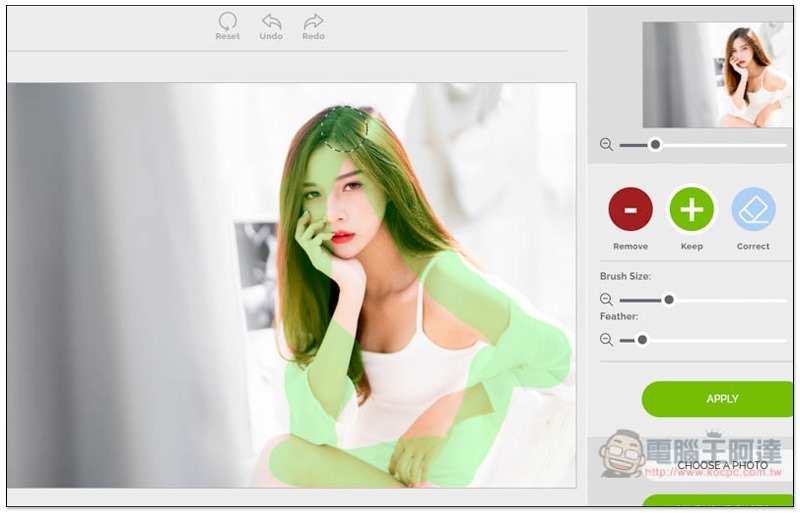
Let’s look at this picture first. After entering the back removal interface, the menu is on the right side. The top can zoom in or out the image. The Remove at the bottom is used to select the place to be removed. Keep is used to retain. The brush size and intensity can be adjusted:

First, use the Keep brush to draw the edges of the object you want to keep. The painted position will be displayed in green:
Then use Remove to circle the background you want to remove. You don’t have to fill it all in. This tool will automatically determine it. After everything is completed, click APPLY below:
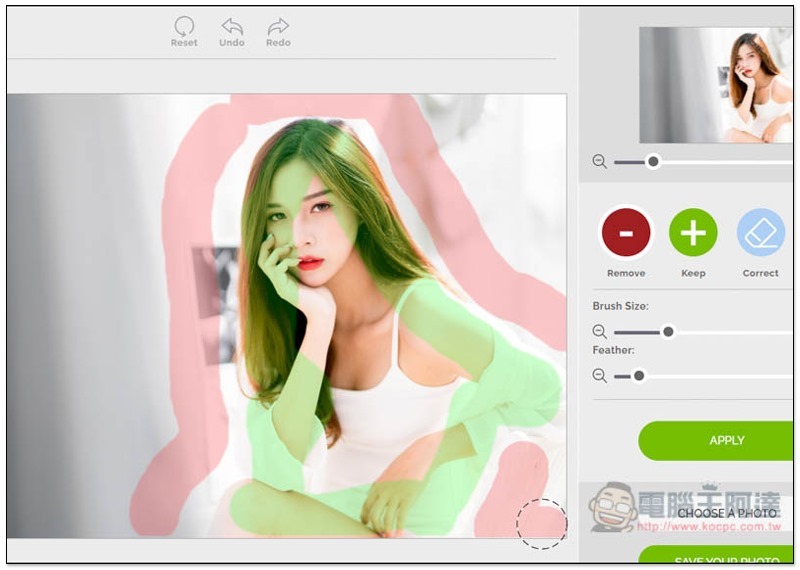
That’s it! If there is a misjudgment or something you want to modify, click Correct to fix it, and then click APPLY again to apply it. This picture is actually quite difficult, because the contrast between the person and the background is not much different, so it is easy to make mistakes at the edges. Unexpectedly, the effect of this set of processing is very good:
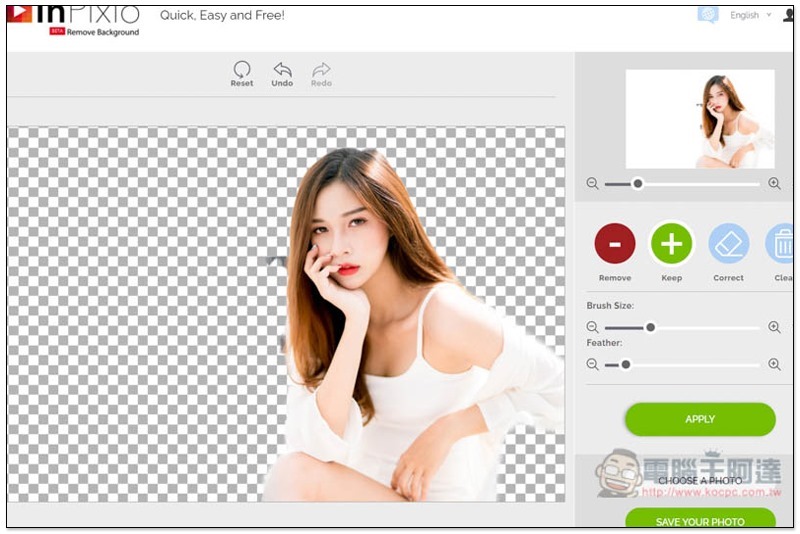
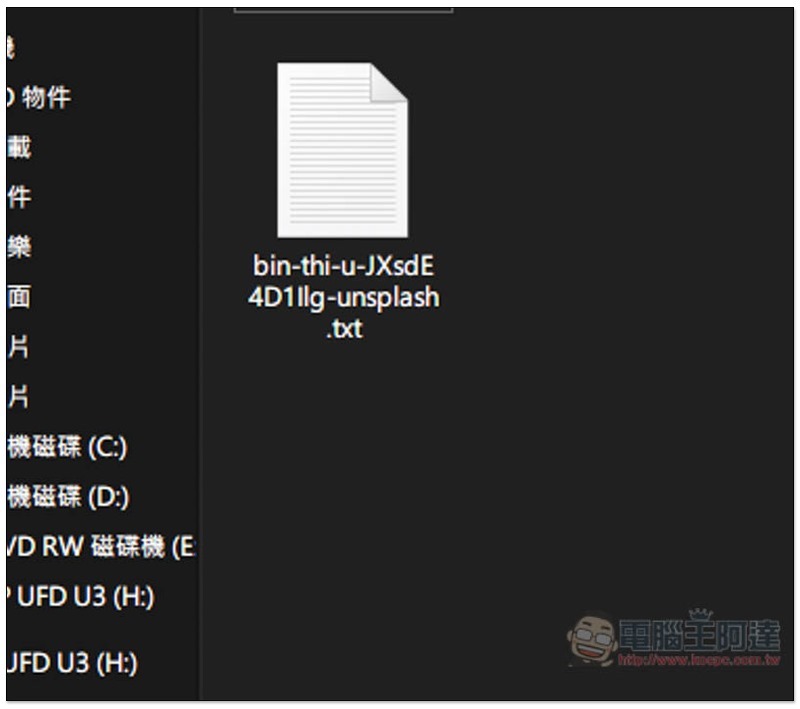
After downloading, I don’t know why the file extension is .txt, but don’t worry, manually changing it to .png will restore it to its original state:
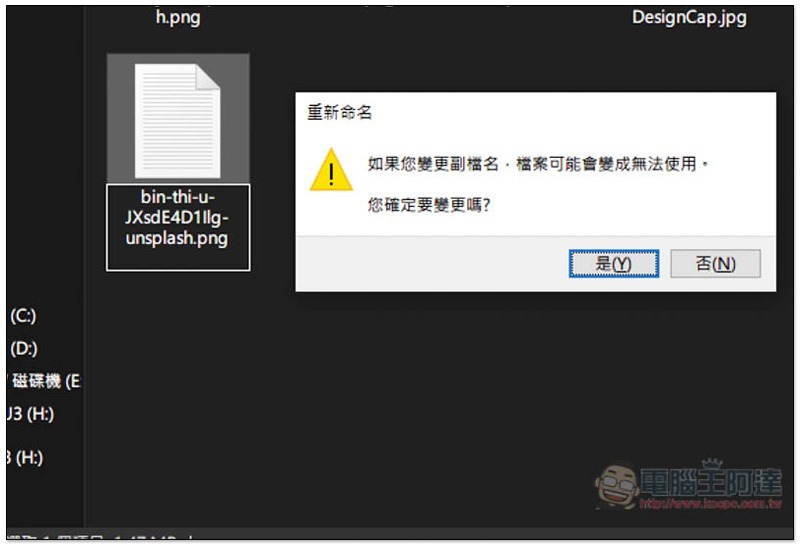
As shown below, click Yes to confirm the change:
You can open the picture. I just drew this demonstration roughly, so there are still some flaws on the edges:

I tested another picture and the effect was better. The background of this picture has only a single color and no other complex objects, so it is much simpler than the previous one. I also draw the range to be retained and removed:
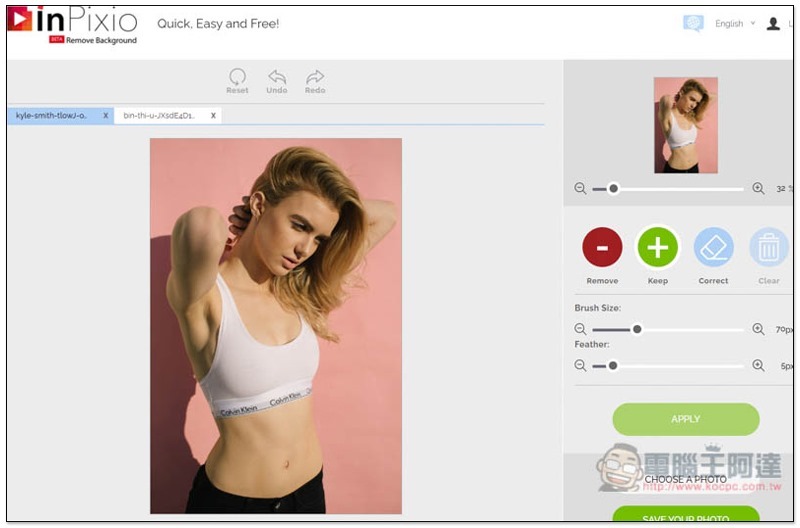
In the final back removal effect, there are only some flaws in the lower right corner. This part only needs subsequent enlargement and correction to solve:

Supplementary information
- Website name: inPixio Online memorization tool
- Nature: Free
- URL:Click here to go
Source: KOCPC Chinese