


along with iOS 14 official version launched, we also taught you how to make good use of this latest open version of Apple’s mobile systemCustomize default browser features, to set browsers such as Chrome and Edge that users think are more convenient to use as system default options. This allows you to jump directly to a third-party browser when you open a browsing page on iOS. Although it feels like this is a relaxation of Apple’s browser policy, someone has now revealed that this new feature will automatically jump back to Safari after the phone is restarted (eh). Continue reading iOS 14’s default browser was changed to three-party and then changed back to Safari after reopening.
▲Image source: Apple
The default browser of iOS 14 was changed to three-party and it changed back to Safari after reopening
In fact, since the official has listed it as one of the improvement projects of the iOS 14 version, I believe that this function of setting a third-party browser as the default browser of the system should be just an initial small bug (although some people have also raised conspiracy theories).
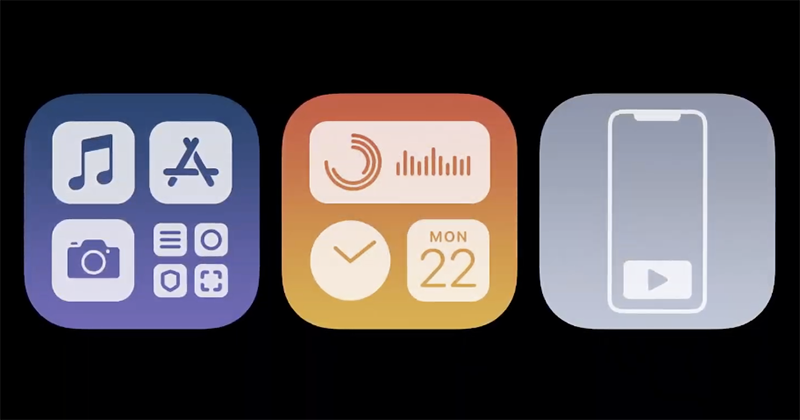
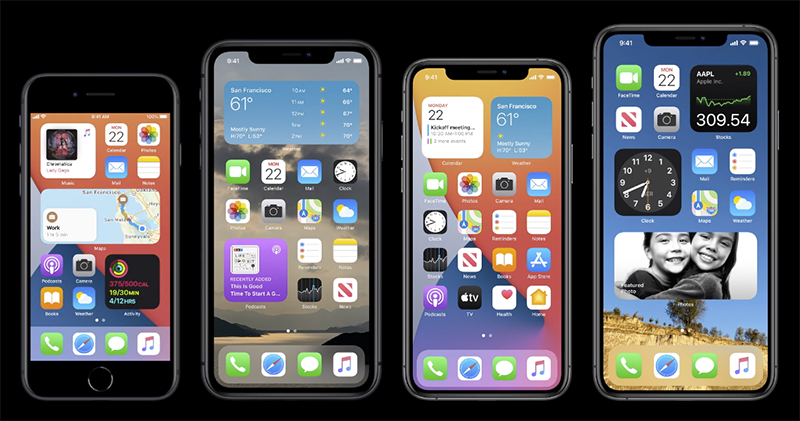
iOS 14 mainly adds interface and function improvements such as desktop gadgets, App Library, video playback in floating windows, App Clips micro-applications, and translation applications. But in terms of detailed settings, the browser that was previously redirected by the app already has the option to customize third-party settings. This new version of iOS finally opens up the possibility of changing the system default browser.

existin our teachingAs you can see, as long as you enter the settings of the app that can support setting as the default browser, you can find the option of “Default Browser App”. After specifying a third-party browser app, when using an app such as Feedly or opening a link through a message, it will jump directly to the specified browser to read the page. This kind of function is a more intuitive operation method for users who are accustomed to third-party browsers.
However, it seems that there are still some glitches on iOS 14. At the time of writing, we actually tested the official version of iOS 14 and actually encountered a situation where it would jump back to Safari when it was reopened. It seems that the iOS 14.2 beta, which is currently being tested intensively, should have one more problem that needs to be solved. Before that, maybe it is necessary to restart the computer as little as possible, or to restart the computer for a while and go back to the options and set it again.
Pictures/sources cited in this article
Further reading:
iOS 14 tips: Change the default browser to Chrome or Edge, this article will teach you step by step
Source: KOCPC Chinese