


The aesthetic design of iOS has always been praised by many people, but for those who have been using Android for a long time, they have never had the opportunity to experience it. People who have just switched from iOS to Android will definitely miss the previous iOS interface. There is actually a free Launcher iPhone App in Google Play that can turn your Android interface into an iOS version. It not only has icons, but also small white balls, notifications, control centers, widget pages, etc. Just looking at the screen will really make people think you are holding an iPhone. Those who are interested can try it.
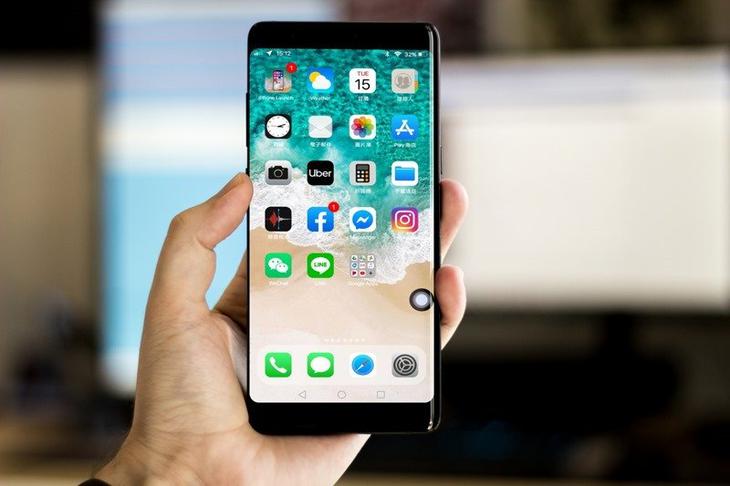
Launcher iPhone Free Launcher App Introduction
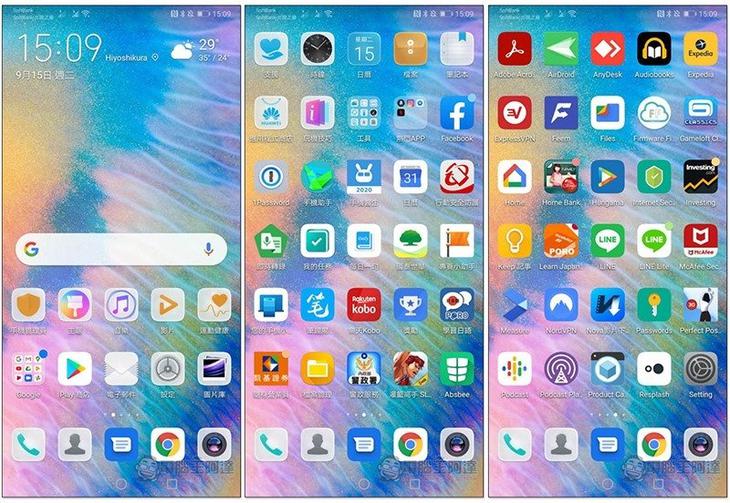
The picture below is the screen of my original Huawei mobile phone system interface. The arrangement of some functions and icons is actually somewhat similar to iOS:
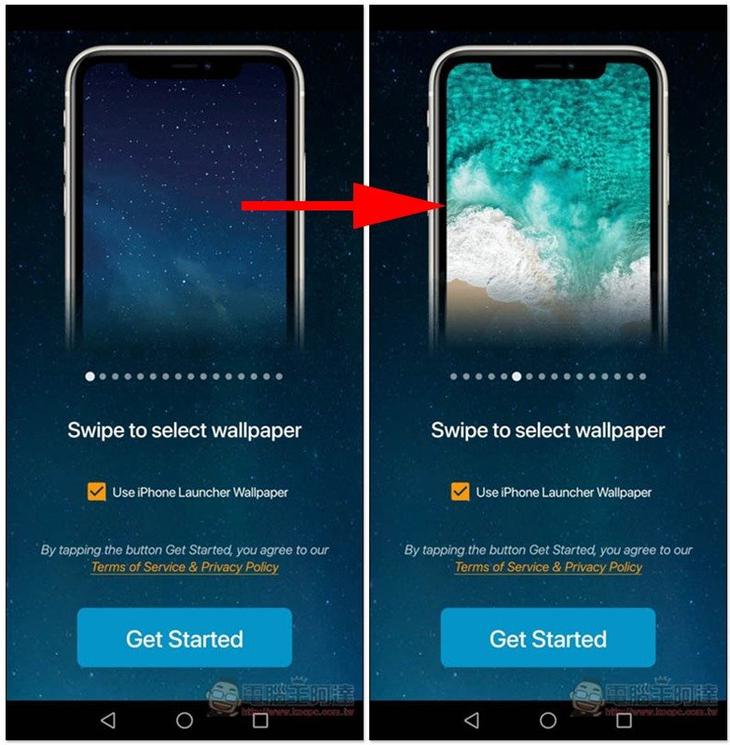
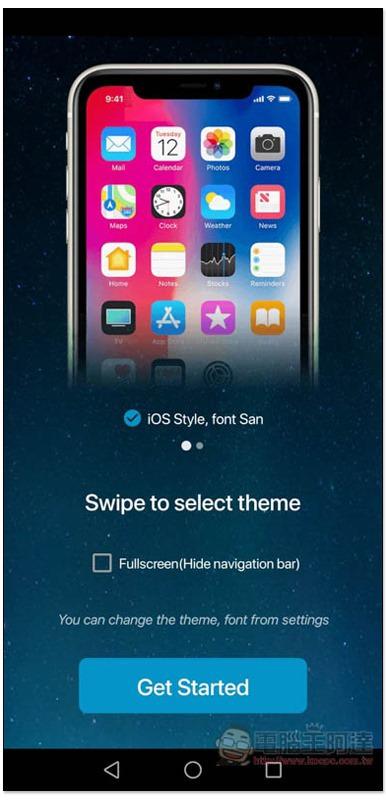
After installing the Launcher iPhone App, open it and select the wallpaper you want to use. Swipe left and right above to switch, and then press Get Started below:
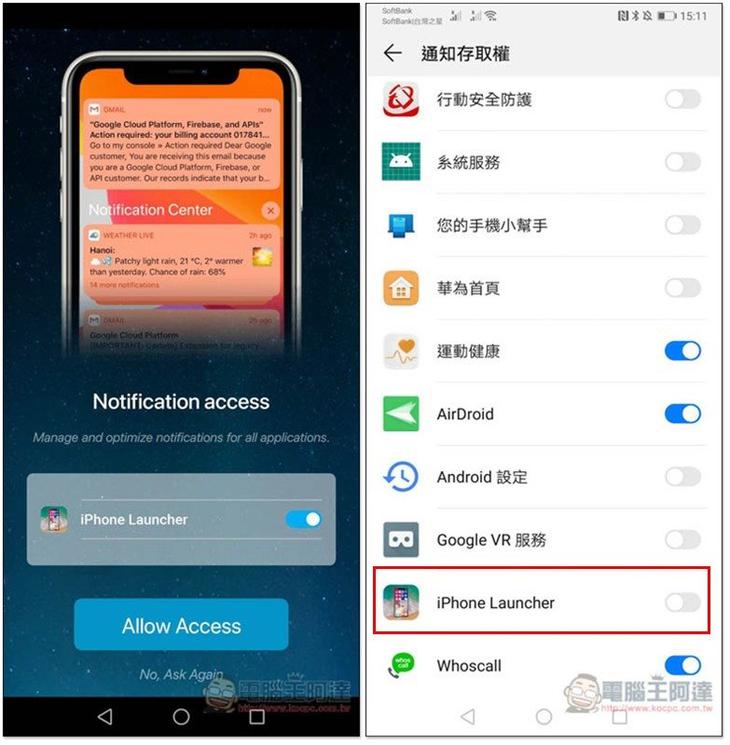
You will be asked to obtain some permissions. Remember to click Allow so that the App can operate normally and no certain functions will be blocked:
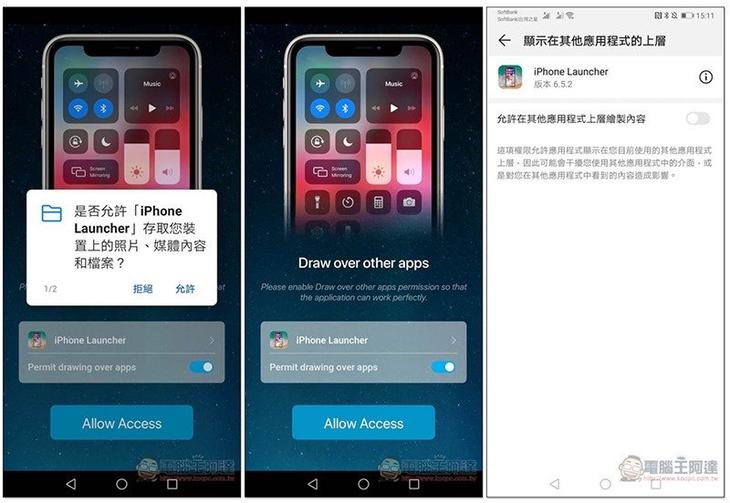
The same goes for the notification function. Open the iPhone Launcher:
Once everything is set up, press Get Started to apply:
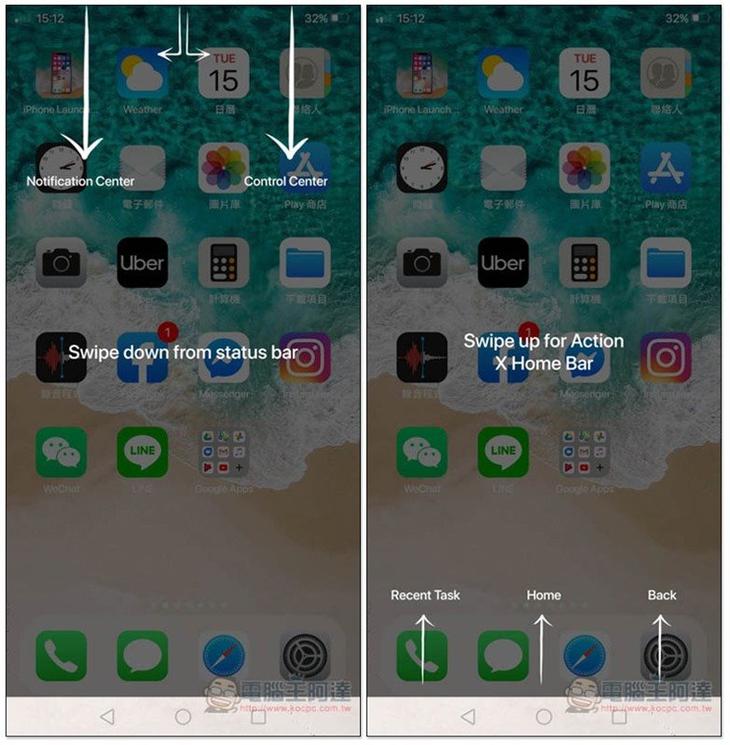
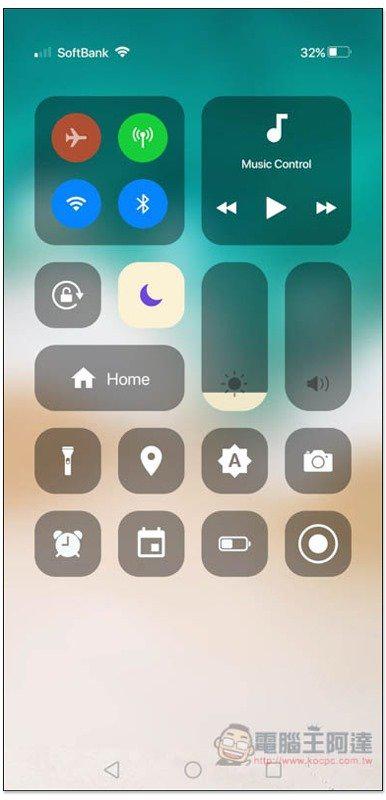
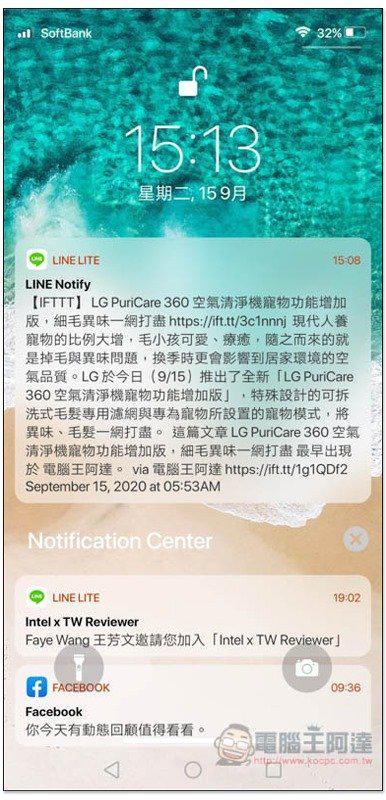
Your Android phone immediately becomes iOS style, and the operation method is the same. Swipe down from the upper right to open the control center, swipe down from the upper left to open the notification center, swipe up from the bottom middle to return to the home screen, etc. If you have used an iPhone before, you should be able to get started immediately:
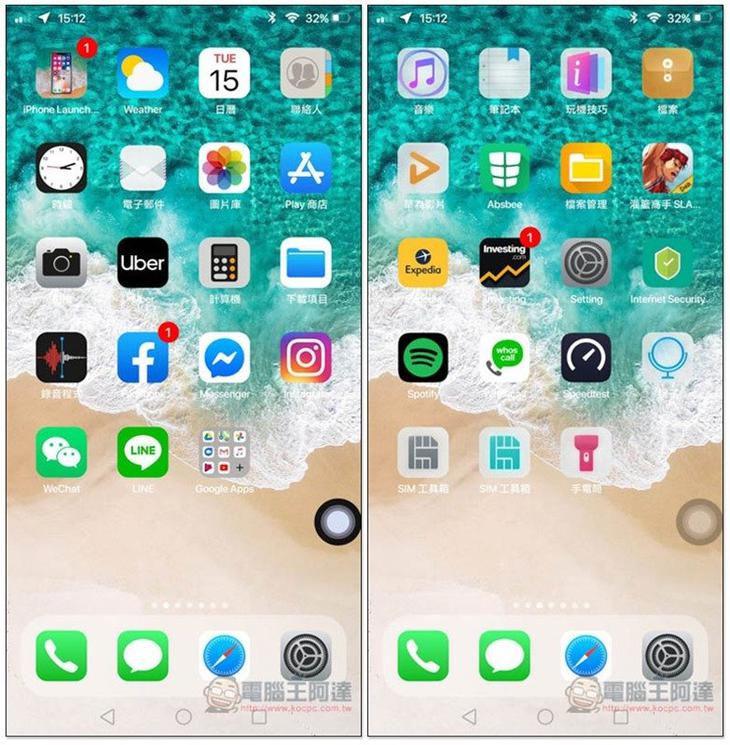
After switching to iOS, if you don’t look at the appearance of the phone, outsiders will definitely think that I am using an iPhone. It is almost exactly the same (except for some built-in application icons):
Control Center:
Notification Center:
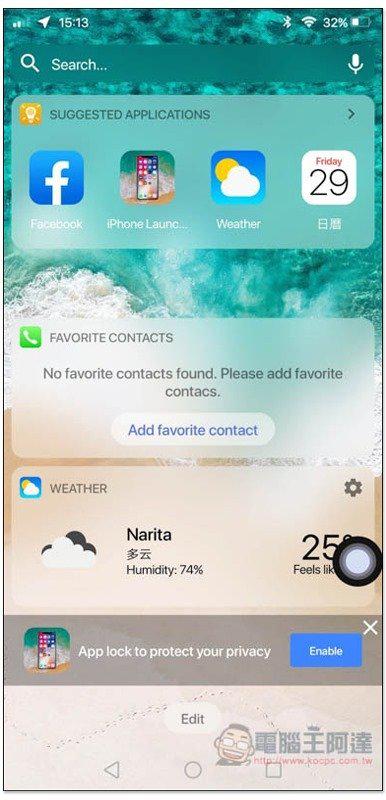
Widget interface. In addition, this is not yet available in Chinese, so the name part will be displayed in English:
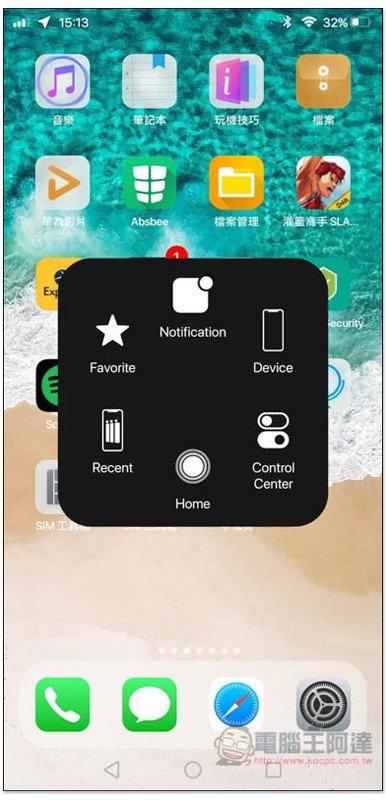
Even the little white ball has:
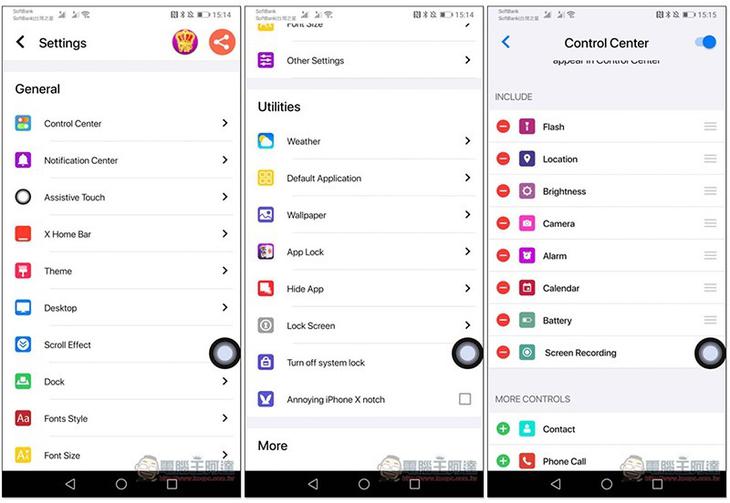
After opening the app, you can adjust various settings, such as which functions you want to display in the control center. There are too many adjustable settings, so I’ll let readers play with them on their own:
In addition, because it is free, ads will pop up from time to time during use, which requires some getting used to. People who find it annoying can also consider paying to upgrade.
Supplementary information
- App Name: Launcher iPhone
- Nature: free, paid
- Supported operating system: Android
-
Google Play download page:Click here to go
Source: KOCPC Chinese