


Nowadays, there is a lot of new information appearing on the Internet every day. For those who like to read new information, they must visit many websites every day. However, the layout design and advertising position of each website are different, which makes reading somewhat difficult. For example, I often encounter the text on the previous website on the left, and the next one on the right, which requires getting familiar with it all over again. This article will recommend a Reader Mode that I recently discovered and is very useful. There is a free expansion plug-in for reading mode. Click on any page and a clean image with only the text and pictures of the article will appear, allowing us to focus on the article.
In addition, this plug-in also provides many additional practical functions, such as: voice reading, translation, font size and font change, read later, dark mode, etc., which I will quickly introduce to you below.

Introduction to Reader Mode free expansion plug-in
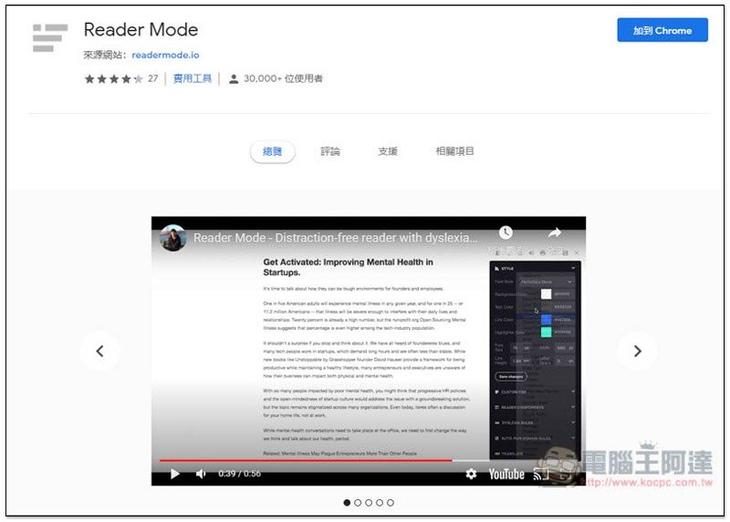
Click me to enter the Reader Mode extension plug-in installation page., click “Add to Chrome” in the upper right corner:
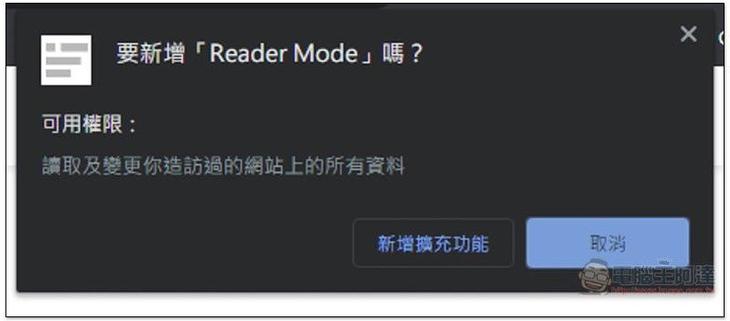
This message will pop up above, click “Add extension”:
When this screen appears, the installation is complete! :
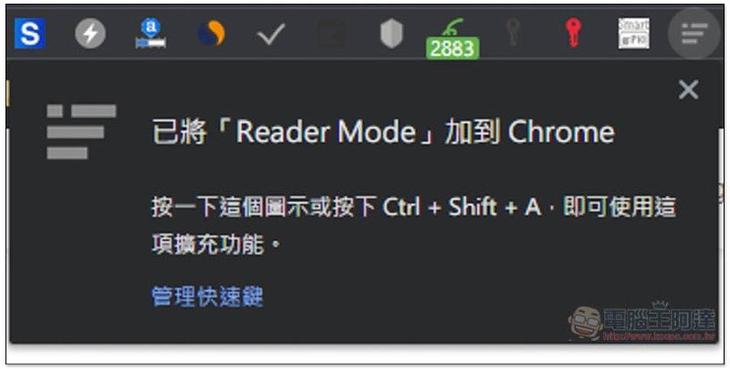
After installation, find the article you want to read, and then click on the expansion plug-in icon:

The screen will become very clean, leaving only the text in the article:

and pictures, so that we can focus on reading the article without being disturbed by other things:
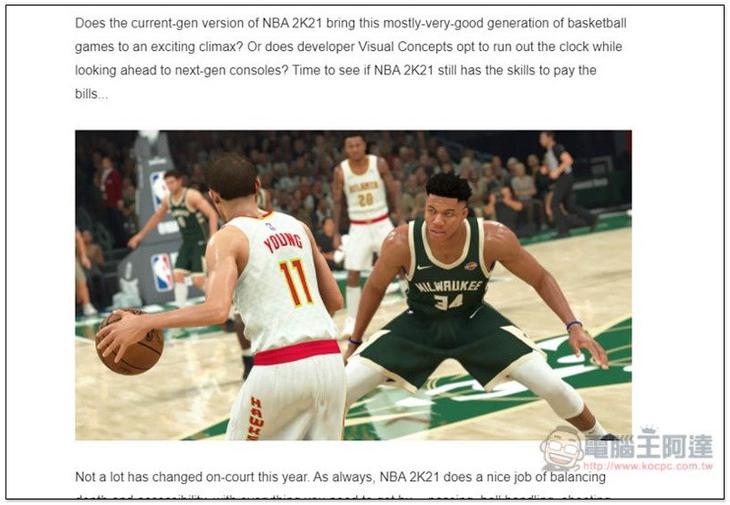
There are also some practical additional functions in the upper right corner. The four more noteworthy ones are settings, voice reading, printing, and saving:
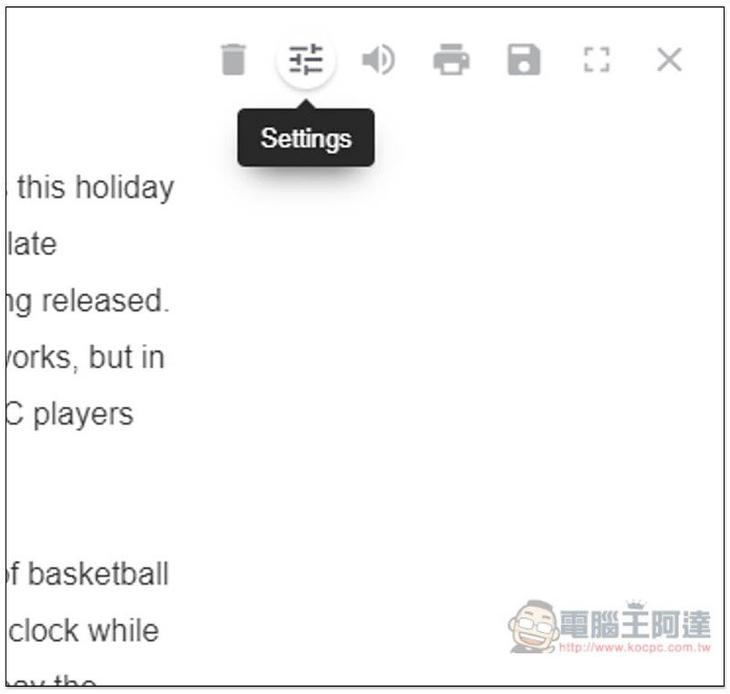
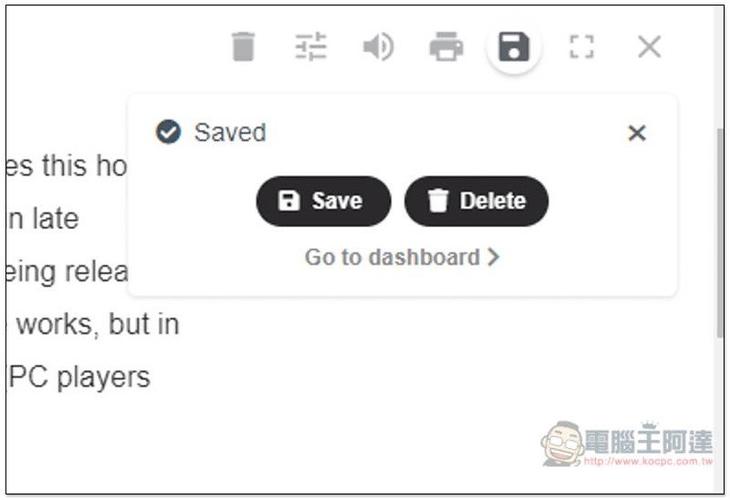
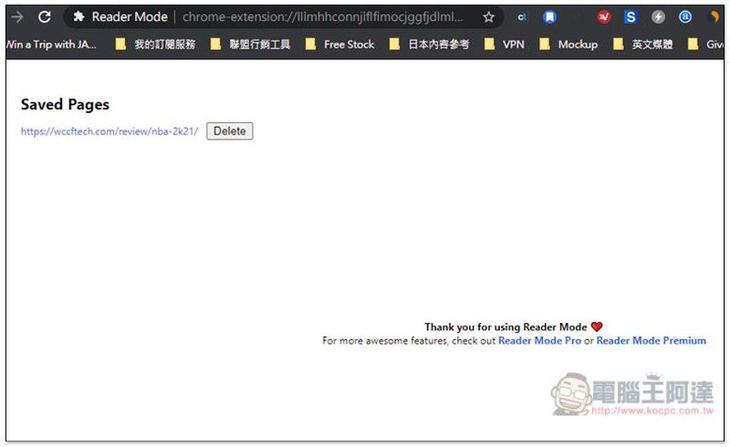
Save is the “read later” function. After clicking, it will be saved to the backend of this extension. Click “Go to dashboard” to view all saved articles:
As shown below, with this function, articles that you want to read repeatedly in the future can only be stored in this extension plug-in, and do not need to be mixed with my favorites:
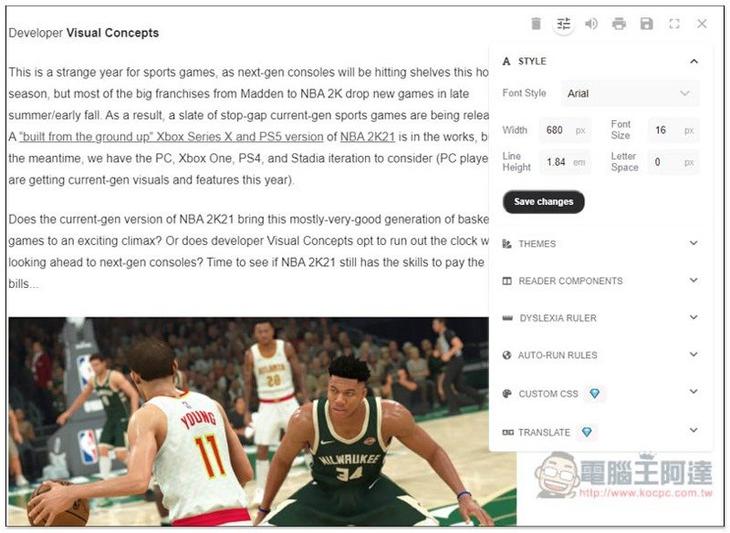
There are many adjustment options in the settings. In STYLE, you can modify the text font (Font Style), page width and height, font size and spacing:
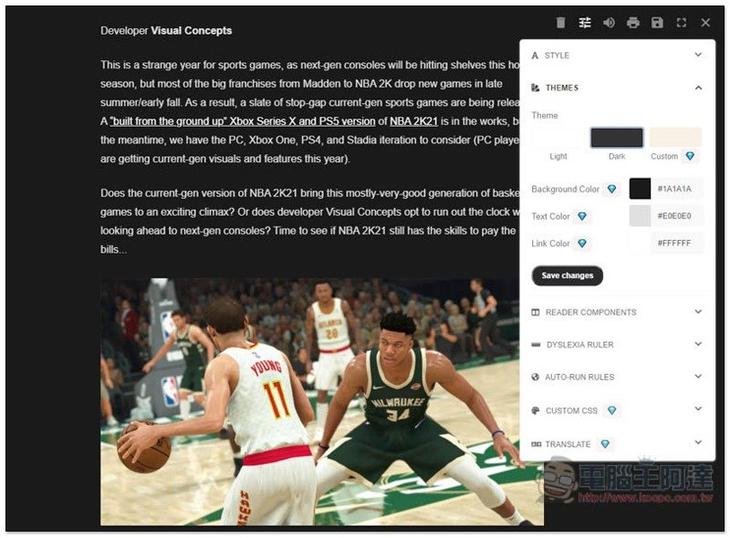
In THEMES, you can switch to Dark mode to reduce eye irritation from reading at night. The background, font and link color changing functions below are only available in the paid version:
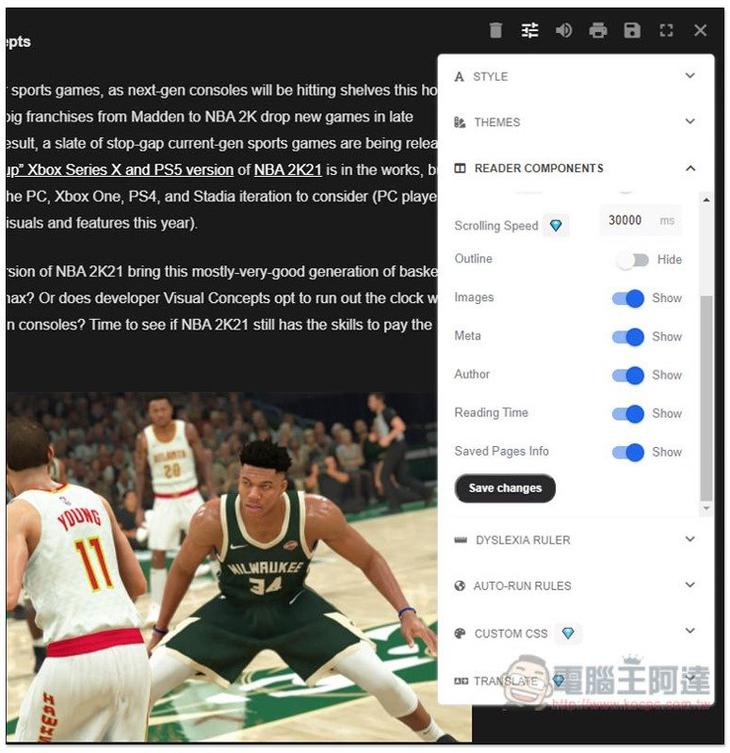
READER COMPONENTS can set which objects in the article are displayed and which are not. Basically, there should be no need to change:
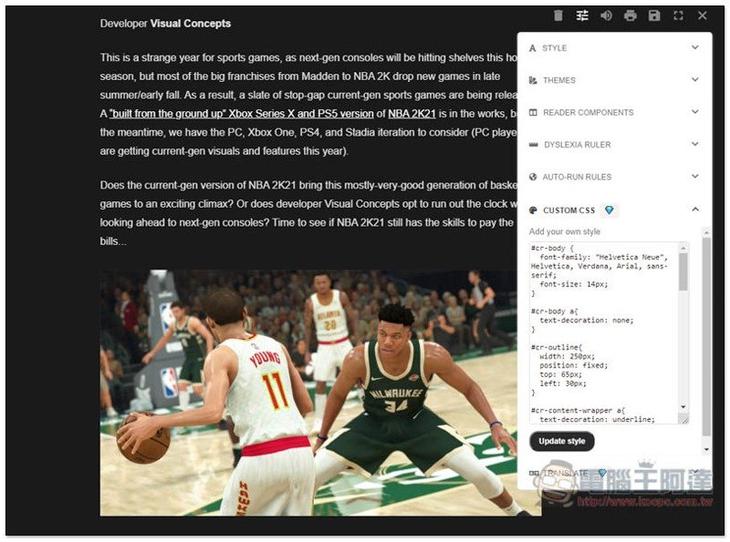
There are even customized CSS functions, but only in the paid version:
The translation function is also available. For those who need it, I highly recommend that you consider upgrading to the paid version. Currently, the price is not expensive at a 50% discount, and you can use it for life after paying once:

You can use the free version of voice reading, and the speaking speed and sound volume can be adjusted:
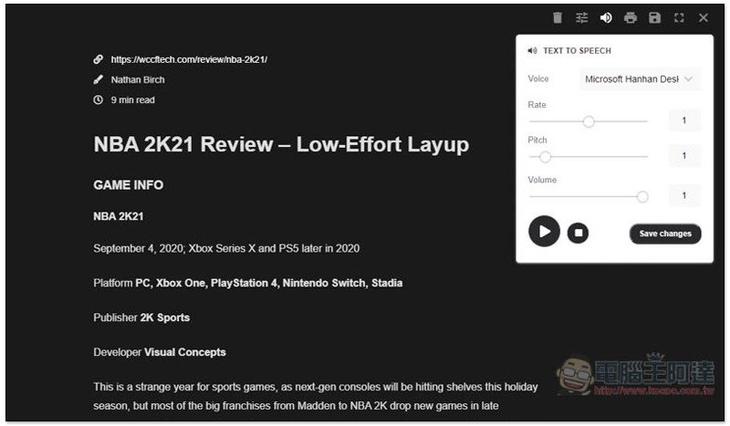
I have no problem testing Chinese:

This set of Reader Mode can basically be said to be the most useful reading mode expansion plug-in in Chrome. For those who like to absorb a lot of Internet information, it is worth trying.
Official video introduction:
Supplementary information
- Expanded plug-in name: Reader Mode
- Nature: free, paid
- Chrome store page:Click here to go
Source: KOCPC Chinese