


Although the lenses of mobile phones are very good nowadays, and basically they can take good photos in an environment with sufficient light source, but if you want to look more textured and like the atmosphere captured by a photographer, you need to use post-production software. However, post-production color correction is not a simple matter of one click. Not only do you need to know how to operate the software, but you also need to have some sense of beauty. The good news is that there is now a free tool called AI Image Enhancer on the Internet. Just upload the photo, and AI will automatically help you optimize it, and you can easily get more textured photos.
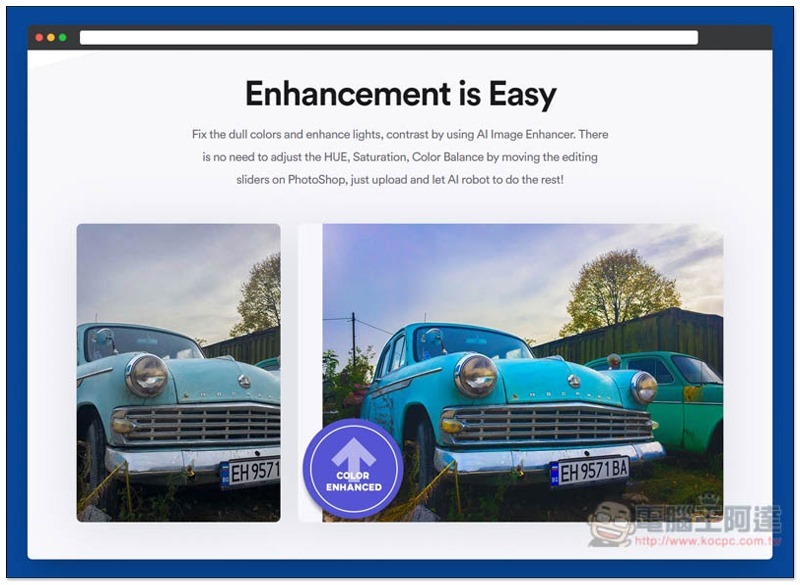
Introduction to AI Image Enhancer, a free online tool that automatically optimizes photos
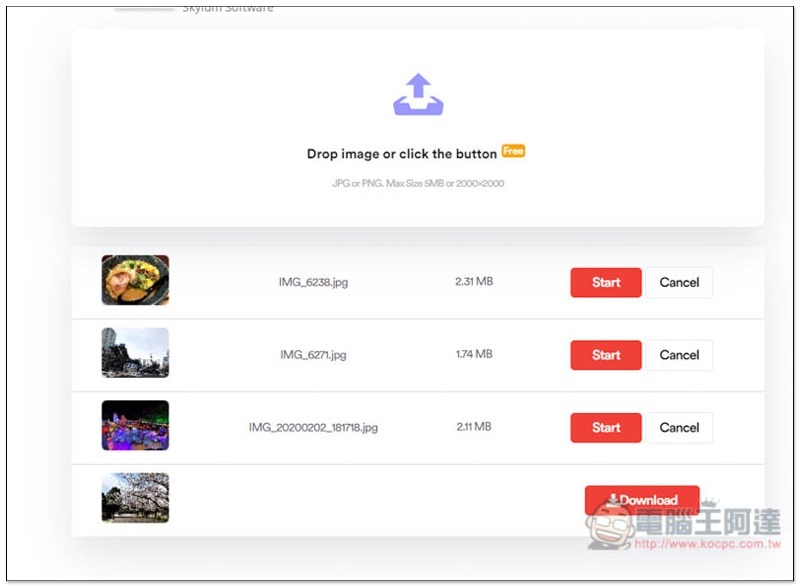
The use of AI Image Enhancer is very simple,After clicking me to enter the website, you can drag the photo into the window, but there are some restrictions, such as: the photo format must be PNG or JPG, the maximum file size is only 5MB, and the maximum resolution is 2000×2000:
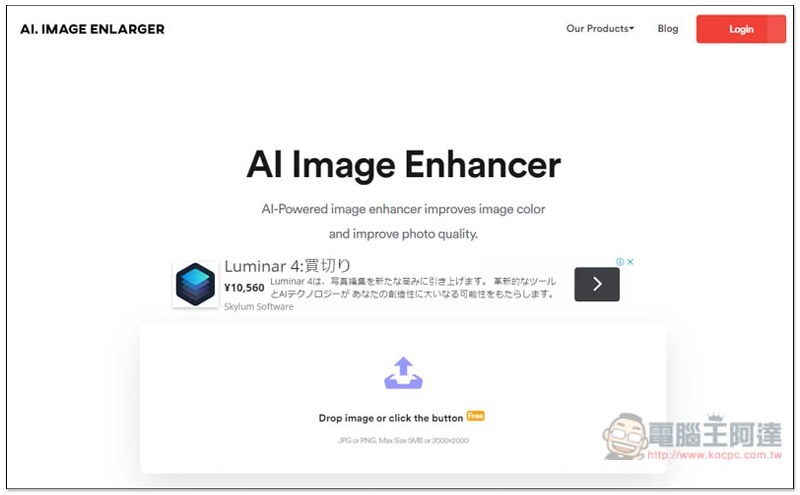
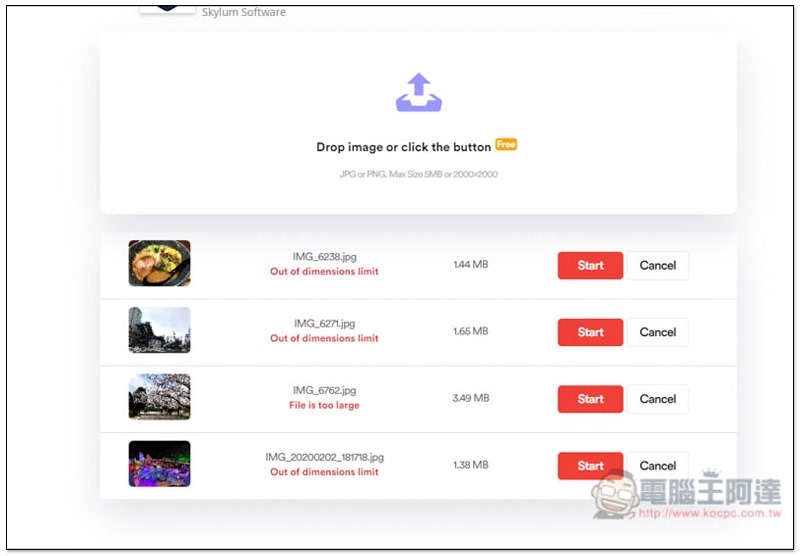
If it exceeds the limit, an Out of dimensions limit or File is too large error will be displayed below the photo, and optimization cannot be performed:
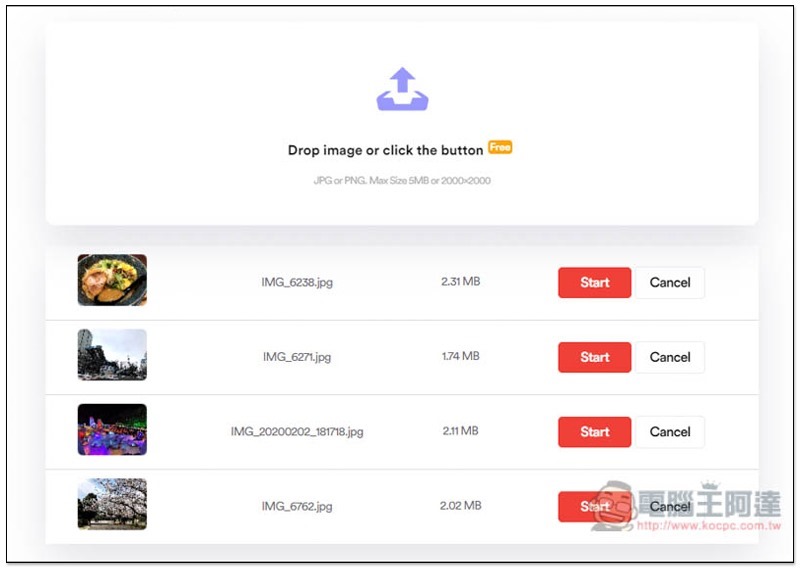
If the photos are within the specified range, no errors will be displayed. Click Start to upload and AI optimization:
It will take about a few seconds, depending on the size of your photo. Once completed, the original Start button will change to a Download button:
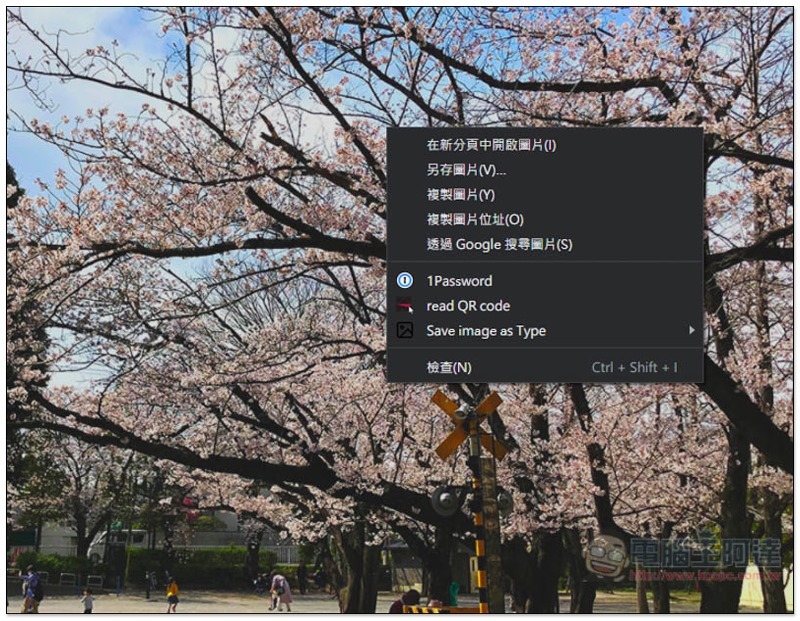
After clicking, a new page will open to display the large image. If there is no problem, open the right-click menu and save the image to your computer:
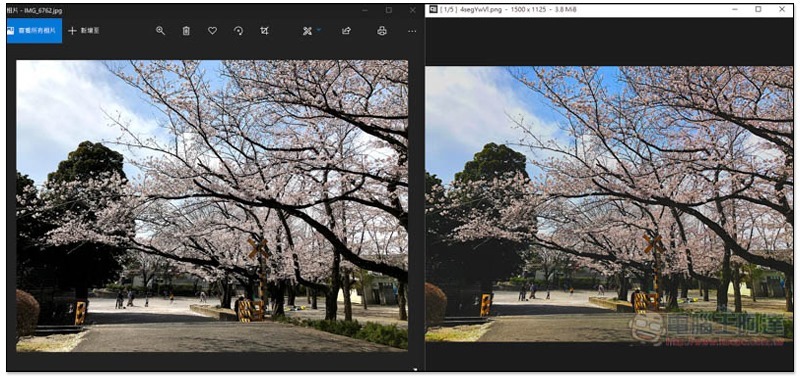
The picture below is a comparison before (left) and after (right) optimization. This set of online tools will not overdo the retouching, so it still looks very natural:
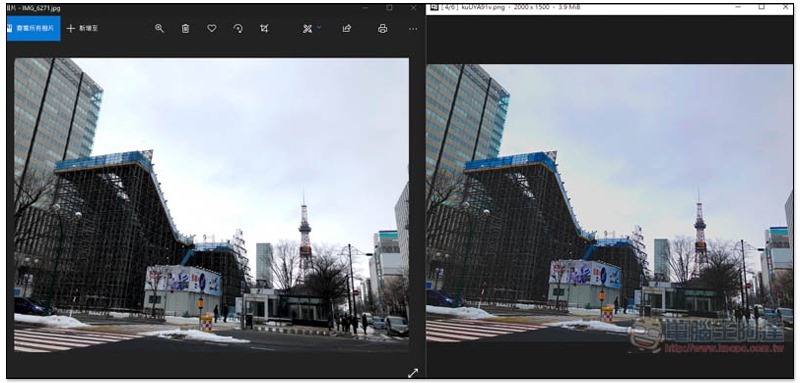
Another photo is also provided for your reference:
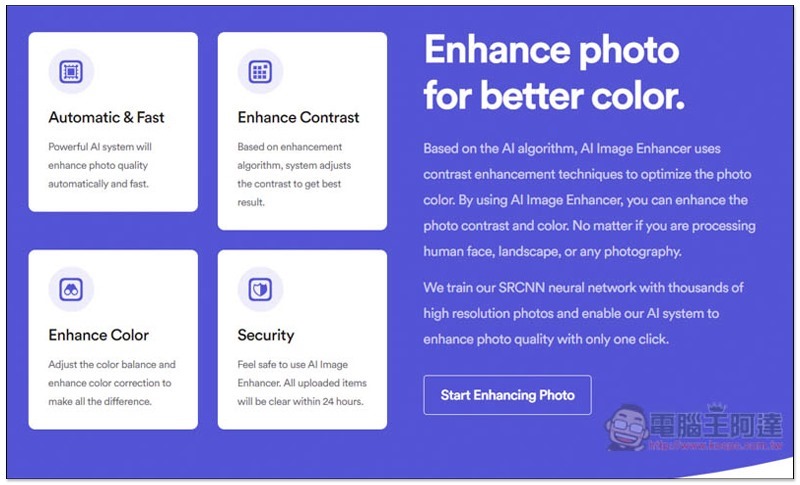
The four major features of this tool are simple and fast operation, improved contrast, improved color, and security. All uploaded photos will be deleted within 24 hours. Even so, I personally recommend not using this tool to optimize photos that are too personal, as it is safer:
Personally, I think it is a pity that it would be even better if the intensity adjustment lever could be added. After all, after some photos are optimized, they are not much different from the original ones. If we can decide whether to increase the intensity by ourselves, the flexibility of use will be higher.
It also provides a software version, and those in need can download it and try it.
Supplementary information
- Online tool name: AI Image Enhancer
- Nature: Free
- URL:Click here to go
Source: KOCPC Chinese