


Although there are many free word cards on Google Play, some people may still prefer word cards that can be added and modified freely. Recently, I discovered this simple and easy-to-use “AnkiDroid Word Cards” free app. It has no ads, you can create word cards by yourself, and you can also download word cards shared by others from the app, and it is available in almost all languages.
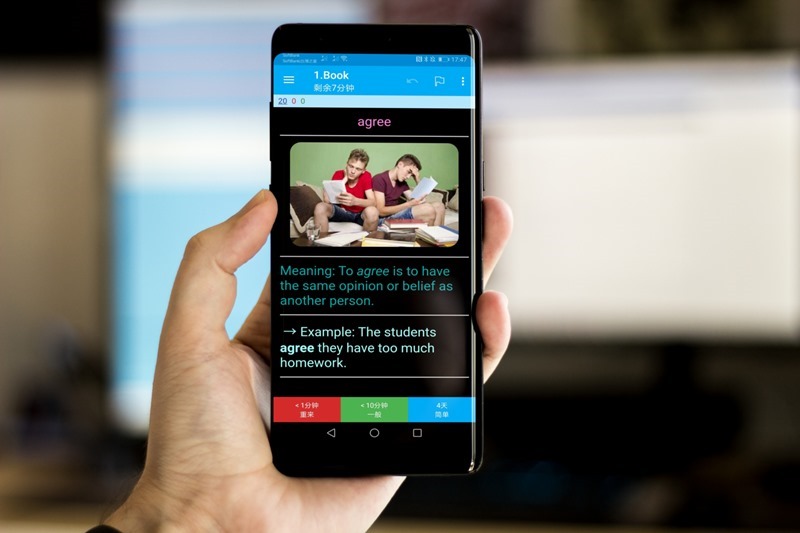
AnkiDroid Word Card App Introduction
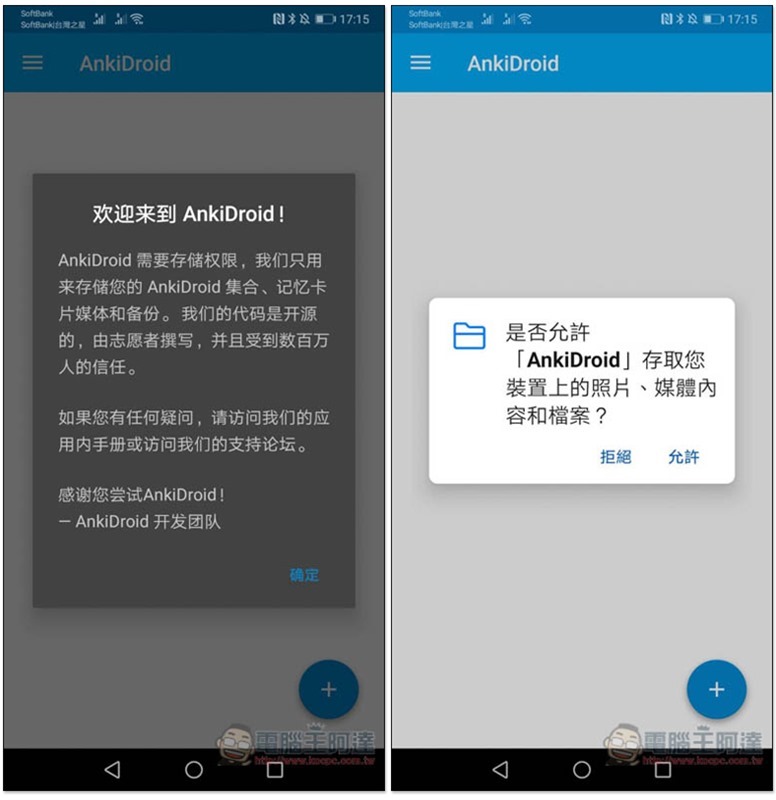
When you open the AnkiDroid Word Card App for the first time, you need to allow permissions so that the word card can be stored in your phone:
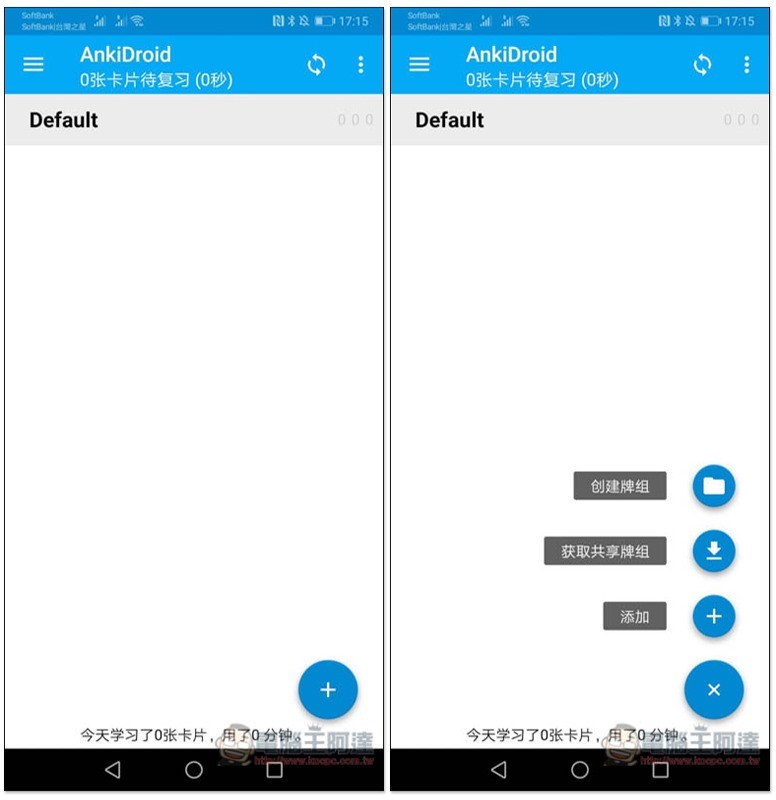
After entering the main screen, press + in the lower right corner to choose three ways to add word cards: “Create Deck”, “Get Shared Deck”, and “Add”. This set actually also supports the Traditional Chinese interface. I will tell you where to modify it later:
I take downloading word notebooks shared by others as an example. After clicking to get the shared deck, you will enter the AnkiWeb website, select the language you want to learn, such as: English, and you can view all free downloadable word books, including pure English and Chinese explanations:
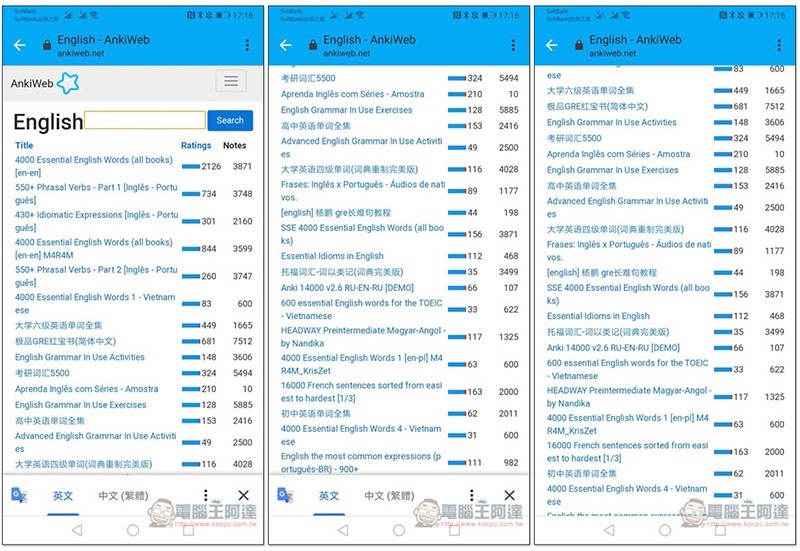 Although the first list of the English part (4000 Essential English Words) is explained in English, I highly recommend it because each word has been paired with a picture, which can deepen the impression when memorizing it. After entering the inner page, scroll down and you will find the Download download function:
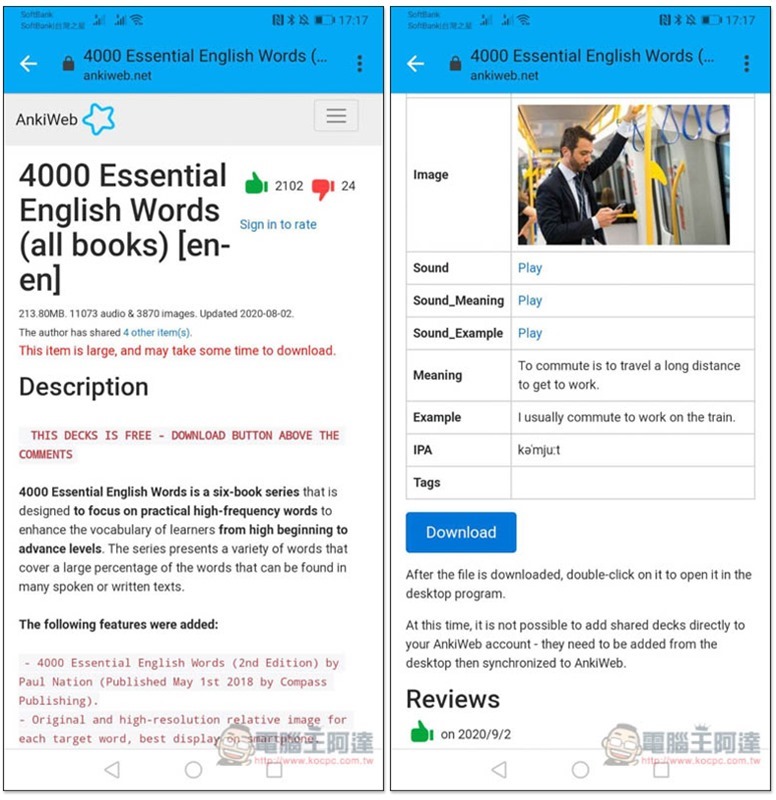
After downloading and opening it, it will be automatically imported into the AnkiDroid App. This will take a while:
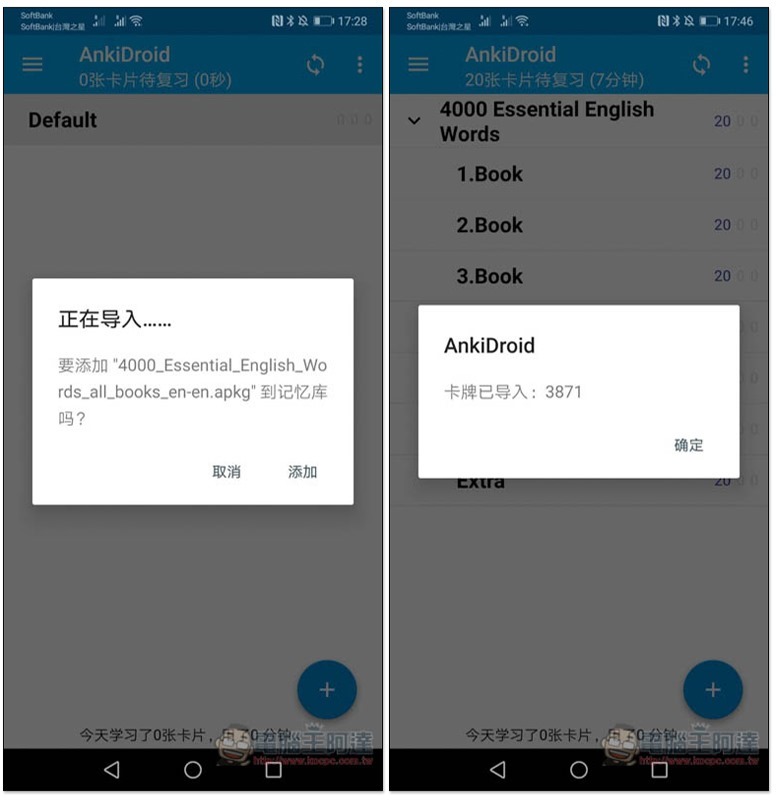
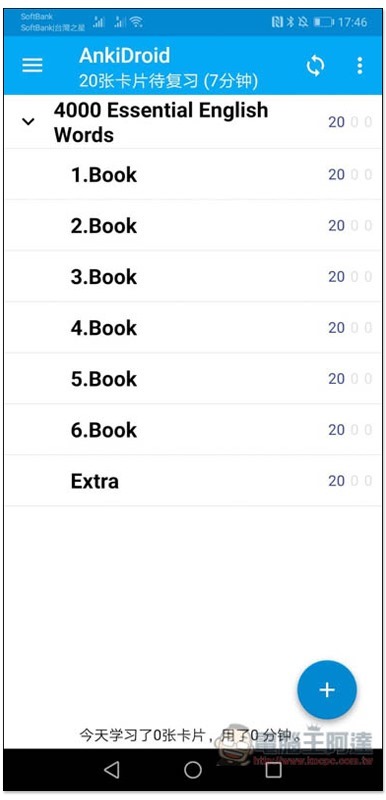
That’s it. Click on the chapter to start learning:
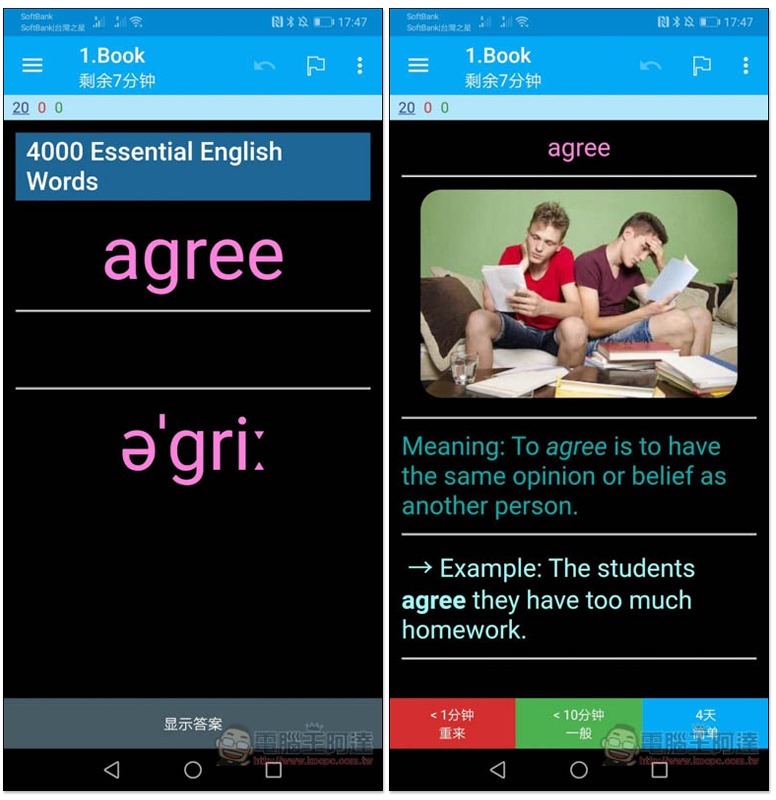
The English words and pronunciation will be displayed first. Click “Show Answers” below and it will switch to the explanation section. Then select your level of familiarity with the word: “Restart, General, Simple”:
You can also download multiple single-character books:
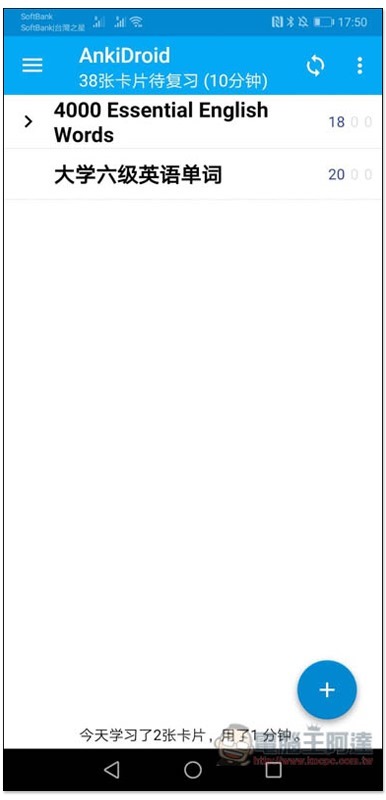
Most single-character books in Chinese do not have pictures, which is why I recommend the one with pure English explanations:
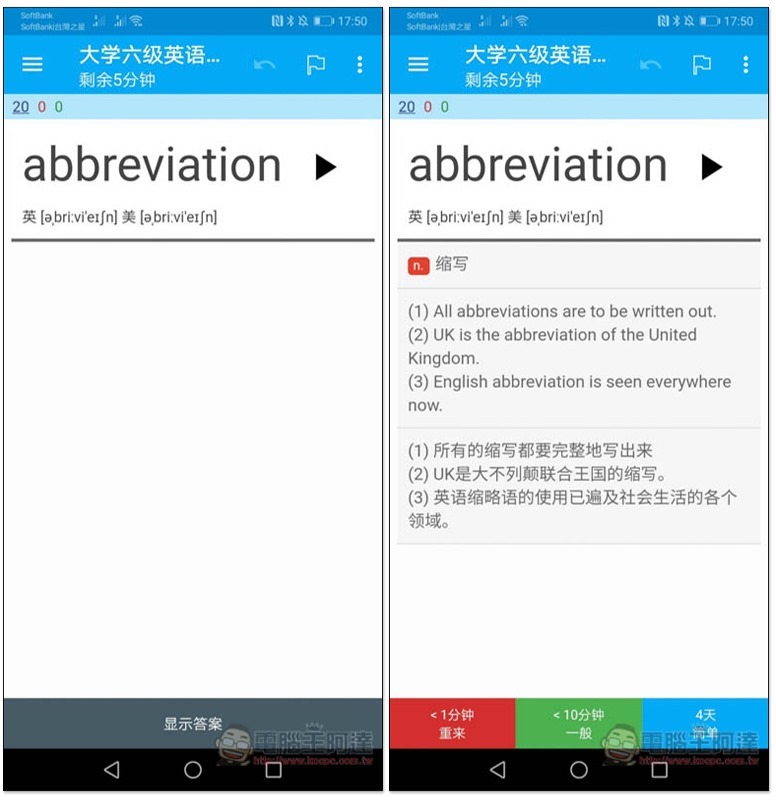
There are more options in the left menu, and the interface language can be changed in the settings:
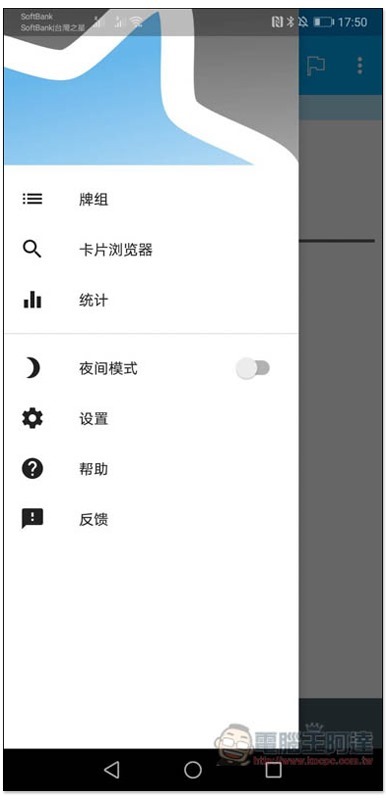
As shown below, go to General Settings -> Language to change to Traditional Chinese:
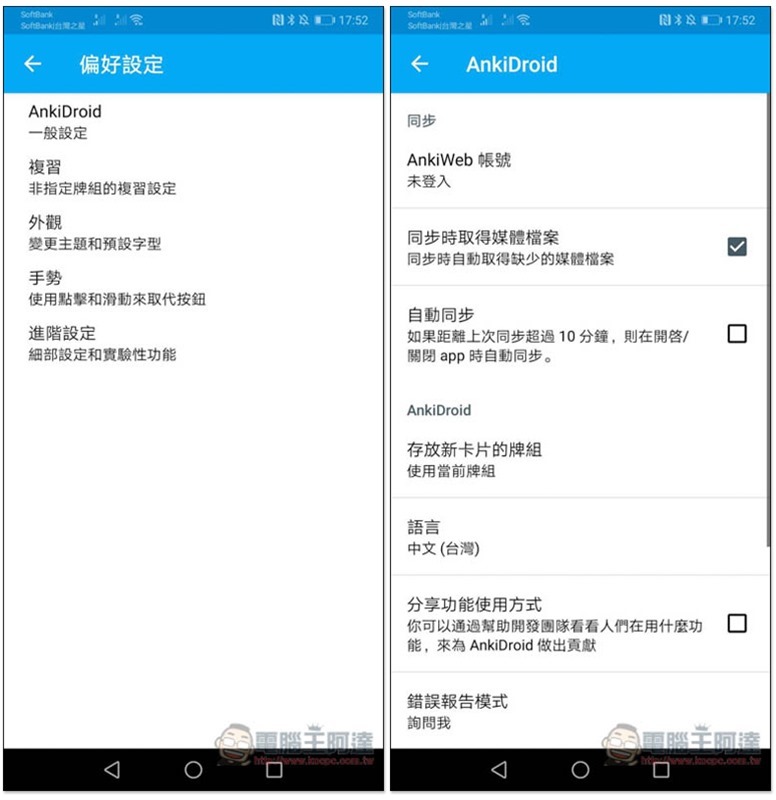
The Card Browser allows you to view and edit all the contents of this wordbook:
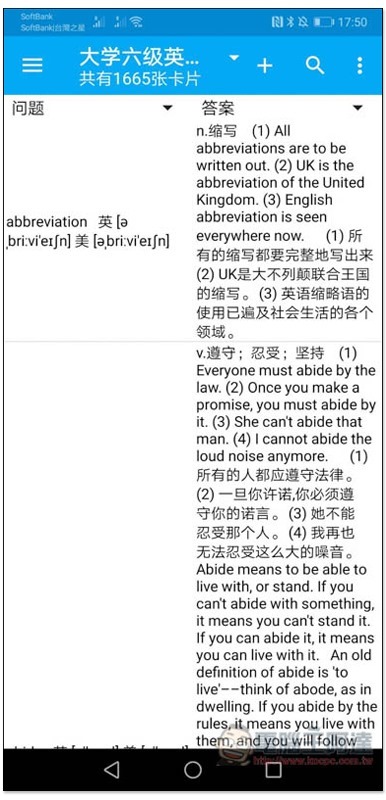
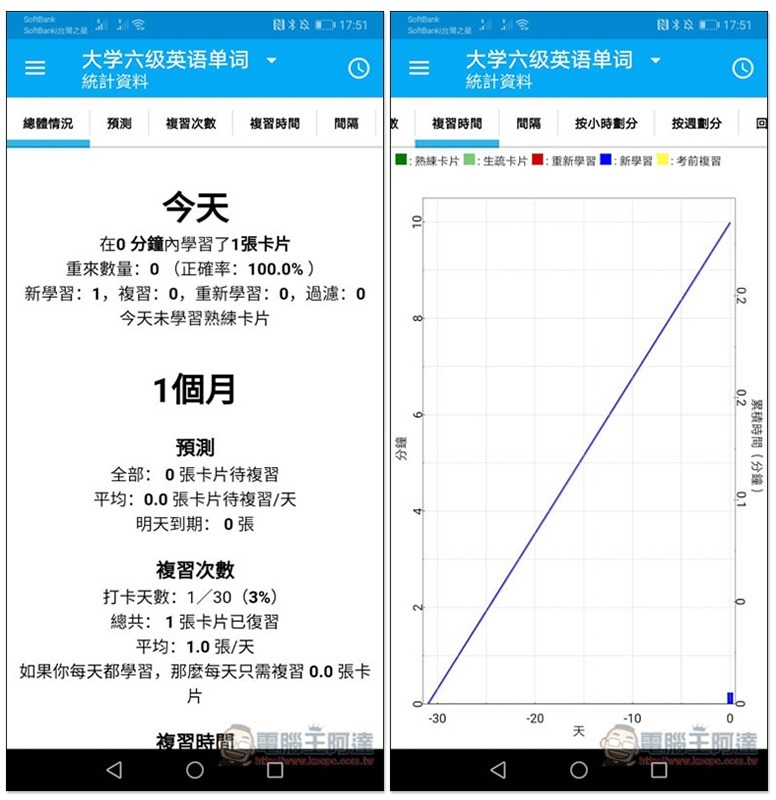
It also provides statistical functions, but I personally think it is a bit messy, has too many words, and is not very easy to use:
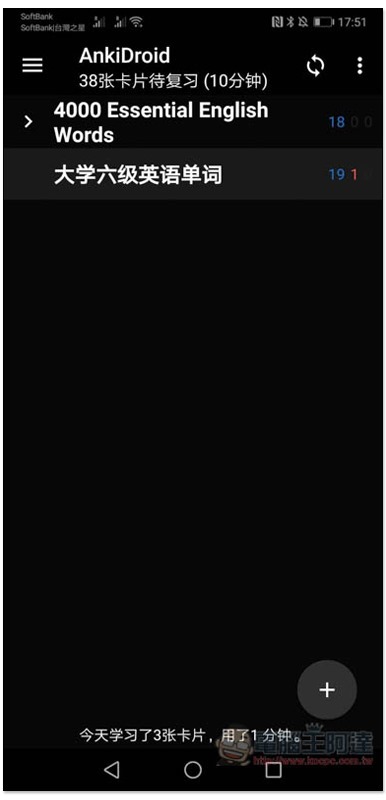
Night mode is also supported:
Supplementary information
- App name: AnkiDroid flashcards
- Nature: Free
- Google Play download page:Click here to go
Source: KOCPC Chinese