


When a new topical movie is released, many people who love watching movies rush to watch it as soon as possible. After returning home, they can’t wait to share their movie-watching experience on social platforms. It is inevitable that they will include a little bit of plot content, etc. Although it is not intentional, for friends who have not gone to watch the movie, these revelations and spoilers are even more unpleasant. The keyword-blocking plug-in “Spoiler Protection 2.0” I’m going to introduce to you this time can help you filter out keywords from various social platforms, and now you’ll have peace of mind.
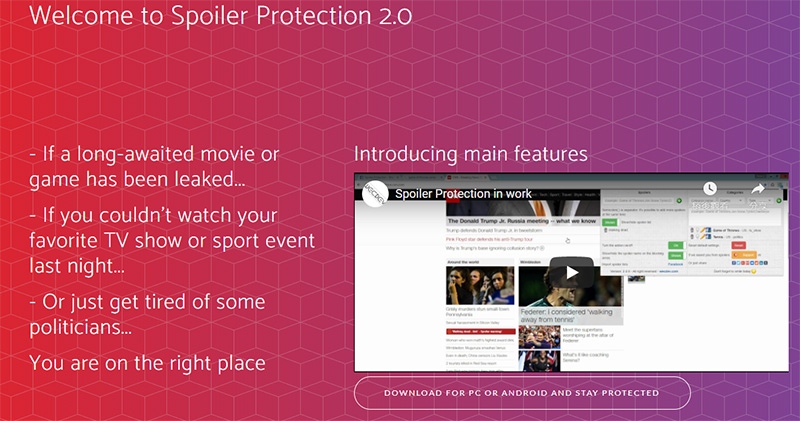
Keyword blocking plug-in “Spoiler Protection 2.0”, so you will no longer be exposed to thunder
“Thunder strikes are momentarily satisfying,” but the person who was struck by the thunder is not so happy! Although people have an instinct to avoid landmines to prevent themselves from being spoiled, it is still inevitable to be affected by stray bullets when browsing Facebook, YouTube, Google, or news websites. If you are not careful, you will be hit by a hidden arrow. The “Spoiler Protection 2.0” plug-in was born for this situation.

Chrome browser:Click here
Firefox browser:Click here
After downloading and installing this plug-in, click the plug-in icon (puzzle icon) in the upper right corner of the browser, select Spoiler Protection 2.0, and you can start setting various personalized blocking settings. There are three tabs in the whole plug-in. It is actually not difficult to get started, but because it is an English interface, the author will also give a brief explanation of each tab below.
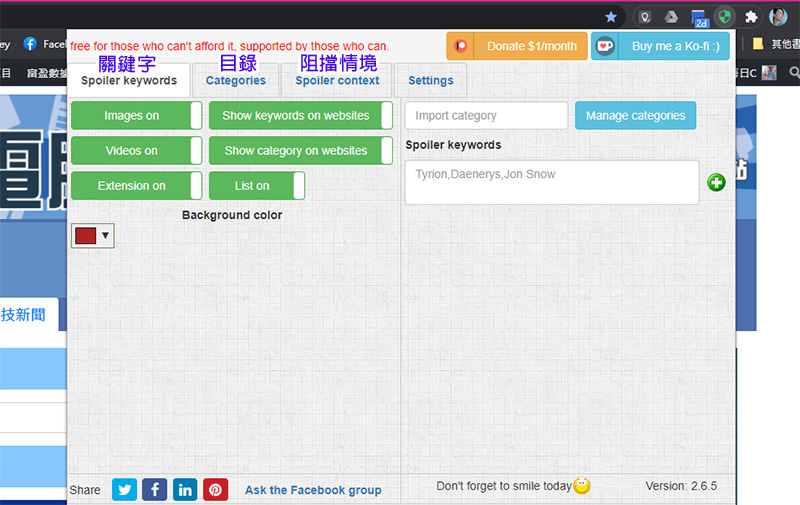
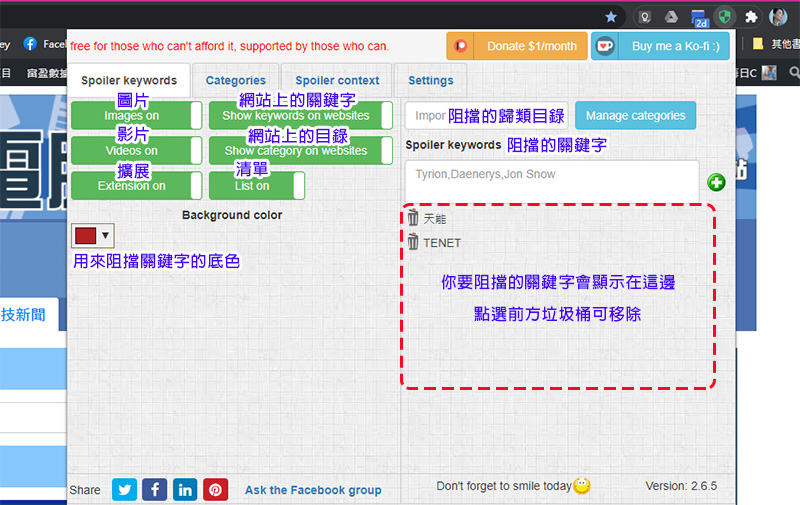
You can set the color of the color block used to block key content. There are 6 switches on it, which can quickly switch whether to display images, keywords, videos, directories, extensions, lists, etc., and use the keywords or specific directories you set on the right to determine what content you do not want to see on the website. The blocked classification directories here can be items customized by you, or you can use built-in ones or ones shared by others. I will introduce them in the next page.
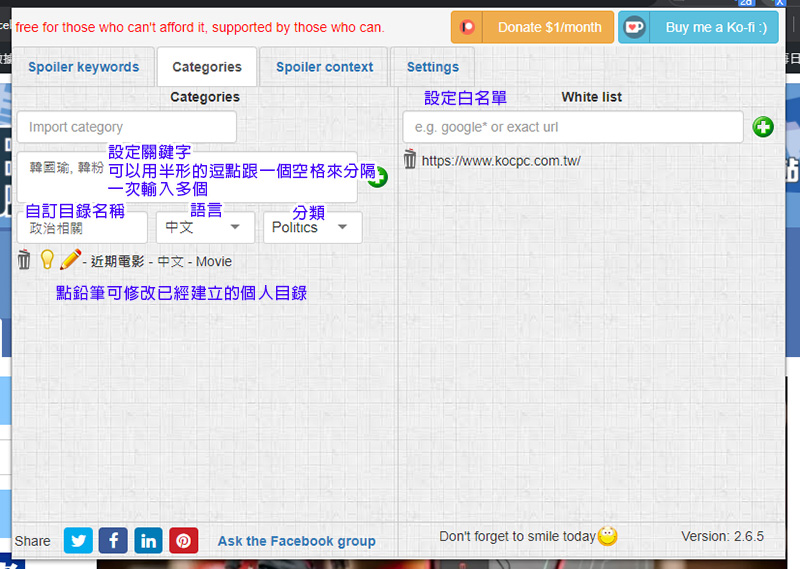
In the second tab, you can set the directory. The catalogs in this service are divided into two types. One is Import Category. You can add keywords to the jointly created catalog in this category, but I personally do not recommend this category. You can create your own private catalog in the New Category field below (you will be asked if you want to share it with others when you finally send it), like the picture below. If you want to modify the created personal directory, just click the pencil to add or reduce keyword content. Next to it, you can also set the URLs of whitelisted websites that you allow keywords to flow through, such as movie theater websites and other safe places where there will be no spoilers.
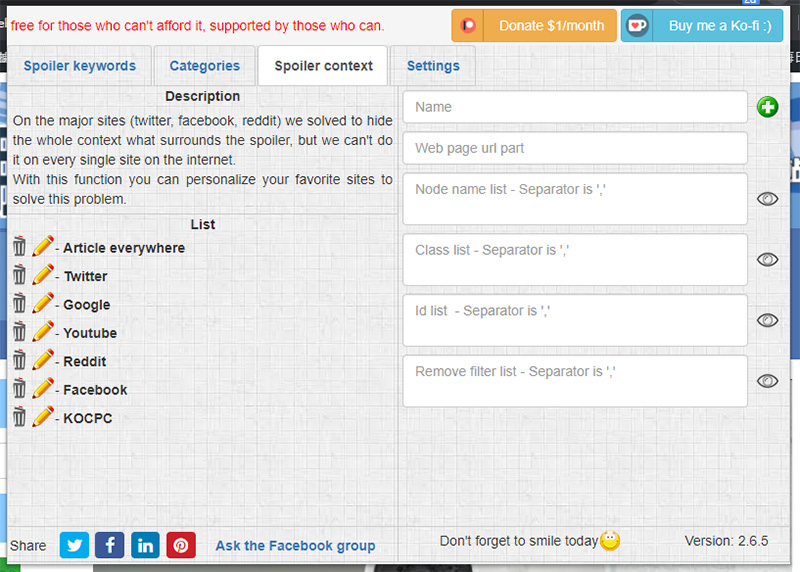
This plug-in can block keyword context on major websites, but there are always some things that slip through the net or are not fully taken into account. At this time, you can use the third page to customize more websites that need to be blocked. However, there are some places here that are not easy to fill in (such as ID, level, etc.). It is recommended that you fill in the URL of the second item.
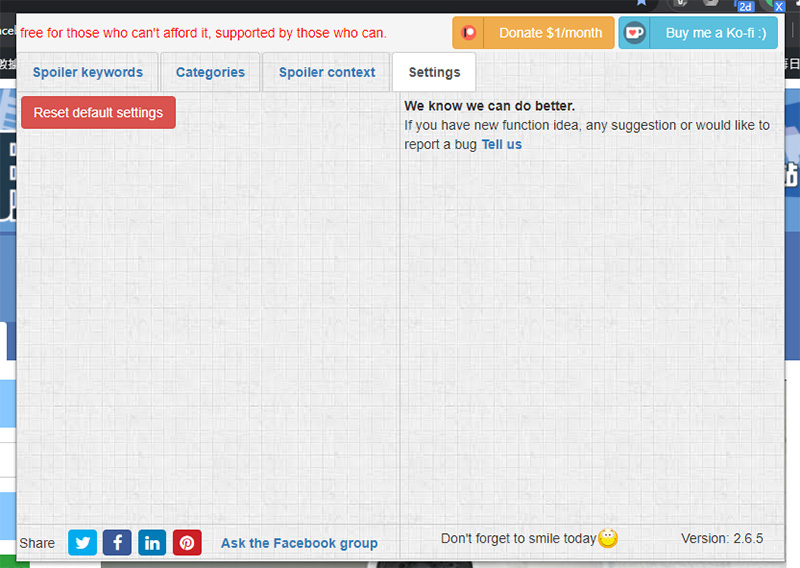
The last page of Settings is currently only used when you want to reset all plug-in content, so there is nothing to introduce.
Well, after setting keyword blocking, when you search websites or browse social platforms, you can see related pictures, videos, text, and even search results (depending on which items you enable on the left switch of the first page). The results are as follows. It also has a magical effect of blocking you when you are itchy to search, so that you will not regret it after searching. But if you still really want to see what’s behind the red color, fine! You can’t stop it even if you click on the red box to lift the fig leaf (by mistake) and view the blocked content below.
When installed, the browser will display a warning stating that Spoiler Protection can access your browsing history and browsing data. However, the developer states that it will never collect any data about users’ browsing history and browsing data. They will only collect information about the use of extension plug-ins through Google Analytics.
Source: KOCPC Chinese